Skip to content
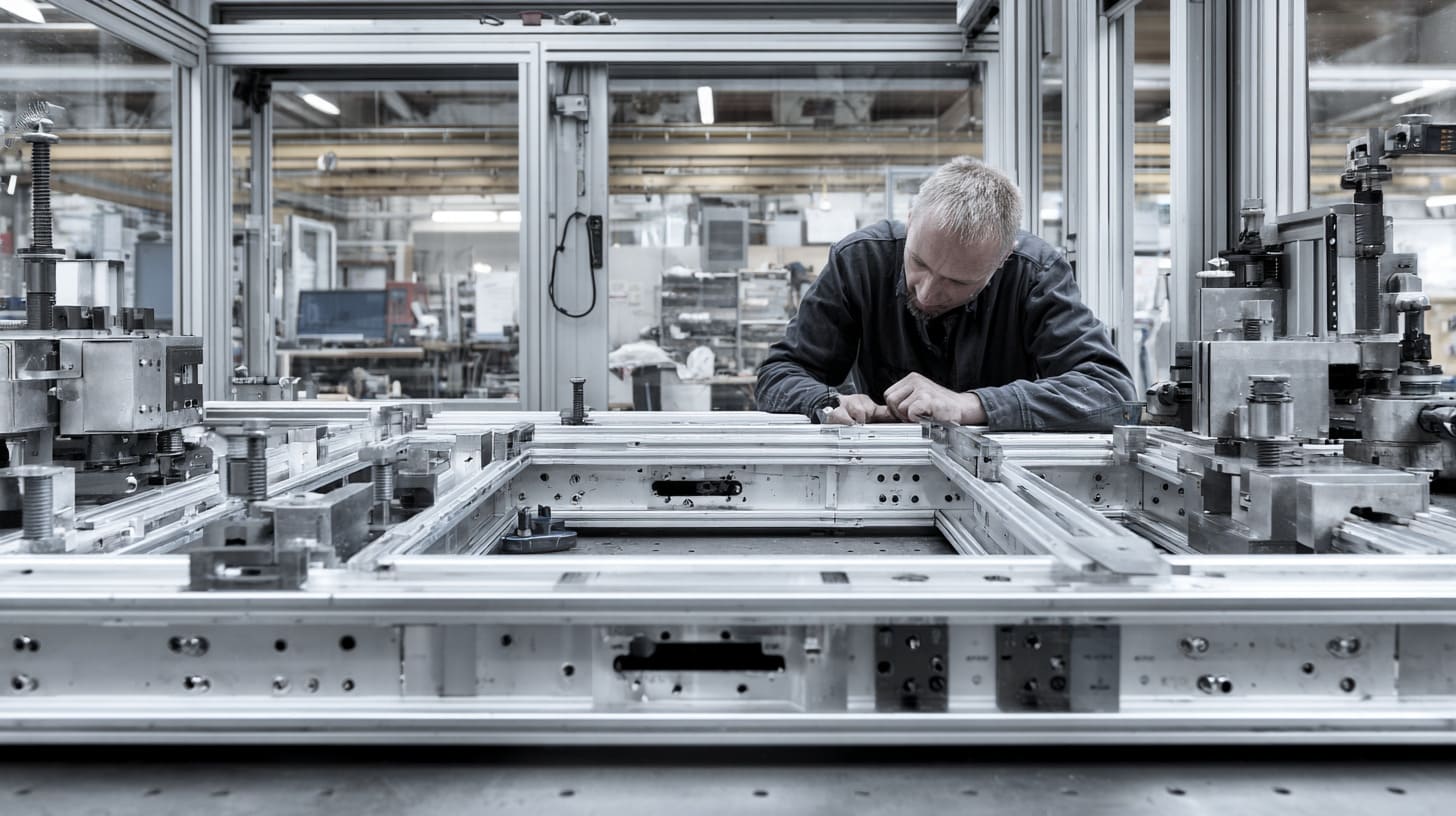
T-slot aluminum structures look clean, smart, and almost too easy to trust.
A few aluminum profiles. Some connectors. A handful of bolts. Maybe a protective panel. Maybe a machine frame. Maybe a small automation workstation. From the outside, the whole system feels simple.
That is why many buyers and engineers love T-slot aluminum structures. I understand the feeling. I also like them. They are flexible. They are fast to assemble. They are useful for machine frames, test benches, industrial guards, workstations, custom enclosures, and many OEM projects.
But I have also seen the other side.
A structure looks fine during the first inspection. The customer checks the surface. The frame feels solid by hand. The machine starts running. Everyone feels relaxed.
Then six months later, small problems begin to show up.
A door does not close smoothly.
A sensor position shifts slightly.
A cable gets scratched near the profile edge.
A technician needs to remove five panels just to reach one small controller.
A bolt becomes loose again and again.
No one calls it a design failure at first. They call it “maintenance.” But sometimes, maintenance is only the polite name for poor design decisions made at the beginning.
For me, this is the key point: most hidden maintenance problems in T-slot structures do not come from bad aluminum material. They come from weak design thinking before production starts.
T-slot systems are not magic. They are not automatically maintenance-free. They need good joint design, correct profile selection, clean cable routing, access planning, vibration control, and future upgrade thinking.
If those details are missed, the structure may still look professional on day one. But day one is not the real test.
The real test comes after vibration, dust, temperature change, repeated opening, operator use, and service work.
That is where a good structure quietly proves itself.
And that is also where a poor one starts asking for money.
Why Do Many Engineers Underestimate T-Slot Maintenance Requirements?
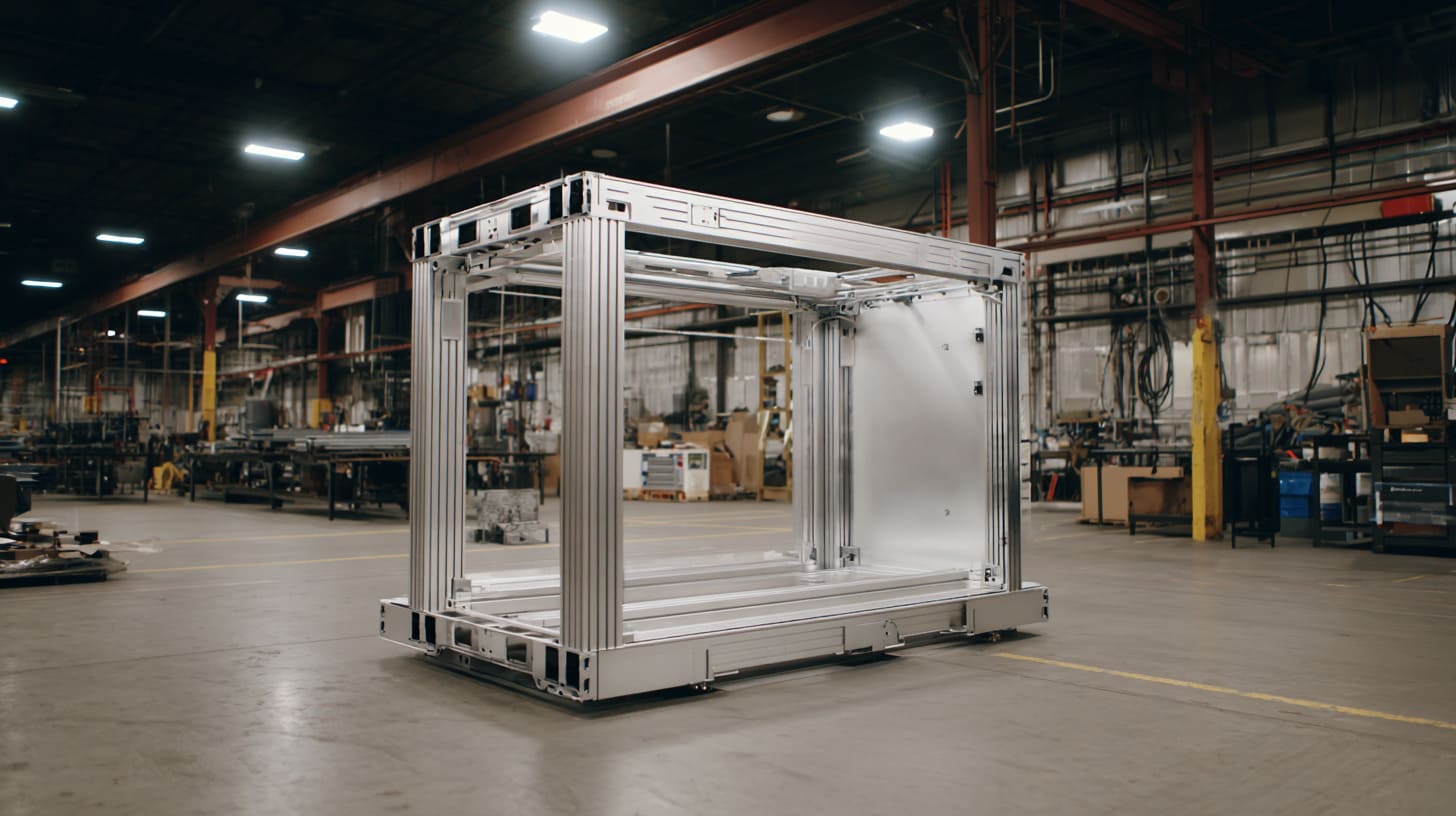
Many engineers underestimate T-slot maintenance because the system looks so friendly. I do not blame them. T-slot profiles feel like industrial building blocks. They invite quick decisions.
Cut the profile.
Add the connector.
Tighten the bolt.
Done.
But real equipment does not live in a quiet catalog picture. It lives beside motors, workers, dust, vibration, heat, cables, and impatient deadlines.
The small trap is this: easy assembly can make people forget long-term service.
A T-slot structure may be quick to build, but it is not always quick to maintain.
The part I pay attention to early is whether the frame will still be easy to check, adjust, and repair after one year of real use, not whether it looks clever during assembly.
T-slot Systems Appear Simple and Modular
T-slot aluminum profiles are popular because they are modular. A designer can change length, add brackets, mount panels, and adjust accessories without making a welded frame.
That is a real advantage.
But modular does not mean maintenance-free.
A modular structure still has joints. It still has fasteners. It still has load paths. It still has surfaces where dust can sit. It still has corners where cables can rub.
The problem is not the modular idea. The problem is when people use modular parts without thinking about the full working life.
| What Engineers Often See | What Maintenance Teams Later Face |
|---|---|
| Easy profile assembly | Many bolts to inspect |
| Flexible mounting slots | Dust and debris inside slots |
| Adjustable brackets | Possible movement under vibration |
| Neat first installation | Difficult access after panels are added |
| Lower welding cost | More connection points to manage |
I once looked at a small machine guard project where the frame itself was not complicated. The buyer liked it because it could be assembled fast. But the control box was mounted behind a fixed panel with no easy service opening.
On paper, the design was clean.
In real life, every small electrical check became a small punishment.
A technician had to remove the panel, loosen nearby parts, and then carefully reinstall everything. That was not a material problem. That was a service access problem.
Initial Performance Hides Future Problems
A T-slot frame can pass the first test and still fail the long-term service test.
This happens often because many early checks are too short.
The frame is assembled.
The machine runs.
The structure does not shake too much.
The customer approves it.
But commissioning is not the same as real operation. Commissioning is like meeting someone at a nice dinner. Real operation is living with that person during a busy work week.
The structure may face:
- Daily vibration from motors
- Operators pushing or leaning on the frame
- Heat from electronics
- Cold mornings and hot afternoons
- Repeated door opening
- Cable movement
- Cleaning work
- Dust buildup
- Small impacts from tools or products
Small design weaknesses usually need time to show themselves.
| Early Stage Result | Long-Term Risk |
|---|---|
| Frame feels rigid by hand | Small deflection appears under repeated load |
| Bolts are tight during assembly | Clamp force reduces after vibration |
| Doors align during inspection | Hinges shift after repeated use |
| Sensors are accurate at first | Brackets move slightly over time |
| Cables look neat | Abrasion appears after movement |
This is why I do not like judging a structure only by its first appearance. A nice-looking frame can still become a maintenance headache if the design ignores daily stress.
Cost-Driven Designs Often Sacrifice Maintainability
Many T-slot problems start with a very normal request:
“Can we make it cheaper?”
That question is not wrong. Buyers need cost control. Factories need to stay competitive. OEM projects often have tight budgets.
But cost cutting can become dangerous when it removes the parts that make maintenance easier.
For example:
- Smaller profiles may reduce material cost.
- Fewer brackets may reduce hardware cost.
- Internal connectors may make the frame look cleaner.
- Fixed panels may be cheaper than hinged panels.
- Mixed fasteners may be used because they are available.
Each decision may look small. Together, they can create a structure that is cheaper to buy but more expensive to own.
| Cost-Saving Choice | Possible Maintenance Cost |
|---|---|
| Use smaller profile | More deflection and adjustment |
| Reduce connector quantity | Looser joints over time |
| Use hard-to-reach fasteners | Longer repair time |
| Skip cable channels | More cable damage |
| Use fixed panels only | More disassembly during service |
| No spare mounting space | Harder upgrades later |
I have learned to ask one simple question before accepting a cheaper design:
Who will pay for this decision later?
Sometimes the answer is the maintenance technician.
Sometimes it is the OEM buyer.
Sometimes it is the end user who faces downtime.
And sometimes, sadly, it is the supplier reputation.
A cheap frame can be expensive in slow motion.
There is a small danger here. The design may not fail loudly. It may just create little problems, one by one. That is often worse, because people keep tolerating it until the total cost becomes painful.
How Does Poor Joint Design Create Ongoing Maintenance Issues?
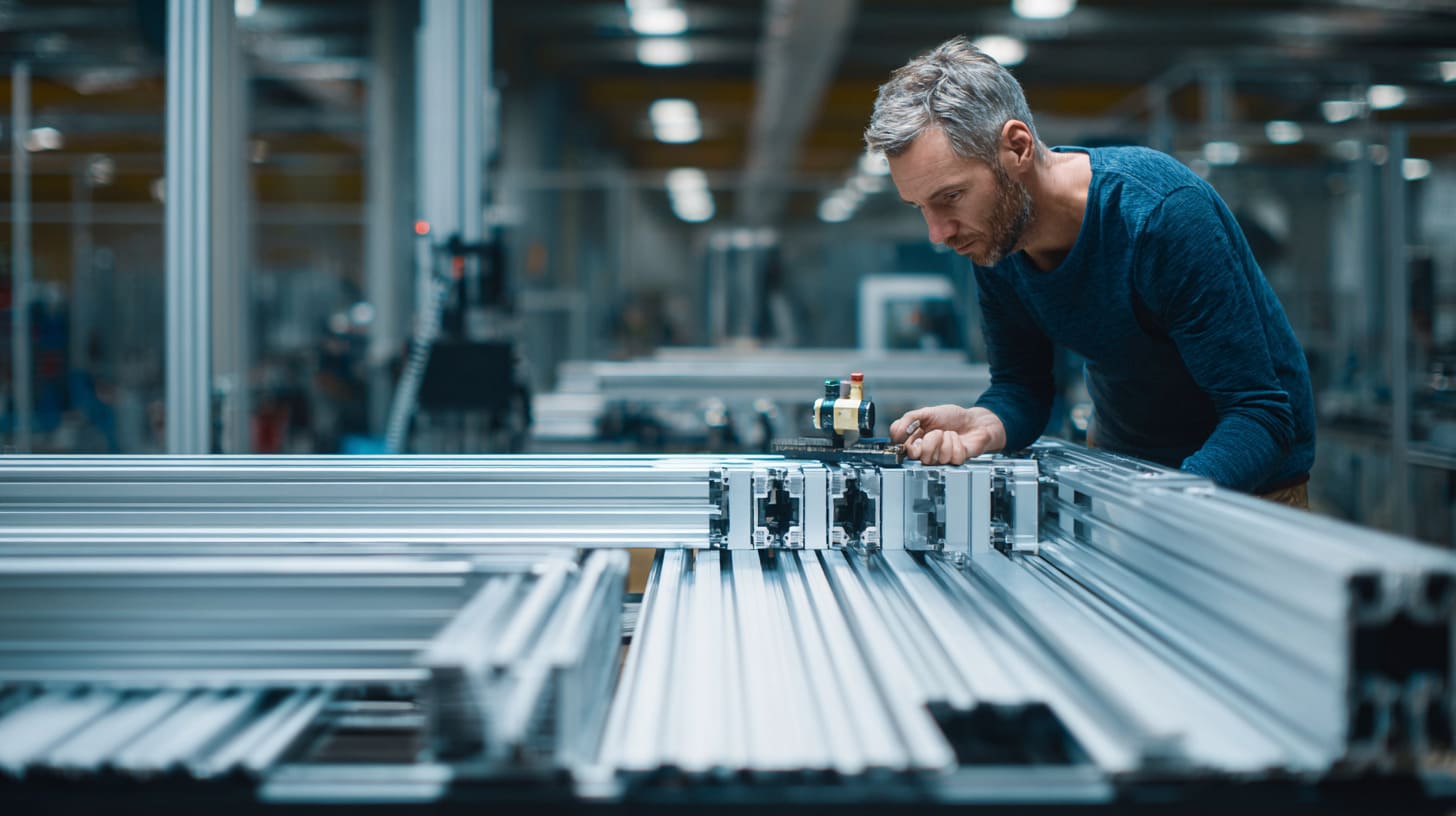
Joints are the quiet heart of a T-slot structure.
Profiles may get the attention because they are visible. But joints decide how the structure behaves under load, movement, and vibration.
A weak joint does not always break. In many cases, it does something more annoying.
It moves a little.
Then it moves again.
Then the whole frame starts asking for attention like a loose chair in a meeting room.
When I review a T-slot frame, I do not only look at the profile size. I look at how force travels through the joints, because a beautiful profile cannot save a bad connection.
Loose Connections Develop Over Time
Loose fasteners are one of the most common maintenance problems in poorly designed T-slot structures.
At the beginning, everything is tight. The assembler uses the correct wrench. The frame feels solid. The project moves forward.
But vibration, repeated load, and small impacts slowly reduce clamp force.
When clamp force drops, the joint can start to slip. The movement may be tiny, but it can affect alignment, noise, and safety.
Common signs include:
- Small gaps at joints
- Rattling during machine operation
- Doors becoming uneven
- Mounted sensors shifting
- Repeated need for retightening
- Black marks or wear near connection points
The problem is not always the bolt itself. The problem may be poor joint choice for the load condition.
| Joint Situation | What May Happen Later |
|---|---|
| Only one connector used at a high-load corner | Rotation or twisting |
| No locking method under vibration | Fasteners loosen |
| Load pulls across the slot direction | Joint slip |
| Bracket is too thin | Bending and movement |
| No periodic inspection plan | Problem grows unnoticed |
A small T-slot frame for a light cover may not need heavy joint design. But a machine frame with motors, moving parts, or repeated operator contact needs more thought.
This is where experience matters. Not every connection needs to be overbuilt. But critical joints must not be treated like decorative parts.
Internal Connectors Can Be Difficult to Access
Internal connectors make a frame look clean. Many designers like them because the outside surface looks smooth and simple.
I like a clean design too.
But clean appearance can hide a service problem.
If a connector is inside the profile and later becomes loose, the technician may need to remove nearby profiles or panels to reach it. That can turn a small adjustment into a long repair job.
A structure should not be designed like a puzzle box.
| Connector Type | Benefit | Maintenance Concern |
|---|---|---|
| Internal connector | Clean appearance | Harder to access |
| External angle bracket | Easy to inspect | More visible |
| Heavy-duty bracket | Stronger support | Higher cost |
| Gusset plate | Better stability | More space needed |
| Custom machined joint | Good fit for special loads | Needs precise design |
I do not think internal connectors are bad. They can be useful. But they should be used in the right place.
For visible covers or light frames, they may be fine.
For load-bearing or vibration-heavy structures, I prefer connectors that can be inspected and adjusted without major disassembly.
A hidden connector is only good when it does not become a hidden service trap.
Poor Load Transfer Accelerates Wear
A T-slot frame does not only hold parts. It transfers force.
This sounds simple, but it is where many designs become weak.
If the load is not transferred cleanly through the structure, some joints carry too much stress. Other parts do almost nothing. The frame may look balanced, but the force is not balanced.
This can create:
- Joint movement
- Slot wear
- Bracket deformation
- Profile twisting
- Repeated alignment problems
- Shorter service life
A poor load path is like a team where one person does all the work. That person gets tired first.
| Poor Load Transfer Example | Better Thinking |
|---|---|
| Heavy motor mounted on a small cantilever bracket | Add support under the load |
| Long span with no middle support | Increase profile size or add cross member |
| Door weight carried by weak side frame | Reinforce hinge side |
| Panel mounted only for appearance | Check if panel adds stress or blocks access |
| Load pulls directly on one T-slot | Spread load through plates or multiple fasteners |
In real projects, the best joint is not always the strongest one. It is the one that matches the force direction, service need, cost, and assembly method.
That balance is the real work.
And once joints start causing trouble, the problems rarely stay at the joint. They travel into the whole structure.
A loose joint becomes a shifted frame. A shifted frame becomes a misaligned door. A misaligned door becomes a frustrated operator. That is how a small design shortcut becomes a daily maintenance story.
Why Is Structural Flexibility a Hidden Maintenance Problem?
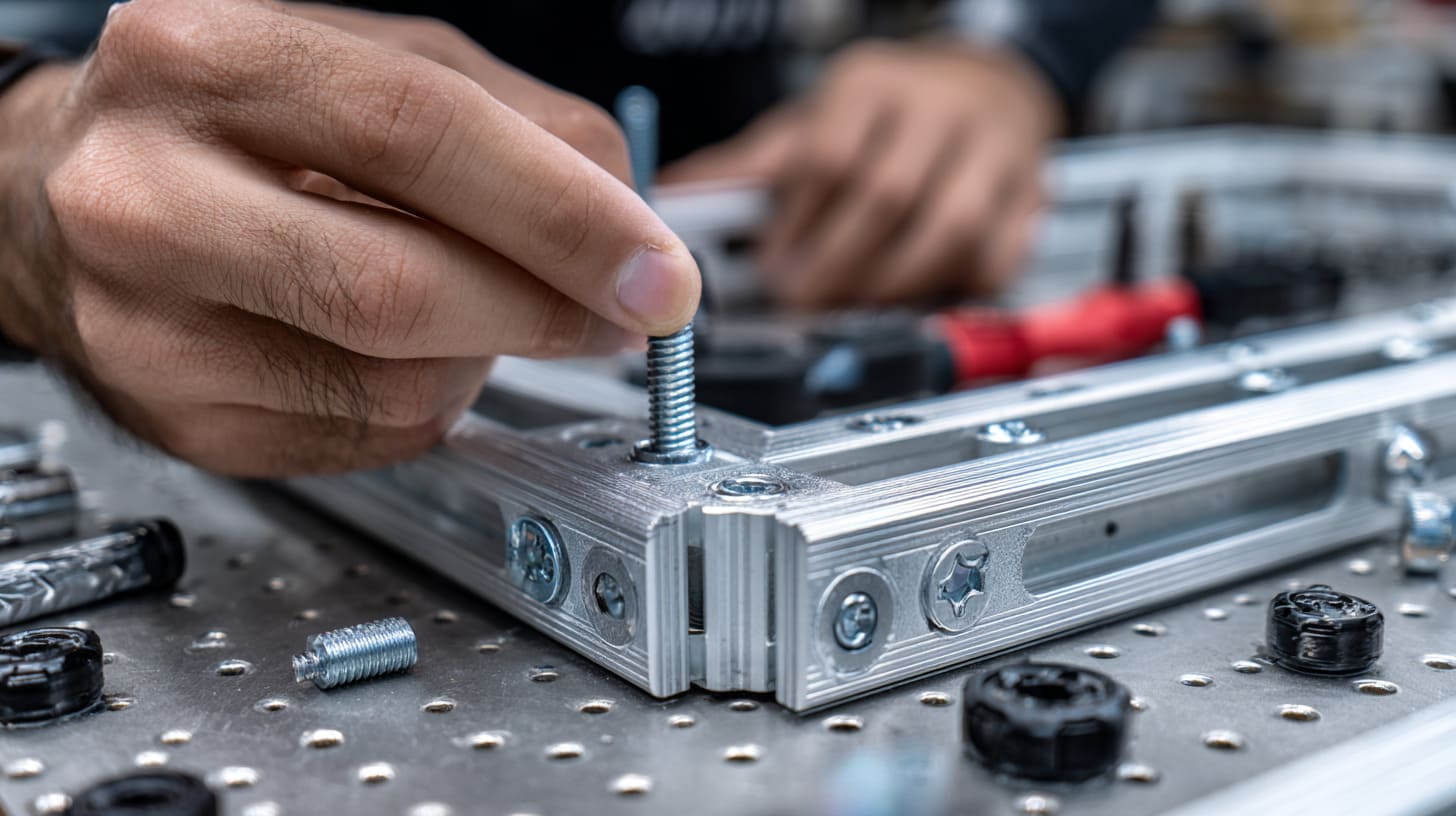
T-slot structures are not always as rigid as they look.
This is not an insult to aluminum profiles. It is just physics.
A profile can be strong enough not to break, but still flexible enough to create problems. That difference matters. Many buyers focus on “will it hold?” But maintenance teams often suffer from “will it stay aligned?”
A structure can carry the load and still move too much.
My own rule is simple: I do not only ask whether the frame can survive the load; I ask whether the equipment mounted on it can still work correctly after the frame moves a little every day.
Undersized Profiles Increase Deflection
Undersized profiles are a common reason for long-term maintenance problems.
A smaller profile saves cost. It also looks lighter and cleaner. But if the span is long or the load is dynamic, the frame may deflect.
Deflection means the structure bends or moves under load.
It may not look dramatic. Sometimes it is only a few millimeters. But those few millimeters can matter.
They can affect:
- Door gaps
- Sliding panels
- Linear rails
- Sensor brackets
- Camera positions
- Protective covers
- Electrical enclosure alignment
- Operator safety guards
| Design Choice | Hidden Risk |
|---|---|
| Long span with small profile | Middle sagging |
| Heavy load mounted near edge | Twisting |
| No diagonal support | Side movement |
| Thin profile for moving equipment | Vibration amplification |
| No load calculation | Guess-based design |
For simple frames, deflection may be acceptable. For precision equipment, it may not be.
A product engineer may say, “The frame is strong enough.”
A maintenance technician may reply, “Then why do I adjust it every week?”
Both people may be right. The frame may be strong. But it may not be stable enough.
Dynamic Equipment Amplifies Structural Stress
Static load is easy to understand.
A box weighs 20 kg. A frame supports it. Fine.
Dynamic load is more troublesome.
A motor starts and stops. A conveyor shakes. A robot arm changes direction. A door opens and closes hundreds of times. A test fixture clamps and releases parts all day.
These forces repeat. Repeated force is like water dripping on stone. It may look harmless at first, but it can slowly create wear.
| Dynamic Source | Possible Maintenance Problem |
|---|---|
| Motor vibration | Fastener loosening |
| Conveyor movement | Frame resonance |
| Pneumatic cylinder | Shock load at joints |
| Hinged door | Hinge-side profile movement |
| Moving carriage | Alignment drift |
| Operator impact | Local bending or joint slip |
Dynamic equipment can expose weak profiles and weak joints faster than static equipment.
This is why I like to ask about the working condition before suggesting a profile size.
A frame for a display cover is different from a frame for an automated test station.
A frame for a quiet electronics bench is different from a frame near a packaging machine.
The profile may look the same in a photo. But the working life is not the same.
Flexing Affects Mounted Components
Flexing becomes expensive when the frame carries sensitive parts.
Sensors, switches, cameras, panels, doors, and small enclosures all depend on stable mounting.
If the structure moves, those parts may shift.
The machine may still run, but it may need more adjustment.
That is the hidden cost.
| Mounted Component | How Flexing Affects It |
|---|---|
| Sensor | Position drift and false reading |
| Camera | Focus or angle changes |
| Door | Gap becomes uneven |
| Electrical enclosure | Cable strain increases |
| Safety switch | Contact may become unstable |
| Panel | Noise or rubbing |
| Linear guide | Accuracy drops |
One small example: a sensor bracket mounted on a flexible cross member may be correct during setup. But after repeated vibration, the frame flexes and the sensor sees the wrong position.
The sensor gets blamed.
The bracket gets adjusted.
The operator gets annoyed.
But the real cause may be the frame design.
That is why I do not separate structure from function. In a real product, the frame and the mounted parts live together. If one moves, the other reacts.
A T-slot frame is not just a skeleton. It is also a promise that everything attached to it will stay where it should.
And if that promise is weak, maintenance becomes the person who has to apologize every week.
How Can Poor Cable Management Increase Maintenance Costs?
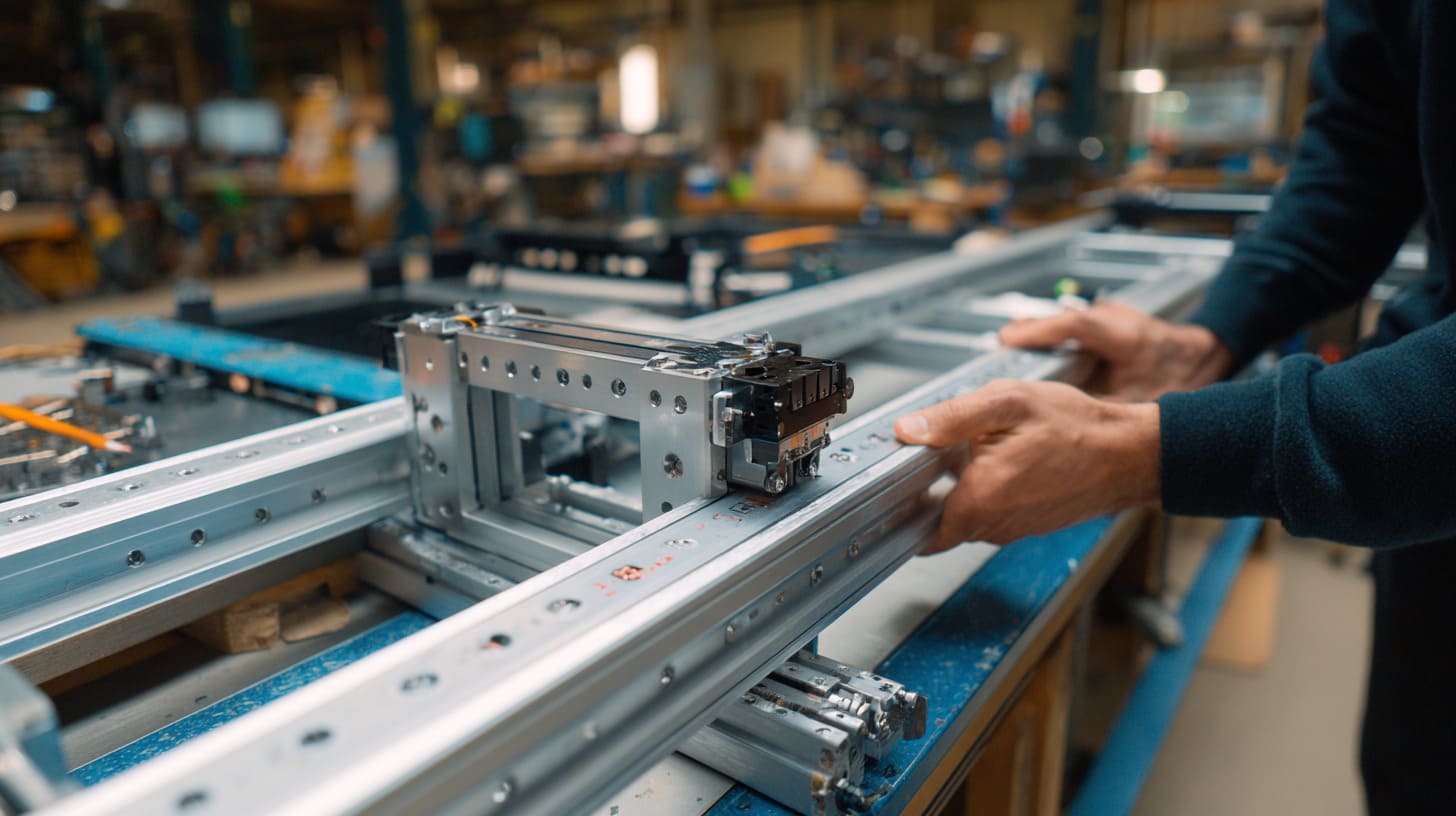
Cable management is one of those details that looks small until something stops working.
In many T-slot projects, the frame gets most of the attention. The cable route is decided late. Someone says, “We can tie it here.” Another person adds a few cable clips. The machine ships.
Then the real world starts chewing on the cables.
I usually treat cable routing as part of the structure, not an afterthought, because a damaged cable can stop a good machine faster than a weak profile.
Exposed Cables Suffer Environmental Damage
Exposed cables can fail for very simple reasons.
They rub against profile edges.
They bend too sharply.
They hang near moving parts.
They collect dust and oil.
They get pulled during service.
They touch hot surfaces.
None of this looks serious at first. But over time, the cable jacket can wear down. Then electrical problems begin.
And electrical problems are rarely fun to find.
| Cable Risk | Result |
|---|---|
| Rubbing against aluminum edge | Jacket damage |
| Cable hanging loosely | Pulling or snagging |
| Tight bending radius | Internal wire fatigue |
| Near moving components | Sudden damage |
| No protective sleeve | Faster wear |
| Poor strain relief | Connector failure |
I have seen buyers spend hours checking a controller, only to find that the real problem was a cable damaged by repeated rubbing.
That is painful because it feels avoidable.
A good cable path does not need to be fancy. It needs to be protected, visible where needed, and easy to replace.
Difficult Cable Routing Complicates Servicing
Poor cable routing also makes maintenance slower.
A technician may need to replace one sensor cable. But if the cable is buried under panels, tied with other wires, and routed through narrow gaps, the job becomes messy.
One cable becomes a small surgery.
This is especially bad in OEM products because the end user may not know the original design logic. They only see a machine that is hard to service.
| Poor Cable Routing | Better Design Thinking |
|---|---|
| Cables hidden behind fixed panels | Add removable covers |
| Mixed signal and power cables | Separate routing where possible |
| No cable labels | Use clear identification |
| Cables tied too tightly | Allow service movement |
| No spare space | Leave room for replacement |
| Routing crosses sharp edges | Use grommets or sleeves |
I do not like designs where the cable looks neat only because it is impossible to touch.
That is not neat.
That is trapped.
Good cable management should help three people:
- The assembler
- The maintenance technician
- The future upgrader
If it only helps the first person, the design is incomplete.
Future Upgrades Become Challenging
Many T-slot structures are chosen because they are easy to modify. That is one of their best selling points.
But poor cable management can destroy that advantage.
A buyer may later want to add:
- One more sensor
- A warning light
- A fan
- A small control box
- A camera module
- Extra switches
- A data cable
- A new safety device
If the original cable route is full, messy, or blocked, the upgrade becomes harder.
| Original Design Problem | Upgrade Problem |
|---|---|
| No spare cable channel | New cables run outside frame |
| No empty mounting area | Extra brackets look messy |
| No labeling | Technicians guess cable function |
| Tight cable bundles | Hard to remove one line |
| No service loop | Cable too short after adjustment |
| Poor access | More downtime |
For custom enclosure and machine frame projects, I often remind customers that future changes are normal. A product may start simple, but after market feedback, it may need more features.
A good T-slot design should leave some breathing room.
Not too much. Not wasteful.
Just enough to avoid making every future change feel like breaking into a wall.
The funny thing is that cable problems rarely look dramatic in design drawings. They look like thin lines. But in real life, those thin lines carry power, signals, and headaches.
Why Do Poorly Designed Access Panels Cause Service Delays?
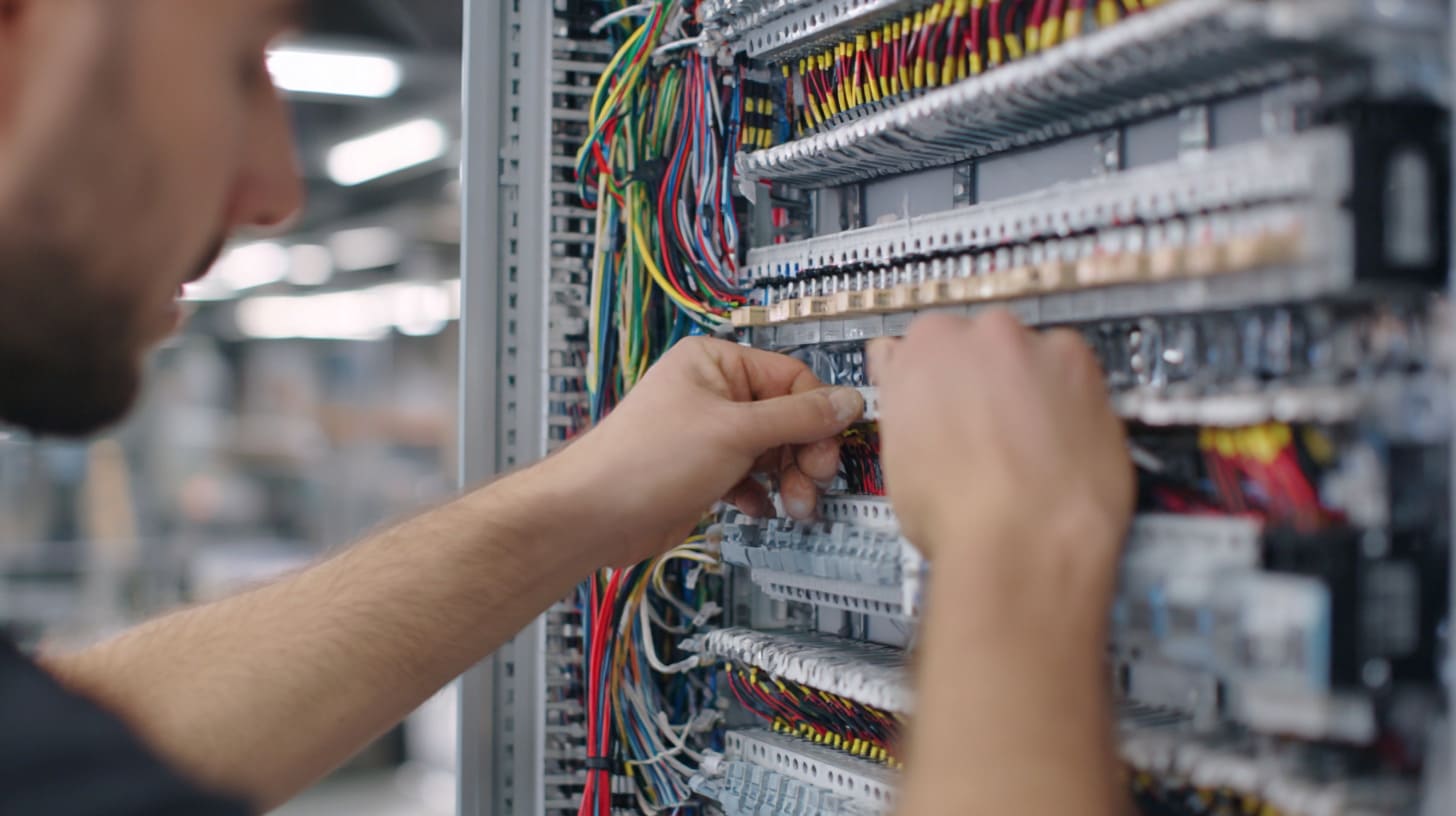
Access panels are not glamorous.
Nobody takes a product photo and says, “Look at this wonderful service door.”
But when a machine stops, the access panel suddenly becomes very important.
A poorly placed panel can turn a five-minute check into a one-hour repair. A missing access opening can force technicians to remove parts that should never be touched during basic service.
This is where I often see the difference between a structure designed for selling and a structure designed for living.
Before I approve panel placement, I imagine the technician standing there with tools in hand, because the best-looking design means little if the repair path feels like a maze.
Critical Components Become Difficult to Reach
Critical parts need access.
That sounds obvious. But in real projects, design space is tight. Panels, cables, motors, controllers, fans, and brackets compete for the same area.
Sometimes the final structure blocks the very parts that need regular inspection.
Common blocked components include:
- Power supplies
- Motor drivers
- PLC modules
- Switches
- Sensors
- Fans
- Filters
- Terminal blocks
- Connectors
- Pneumatic parts
| Component | Why Access Matters |
|---|---|
| Fan | Needs cleaning or replacement |
| Filter | Needs regular inspection |
| Power supply | Needs voltage checking |
| Terminal block | Needs wiring check |
| Sensor | Needs adjustment |
| Controller | Needs troubleshooting |
| Safety switch | Needs testing |
| Motor | Needs service or replacement |
A design drawing may show every component clearly. But once panels are installed, access can disappear.
This is why I like to ask:
Can someone reach this part without removing unrelated parts?
If the answer is no, I become careful.
Not every component needs daily access. But parts that may fail, heat up, loosen, clog, or need adjustment should not be buried.
Large Assemblies Require Disassembly
A poorly designed T-slot structure often forces large disassembly for small repairs.
This is one of the most frustrating maintenance problems.
A technician wants to replace a small switch. But the switch sits behind a fixed panel. The panel is blocked by another bracket. The bracket holds a cable tray. Now three parts must be removed.
The original repair was small.
The design made it big.
| Small Service Need | Poor Design Result |
|---|---|
| Replace sensor | Remove side panel and cross bar |
| Check wiring | Remove full rear cover |
| Clean fan | Remove mounted enclosure |
| Adjust hinge | Remove door and guard |
| Tighten connector | Take apart frame corner |
| Replace cable | Cut cable ties and remove panel |
This creates three costs:
- Labor cost
- Downtime cost
- Risk of new mistakes during reassembly
The third one is easy to ignore.
Every time a technician removes extra parts, there is a chance that something goes back slightly wrong. A cable may be pinched. A bolt may be over-tightened. A panel may not align as before.
Good access design reduces unnecessary touching.
That matters more than many people think.
Safety Risks Increase During Maintenance
Poor access can also create safety risks.
When technicians cannot reach parts easily, they may take shortcuts.
They may reach through narrow gaps.
They may work near sharp edges.
They may support a panel by hand while loosening bolts.
They may leave a guard partly removed during testing.
These are not signs of bad technicians. These are signs of bad service design.
| Access Problem | Possible Safety Risk |
|---|---|
| Narrow service gap | Hand injury |
| Heavy panel without support | Dropping risk |
| Sharp profile edge near cable | Cut or cable damage |
| Poor lighting inside frame | Wrong connection |
| No clear service path | Unsafe body position |
| Multiple parts removed | Machine left exposed |
I believe a structure should not force people to be brave during normal maintenance.
Bravery is good in movies.
It is not a maintenance plan.
For OEM buyers, this matters because end users judge the whole product experience. If the structure is hard or unsafe to service, the customer may blame the entire product, not only the frame.
And once service people dislike a design, they remember it.
They may not write a long report. But they remember.
How Does Vibration Accelerate Long-Term Maintenance Problems?
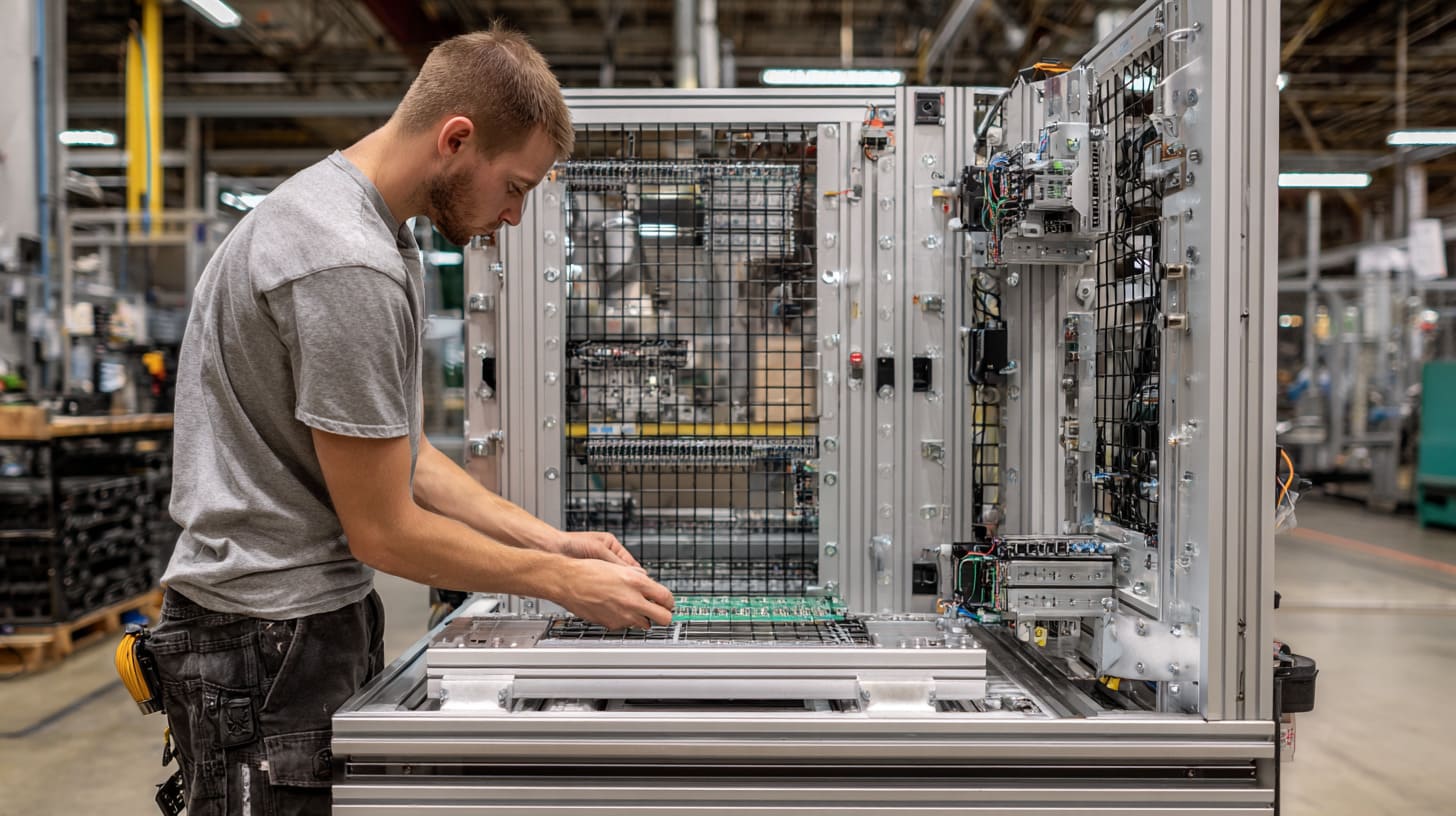
Vibration is patient.
It does not need to break a structure today. It can simply visit every day and make tiny changes.
A little loosening here.
A little shifting there.
A small noise.
A slightly wider gap.
Then one day the operator says, “This machine did not sound like that before.”
T-slot structures are especially sensitive to vibration when joints, fasteners, and profile sizes are not selected correctly.
When I see motors, conveyors, fans, pumps, or moving parts on a T-slot frame, I immediately think about vibration first, because vibration turns small design laziness into real maintenance work.
Fasteners Gradually Loosen
Fastener loosening is one of the most direct effects of vibration.
Even if the frame is assembled well, repeated movement can reduce bolt tension over time.
This does not always happen quickly. It may happen slowly. That makes it dangerous because the structure may pass early checks and then become unstable later.
| Cause | Result |
|---|---|
| Repeated vibration | Bolt tension loss |
| No locking feature | Faster loosening |
| Poor joint surface contact | Micro movement |
| Wrong tightening torque | Weak clamp force |
| No inspection point | Loose bolt found too late |
There are ways to reduce this risk:
- Use proper fastener torque
- Add locking washers where suitable
- Use thread-locking methods when needed
- Use stronger brackets at vibration points
- Add support near dynamic loads
- Create clear inspection access
I do not believe every bolt needs the most expensive locking solution. That would be overkill.
But critical fasteners need respect.
A loose bolt near a light cover is annoying.
A loose bolt near moving equipment is a serious problem.
Frame Alignment Slowly Shifts
Vibration can also shift frame alignment.
This is more subtle than a loose bolt.
The frame may still look fine. But small movement at joints can change the position of mounted parts.
For precision equipment, this creates repeated adjustment work.
| Alignment Issue | Maintenance Effect |
|---|---|
| Door frame shifts | Door rubbing or poor closing |
| Sensor bracket moves | False signal |
| Linear guide support changes | Motion accuracy drops |
| Panel shifts | Noise and gaps |
| Safety switch misaligns | Machine stops unexpectedly |
This is why T-slot frames for automation projects need more careful design than simple display frames.
The frame may only be a support structure, but if it holds precision parts, it becomes part of the precision system.
I sometimes describe it like a camera tripod.
A cheap tripod can hold the camera.
But if it shakes, the photo is useless.
The same logic applies to some T-slot structures. Holding the part is not enough. Holding it still is the real job.
Wear Spreads Throughout the Structure
Vibration does not always stay in one area.
A motor may create the vibration, but the effect can travel through the frame. If the structure has weak joints or long unsupported spans, the vibration may spread.
Then more parts begin to suffer.
| Starting Problem | Spread Effect |
|---|---|
| Motor vibration | Loose nearby brackets |
| Loose bracket | Panel noise |
| Panel noise | Operator complaints |
| Frame movement | Cable rubbing |
| Cable rubbing | Electrical failure |
| Joint wear | Alignment drift |
This is how a small vibration issue becomes a system-wide maintenance problem.
It is also why I do not like solving vibration only after the machine is finished.
At that stage, every fix becomes harder.
You may need extra brackets, rubber pads, different fasteners, thicker profiles, or frame changes. Some fixes are simple. Some are ugly. Some are expensive.
Good vibration thinking should start early.
A quiet structure is not just more comfortable. It is usually easier to maintain.
And in a factory, quiet often means stable.
Why Do Environmental Factors Expose Weak T-Slot Designs?
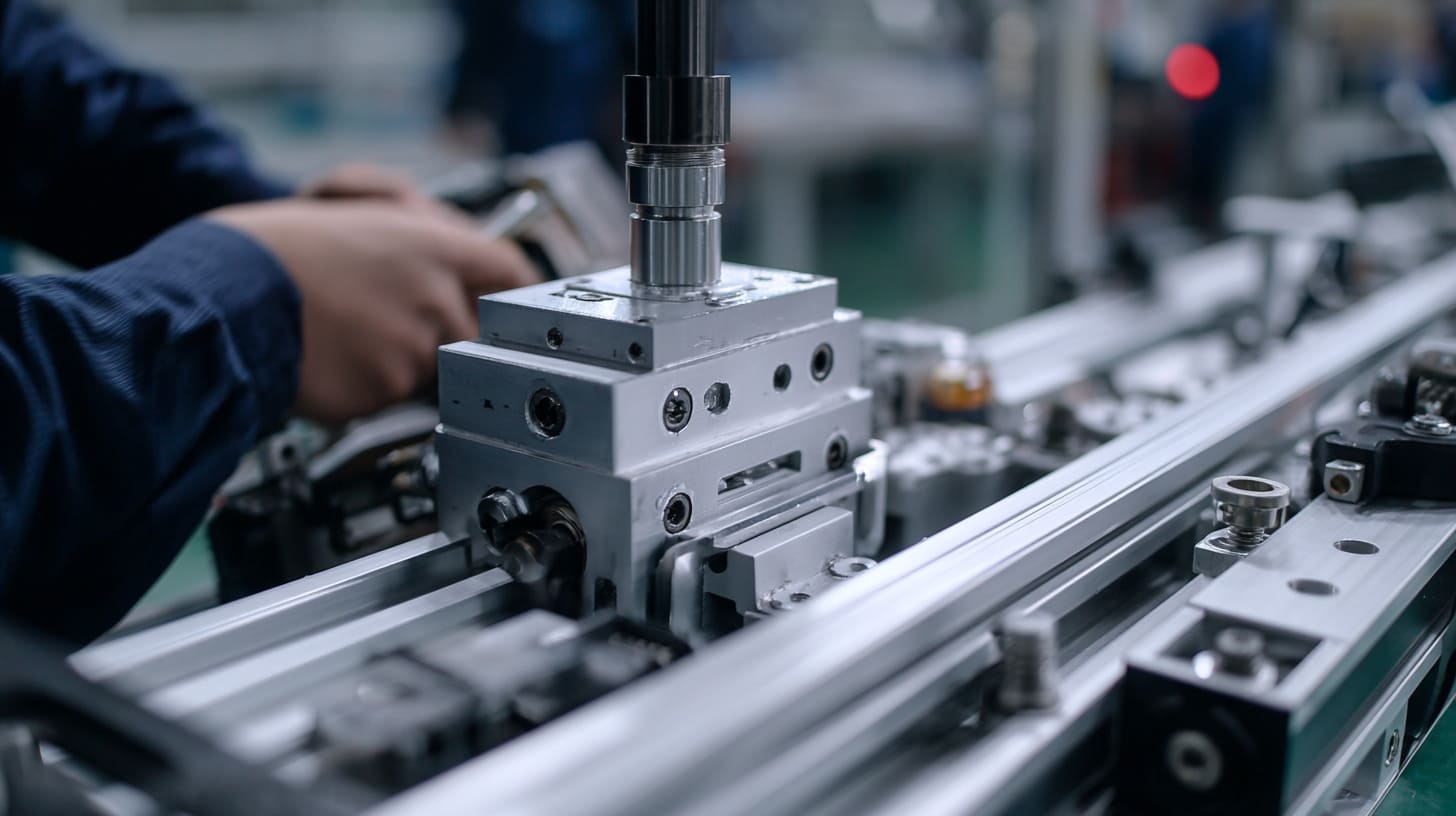
A T-slot structure does not work in a perfect room forever.
Some structures face dust. Some face oil mist. Some face moisture. Some sit near heat. Some go through cold mornings and hot production days. Some are used near coastal areas where corrosion likes to appear like an unwanted guest.
A strong design should match the environment.
A weak design often looks fine in a clean workshop and then starts failing in the actual workplace.
The first thing I ask about environment is not “indoor or outdoor” only; I ask what the frame will touch, breathe, collect, and suffer every day.
Dust Accumulation Affects Moving Components
T-slot profiles have grooves. Grooves are useful for mounting. But they can also collect dust and debris.
In some environments, this is not a big issue.
In others, it becomes a maintenance problem.
Dust can affect:
- Sliding parts
- Fans
- Sensors
- Cable tracks
- Hinges
- Cooling vents
- Electrical components
- Clean appearance
| Dust Area | Possible Problem |
|---|---|
| T-slot grooves | Dirt buildup and cleaning work |
| Around fan | Lower cooling performance |
| Near sensor | False reading |
| Inside panel gap | Hard-to-clean corners |
| Cable channel | Abrasion and heat buildup |
| Moving rail area | Wear and noise |
For food, medical, packaging, woodworking, and dusty factory environments, open grooves may need more thought.
Possible design choices include:
- Slot covers
- Sealed panels
- Easy-clean surfaces
- Removable covers
- Better fan filter access
- Reduced dust traps
- Smooth outer surfaces where needed
A T-slot frame that is easy to assemble may not always be easy to clean.
And cleaning is maintenance too.
Corrosion Develops in Unsuitable Environments
Aluminum has good natural corrosion resistance, especially with proper surface treatment. But that does not mean every part of a T-slot structure is safe in every environment.
The aluminum profile may be fine, but the fasteners, brackets, hinges, or small steel parts may suffer.
This is a common hidden issue.
| Part | Corrosion Risk |
|---|---|
| Steel fastener | Rust in humid area |
| Low-quality bracket | Surface damage |
| Cut profile end | Weak protection if untreated |
| Mixed metal contact | Galvanic corrosion risk |
| Hinge or lock | Sticking or rust |
| Threaded insert | Hard removal later |
A buyer may see “aluminum frame” and assume the whole structure is corrosion-resistant.
That is not always true.
The structure is only as reliable as its weakest exposed part.
For harsh environments, I prefer to check:
- Fastener material
- Surface treatment
- Drainage points
- Contact between different metals
- Sealing details
- Cleaning chemicals
- Indoor humidity
- Salt exposure
The frame may still use T-slot aluminum. But the hardware choices must match the environment.
Otherwise, future maintenance becomes a fight with rusted screws and stuck parts.
Nobody enjoys that fight.
Temperature Changes Affect Alignment
Temperature change can also expose weak T-slot designs.
Aluminum expands and contracts with temperature. This is normal. The issue is whether the design allows for it.
If the structure is large, tightly constrained, or connected to other materials, temperature movement can create stress or alignment changes.
| Temperature Condition | Possible Effect |
|---|---|
| Hot equipment nearby | Profile expansion |
| Cold storage area | Contraction and gap changes |
| Outdoor day-night cycle | Repeated movement |
| Electronics heat | Local thermal stress |
| Mixed materials | Different expansion rates |
| Tight panel mounting | Warping or noise |
For many small indoor frames, this may not be a major issue.
But for large frames, outdoor structures, or equipment near heat sources, it deserves attention.
I have seen panels become noisy because the design did not leave enough tolerance. I have also seen doors become harder to close after temperature changes because the frame moved slightly.
These problems are not dramatic.
But they are annoying.
And annoying problems are still expensive when they happen every week.
Environment is the honest judge of design. A clean sample room may forgive many mistakes. A real factory rarely does.
How Do Poor Expansion and Modification Strategies Create Future Maintenance Challenges?
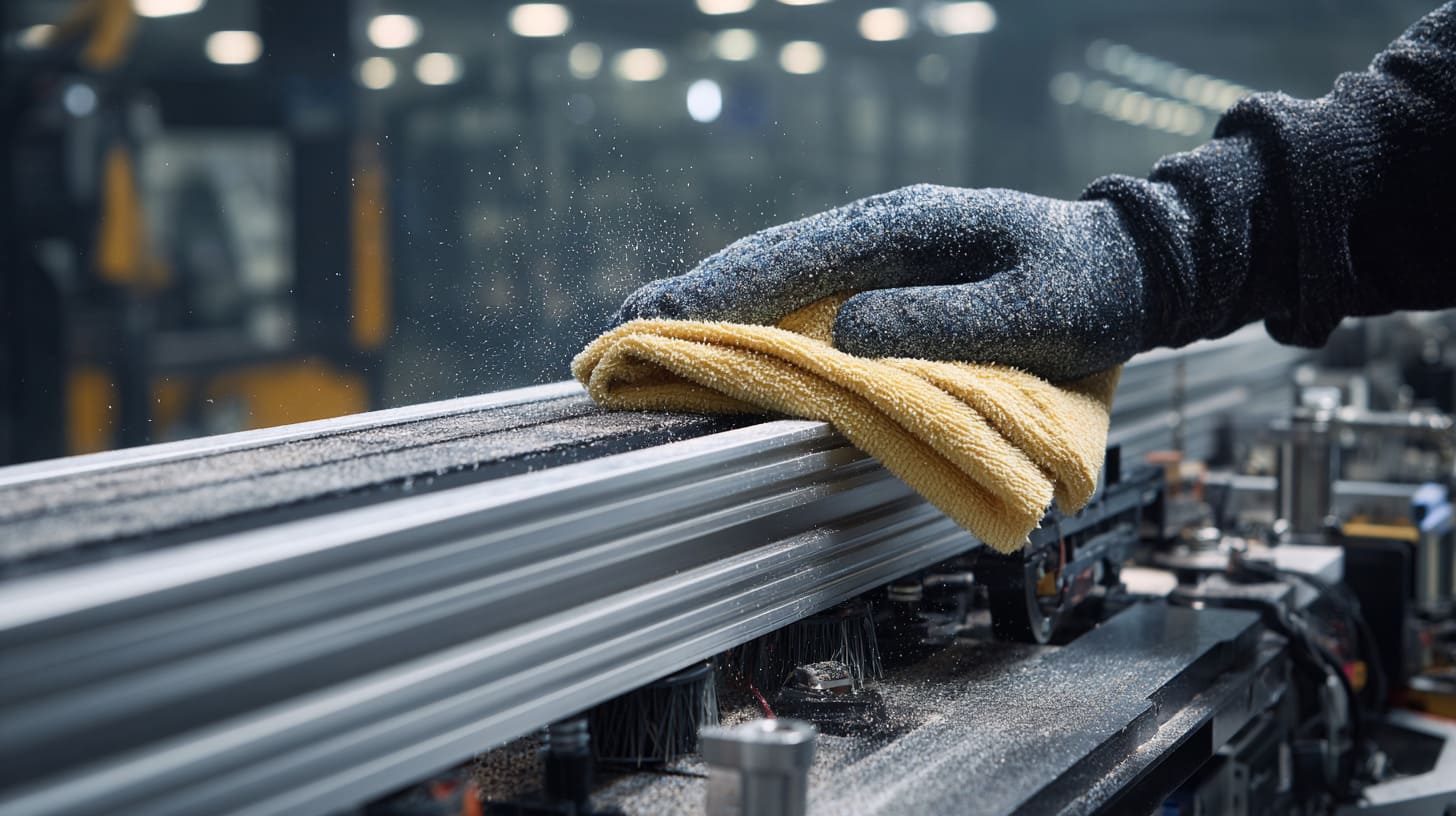
One reason people choose T-slot aluminum is future flexibility.
They want to add parts later.
They want to adjust the layout.
They want to test new equipment.
They want a structure that can grow with the project.
That sounds perfect.
But future flexibility only works if the original design leaves room for it. A poorly planned T-slot structure can become surprisingly hard to modify.
When I design for OEM or project buyers, I try to leave controlled flexibility, because too much empty space wastes money, but zero future space usually punishes the customer later.
No Allowance for Future Upgrades
A structure may meet today’s needs but fail tomorrow’s upgrade.
This happens when every slot, surface, and panel is already occupied.
At first, the design looks compact. The buyer likes it.
Then the customer wants to add one more sensor.
Or one more control box.
Or one more display light.
Or a larger board.
Suddenly, there is no space.
| No Future Allowance | Later Problem |
|---|---|
| No spare slot access | Hard to mount new parts |
| No extra panel space | Controller cannot be added |
| No cable capacity | External wiring becomes messy |
| No structural margin | Added load causes deflection |
| No modular section | Full redesign needed |
A good T-slot design should not be empty everywhere. That would be wasteful.
But it should have planned upgrade points.
For example:
- Spare mounting area
- Accessible cable route
- Modular side panel
- Extra holes or slots in useful zones
- Reasonable load margin
- Standard profile series for future matching
This kind of planning saves time later.
The best upgrade is the one that does not feel like an emergency.
Inconsistent Hardware Standards Complicate Repairs
Mixed hardware is another hidden maintenance problem.
One part uses M5 bolts.
Another uses M6.
One bracket needs a hex key.
Another needs a different tool.
One panel uses special screws.
Another uses a custom connector that nobody can find after two years.
The structure still works, but maintenance becomes slower.
| Hardware Problem | Maintenance Effect |
|---|---|
| Too many bolt sizes | More tools needed |
| Mixed connector types | Harder spare parts control |
| Special fasteners | Longer sourcing time |
| No standard bracket style | Confusing repair work |
| Different panel screw types | Reassembly errors |
| Non-standard replacement parts | Delayed service |
In factory production, standardization sounds boring.
But boring is sometimes beautiful.
Boring means the technician knows what tool to use.
Boring means spare parts are easy to keep.
Boring means fewer mistakes.
For B2B buyers, this matters a lot. If they sell equipment to end users, they do not want every small repair to depend on a special part from one supplier.
A custom design can still use standard hardware where possible.
That is the sweet spot.
Documentation Is Often Incomplete
Documentation is not exciting either.
But when a frame needs repair, documentation becomes gold.
Poor documentation makes maintenance slower because technicians must guess.
They may not know:
- Which connector was used
- What torque was required
- How cables were routed
- Which panel should be removed first
- Which profile size was used
- Which parts are replaceable
- Which parts are custom-made
| Missing Document | Service Problem |
|---|---|
| Assembly drawing | Hard to rebuild correctly |
| BOM list | Spare parts confusion |
| Cable route diagram | Slow troubleshooting |
| Torque guide | Over-tightening or under-tightening |
| Panel removal order | More damage risk |
| Revision record | Wrong replacement part |
For OEM projects, I see documentation as part of the product, not a side task.
A good structure should come with enough information for future service.
It does not need a 100-page book for a simple frame. But it should include the basics.
Many maintenance problems become worse because no one remembers why the structure was designed that way.
A drawing can save memory.
And memory is not a maintenance system.
What Design Practices Reduce Long-Term Maintenance Requirements?
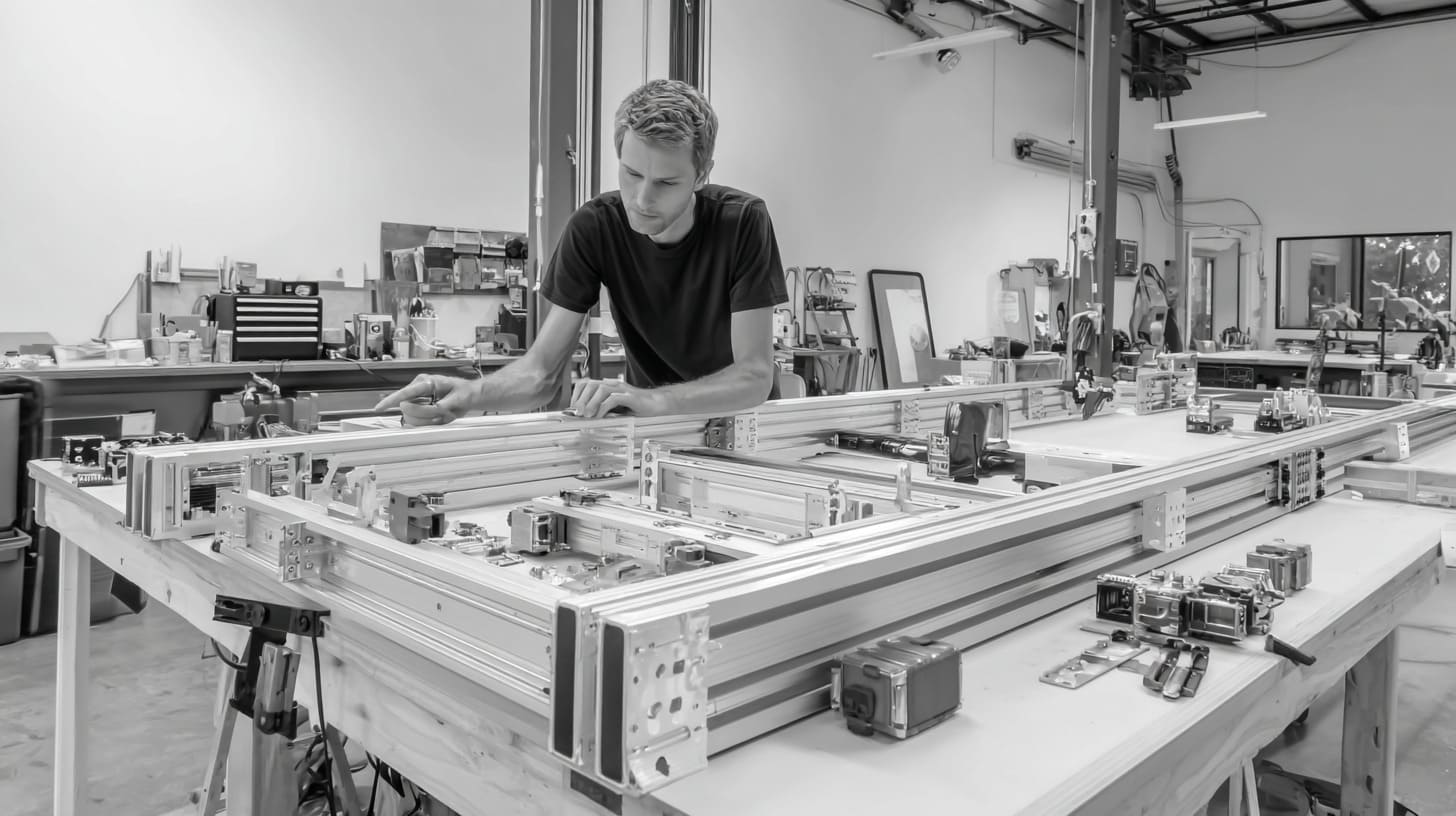
Good T-slot design is not about making everything heavy and expensive.
That is lazy engineering in another costume.
Good design means using the right profile, right connector, right access, right cable route, and right service logic for the real working condition.
The best maintenance solution is often not a repair method; it is a design choice made before the first profile is cut.
I like to judge a design by asking whether it can be serviced by a tired technician on a busy day, because that is closer to real life than a perfect drawing on a clean desk.
Design for Accessibility From the Beginning
Access should be designed early.
Not after the frame is finished.
Not after the panels are installed.
Not after the customer complains.
Early access planning can prevent many service problems.
Useful access features include:
- Removable panels
- Hinged service doors
- Clear tool space
- Front-facing inspection points
- Easy fan and filter access
- Visible fasteners where needed
- Modular side sections
- Enough hand clearance
| Design Area | Good Access Practice |
|---|---|
| Electrical box | Door or removable cover |
| Cable route | Openable channel |
| Fan/filter | Easy front or side access |
| Sensor | Adjustable without full disassembly |
| Joint | Inspectable critical fasteners |
| Panel | Remove without disturbing main frame |
| Controller | Enough space for wiring check |
Good access does not always mean more cost.
Sometimes it only means placing the panel differently.
Sometimes it means choosing a hinge instead of fixed screws.
Sometimes it means moving one bracket 30 mm.
Small choices can make big service differences.
Select Profiles Based on Lifecycle Requirements
Profile selection should match the real job.
The cheapest profile that holds the load may not be the best choice.
A better question is:
Will this profile keep the structure stable during the full service life?
Factors to consider include:
- Static load
- Dynamic load
- Span length
- Equipment vibration
- Mounted component accuracy
- Operator contact
- Future expansion
- Environmental stress
- Required appearance
- Budget limit
| Requirement | Profile Selection Thinking |
|---|---|
| Light cover | Smaller profile may be enough |
| Machine frame | Higher rigidity needed |
| Long span | Larger profile or support required |
| Moving equipment | Check vibration behavior |
| Heavy mounted box | Reinforce load area |
| Future upgrade | Leave structural margin |
| Precision sensor | Reduce deflection |
This is where a supplier should not only take orders blindly.
If a buyer sends a design that looks weak, I prefer to raise the concern early. Some buyers like that. Some may first think we are trying to increase cost.
But a good discussion can prevent future trouble.
The goal is not to sell a bigger profile.
The goal is to avoid a frame that becomes tired too soon.
Standardize Hardware and Connection Methods
Standardization makes maintenance easier.
It also helps production quality.
When workers use fewer fastener types and connector methods, assembly becomes more consistent. When technicians service the product later, they also work faster.
| Standardization Area | Benefit |
|---|---|
| Bolt sizes | Fewer tools |
| Bracket types | Easier replacement |
| Panel screws | Faster service |
| Connector series | Better spare parts control |
| Profile series | Easier future modification |
| Cable clips | Cleaner routing |
| Label style | Better troubleshooting |
Standardization does not mean every project looks the same.
Custom projects still need special features.
But the hidden parts should be as simple as possible.
For example, a custom aluminum enclosure frame may need a special size and logo. That is fine. But the bolts, brackets, panel screws, and cable clips can still follow a clean standard.
Good custom design is not random.
It is controlled.
Incorporate Preventive Maintenance Features
Preventive maintenance features help users find problems early.
This can include:
- Inspection holes
- Visible reference marks
- Slot covers
- Cable labels
- Access doors
- Locking fasteners
- Vibration-resistant joints
- Replaceable wear parts
- Drainage or dust control
- Clear service notes
| Feature | What It Prevents |
|---|---|
| Inspection points | Hidden loose fasteners |
| Cable labels | Slow troubleshooting |
| Slot covers | Dust buildup |
| Locking fasteners | Vibration loosening |
| Removable panels | Long repair time |
| Service notes | Wrong disassembly |
| Spare mounting space | Messy upgrades |
| Reinforced joints | Alignment drift |
Preventive design feels like extra work at first.
But later, it feels like kindness.
It tells the maintenance team, “I knew you would come here someday, so I made your job easier.”
That is a good design attitude.
A structure does not need to be perfect. But it should not be selfish.
It should not only care about assembly speed and sales photos.
It should care about the person who has to fix it.
How Should OEM Buyers Evaluate T-Slot Structures Before Purchase?
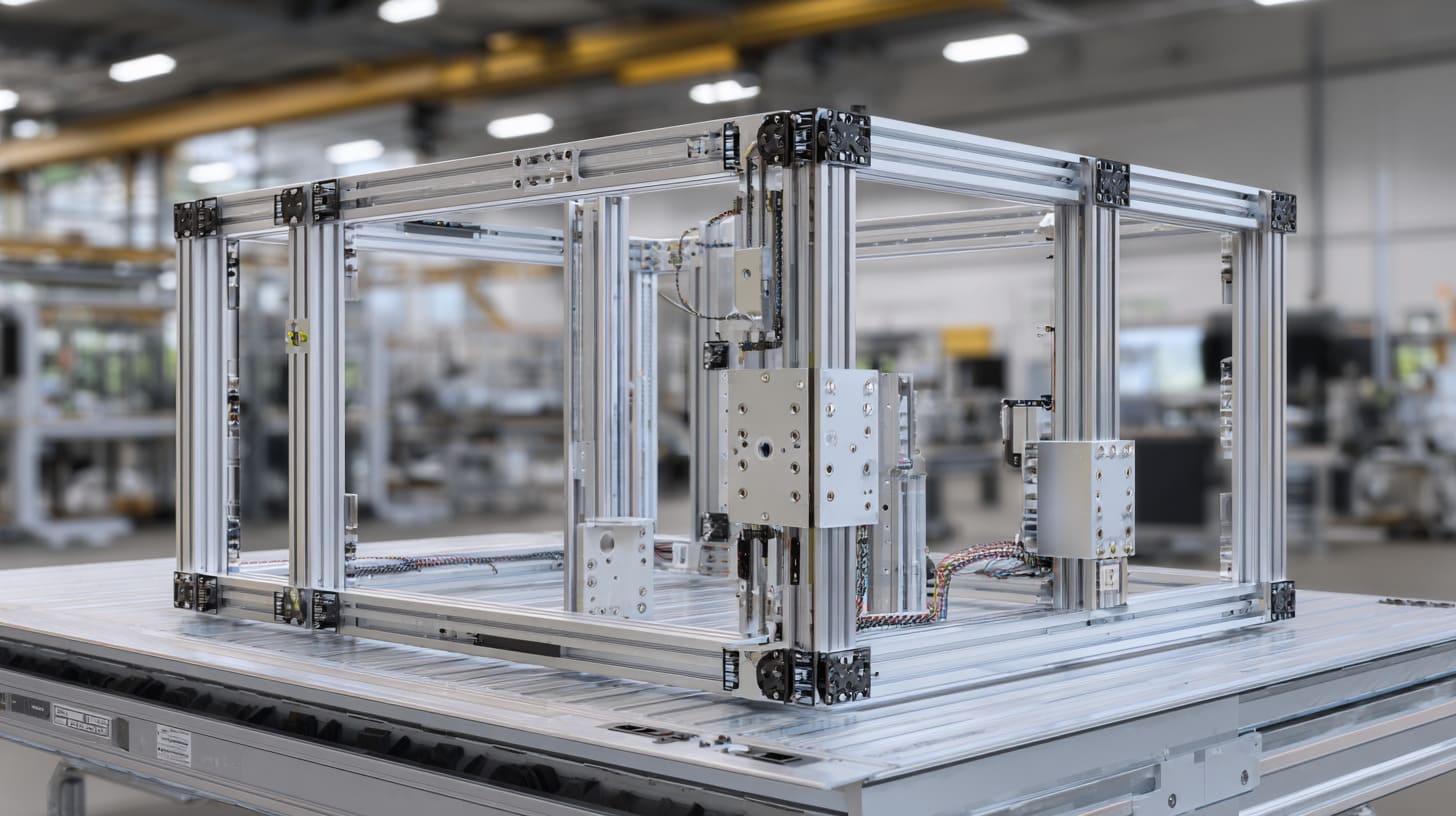
OEM buyers often compare price, lead time, surface finish, and supplier response speed.
Those are important.
But for T-slot structures, buyers should also evaluate maintainability before purchase.
This is especially true when the frame becomes part of a machine, enclosure system, automation unit, or product sold to end users.
A low price may look good on the quotation sheet. But poor serviceability can quietly eat the savings later.
When I talk with OEM buyers, I try to move the discussion from “Can you make it?” to “Can the customer maintain it without hating it?”
Assess Maintainability, Not Just Appearance
Appearance matters. A clean frame helps the product look professional.
But appearance should not hide service problems.
Before approving a design, buyers should check:
- Can critical parts be reached?
- Can panels be removed easily?
- Can cables be replaced?
- Can fasteners be inspected?
- Can future accessories be added?
- Can one person handle normal service?
- Are there sharp or unsafe service areas?
- Are moving parts protected?
| Evaluation Item | Good Question to Ask |
|---|---|
| Access | Can I reach service parts easily? |
| Cable routing | Can I replace one cable without cutting many ties? |
| Joints | Can critical fasteners be inspected? |
| Panels | Can covers be removed without disturbing the frame? |
| Safety | Is maintenance safe and comfortable? |
| Upgrade | Is there room for future changes? |
| Cleaning | Can dust be removed easily? |
A nice-looking structure can still be a bad maintenance product.
This is the uncomfortable truth.
If the buyer only checks surface finish and frame squareness, many hidden issues may pass.
A good supplier should help the buyer see those issues before production.
Review Structural Calculations and Load Assumptions
Not every T-slot project needs complex engineering calculations. A simple light-duty frame may not need deep analysis.
But when the structure supports load, motion, equipment, or safety parts, the assumptions should be reviewed.
Important questions include:
- What is the total load?
- Where is the load applied?
- Is the load static or dynamic?
- Are there vibration sources?
- How long are the spans?
- What parts need alignment?
- Will users push or pull the frame?
- Will more parts be added later?
- What environment will the frame face?
| Load Condition | Why It Matters |
|---|---|
| Static load | Basic profile strength |
| Dynamic load | Vibration and fatigue risk |
| Point load | Local joint stress |
| Cantilever load | Twisting risk |
| Long span | Deflection risk |
| Repeated door use | Hinge-side wear |
| Future equipment | Structural margin |
| User contact | Stability and safety |
I like to be practical here.
The buyer does not always need a long engineering report. But someone must understand the load logic.
Guessing is not a design method.
It is just hope wearing a hard hat.
Request Maintenance-Oriented Design Reviews
Before mass production, OEM buyers should ask for a maintenance-oriented design review.
This is different from a normal drawing check.
A normal drawing check may focus on size, holes, surface finish, and assembly.
A maintenance review asks:
- What will loosen first?
- What will be hard to reach?
- What cable may wear?
- What part may need replacement?
- What happens if the customer upgrades the system?
- What area will collect dust?
- Which fastener will be hard to remove?
- Which panel will technicians dislike?
| Review Focus | Hidden Risk Found Early |
|---|---|
| Joint access | Difficult retightening |
| Cable path | Abrasion or replacement issue |
| Panel design | Long service time |
| Profile size | Deflection |
| Hardware standard | Spare parts confusion |
| Environment | Corrosion or dust buildup |
| Upgrade space | Future modification cost |
This kind of review does not need to be dramatic.
Sometimes it is only a 30-minute discussion between buyer and supplier.
But that short conversation can prevent many future problems.
For custom OEM projects, I believe communication quality is part of product quality. A supplier that only says “yes, we can make it” may not be enough.
Sometimes the better supplier says:
“Yes, we can make it, but this detail may cause trouble later.”
That sentence may save the project.
And for buyers like David, John, or Jackson, that is often what they really need from a China supplier.
Not only production.
Not only price.
They need practical thinking before mistakes become expensive.
Conclusion

T-slot aluminum structures are useful. I do not want to make them sound bad.
I use them. I like them. Many industrial projects need them because they are flexible, clean, and fast to build.
But I do not believe a T-slot structure is automatically easy to maintain.
That belief is where many problems start.
A poorly designed T-slot structure can hide maintenance problems in many places:
- Weak joints
- Loose fasteners
- Hard-to-reach connectors
- Undersized profiles
- Poor cable routing
- Blocked access panels
- Vibration-sensitive areas
- Dust traps
- Corrosion-prone hardware
- No future upgrade space
- Mixed fasteners
- Missing documentation
None of these problems may look serious on day one.
That is the dangerous part.
They appear later, when the structure is already installed, shipped, sold, or used by the final customer.
My view comes from a simple reason: I have seen too many projects where the aluminum material was blamed, but the real issue was design thinking. The profile was not the villain. The connector was not always the villain. The real problem was that nobody asked enough maintenance questions before production.
So I think the best T-slot structure is not the cheapest one.
It is also not the most complicated one.
The best structure is the one that works, stays aligned, protects cables, gives technicians access, handles vibration, and still allows future changes without turning every repair into a small battle.
For OEM buyers, product engineers, and custom enclosure users, my suggestion is simple:
Before you approve a T-slot frame, do not only ask, “Can this be made?”
Ask better questions.
Can it be maintained?
Can it be repaired?
Can it be upgraded?
Can a technician understand it?
Can it survive the real environment?
Can it still feel smart after one year of use?
At MaidaTech, this is the kind of thinking I like to bring into custom aluminum enclosures, plastic enclosures, sheet metal enclosures, Raspberry Pi enclosures, and OEM frame-related projects. A good supplier should not only cut material and ship parts. A good supplier should help you see the small risks before they become expensive problems.
If you have a custom enclosure or T-slot structure project, you can send your drawing, idea, or sample requirement to us. I can help review the structure from a practical production and maintenance point of view, then suggest a design that is easier to build, easier to use, and easier to keep working for a long time.