Skip to content
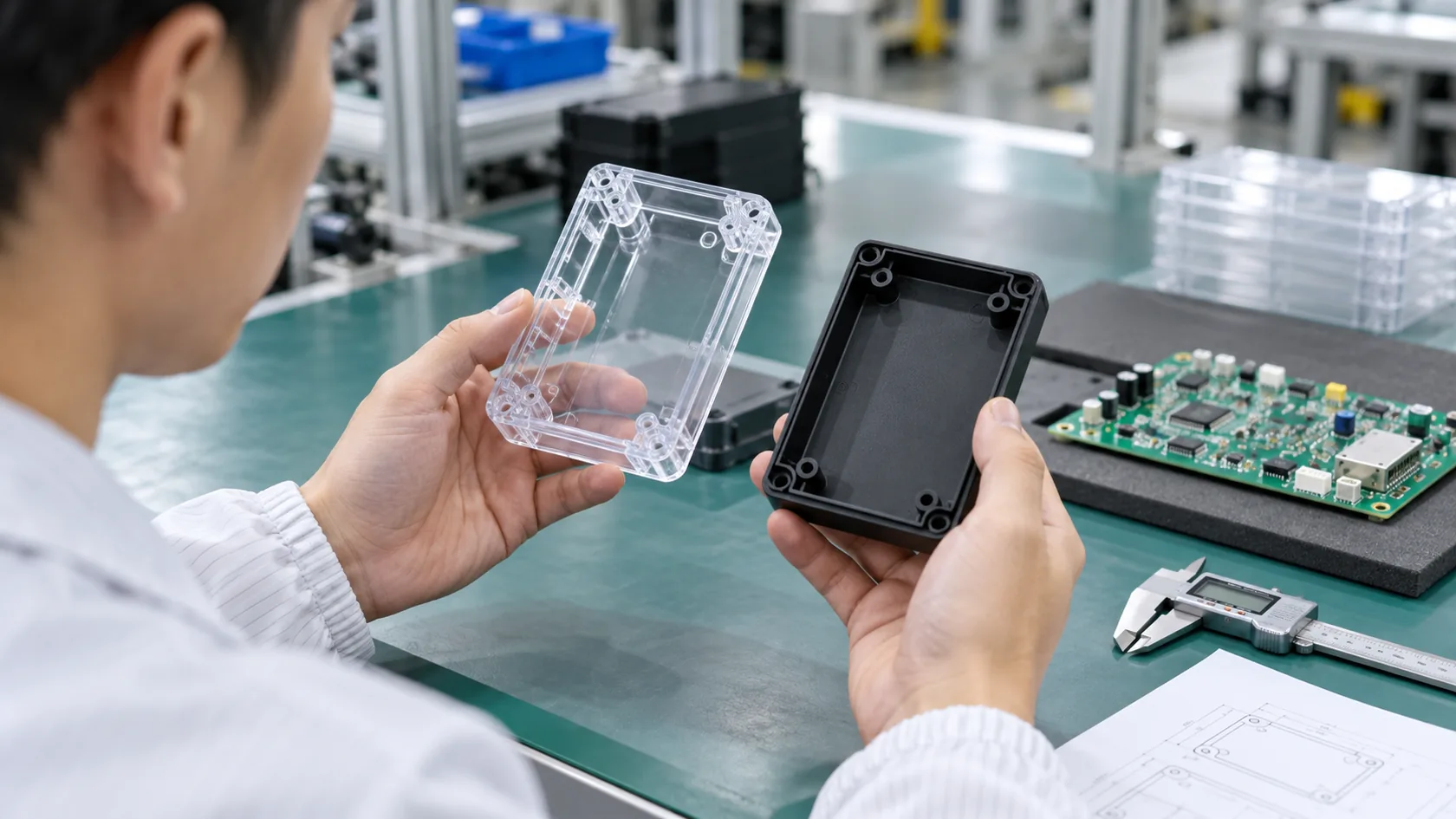
A custom enclosure project can look very simple at the beginning.
A buyer sends a 3D file.
The PCB size looks clear.
The connector holes look easy.
The lid looks clean.
The screw posts look normal.
Then the first sample arrives.
The enclosure looks nice from the outside, but the PCB does not sit flat. The USB port is 0.5 mm too low. The lid can close, but only if someone pushes it with extra force. The customer says, “But this is exactly from the CAD drawing, right?”
That is the moment tolerance becomes real.
Custom enclosure tolerance means the allowed small size variation during manufacturing. It affects PCB fitting, connector alignment, lid closing, waterproof sealing, assembly speed, and final product reliability. For electronics projects, tolerance should be planned before production, not after parts fail to assemble.
I have seen this issue many times in custom aluminum enclosures, plastic enclosures, sheet metal boxes, and Raspberry Pi-style cases. The painful part is not always the error itself. The painful part is that many tolerance problems are avoidable if the buyer, engineer, and factory discuss them early.
For product engineers like David, tolerance is not just a drawing note. It is connected to project deadlines. It affects testing. It affects customer complaints. It affects whether a product feels professional in the hand.
For ODM buyers like John, tolerance can feel like a hidden language. He may have a good idea and a smart PCB design, but if the enclosure is designed with no breathing space, the final assembly can become a small nightmare.
When I look at a new enclosure project, I do not only ask, “Can we make this shape?” I also ask, “Can this shape still work when real production variation appears?”
That small question can save a lot of money.
| Poor Tolerance Planning Can Cause | What It Looks Like in Real Projects |
|---|---|
| PCB misalignment | Screw holes do not match PCB holes |
| Connector offset | USB, HDMI, or Ethernet port looks shifted |
| Lid fitting problem | Cover is too tight or leaves uneven gaps |
| Assembly stress | PCB bends after screws are tightened |
| Waterproof failure | Gasket pressure is uneven |
| Higher cost | Too many parts need rework |
| Longer lead time | Samples must be remade |
| Low production yield | Some parts pass, some parts fail |
Tolerance is not a boring factory topic. It is one of those quiet details that decide whether a custom enclosure feels smooth or stressful.
Now let us open the box and look inside.
What Does Tolerance Mean in Custom Electronic Enclosures?
Tolerance sounds like a small technical word, but it carries a lot of weight.
In simple words, tolerance means the allowed difference between the size on the drawing and the size of the real part. If a drawing says a hole is 10.00 mm, the real hole may be 9.95 mm or 10.05 mm, depending on the process and requirement.
No factory can make every part with absolute perfect size. Not a CNC shop. Not a sheet metal factory. Not an injection molding factory. Not even a very experienced enclosure manufacturer.
And honestly, most projects do not need perfect size. They need the right size control in the right places.
The first thing I check is not the most beautiful dimension on the drawing, but the dimension that can stop assembly if it moves even a little.
What is manufacturing tolerance?
Manufacturing tolerance is the accepted size range for a part.
For example:
| Drawing Size | Tolerance | Acceptable Real Size |
|---|---|---|
| 100.00 mm | ±0.10 mm | 99.90–100.10 mm |
| 50.00 mm | ±0.20 mm | 49.80–50.20 mm |
| 8.00 mm hole | ±0.05 mm | 7.95–8.05 mm |
This does not mean the factory is careless. It means materials, tools, machines, fixtures, surface finishing, and temperature all create small changes.
For a decorative acrylic box, a small change may not matter.
For an electronic enclosure with a PCB inside, it may matter a lot.
A PCB does not “understand” excuses. A connector either fits the hole or it does not.
Why tolerance matters in electronics projects
Electronic enclosures have many parts working together.
The enclosure is not alone. It must match:
- PCB size
- PCB hole positions
- Connector locations
- Buttons
- LED windows
- Screens
- Heat sinks
- Thermal pads
- Cable glands
- Gaskets
- Screws
- Labels
- Branding plates
Each part has its own tolerance. When all these small changes meet inside one box, problems can appear.
| Area | Why Tolerance Matters |
|---|---|
| PCB mounting | Screw posts must match PCB holes |
| Port openings | Connectors need enough clearance |
| Heat sink contact | Thermal pad pressure must be controlled |
| Lid closing | Top and bottom parts must align |
| Waterproof sealing | Gasket needs even compression |
| Brand appearance | Gaps must look clean and professional |
I sometimes tell buyers that tolerance is like the space between people at a busy airport. If everyone stands too close, one small movement causes trouble. If there is smart spacing, people can move without fighting each other.
Common tolerance terms buyers should know
You do not need to become a mechanical engineer to manage an enclosure project. But you should know a few basic terms.
| Term | Simple Meaning | Why It Matters |
|---|---|---|
| ± tolerance | Allowed size variation | Controls general dimensions |
| Flatness | How flat a surface is | Important for gasket and lid contact |
| Parallelism | How parallel two surfaces are | Important for sliding parts or covers |
| Hole position tolerance | Allowed shift of hole location | Important for PCB and screws |
| Gap tolerance | Allowed space between two parts | Important for appearance and assembly |
| Wall thickness tolerance | Variation in wall thickness | Important for molding and strength |
| Thread tolerance | Accuracy of screw threads | Important for repeated assembly |
A buyer may think, “I already have a 3D file, so why do I need this?”
Because the 3D file shows the dream. Tolerance controls the real product.
A beautiful design can still fail in production if the small spaces are too tight. That is why the next question matters even more: why do real enclosures never match CAD perfectly?
Why Do Electronic Enclosures Never Match CAD Drawings Perfectly?
A CAD drawing is clean. It has straight lines, perfect circles, sharp edges, and exact numbers.
Factory production is different.
A cutting tool wears down. A bending machine has springback. Plastic shrinks after molding. Aluminum changes slightly during machining and finishing. Powder coating adds thickness. Workers use fixtures. Parts cool down. Parts move. Parts are stacked. Parts are packed.
That is not failure. That is manufacturing.
When I review a CAD file, I try to imagine the part after cutting, bending, coating, handling, and assembly, because the customer will not receive a CAD model; he will receive a physical product in a carton.
CAD design vs real-world manufacturing
Different processes create different types of variation.
| Process | Main Reason for Variation | Common Result |
|---|---|---|
| CNC machining | Tool wear, fixture setup, machine accuracy | Small size or position changes |
| Sheet metal fabrication | Bending springback, material thickness variation | Angle and hole alignment issues |
| Injection molding | Plastic shrinkage, cooling speed, wall thickness | Warping and size changes |
| Die casting | Mold temperature, metal flow, shrinkage | Surface and dimensional variation |
| Extrusion | Profile forming variation, cutting tolerance | Length and profile size changes |
The mistake I often see is this: the buyer treats all processes as if they are CNC machining.
But a molded plastic enclosure does not behave like a CNC aluminum block. A bent sheet metal box does not behave like a machined solid enclosure. A die cast housing does not behave like an extruded profile.
Each process has its own personality.
Material behavior during production
Material is not dead. It reacts.
Aluminum expands and contracts with temperature. Plastic shrinks after cooling. Sheet metal bends and springs back. Surface treatment adds or removes a little thickness.
| Material or Finish | Possible Dimensional Effect |
|---|---|
| Aluminum | Thermal expansion, machining stress |
| ABS plastic | Shrinkage and warping risk |
| Polycarbonate | Shrinkage and stress sensitivity |
| Sheet metal | Bending springback |
| Anodizing | Adds a thin surface layer |
| Powder coating | Adds thicker surface build-up |
| Sandblasting | Slight surface material change |
| Polishing | Can remove small material from edges |
This is why I do not like zero-clearance designs. They look clever on screen. They can become stubborn in production.
Why prototypes often look better than production parts
A prototype is often made with more manual care.
The sample room may adjust a part by hand. A worker may polish one edge more carefully. A technician may test fit the PCB and slightly enlarge a hole. The sample may pass because everyone is watching it.
Mass production is different.
One sample is a conversation.
One thousand pieces are a system.
| Prototype Stage | Mass Production Stage |
|---|---|
| More manual adjustment | More process control needed |
| Small quantity | Large quantity |
| Easy to inspect one by one | Need stable yield |
| Can be hand-polished | Must be repeatable |
| Changes are flexible | Changes cost more |
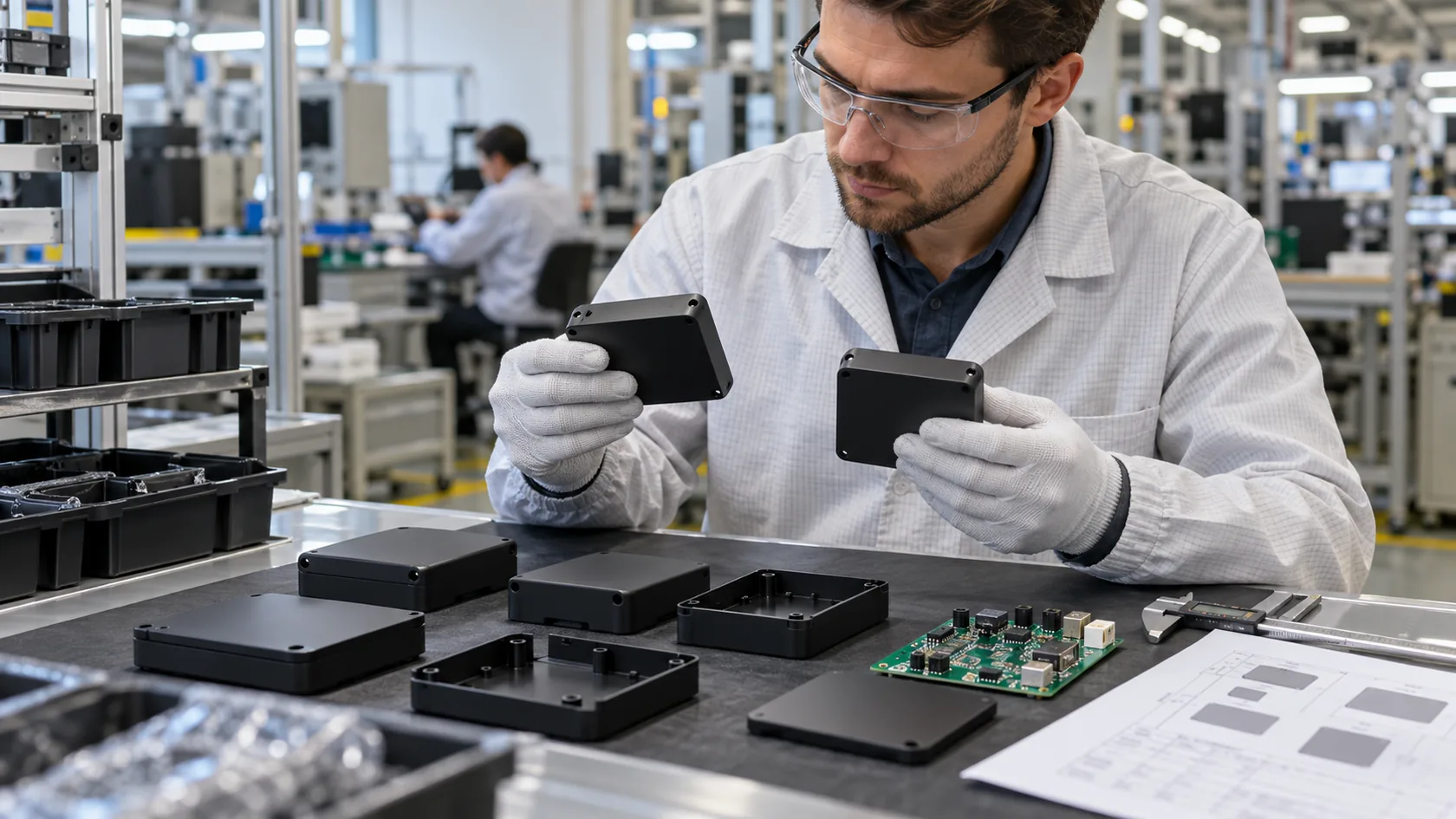
This is why I always tell buyers not to approve only by appearance. A sample must be checked by assembly.
Put the PCB inside.
Install the screws.
Check the ports.
Close the lid.
Test the gasket.
Repeat the process.
A good sample is not only good-looking. It must be honest.
And once we accept that every process has limits, we can ask a better question: what tolerance is realistic for each manufacturing method?
What Tolerance Is Acceptable for Different Enclosure Manufacturing Processes?
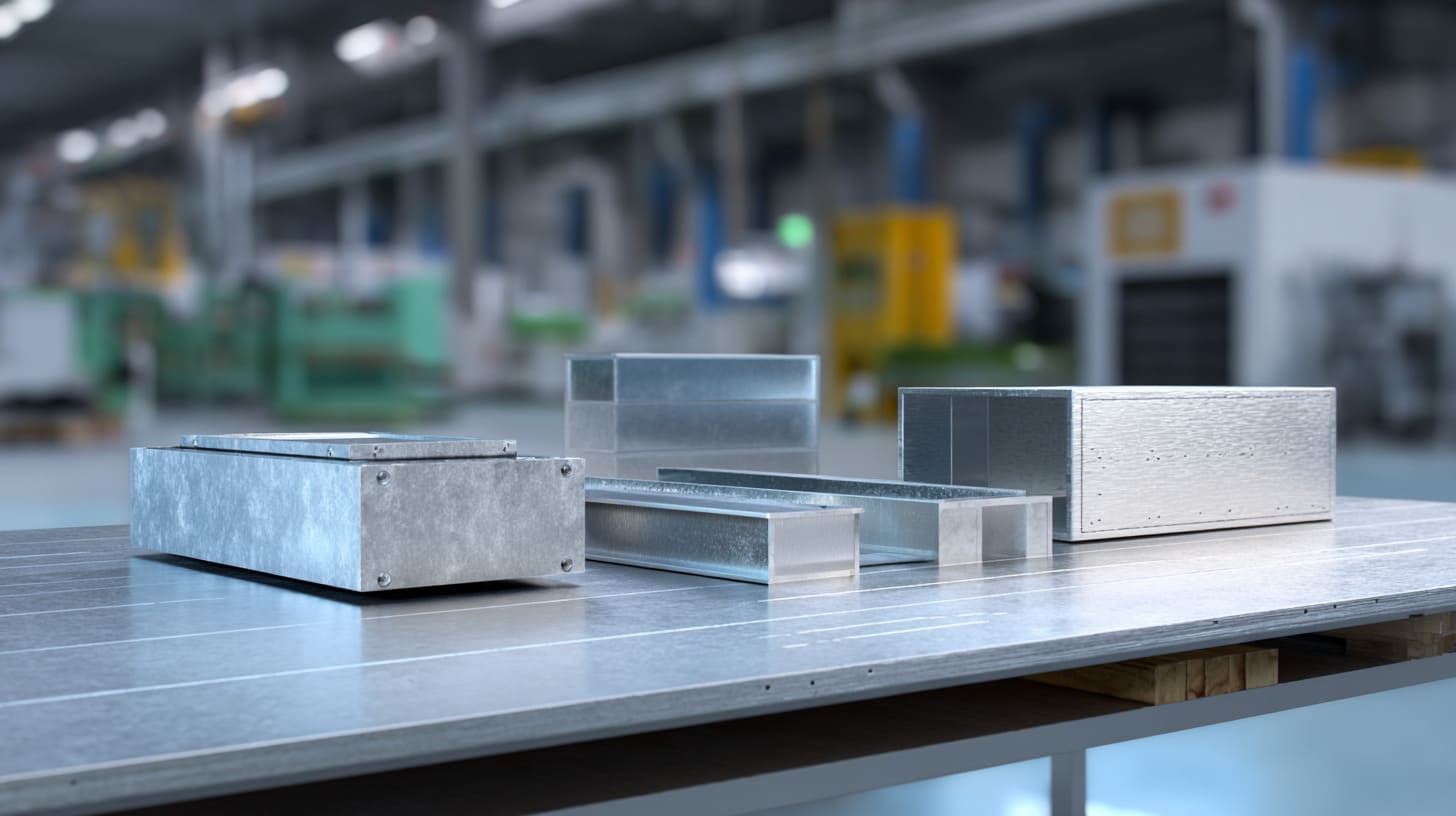
There is no single tolerance rule for every custom enclosure.
A CNC aluminum enclosure can usually hold tighter tolerance than a bent sheet metal box. A plastic injection molded part can be stable in mass production, but mold shrinkage must be planned. A die cast enclosure can be cost-effective for volume, but it cannot copy every fine CNC detail without limits.
The smart question is not, “What is the tightest tolerance you can make?” The smart question is, “What tolerance does this project really need, and which process can achieve it at a reasonable cost?”
If a buyer asks for very tight tolerance everywhere, I become careful, because unnecessary precision can make the part expensive without making the product better.
CNC machined enclosure tolerances
CNC machining is often used for aluminum enclosures, prototypes, low-volume projects, and high-precision parts.
It is good for:
- Precise holes
- Clean connector openings
- Small batches
- Custom structures
- Heat sink areas
- Good surface detail
| CNC Area | Common Tolerance Consideration |
|---|---|
| Outer size | Usually controllable, but depends on part size |
| Hole position | Good accuracy with proper fixture |
| Threaded holes | Reliable when depth and material allow |
| Connector openings | Good for small detailed features |
| Flat surface | Good, but large thin plates may still deform |
CNC sounds precise, but it is not magic. Thin walls can still vibrate. Large plates can still bend. Sharp inside corners need tool radius. Deep cavities increase cost.
For CNC enclosures, I usually pay close attention to wall thickness, fixture points, and the connection between the PCB and port openings.
Sheet metal enclosure tolerances
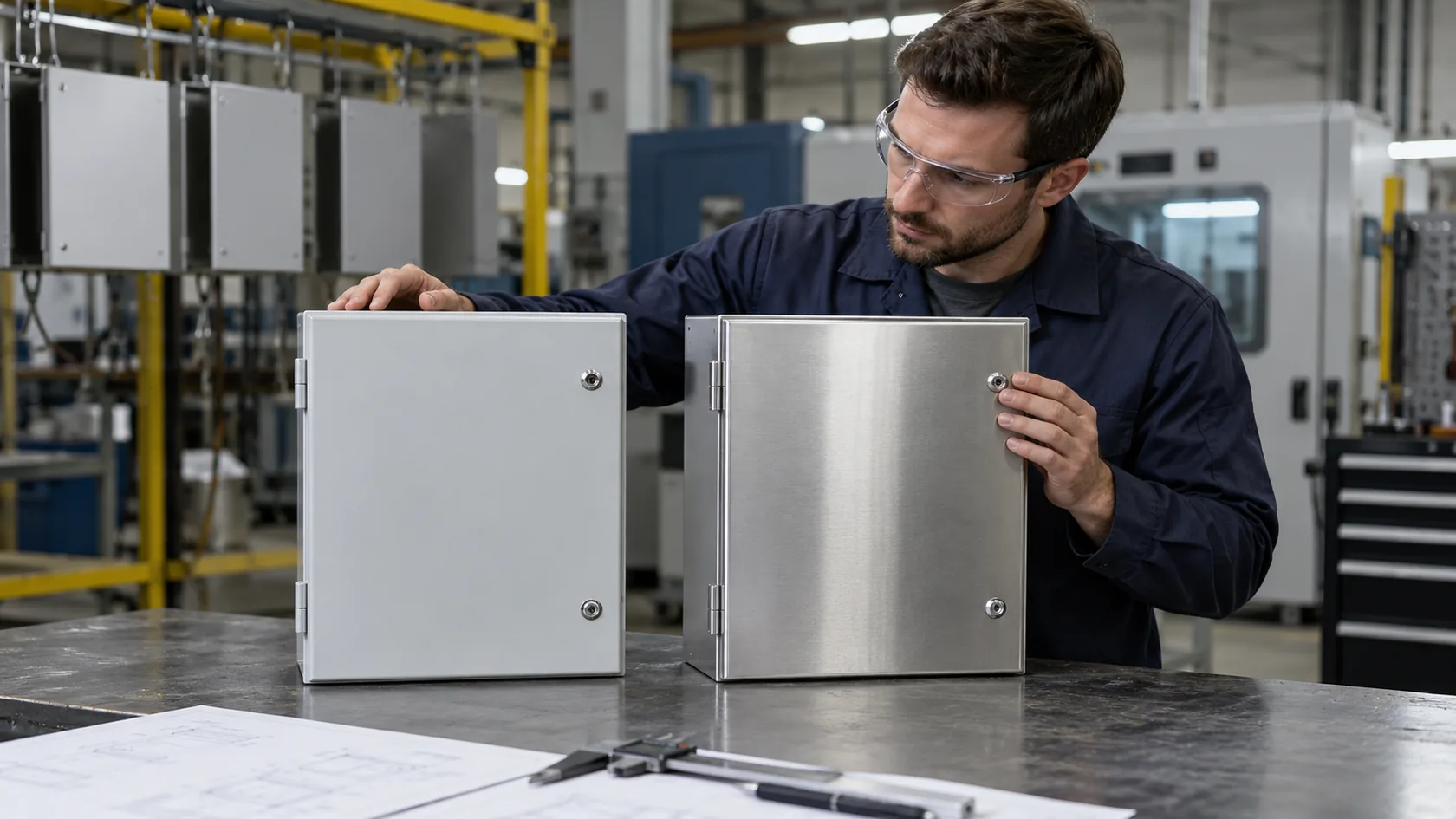
Sheet metal enclosures are common for electrical control boxes, industrial housings, brackets, panels, and larger custom enclosures.
The cutting stage can be accurate. The bending stage is where more tolerance risk appears.
| Sheet Metal Step | Tolerance Risk |
|---|---|
| Laser cutting | Usually stable for flat patterns |
| Bending | Angle variation and springback |
| Welding | Heat deformation |
| Riveting | Hole shift and stack-up |
| Powder coating | Surface thickness changes |
A flat laser-cut panel may look perfect before bending. After bending, the hole position can shift in 3D space.
This is where many new buyers get surprised.
They measure the flat drawing.
The factory bends the part.
The final connector opening is not where they expected.
That is why sheet metal drawings need bending direction, bend radius, material thickness, and critical dimensions clearly marked.
Die cast aluminum enclosure tolerances
Die casting is good for larger volume aluminum enclosures. It can reduce unit cost when quantity is high, and it can create complex shapes that are not always efficient by CNC.
But die casting needs a mold. The mold cost is higher. Design changes are more expensive after tooling.
| Die Casting Advantage | Die Casting Limitation |
|---|---|
| Good for mass production | Mold cost is high |
| Stable repeatability after tuning | Shrinkage must be planned |
| Can make complex shapes | Some details need secondary machining |
| Good strength and shape options | Surface defects may need control |
For die cast enclosures, some areas are cast directly, while critical holes or sealing surfaces may need CNC machining after casting.
That hybrid approach is often more realistic than expecting the mold to solve everything.
Plastic injection molded enclosure tolerances
Plastic injection molding is common for ABS, PC, PC+ABS, and other plastic enclosures.
It is good for high-volume products, but the design must respect plastic behavior.
| Plastic Design Factor | Why It Matters |
|---|---|
| Wall thickness | Uneven thickness causes sink marks and warping |
| Ribs | Add strength but may affect shrinkage |
| Bosses | Need proper support and draft |
| Draft angle | Helps part release from mold |
| Shrinkage rate | Must be included in mold design |
| Material choice | ABS, PC, and other plastics shrink differently |
Plastic parts can change size after cooling. Long thin covers may warp. Screw bosses may crack if they are too tight. Transparent plastic may show stress marks more easily.
For plastic enclosures, I usually focus on wall thickness balance before I worry about small cosmetic details, because a nice surface means little if the part twists after molding.
Extruded aluminum enclosure tolerances
Extruded aluminum enclosures are popular for electronic devices, control modules, LED drivers, amplifiers, and rail-mounted products.
The profile is extruded first, then cut and machined.
| Extruded Enclosure Area | Tolerance Concern |
|---|---|
| Profile width and height | Depends on extrusion die and material |
| Length cutting | Controlled by cutting process |
| End panels | Need screw and slot alignment |
| PCB slots | Must match board thickness and position |
| Secondary machining | Adds another tolerance layer |
Extrusion is great when the shape is repeated and length changes are needed. But the profile itself has tolerance. If the PCB slides into a slot, the slot width and straightness matter.
A small slot issue can make assembly feel like pushing a drawer into a crooked cabinet.
Different processes create different risks. But in electronics projects, the part that exposes tolerance problems fastest is usually the PCB and connectors.
How Does Tolerance Affect PCB and Connector Alignment?
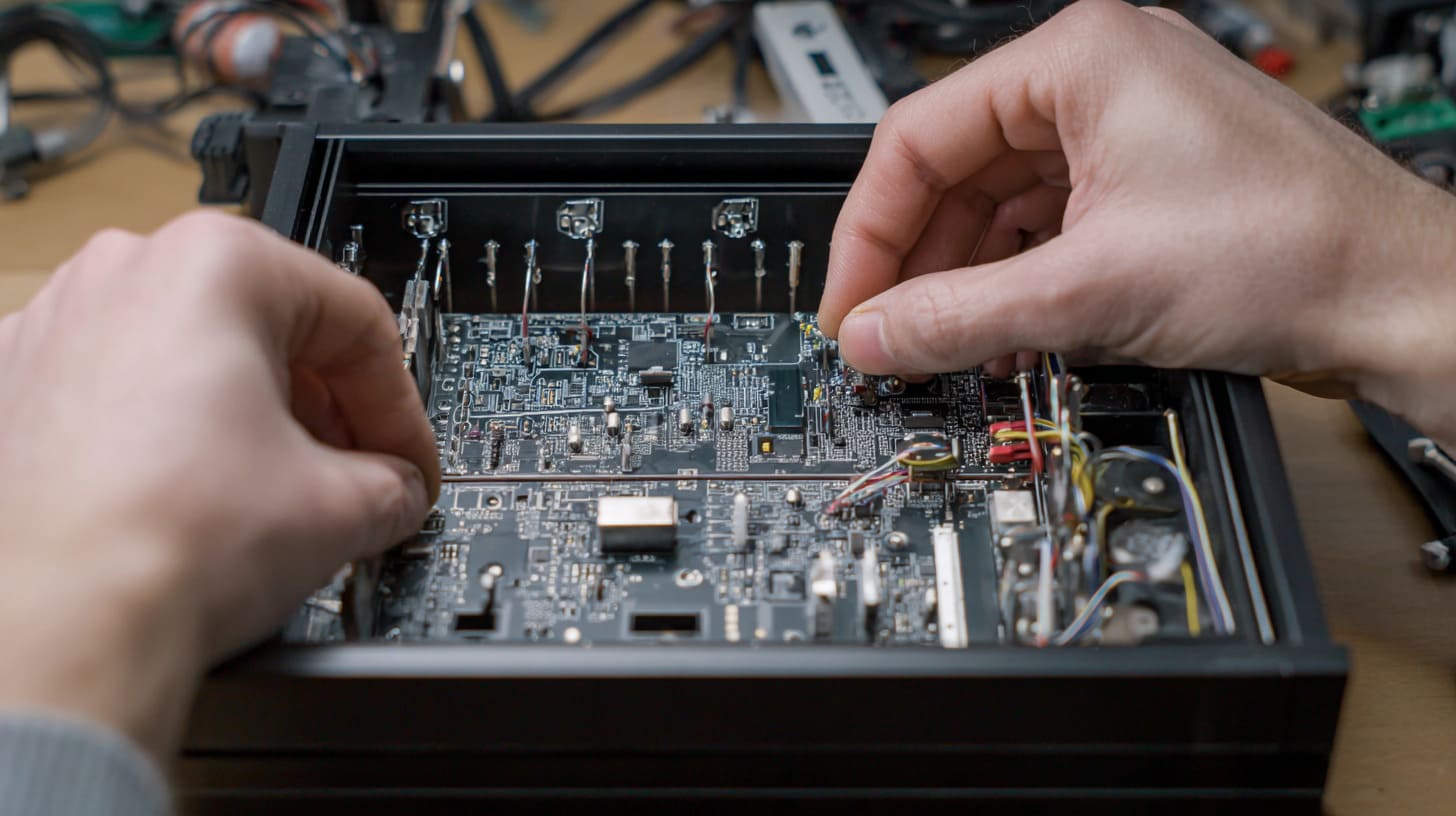
PCB and connector alignment is where tolerance stops being an engineering note and becomes visible to everyone.
A customer may not measure the enclosure with calipers. But he will notice if the USB port is not centered. He will feel it if the cable does not plug in smoothly. He will complain if the board bends when screws are tightened.
Small errors become big because electronics have fixed positions.
The detail I like to check before production is the relationship between the PCB datum and the outside face of the enclosure, because that is where many connector problems begin.
PCB mounting hole mismatch problems
PCB mounting holes must match enclosure standoffs or bosses.
If the holes are slightly off, the assembler may still force the screws in. That can create hidden stress.
| Problem | Possible Result |
|---|---|
| Standoff too far left or right | Screw cannot enter smoothly |
| Standoff too high | PCB bends after tightening |
| Standoff too low | PCB floats or vibrates |
| Hole too small | Screw damages plastic or aluminum |
| Boss too weak | Cracking during assembly |
A PCB is not a rubber sheet. It may flex a little, but it should not be forced.
If the PCB bends, solder joints, connectors, and components may carry stress. The product may pass today and fail later.
That is the kind of failure that makes everyone tired.
USB, HDMI, and Ethernet port alignment issues
External ports are unforgiving.
USB-C, HDMI, RJ45, DC jacks, and switches must line up with enclosure openings. If the opening is too tight, the cable may rub. If the opening is too large, the product may look cheap. If the opening is shifted, the connector may be hard to use.
| Connector Type | Common Tolerance Issue | Design Tip |
|---|---|---|
| USB-C | Small opening, visible offset | Add enough side clearance |
| HDMI | Wide port, easy to show misalignment | Control PCB height carefully |
| RJ45 Ethernet | Large plug needs insertion space | Check plug clearance, not only port size |
| DC jack | Round hole can look off-center | Use proper hole tolerance |
| Button | Sticking or loose feel | Allow movement space |
| LED light pipe | Light position mismatch | Use larger viewing window or guide |
One common mistake is designing the enclosure opening exactly around the connector size.
That looks neat in CAD.
It fails in real use.
The cable plug is often larger than the connector body. The user’s hand is not a robot. The PCB may shift slightly. The enclosure may also have coating thickness.
A little clearance is not ugly. Bad alignment is ugly.
Display window alignment challenges
Displays are sensitive because people look at them directly.
A 0.5 mm shift may not matter inside the box. But around a display window, it can look very obvious.
| Display Area | What Can Go Wrong |
|---|---|
| LCD window | Screen looks shifted |
| Acrylic lens | Adhesive gap is uneven |
| Bezel | One side looks thicker |
| Touch panel | Touch area may not match display |
| LED window | Light appears off-center |
If a display is involved, I like to ask for the real display sample, not only the drawing. Drawings are useful, but real parts often reveal small details.
The cable bend, adhesive thickness, frame edge, and installation method all affect final alignment.
Internal clearance planning
Inside an enclosure, space is easy to lose.
A screw head takes space.
A cable bend takes space.
A gasket groove takes space.
A thermal pad takes space.
A label recess takes space.
| Internal Feature | Suggested Thinking |
|---|---|
| PCB edge | Leave space from enclosure wall |
| Tall components | Check lid clearance |
| Heat sink | Check pressure and air space |
| Cable | Allow bending radius |
| Battery | Consider swelling or tolerance |
| Screw head | Check tool access |
| Gasket | Avoid squeezing into PCB space |
I often see buyers focus only on the PCB outline. But the PCB is not the whole story. Components have height. Wires move. Workers need room to assemble.
An enclosure that is too tight feels smart at first. Later, it feels like a trap.
And when many small tolerances meet at the same time, we enter the next problem: tolerance stack-up.
How Does Tolerance Stack-Up Create Assembly Problems?
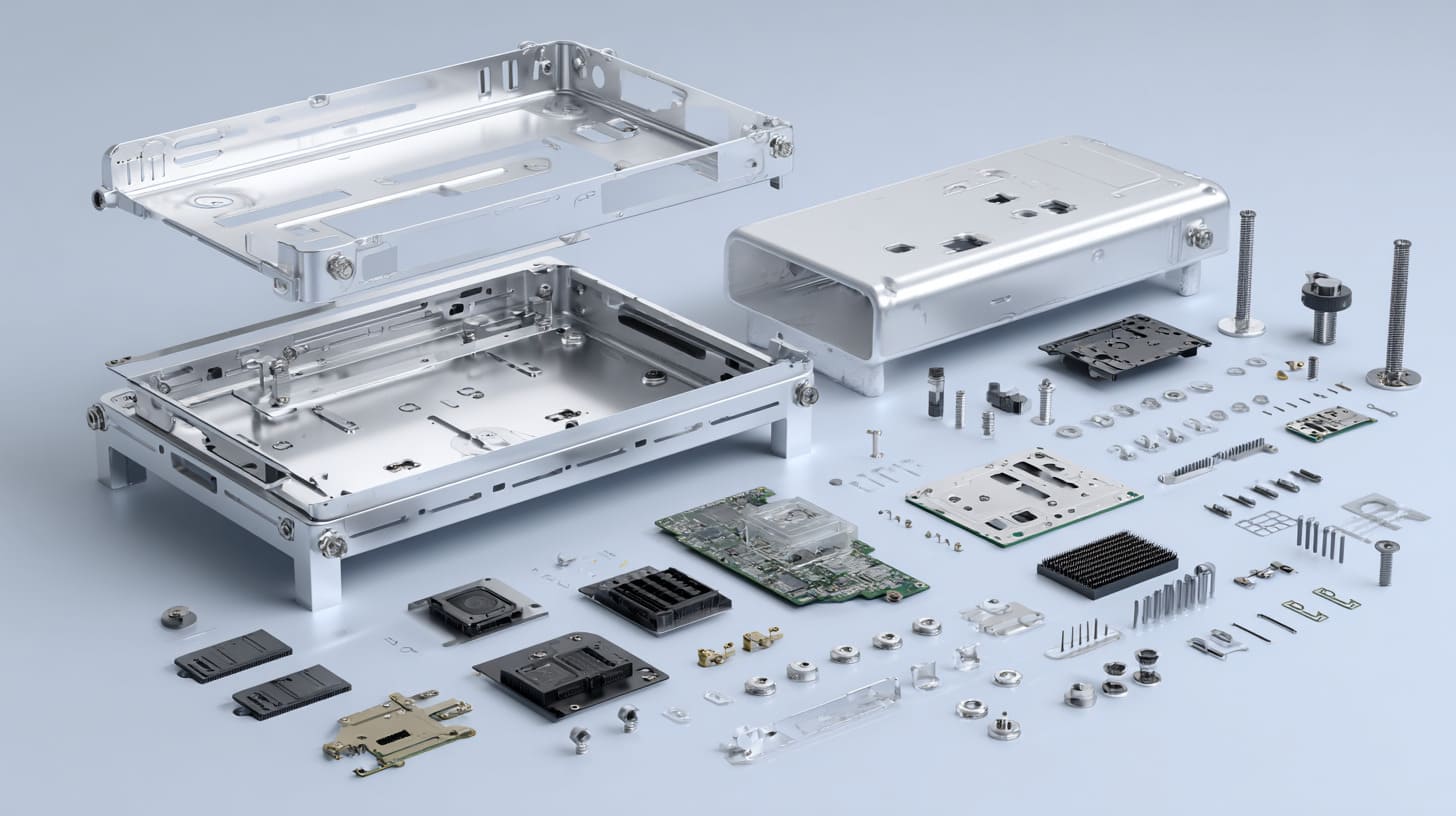
Tolerance stack-up is one of those topics that sounds difficult until you see it in your hand.
One part is 0.1 mm off.
Another part is 0.2 mm off.
The gasket is slightly thicker.
The PCB hole has its own tolerance.
The powder coating adds more thickness.
Each issue is small alone. Together, they can stop assembly.
A part rarely fails because of one dramatic mistake; many times, it fails because several small “acceptable” changes all move in the wrong direction.
What is tolerance stack-up?
Tolerance stack-up means small variations from different parts add together.
Imagine this simple structure:
- Bottom enclosure
- PCB
- Standoffs
- Top cover
- Screws
- Connector opening
- Gasket
Each part has allowed variation. If all variations move toward the same side, the final fit may become too tight or too loose.
| Part | Small Variation |
|---|---|
| Bottom case hole position | ±0.10 mm |
| PCB hole position | ±0.10 mm |
| Standoff location | ±0.10 mm |
| Connector position | ±0.15 mm |
| Surface finish build-up | +0.05 mm |
| Assembly movement | ±0.10 mm |
A buyer may say, “But every part is within tolerance.”
That can be true.
The problem is that the full assembly may still be difficult if the tolerance chain was not considered.
Common stack-up failures in electronics enclosures
Tolerance stack-up often appears during assembly.
| Failure | What the Worker Sees |
|---|---|
| Lid cannot close | One corner stays open |
| Screw holes shift | Screws enter at an angle |
| Gasket compression is uneven | One side seals, one side leaks |
| Connector rubs opening | Cable plug is hard to insert |
| PCB bends | Board is under stress |
| Button sticks | Plastic button has no movement space |
This is why assembly testing matters.
Measuring single parts is not enough. The full product must be assembled with real components.
Why multi-part enclosures increase risk
The more parts you add, the more tolerance stack-up you create.
A simple two-piece enclosure is easier to control. A complex enclosure with panels, brackets, inserts, gaskets, heat sinks, and display windows needs more planning.
| Enclosure Type | Stack-Up Risk |
|---|---|
| Simple top and bottom case | Low to medium |
| CNC enclosure with PCB and end panels | Medium |
| Sheet metal box with brackets | Medium to high |
| Waterproof enclosure with gasket | High |
| Display enclosure with lens and PCB | High |
| Multi-part ODM enclosure | Very high |
This does not mean complex designs are bad. It means complex designs need better reference points.
How experienced engineers reduce stack-up risk
Good engineers do not try to make every dimension tight. They control the important points.
They use a datum.
A datum is a reference point, surface, or feature that other dimensions are based on. It helps the factory and the engineer speak the same language.
| Method | How It Helps |
|---|---|
| Datum reference | Keeps key dimensions connected |
| Floating mounting holes | Allows small movement during assembly |
| Larger connector clearance | Reduces visible port problems |
| Slotted holes | Helps fit brackets or panels |
| Gasket groove control | Keeps sealing pressure stable |
| Assembly test fixture | Finds problems before shipment |
Sometimes the best design is not the tightest design. It is the design that can absorb small production variation without losing function.
That point becomes even more serious when water, dust, and outdoor use enter the project.
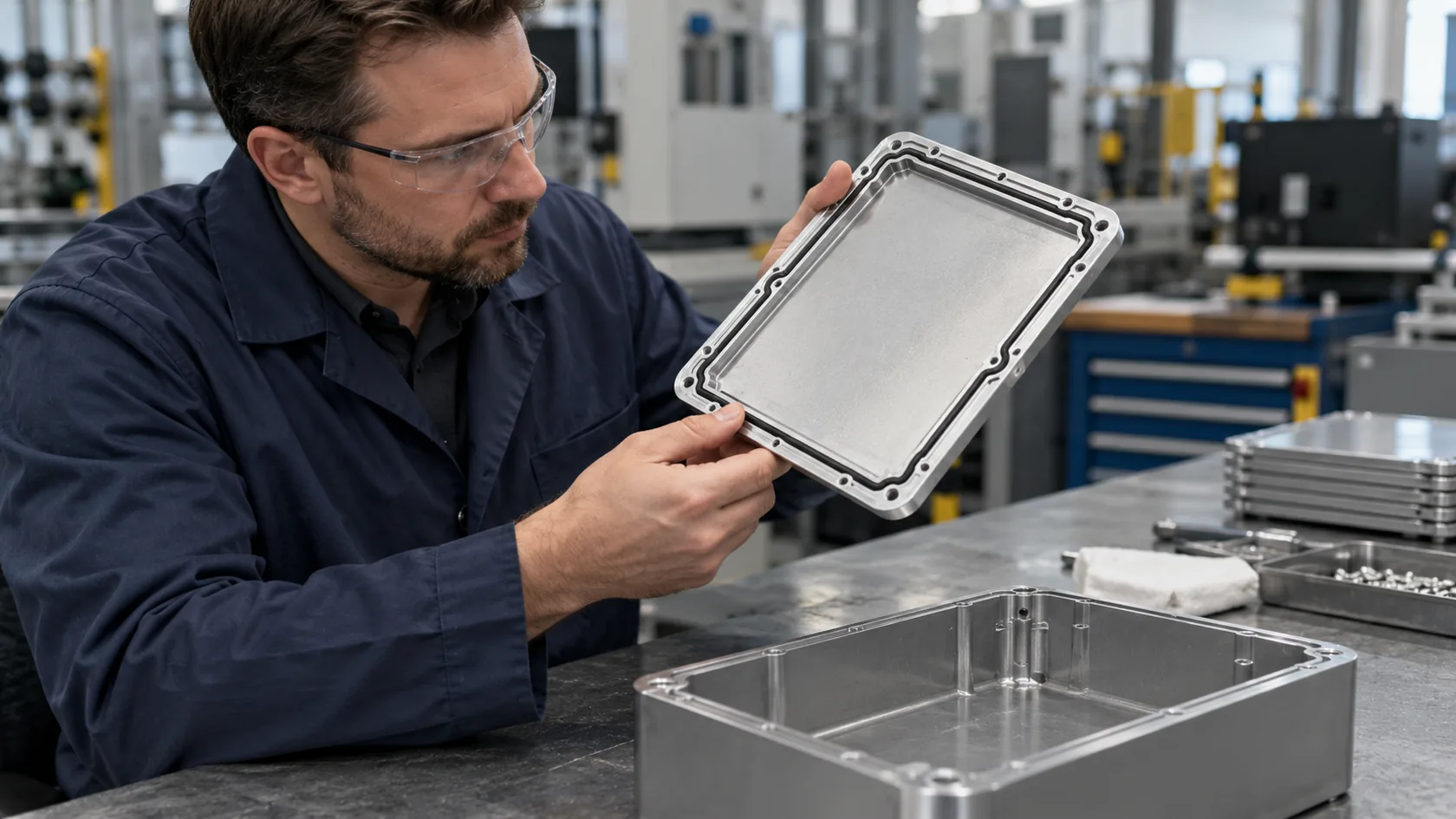
What Tolerances Are Needed for Waterproof and Outdoor Enclosures?

Waterproof enclosures are less forgiving than normal indoor enclosures.
A normal electronics box may allow a small uneven gap. A waterproof enclosure cannot be so relaxed. The gasket must be compressed evenly. The cover must be flat enough. The screws must create stable pressure. The cable glands must sit properly.
Water does not care about your drawing.
For waterproof projects, I first look at the sealing path, because a nice outside shape means nothing if one corner gives water a small road to enter.
Why waterproof enclosures require stricter control
The gasket is the heart of many waterproof enclosure designs.
If the gasket is too loose, water can enter. If it is too tight, the cover may deform, the screws may strip, or the gasket may age faster.
| Sealing Factor | Why It Matters |
|---|---|
| Gasket thickness | Controls compression |
| Groove size | Holds gasket in place |
| Cover flatness | Prevents corner gaps |
| Screw spacing | Controls pressure distribution |
| Material stiffness | Affects deformation |
| Surface finish | Affects sealing contact |
A waterproof enclosure is not waterproof because it has a gasket. It is waterproof because the whole structure supports the gasket correctly.
That is a big difference.
IP-rated enclosure tolerance considerations
Many buyers ask for IP65, IP66, or IP67.
These ratings sound simple, but the design details are not simple.
| Rating Goal | Tolerance Concern |
|---|---|
| IP65 | Dust and water jet protection need stable sealing |
| IP66 | Stronger water jet needs better gasket pressure |
| IP67 | Temporary immersion needs tighter sealing design |
| Outdoor use | UV, heat, cold, and aging matter too |
Screw torque also matters.
If one worker tightens screws too much and another worker tightens them too little, the sealing result changes. This is not only a design issue. It is also an assembly control issue.
Common waterproof enclosure failure points
Waterproof failure often comes from small details.
| Failure Point | Common Cause |
|---|---|
| Corners | Gasket pressure is weak |
| Screw areas | Cover bends between screws |
| Cable gland holes | Hole size or sealing washer issue |
| Lid surface | Warped cover |
| Plastic corners | Shrinkage or deformation |
| Machined groove | Surface roughness or size error |
Plastic covers can warp. Thin aluminum covers can bend. Powder coating can make gasket grooves tighter. A small scratch on the sealing surface can also create risk.
This is why waterproof samples should be tested after full assembly, not as empty boxes.
Material selection and tolerance stability
Material choice affects tolerance stability.
| Material | Outdoor Tolerance Behavior |
|---|---|
| Aluminum | Stable, strong, good for heat, but needs finish protection |
| Stainless steel | Strong and corrosion-resistant, but higher cost |
| ABS plastic | Can be risky under UV and heat unless protected |
| Polycarbonate | Better impact and outdoor performance than ABS |
| Fiberglass reinforced plastic | Good for harsh outdoor and chemical areas |
For outdoor enclosures, I do not judge only by the first sample. I think about sunlight, rain, screw pressure, thermal expansion, and how the product will look after months of use.
A box that passes one indoor assembly test may still fail outside.
And even before outdoor aging starts, surface finishing can quietly change the final size.
How Surface Finishing Changes Enclosure Dimensions
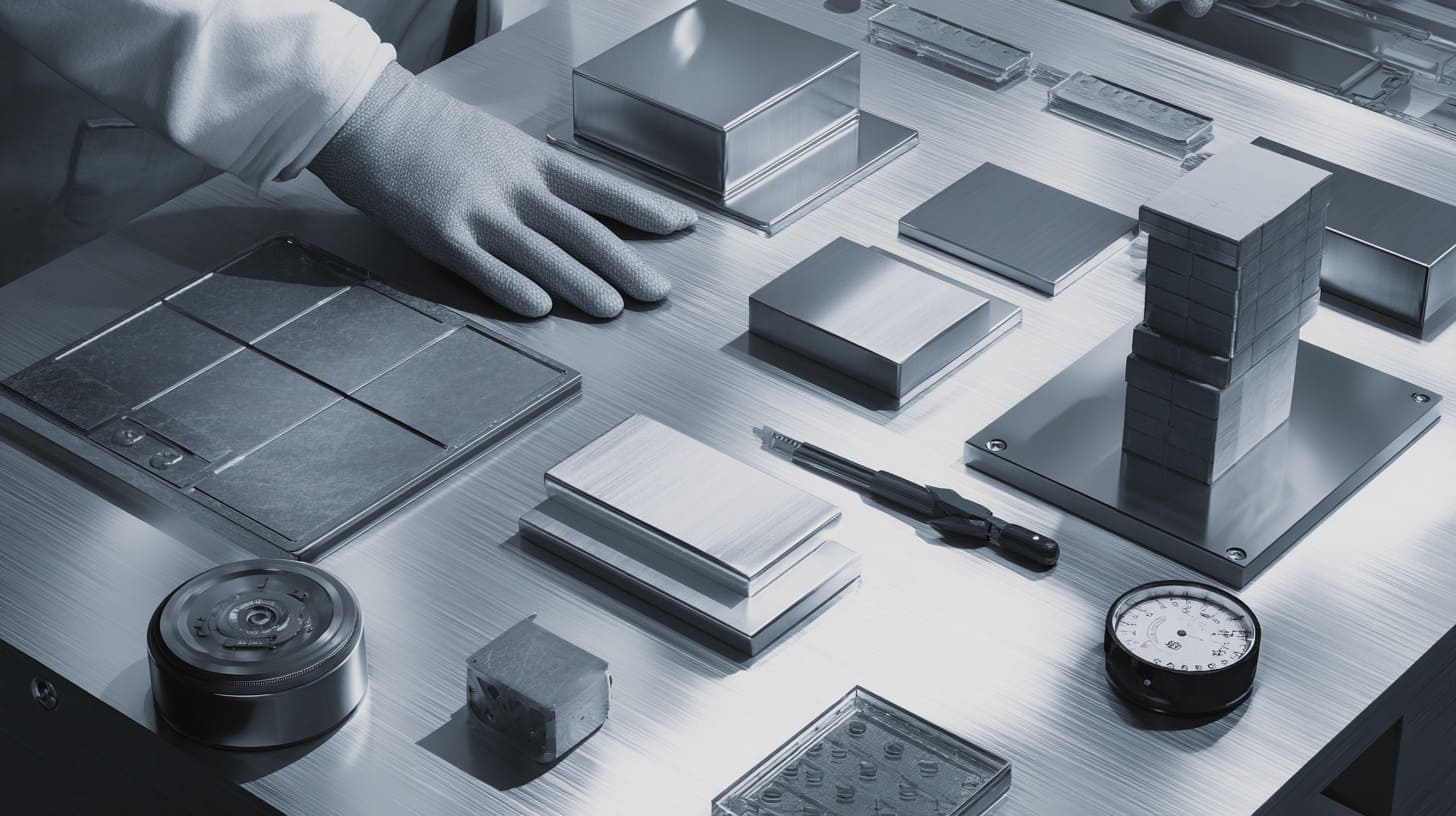
Surface finishing is easy to treat as a cosmetic step.
Anodizing makes aluminum look clean. Powder coating gives color and protection. Sandblasting gives a matte texture. Polishing makes edges shine.
But finishing is not only about appearance. It changes dimensions.
A hole that fits before coating may become tight after coating. A thread that works before anodizing may feel rough later. A cover that closes before powder coating may become too tight after finishing.
When I see a drawing with tight holes and no finish allowance, I become careful because the finishing process may become the hidden “extra part” that nobody included.
Anodizing thickness influence
Anodizing adds a thin oxide layer on aluminum.
The thickness is usually small, but it can still matter in precision areas.
| Area | Possible Anodizing Effect |
|---|---|
| Small holes | Hole may become slightly smaller |
| Threads | Screw fit may become tighter |
| Sliding surfaces | Movement may feel rough |
| Tight covers | Assembly may become harder |
| Cosmetic edges | Appearance improves |
For many enclosure projects, anodizing does not create serious problems. But for tight connector holes, threaded holes, and sliding parts, it should be considered.
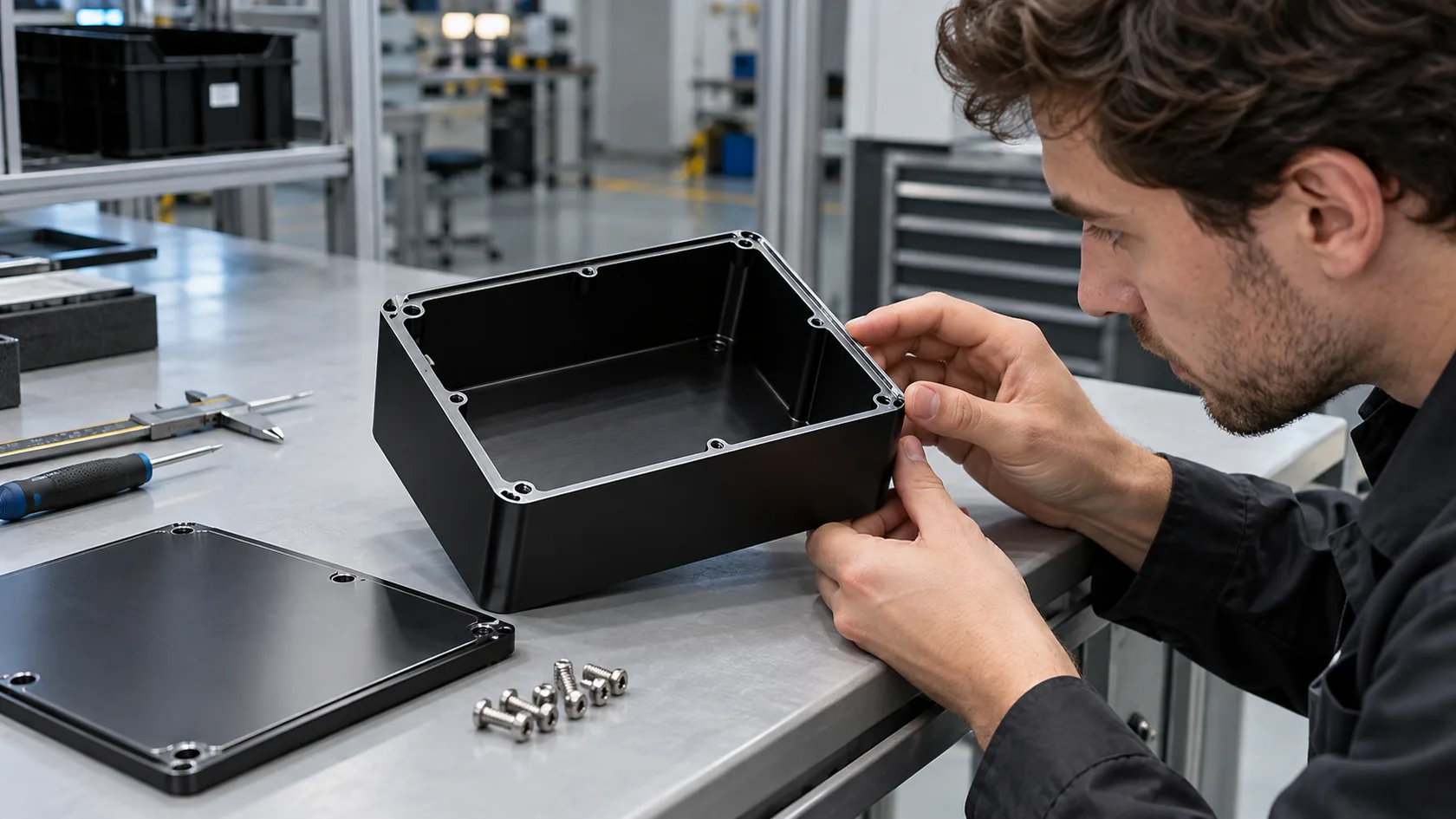
If a buyer asks for black anodized CNC aluminum cases, I like to check whether all critical dimensions are measured before or after anodizing.
That small question avoids confusion later.
Powder coating tolerance changes
Powder coating adds more thickness than anodizing.
It is strong and useful for sheet metal enclosures and outdoor boxes, but it can create fitting problems if the design is too tight.
| Powder Coating Area | Risk |
|---|---|
| Screw holes | Coating build-up reduces hole size |
| Hinges | Movement becomes tight |
| Lid overlap | Cover may not close smoothly |
| Grounding points | Coating may block electrical contact |
| Gasket grooves | Gasket space becomes smaller |
Powder coating also builds up more on corners and edges. This can affect appearance and assembly.
One practical method is to mask critical areas or adjust hole sizes before coating. But this must be planned before production.
Sandblasting and polishing effects
Sandblasting and polishing are often used for appearance.
Sandblasting gives a matte surface before anodizing. Polishing improves shine or edge feel. But both can change the surface slightly.
| Finish | Benefit | Possible Dimensional Concern |
|---|---|---|
| Sandblasting | Matte, clean look | Slight surface texture change |
| Brushing | Nice metal grain | Direction and consistency matter |
| Polishing | Smooth edge, bright finish | Can remove small edge material |
| Deburring | Safer handling | Can change sharp edges |
For most general dimensions, the effect is small. For precision cosmetic edges, display windows, or tight mating parts, it can matter.
Why engineers should include finish allowance in drawings
A good drawing should explain whether dimensions are before or after finishing.
| Drawing Note | Why It Helps |
|---|---|
| “Dimensions apply after anodizing” | Avoids final fit confusion |
| “Mask threaded holes” | Keeps screw assembly smooth |
| “No coating on grounding area” | Protects electrical contact |
| “Critical holes to be reamed after coating” | Improves precision |
| “Surface finish not allowed on sealing face” | Helps waterproof performance |
I once worked on a small aluminum enclosure where the sample assembled well before black anodizing. After anodizing, the customer said the screws felt too tight. The drawing did not mention thread allowance. Nobody made a big mistake, but the detail was not discussed early enough.
That is tolerance in real life. It hides inside small assumptions.
So how should buyers specify tolerances clearly before a project becomes messy?
How Should Buyers Specify Tolerances in OEM Enclosure Projects?

A buyer does not need to write a perfect engineering book. But he should give the factory enough information to understand what matters.
Many custom enclosure projects start with a 3D file only. That is useful, but not always enough. A STEP file tells us the shape. A 2D drawing tells us the important dimensions. Assembly information tells us the real purpose.
The way I judge a new OEM project is simple: if I cannot see which dimensions are critical, I assume the project still needs engineering discussion before quoting.
What information factories need before quoting
A good quote is not only about price. It is about understanding the risk.
| Information | Why It Matters |
|---|---|
| 3D STEP file | Shows full shape |
| 2D drawing | Shows critical dimensions and tolerances |
| PCB drawing | Helps check mounting and connectors |
| Connector data | Helps design openings |
| Surface finish request | Affects final dimensions |
| Quantity | Affects process choice |
| Application | Indoor, outdoor, industrial, handheld, etc. |
| Assembly method | Shows real fitting requirements |
| Logo file | Affects printing, engraving, or machining |
| Packaging request | Protects final surface |
For electronics projects, PCB data is very important. Without it, the factory may make the enclosure correctly but still fail the assembly.
How to avoid over-specifying tolerances
Some buyers think tighter tolerance always means better quality.
Not always.
Tighter tolerance usually means:
- Higher machining cost
- More inspection time
- More rejected parts
- Longer lead time
- More difficult production
- Sometimes no real product benefit
| Dimension Type | Suggested Tolerance Thinking |
|---|---|
| PCB mounting holes | Usually critical |
| Connector openings | Usually critical |
| Outside cosmetic size | Depends on product use |
| Internal empty space | Often can be more flexible |
| Logo position | Important for appearance |
| Hidden ribs | Usually less critical |
| Sealing surfaces | Critical for waterproof design |
The best approach is to mark critical dimensions clearly and allow normal tolerance for less important areas.
This helps the factory control cost and quality at the same time.
Critical dimensions vs non-critical dimensions
Not every dimension deserves the same attention.
| Dimension | Critical or Not? | Why |
|---|---|---|
| PCB standoff position | Critical | Affects assembly |
| USB opening position | Critical | Affects user experience |
| Gasket groove depth | Critical | Affects waterproof sealing |
| Outer cover length | Medium | Affects appearance and fit |
| Hidden internal rib height | Medium or low | Depends on clearance |
| Decorative radius | Low | Mostly cosmetic |
| Logo engraving position | Medium | Affects brand appearance |
When everything is marked critical, nothing is truly critical.
A clear drawing helps the factory focus on what matters most.
Recommended tolerance communication methods
Good tolerance communication is practical, not fancy.
| Method | How It Helps |
|---|---|
| 2D drawing with tolerance notes | Removes guessing |
| Marked critical dimensions | Helps QC focus |
| Assembly drawing | Shows part relationships |
| Real samples | Helps confirm fit |
| Sample approval report | Records standard |
| Golden sample | Gives production reference |
| Pre-production sample | Checks process before mass production |
For many OEM enclosure projects, I like to confirm one “golden sample.” This sample becomes the reference for production. It helps avoid arguments later.
A drawing is important. But sometimes a real approved sample explains the feeling better than ten emails.
Of course, even with drawings, mistakes still happen. Some tolerance mistakes are so common that I can almost predict them from the first file review.
What Are the Most Common Tolerance Mistakes in Electronics Projects?
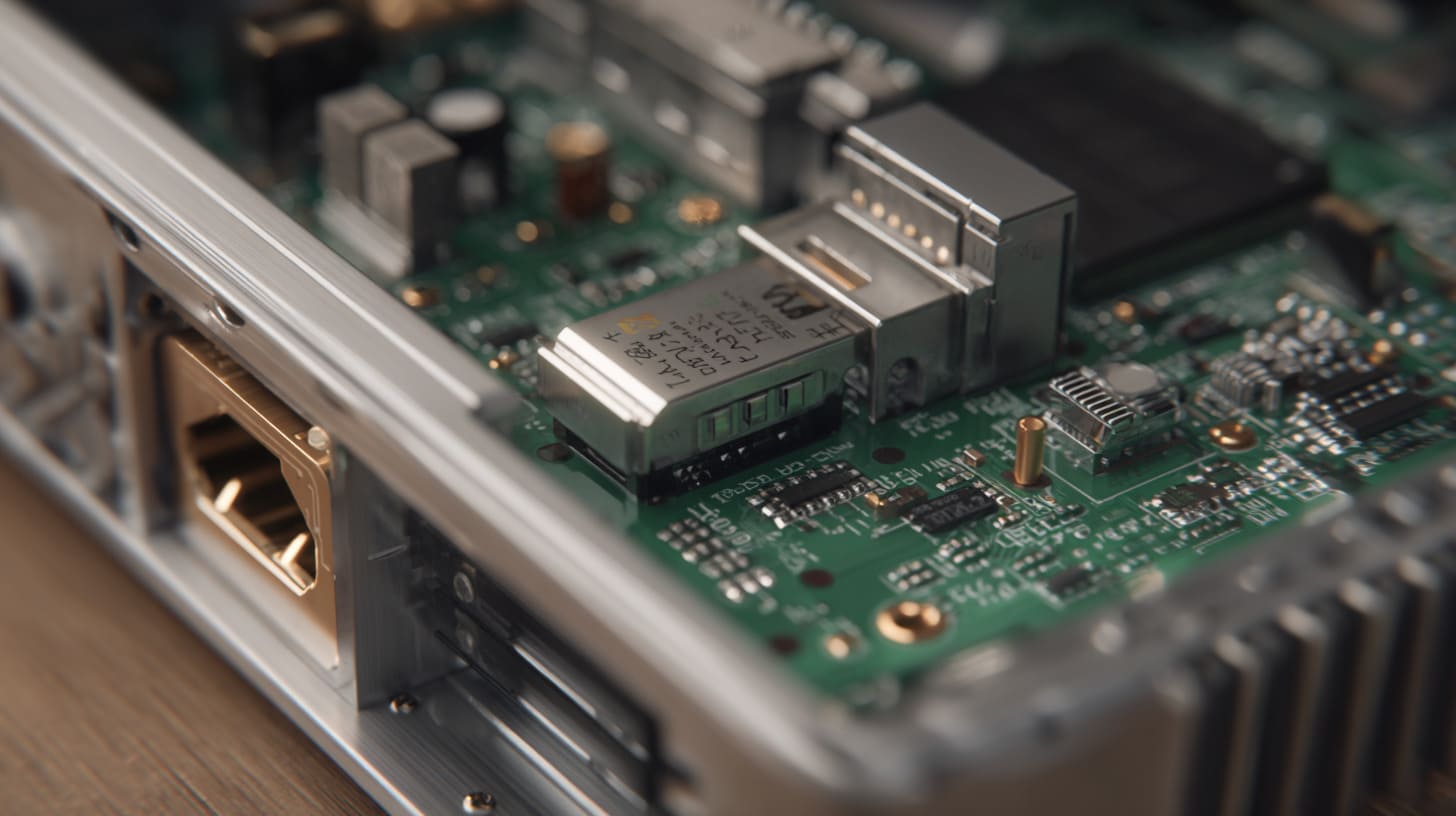
Tolerance mistakes usually do not look dramatic at first.
They look like small confidence.
“The PCB fits exactly.”
“The connector opening is the same size as the port.”
“The lid gap is zero in CAD.”
“The prototype was fine, so mass production should be fine.”
These sentences sound harmless. But they can create real trouble.
A warning sign for me is when a design looks too perfect on screen, because real assembly usually needs a little room to breathe.
Designing with zero clearance
Zero clearance is one of the most common mistakes.
In CAD, parts can touch perfectly. In real life, parts need space.
| Zero-Clearance Area | Possible Problem |
|---|---|
| PCB edge against wall | Board cannot fit smoothly |
| Connector against opening | Cable insertion problem |
| Button against plastic hole | Button sticks |
| Lid against bottom case | Cover cannot close |
| Battery against ribs | Battery pressure risk |
A tight design can look premium. But if it is too tight, it becomes fragile.
There is a big difference between controlled gap and accidental interference.
Ignoring manufacturing process limitations
Another mistake is using one process mindset for another process.
A buyer may design a plastic injection molded part like a CNC part. Or he may design sheet metal as if bending does not change hole positions.
| Wrong Assumption | Real Issue |
|---|---|
| Plastic can copy every sharp detail | Mold release and shrinkage need space |
| Sheet metal holes stay perfect after bending | Bending changes 3D positions |
| Die casting can replace CNC precision everywhere | Some areas need secondary machining |
| Powder coating does not affect fit | Coating adds thickness |
| Prototype tolerance equals mass production tolerance | Production needs repeatability |
Manufacturing is not only about “can make” or “cannot make.” It is about what can be made repeatedly, at a good cost, with stable quality.
Forgetting assembly and thermal expansion
Some products work in warm rooms. Some products work outside. Some products sit near motors, power supplies, or heat sources.
Temperature changes can affect fit.
| Factor | Possible Effect |
|---|---|
| Heat | Plastic softening or expansion |
| Cold | Material becomes more brittle |
| Outdoor sunlight | Plastic aging and deformation |
| Power components | Local heat near PCB |
| Tight thermal pad | PCB stress |
| Metal and plastic combination | Different expansion rates |
A design that fits at room temperature may behave differently after heat cycling.
For electronics, heat is not a small detail. It lives inside the box.
Using prototype assumptions for mass production
A prototype can trick people.
One sample may be adjusted by hand. One sample may use a slower process. One sample may be inspected more carefully than normal production.
| Prototype Belief | Mass Production Reality |
|---|---|
| “The sample fits well” | Need test multiple parts |
| “One piece passed” | Need stable yield |
| “Manual adjustment is okay” | Not okay for volume |
| “The worker can fix it” | Rework costs time and money |
| “The customer will not notice” | End users notice bad fit quickly |
I like prototypes, but I do not fully trust them until they are assembled with real parts and reviewed from production thinking.
A sample is a promise. Production is the proof.
This is where factory control becomes important.
How Can Factories Reduce Tolerance Problems During Production?
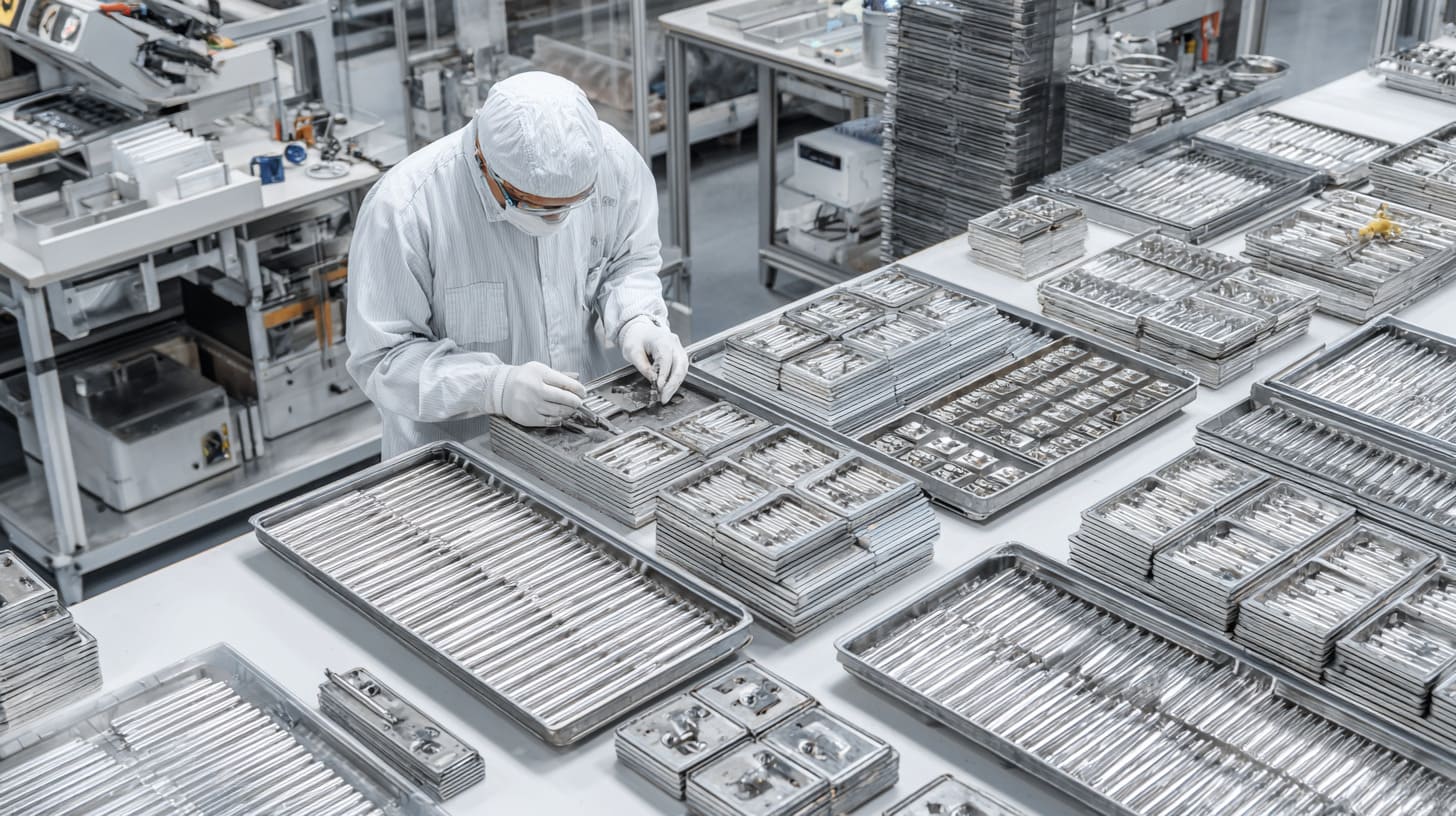
A factory cannot remove tolerance completely. But a good factory can control it.
The work starts before production. It starts with drawing review, material checking, fixture planning, sample approval, and clear QC points.
When I manage an enclosure project, I do not only look at the final part; I look at the steps that can slowly push the part away from the drawing.
Incoming material inspection
Raw material quality affects final tolerance.
For aluminum enclosures, material thickness and flatness matter. For sheet metal, thickness variation affects bending. For plastic, material grade and shrinkage behavior matter.
| Material Check | Why It Matters |
|---|---|
| Aluminum thickness | Affects machining and assembly |
| Sheet metal thickness | Affects bending size |
| Plastic material grade | Affects shrinkage and strength |
| Surface scratches | Affects finish quality |
| Flatness | Affects sealing and assembly |
| Hardness | Affects machining result |
If the raw material is unstable, the factory must fight problems during every later step.
Good production starts before the machine runs.
Production fixture control
Fixtures and jigs are quiet heroes in enclosure manufacturing.
A fixture holds the part during machining, drilling, welding, bending, or inspection. If the fixture is wrong, the parts can be wrong in the same way again and again.
| Fixture Use | Tolerance Benefit |
|---|---|
| CNC holding fixture | Keeps part stable |
| Drilling jig | Controls hole positions |
| Welding fixture | Reduces deformation |
| Assembly fixture | Checks fit quickly |
| Inspection fixture | Finds repeated errors |
A good fixture does not only improve accuracy. It also improves speed and consistency.
This matters a lot in mass production.
In-process dimensional inspection
Waiting until final inspection is risky.
If a problem appears after all parts are finished, the cost is already high. It is better to check during production.
| Production Stage | Inspection Focus |
|---|---|
| After cutting | Outer size and hole position |
| After bending | Angle and 3D dimensions |
| After CNC machining | Critical holes and surfaces |
| After welding | Deformation and alignment |
| After finishing | Coating thickness and fit |
| Before packing | Assembly and appearance |
For critical dimensions, the factory should use proper tools.
- Calipers
- Height gauges
- Thread gauges
- Go/no-go gauges
- CMM inspection when needed
- Custom test fixtures
- Real PCB fitting tests
Not every project needs expensive inspection. But every project needs the right inspection.
Final assembly verification
Final assembly is one of the most practical checks.
If the part is made for a PCB, test it with the PCB. If the part has a connector opening, test it with the connector. If the enclosure is waterproof, test the sealing structure.
| Final Check | What It Confirms |
|---|---|
| PCB fit test | Mounting holes and clearance |
| Connector plug test | Port alignment |
| Lid closing test | Cover and gap control |
| Screw assembly test | Thread and boss quality |
| Gasket compression check | Sealing pressure |
| Visual gap check | Appearance consistency |
I trust assembly tests because they are close to the customer’s real experience.
A caliper can tell me a size. Assembly tells me a story.
But the best way to reduce tolerance problems is not only factory inspection. It is better design from the beginning.
How to Design a More Manufacturing-Friendly Enclosure?
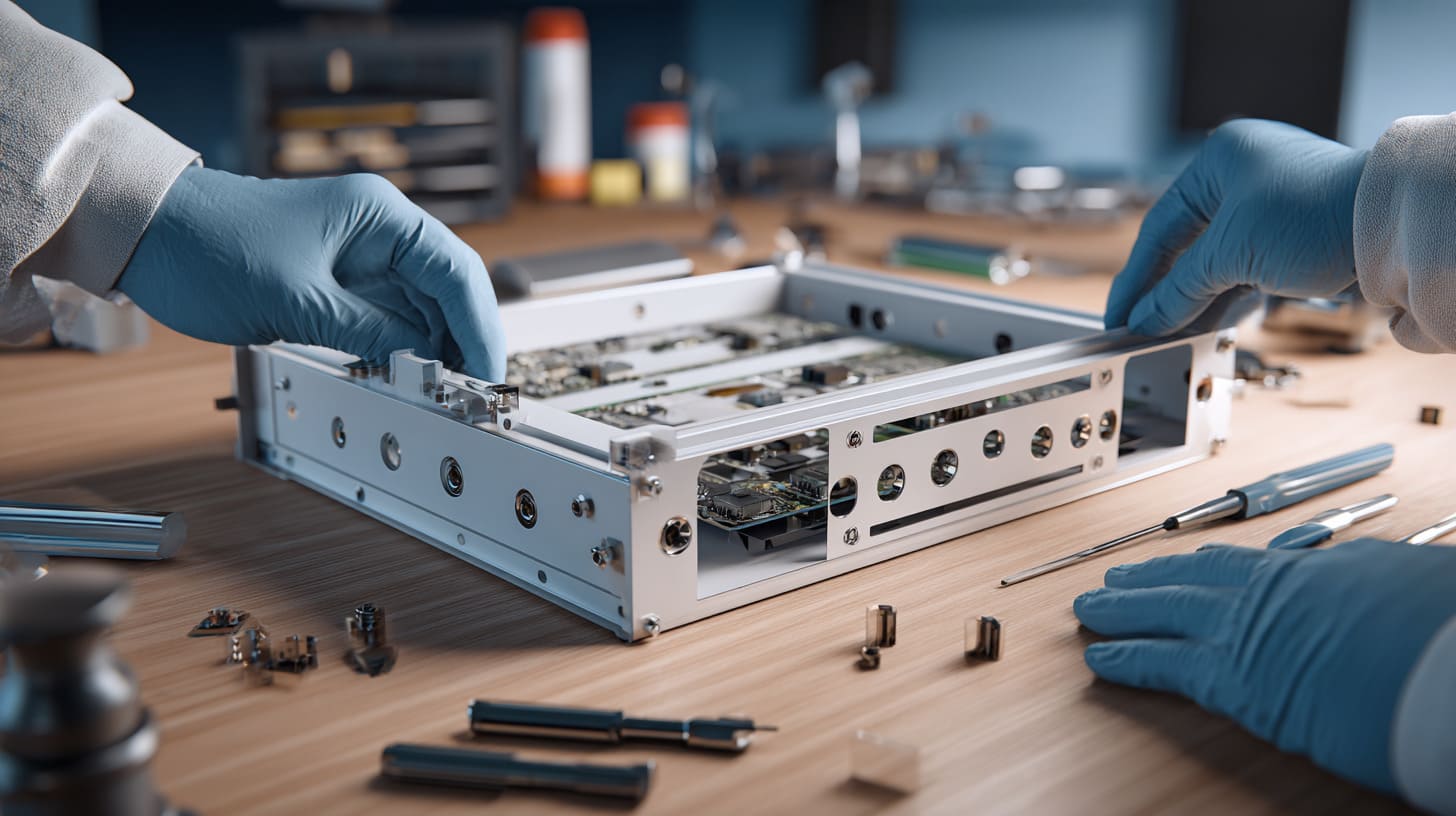
A manufacturing-friendly enclosure is not a simple enclosure. It is a smart enclosure.
It gives enough control where control is needed. It gives enough freedom where freedom is safe. It considers assembly, material, finishing, cost, and user behavior.
This kind of design may not look very different in a rendering. But in production, it feels completely different.
Before I suggest any design change, I ask myself whether the change makes real assembly safer or only makes the drawing look cleaner.
Design for manufacturability principles
Design for manufacturability means designing a part so it can be produced smoothly and repeatedly.
For enclosures, it often means:
- Avoid unnecessary tight fits
- Keep wall thickness reasonable
- Add proper clearance
- Choose the right process
- Avoid too many special features
- Mark critical dimensions clearly
- Think about finishing early
- Make assembly easy for real workers
| Design Choice | Better Manufacturing Result |
|---|---|
| Uniform wall thickness | Less warping in plastic |
| Proper bend radius | Better sheet metal accuracy |
| Enough connector clearance | Easier cable insertion |
| Clear datum design | Better inspection control |
| Larger internal spacing | Less assembly stress |
| Simple screw structure | Lower failure risk |
A good design does not need to be weak or ugly. It needs to be honest about production.
Recommended clearance guidelines
Clearance depends on material, process, part size, and application. But some thinking rules help.
| Area | Practical Clearance Thinking |
|---|---|
| PCB edge to wall | Leave enough room for board and assembly variation |
| Connector opening | Consider connector body and cable plug |
| Screw boss to PCB hole | Allow smooth screw entry |
| Tall components to lid | Check component height and tolerance |
| Heat sink to cover | Control pressure, do not force contact |
| Button to hole | Allow movement without sticking |
| Cable bend area | Leave space for real cable bending |
| Gasket area | Keep sealing path clear |
I do not like giving one universal number for every project. A handheld device, outdoor control box, Raspberry Pi enclosure, and power supply housing all need different thinking.
But the principle stays the same: tight where needed, relaxed where safe.
Balancing appearance and production feasibility
Many buyers want small gaps because small gaps look premium.
I understand that. A large uneven gap can make a product look cheap.
But a gap that is too small can create assembly problems, rubbing, coating damage, and high rejection rate.
| Appearance Goal | Production Risk | Better Approach |
|---|---|---|
| Very small lid gap | Cover may not close smoothly | Use controlled visible gap |
| Tight connector opening | Cable plug may rub | Add hidden clearance |
| Sharp corners | Hard to machine or mold | Use suitable radius |
| Thin walls | Warping or weak structure | Adjust wall thickness |
| Hidden screws | Hard assembly | Balance look and service access |
A product should look good, but it should also survive production.
Beautiful but difficult is not always premium. Sometimes it is just expensive trouble.
Why early supplier communication matters
Early communication saves redesign.
A factory can often see manufacturing risk before tooling or production starts. But the factory must receive enough information early.
| Early Discussion Topic | Why It Helps |
|---|---|
| Manufacturing process | Matches design with reality |
| Tolerance needs | Controls cost and risk |
| Surface finish | Avoids size surprises |
| PCB and connector data | Prevents assembly problems |
| Quantity plan | Chooses better production method |
| Waterproof needs | Plans sealing structure |
| Logo and packaging | Avoids late-stage changes |
For custom OEM enclosure projects, I prefer to talk about risk before quoting too fast.
Fast quote feels nice.
A correct quote feels better.
A few extra questions at the beginning can prevent weeks of delay later.
Conclusion
Custom enclosure tolerance is not only a factory issue. It is a product success issue.
It affects whether the PCB fits. It affects whether the connector lines up. It affects whether the lid closes smoothly. It affects whether the gasket seals. It affects whether workers can assemble the product fast. It affects whether the end user feels the product is reliable.
The final decision I always come back to is simple: I would rather spend more time checking critical tolerance before production than spend more money explaining failures after shipment.
A good enclosure project needs more than a nice 3D model. It needs clear drawings, realistic tolerance planning, proper clearance, suitable manufacturing process, surface finish allowance, sample testing, and factory communication.
Here is the simple way I think about it:
| Project Stage | What to Check |
|---|---|
| Design stage | Process choice, clearance, critical dimensions |
| Quotation stage | Drawing, tolerance notes, surface finish, quantity |
| Sample stage | PCB fit, connector alignment, lid closing, gasket fit |
| Pre-production stage | Fixture, QC plan, golden sample |
| Mass production stage | In-process inspection and final assembly check |
If you are developing a custom electronic enclosure, do not wait until the sample arrives to think about tolerance. Put tolerance into the project early. Ask which dimensions are truly critical. Leave enough room where the design can allow it. Control the sealing area if the product needs waterproof performance. Include finishing thickness in the drawing. Test the enclosure with real PCB and real connectors.
At MaidaTech, we work with custom aluminum enclosures, plastic enclosures, sheet metal enclosures, and Raspberry Pi-style project cases for OEM and ODM buyers. If you already have a drawing, PCB file, or early product idea, you can send it to us for review. I can help you look at the tolerance risks before the project moves too far.
A custom enclosure should not only look correct on screen.
It should fit, close, seal, assemble, and work in the real world.