Skip to content

Most days in the factory, this confusion shows up in my inbox before I even finish my first cup of tea. One email says, “We need an enclosure.” Another says, “Quote this control panel.” When I open the drawings, many of them look almost the same: a rectangular box, some cutouts, a few notes… and a lot of assumptions hiding between the lines.
For me, “electrical enclosure” and “control panel” are not just words. They describe two very different levels of work, risk, and responsibility. One is a protective shell. The other is a complete nervous system with real consequences if you get it wrong.
My typical customers, people like Davide in Finland or John in Hungary, already know a lot about electronics and product design. But they still ask me questions like:
- “Is this just a box, or do I need a full panel?”
- “Who should handle the wiring, you or my team?”
- “Why is the price so different if the size looks similar?”
From my side as a supplier in China, the biggest practical risk is not a wrong hole size, it is a wrong expectation. If someone thinks they ordered a ready-to-use control panel but actually only bought an empty enclosure, that project will suffer.
What I quietly ask myself before I quote any project is very simple: “Is this customer buying a box, or are they trying to buy a brain?” Once I can answer that honestly, the rest of the decisions become much easier.
In the rest of this article, I want to walk you through how I separate these two ideas in real work, so you can judge your own project with more confidence.
What Is an Electrical Enclosure?

When I talk about an electrical enclosure, I am talking about the housing only. No wiring, no logic, no relays. Just the structure that protects whatever you choose to put inside.
Purpose and Function
At the most basic level, an enclosure does three jobs:
- Keeps dust, moisture, and fingers away from live parts
- Sets a defined boundary for your system
- Gives installers a safe place to mount and service components
In my daily work, I think about enclosures as the “body” that protects the organs. The body does not decide anything. It only keeps things in the right place and shields them from the outside world.
Key functions:
Protection from environment
- Rain, humidity, dust, oil mist
- UV exposure, temperature swings for outdoor use
Protection for people
- Prevent accidental contact with live terminals
- Provide lockable doors or covers
- Separate low-voltage and high-voltage areas
Mechanical stability
- Support DIN rails, PCBs, and cable management
- Survive handling, transport, and vibration
A simple way I explain it to customers is: “If it does not make decisions, it is probably just an enclosure.”
Typical enclosure responsibilities vs user responsibilities
| Item | Enclosure Provides | User / Customer Provides |
|---|---|---|
| Physical housing | Yes | No |
| Weather / dust protection | Yes | No |
| Internal component selection | No | Yes |
| Wiring and layout | No | Yes (unless panel service) |
| Safety labeling of circuits | No | Yes |
The detail that often decides success here is very practical: Does the enclosure give your technicians enough room to work, or will they hate you after the first installation?
My internal rule when I see a layout is simple: if the layout looks “perfect” in CAD with zero extra space, I already know the enclosure is too small in real life.
Common Materials and Types
For B2B projects, I usually see the same group of materials:
- Aluminum
- Stainless steel
- Mild steel (powder-coated)
- ABS or polycarbonate plastic
Each material has its own personality.
Material comparison
| Material | Strength & Rigidity | Corrosion Resistance | Look & Branding | Typical Use Case |
|---|---|---|---|---|
| Aluminum | Good, lightweight | Good | Very good, easy to CNC | OEM electronics, outdoor boxes, heat sinks |
| Stainless steel | Very strong | Excellent | Industrial, heavy | Food, pharma, harsh washdown |
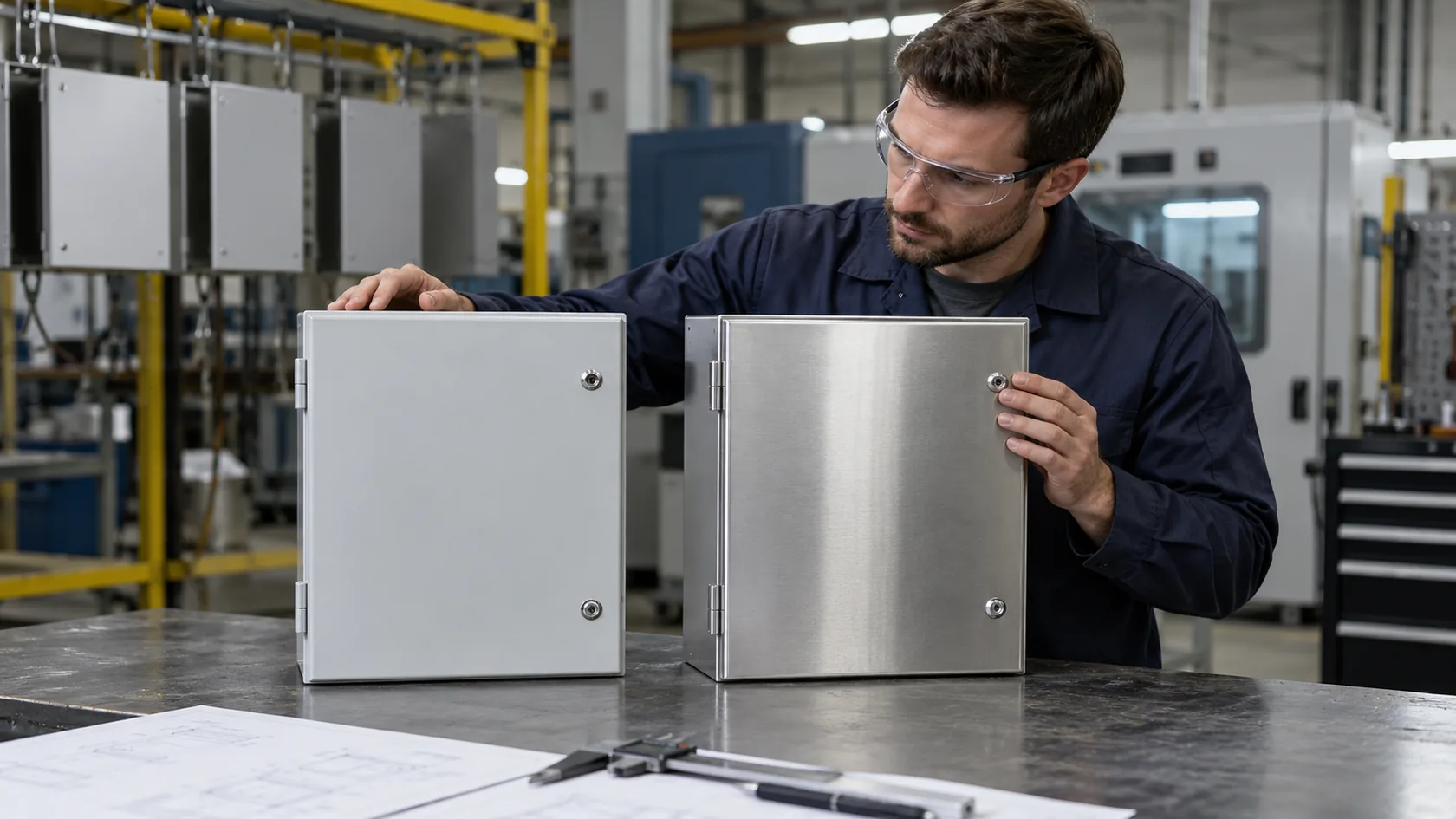
| Mild steel + coat | Strong, heavier | Good if coated well | Clean, economical | General industrial indoor/outdoor |
| ABS | Medium | Medium | Smooth, consumer feel | Handheld devices, indoor controls |
| Polycarbonate | Tough, impact resistant | Good | Slightly technical look | Outdoor plastics, clear covers |
Mounting style also matters a lot:
- Wall-mounted: popular for junction boxes, small control boxes
- Floor-standing: for larger systems and panel assemblies
- Handheld / desktop: instrument cases, HMI boxes, controllers
When I help a buyer choose, I do not start with a catalog. I start with one question: “Who will touch this box, and where will it live most of its life?” That answer usually points to the right material and form factor faster than any datasheet.
IP and NEMA Ratings Overview
IP and NEMA ratings are how we describe how “tough” the enclosure is against dust and water. They are not magic. They are simply rules.
Some quick examples:
- IP20 – finger-safe, but not sealed against dust or water
- IP54 – limited dust protection, splash-proof
- IP65 – dust-tight, protected against low-pressure water jets
- NEMA 1 – basic indoor protection
- NEMA 4 / 4X – indoor/outdoor, water spray, 4X adds corrosion resistance
Example: rating vs environment
| Environment | Typical Rating Target | Notes |
|---|---|---|
| Clean indoor control room | IP20–IP40 / NEMA 1 | Focus on access and cooling |
| Light industrial indoor | IP54 / NEMA 12 | Dust and oil mist expected |
| Outdoor, rain exposure | IP65 / NEMA 4 | Good seals, gasket quality critical |
| Washdown food area | IP66 / NEMA 4X | High pressure water, corrosion resistance |
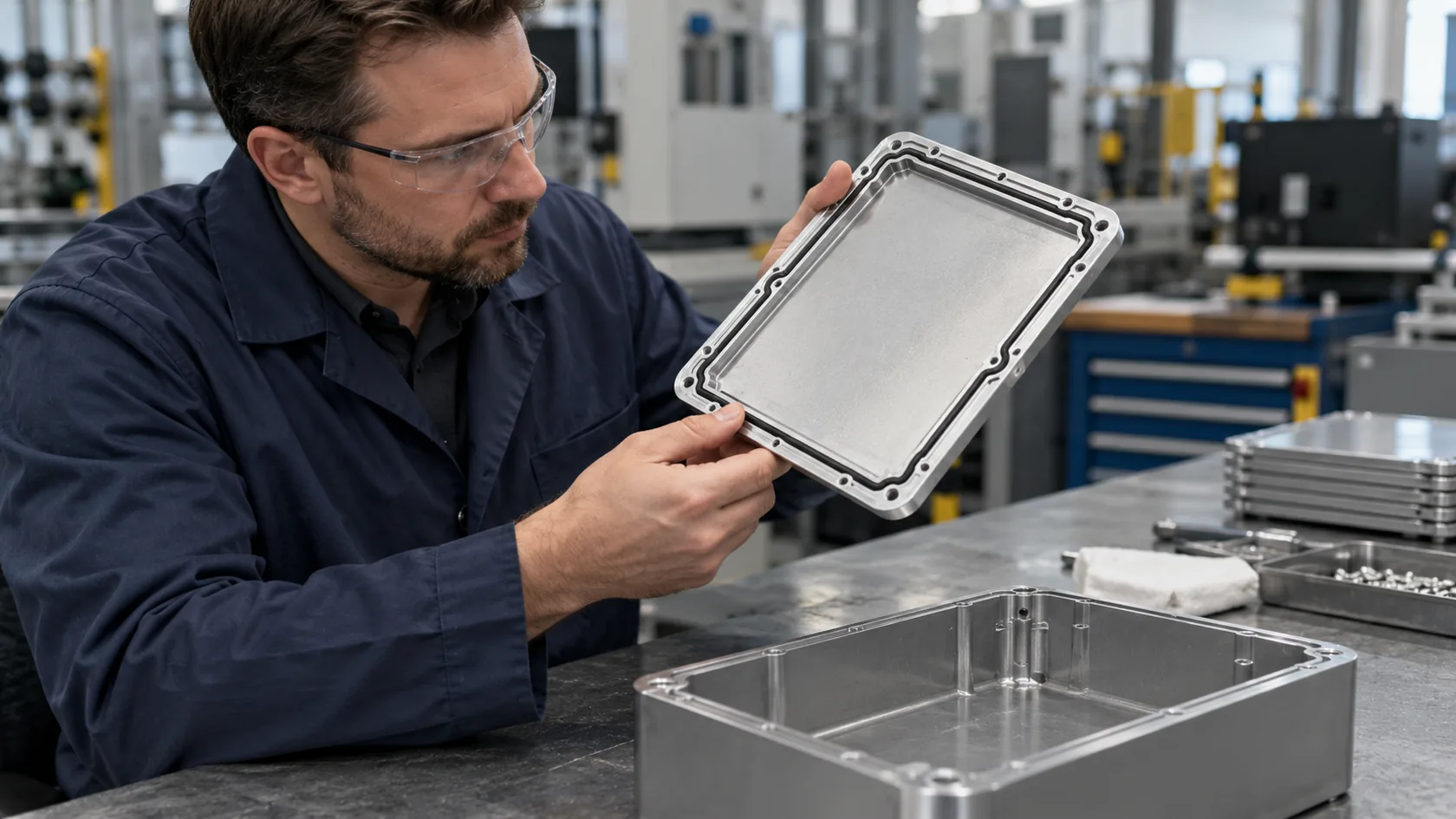
The detail many people underestimate is gasket quality. A nice aluminum door with a poor gasket will fail faster than a cheaper box with a solid seal.
Sometimes my harshest judgment is on something that looks small: if I do not trust the gasket or the way the door compresses it, I treat the claimed IP rating as wishful thinking, not reality.
When you understand the enclosure, the next natural question is: what actually lives inside this box and does the thinking? That is where we move from “shell” to “brain.”
What Is a Control Panel?

A control panel is not just a box. It is a complete assembled system inside the box. It decides when motors run, which valves open, which alarms trigger, and how your process behaves.
Key Features and Role
In most projects I see, the control panel:
- Takes in power and signals
- Processes logic through devices like PLCs or relays
- Sends commands to actuators, drives, and field devices
You can think of it this way:
- Enclosure = body
- Control panel = body + nervous system
Key roles of a control panel:
- Automation control – PLC, microcontroller, or relays implement logic
- Power distribution – circuit breakers, fuses, contactors
- Human interaction – HMI screens, push buttons, signal lamps
- Protection and diagnostics – overload relays, fault indication, alarms
When a buyer writes “control panel” on a drawing, I know we are talking about function, not just housing.
Components Inside a Control Panel
Typical devices I see on DIN rails or mounting plates:
- PLCs and I/O modules
- Relays and contactors
- MCBs, MCCBs, fuses
- Terminal blocks and wire ducts
- Power supplies and surge protectors
- HMI screens, selector switches, lights
Typical control panel layout elements
| Area | Main Content | Design Concerns |
|---|---|---|
| Top section | Power entry, main breakers | Clearance, safe isolation |
| Middle section | PLC, relays, I/O, terminal blocks | Signal routing, labeling, EMI |
| Bottom section | Cable glands, field wiring terminals | Strain relief, service access |
| Door | HMI, buttons, indicators | Ergonomics, ingress protection |
Good wiring and layout are not just about aesthetics. They decide:
- How fast a fault can be found
- How easy it is to add one more device later
- How safe the panel is during maintenance
What often influences my confidence in a panel design is not the big brand logo on the PLC; it is whether the designer respected small things like bend radius, wire duct fill, and space around terminals for human fingers.
Types of Control Panels
In my work with different industries, I usually deal with these types:
Motor Control Centers (MCC)
- Group of motor starters, drives, protection devices
- Used in factories, pumping stations, HVAC plants
Industrial Automation Panels
- PLC-based, with mixed I/O
- Used in production lines, packaging, robotics
HVAC Control Panels
- Fans, pumps, dampers, temperature and pressure control
- Often need integration with BMS or remote monitoring
Quick comparison of panel types
| Panel Type | Main Focus | Typical Buyer Concern |
|---|---|---|
| MCC | Motor protection & control | Reliability and downtime |
| Automation panel | Process logic & flexibility | Change requests and updates |
| HVAC control panel | Comfort & energy use | Stability and maintenance |
Once we talk about real control panels, cost, documentation, and responsibility grow very quickly. That is why the line between “panel” and “enclosure” matters so much in real projects.
The funny thing is, on paper, a complex panel and a simple enclosure can share the same outer dimensions. The real difference only appears when we ask, “What exactly is happening inside this box?”
Major Differences Between Control Panels and Enclosures

This is the part many drawings do not say clearly enough. The size looks similar. The shape looks similar. But the scope of work is completely different.
Functionality Comparison
- An enclosure is passive.
- A control panel is active.
The enclosure:
- Shields components from the environment
- Reduces electric shock risk
- Offers mechanical support
The control panel:
- Performs logic and decision making
- Distributes and protects power
- Interfaces with operators and field devices
If a buyer tells me, “We will do all wiring ourselves,” I know they are mainly buying an enclosure and maybe some mechanical options. If they say, “We need it wired, tested, and ready to use,” that is a control panel.
Construction and Customization
A simple way to picture the difference:
Enclosure
- Empty shell, sometimes with mounting plate or rails
- Customization = cutouts, size, color, logo, gasket, bracket
Control panel
- Enclosure plus internal components and wiring
- Customization = electrical design, bill of materials, layout, documentation, test procedures
Scope comparison
| Aspect | Enclosure Only | Control Panel |
|---|---|---|
| Mechanical design | Dimensions, mounting, cutouts | Same as enclosure plus internal layout |
| Electrical design | Usually none | Full schematics, I/O list, BOM |
| Assembly | Fabrication, machining, coating | Fabrication plus wiring and testing |
| Documentation | Basic drawings | Full wiring diagrams and labels |
What quietly guides my pricing decisions is very simple: if the drawing tells me how each wire should connect and how the panel should be tested, I am no longer quoting an enclosure; I am quoting responsibility.
Engineering Requirements
For enclosures, engineers focus on:
- Dimensions and tolerances
- Material and thickness
- Mounting method
- Protection rating (IP / NEMA)
- Cutouts and holes
For control panels, engineers must also handle:
- Single-line diagram and detailed schematics
- Cable sizing, short-circuit levels, protection coordination
- Separation of power and control circuits
- EMC, grounding, shielding
- Labeling and documentation for maintenance
This is why you rarely see a control panel project “finished” only with a DXF file and a 3D model. You also need:
- Wiring diagrams
- Terminal plans
- I/O lists
- Test reports
So even if the photo looks like “a metal box with some wires,” the hidden intellectual work behind a true control panel is huge compared with a custom enclosure.
If you understand this gap, the next question becomes much easier to answer: for your project, which one do you really need, and when?
Use Case Scenarios: When to Use Which

I often help buyers decide this in the simplest way possible: we walk through real use cases. Once we put the box into a real room, on a real wall, with a real installer, the choice usually becomes very clear.
If You Only Need Protection
Some projects only need a safe space for connections or a PCB.
Typical examples:
- Junction box for field wiring
- Simple distribution point with terminals and a few breakers
- Electronics enclosure for a custom board, wired by the customer
Here, it makes sense to buy only the enclosure and keep internal wiring and components in-house.
Good fits for enclosure-only:
- Your team already has electricians or panel builders
- You need flexibility to change internal parts later
- You want to control component brands and stock yourself
Simple “protection-only” decision hints
| Situation | Likely Better Option |
|---|---|
| Just need safe cable terminations | Enclosure only |
| Internal PCB fully assembled by you | Enclosure only |
| Quick local modifications expected | Enclosure only |
| No internal power distribution needed | Enclosure only |
One thought I share with many buyers is this: if your internal wiring is simple enough that a good electrician can finish it in a day, paying for a full external control panel often does not make sense.
If You Need System Control
On the other hand, some projects are obviously “panel territory” from the beginning:
- Multiple motors with interlocks and safety chains
- Complex HVAC systems with sensors and dampers
- Production lines with sequences, alarms, and recipes
In these cases, a control panel is not a luxury; it is the central nervous system of your process.
Good fits for full control panels:
- You want a tested, ready-to-run system when it arrives
- You need certified assemblies (UL, CE, etc.)
- You have limited in-house electrical design capacity
- You want a single point of responsibility for wiring and testing
Simple “control needed” decision hints
| Situation | Likely Better Option |
|---|---|
| Complex start/stop logic | Control panel |
| Safety interlocks and emergency stops | Control panel |
| Integration with PLC / SCADA | Control panel |
| Strict certification and documentation | Control panel |
What often persuades me to recommend a full control panel is the risk profile: if a wiring mistake can stop a production line, damage expensive machinery, or create a safety hazard, the cost of a panel builder is usually cheaper than one serious failure.
Hybrid Use Cases
Many real projects sit somewhere in between:
- You buy custom enclosures from a supplier like us
- You or your local partner build the control panel inside
Or:
- We supply mechanically optimized enclosures with mounting plates, rails, and cutouts
- Your panel builder handles the wiring and testing closer to the final site
There are also cases where a simple panel is field-assembled inside a standard enclosure:
- Small PLC and a few relays installed by local electricians
- Retrofit projects where existing enclosures are reused
In hybrid setups, clarity is critical:
- Who chooses the internal components?
- Who designs the schematics?
- Who is responsible if something fails?
A small confusion at this stage becomes a big argument later, so I try to over-communicate this part in emails.
Once we know the use case, the next practical step is to talk about customization: what exactly needs to be “yours” and not just generic catalog hardware?
Customization Considerations for Buyers

Customization is where many of my projects become fun—and dangerous at the same time. It is fun because we can really match the hardware to the product. It is dangerous because every custom step can add cost, delay, or risk if we are not careful.
For Control Panels
When we talk about customized control panels, we normally mean:
- Custom wiring diagrams and logic
- Specific brands of components (Siemens, Schneider, etc.)
- Unique labeling and color codes
- Special documentation and testing
Key items we need from buyers:
- Single-line diagram or at least a block diagram
- I/O list and control philosophy
- Preferred component brands
- Standards to follow (UL, IEC, CE, etc.)
Typical control panel customization checklist
| Area | Example Customization |
|---|---|
| Logic & wiring | PLC program structure, relay logic |
| Components | Brand, series, approvals |
| Labeling | Tag numbers, multi-language labels |
| Testing | FAT, routine tests, insulation resistance |
| Documentation | As-built drawings, manuals, test reports |
What I usually warn customers about is simple: every extra line on the specification will demand extra time and focus later, so it should earn its place by reducing risk or saving cost somewhere else.
For Enclosures
For enclosures, the customization is more physical and visual:
- Material and thickness
- Dimensions and mounting style
- Cutouts for connectors, fans, HMIs, and buttons
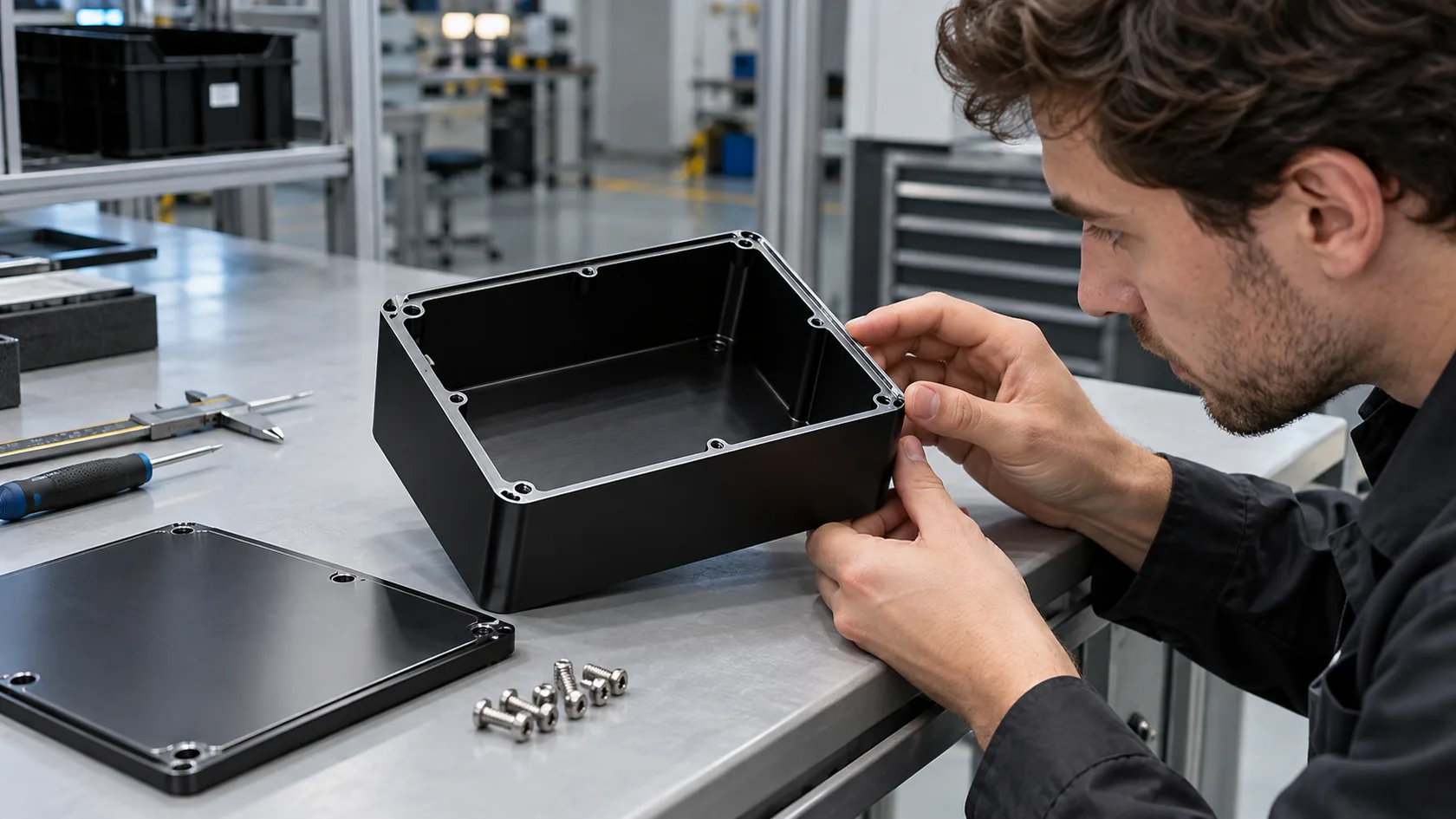
- Surface finish (powder coating, anodizing, brushing)
- Logo printing, engraving, or labels
- Special requirements for heat dissipation or shielding
At MaidaTech, most of our daily work looks like this:
- Take the customer’s 3D model or 2D drawing
- Check manufacturability and possible weak points
- Optimize bends, radii, screw positions, and tolerances
- Add branding elements and packaging details
Typical enclosure customization options
| Category | Options |
|---|---|
| Material | 5052/6061 aluminum, steel, stainless, ABS |
| Finish | Powder coat, anodize, sandblast, brush |
| Branding | Silk print, laser engraving, stickers |
| Mechanical | Standoffs, hinges, locks, handles, brackets |
| Thermal | Vent cutouts, louvers, heatsink integration |
In many OEM projects, the enclosure is visibly part of the product. That means color, surface, and logo matter almost as much as size.
One thing I pay close attention to before I lock a design is this: if the enclosure becomes scratched or slightly dented in normal handling, will the product still feel “premium” to the end user, or will it suddenly look cheap? That answer tells me if our material and finish choices are right.
When customization is clear, buyers quickly move to the next big question: “How much will this cost, and how long will it take?” That is where expectations must be very honest.
Cost and Lead Time Comparison

From the outside, a finished control panel and a bare enclosure can look like cousins. On the quotation sheet, they are not even from the same family. The hidden work behind them is very different.
Factors Influencing Price
For enclosures, price depends mainly on:
- Material type and thickness
- Size and complexity of bends
- Number and type of cutouts
- Surface finish
- Quantity and packing requirements
For control panels, price also includes:
- Engineering hours for design and documentation
- Internal components (brand, rating, approvals)
- Wiring labor and inspection
- Testing and certification costs
Cost focus comparison
| Cost Driver | Enclosure Only | Control Panel |
|---|---|---|
| Sheet / material | Major | Moderate |
| Machining & bending | Major | Moderate |
| Components | Minor (locks, hinges) | Major (breakers, PLCs, relays) |
| Engineering | Low | High |
| Wiring labor | Almost none | High |
| Testing | Minimal | Significant |
From a supplier’s point of view, I treat an enclosure mainly as a material and process calculation, but a control panel as a mix of engineering service, component trade, and risk management.
Typical Production Timelines
These are rough ranges I often work with (they change depending on quantity and complexity):
Custom enclosures
- Sampling: about 5–15 days
- Mass production: 15–25 days after approval
Control panels
- Engineering and approval: 1–3 weeks
- Production and testing: 2–4 weeks
- Total lead time: often 20–40 days or more
Example timeline comparison
| Project Type | Engineering Time | Production Time | Total Typical Lead Time |
|---|---|---|---|
| Simple custom enclosure | 2–3 days | 10–15 days | 12–20 days |
| Medium control panel | 1–2 weeks | 2–3 weeks | 3–5 weeks |
| Complex panel system | 3+ weeks | 4+ weeks | 7+ weeks |
One thing I encourage buyers like Jackson to think about is this: saving a few days on design almost always costs more time later on the shop floor, so rushing drawings is usually the most expensive “shortcut” in a project.
Once cost and timing are clear, there is still another problem I see again and again: misunderstandings that start small but hurt badly later.
Common Buyer Mistakes and Misunderstandings

Some of the most painful emails I receive do not come from bad intentions. They come from small misunderstandings that grew quietly.
Mistaking an Enclosure for a Finished System
This happens when:
- The buyer orders a “box with cutouts”
- The internal wiring and components are shown on their own drawings
- Someone in their company assumes it will arrive ready to power on
Suddenly:
- The panel shop expected only metalwork
- The project manager expected a working control system
- The installation date arrives, and nothing works
To avoid this, I always push for one clear sentence in early emails:
- “Do you want enclosure only or complete wired panel?”
If that sentence is missing, someone will guess, and those guesses are rarely aligned.
What often tells me trouble is coming is a simple mismatch: when the specification uses control-panel language but the budget number is clearly only enough for an enclosure, I know expectations are not living in the same world.
Over-Engineering a Simple Enclosure
I also see the opposite mistake: a very simple job becomes heavy, slow, and expensive because it is treated like a big system.
Examples:
- Adding unnecessary modular rails and complex brackets for a small PCB
- Insisting on stainless steel in a clean indoor office environment
- Demanding very high IP ratings where basic protection would be enough
Result:
- Higher cost
- Longer lead time
- More difficult assembly for no real gain
Signs you might be over-engineering
- The internal components are cheaper than the enclosure itself
- The environment is clean, but the spec says stainless + IP66
- The drawing shows more mechanical parts than actual electronics
Ignoring Compliance Requirements
Sometimes a buyer focuses on:
- Size
- Color
- Cost
…and forgets:
- UL or CE requirements
- NEMA or IP ratings
- Cable entry types and standards
For some markets, this does not matter much. For others, it blocks the entire project.
Key questions that should be answered early:
- Does the final assembly need UL or CE marking?
- Are there national or industry standards for this product?
- Do you need specific IP / NEMA ratings on the label?
What I see go wrong most often is this: compliance is treated as “paperwork at the end” instead of a design input at the beginning, and then everyone is surprised when they must redesign the box or panel to pass a test.
Once we recognize these common mistakes, the natural question is: how can a factory like ours actually help you avoid them and move faster instead of slower?
How MaidaTech Helps OEM and ODM Buyers

My role at MaidaTech is not only to sell metal boxes. It is to translate between your drawings, your market, and our workshop. When we do that translation well, both enclosures and panels become easier.
Enclosure Custom Services
For many OEM customers, the enclosure is the “face” of their product. We support them with:
- Custom aluminum and sheet-metal housings
- Cutouts for connectors, fans, and displays
- Surface finishes that match their brand language
- Logo printing or engraving for clean branding
- Thermal design help, such as vent placement or heatsink integration
Example: Davide’s IP65 aluminum enclosure
For one Canadian customer similar to Davide, we worked on:
- IP65 aluminum enclosure for outdoor industrial use
- Custom size to fit their proprietary PCB
- CNC cutouts for connectors and cable glands
- Powder coating in their brand color
- Laser-engraved logo on the front panel
This kind of project is still “enclosure work,” but with a lot of attention to details that support their own system.
What usually guides my decisions in such projects is this question: “If I remove our logo and put the customer’s logo on it, does the enclosure still look like it was always meant to belong to their product?” If the answer is yes, we are on the right track.
Control Panel Integration Support
We are not a full EPC contractor, but we help a lot with panel-related details around the enclosure:
- Designing mounting plates for PLCs, terminal blocks, and power supplies
- Optimizing the position of HMIs, buttons, and indicators on doors
- Reserving space and patterns for heatsinks, fans, or PSUs
- Discussing cable routing and gland locations with the client’s engineers
For some customers, we also supply:
- Pre-assembled sub-plates
- Custom brackets or busbar supports
- Prototypes for fit and function before full panel build
Collaboration style
| You Provide | We Provide |
|---|---|
| PCB / component layout | Standoffs, cutouts, plate design |
| Control philosophy and schematics | Suggestions on mounting and cooling |
| Brand requirements | Color, finish, logo implementation |
| System envelope constraints | Enclosure sizing and optimization |
Case Study Examples
Davide’s project
- Need: outdoor IP65 aluminum enclosure with clear branding
- Our role: optimize enclosure size, sealing, gland layout, and logo engraving
- Result: rugged housing that his own team could wire and certify locally
John’s mini control box redesign
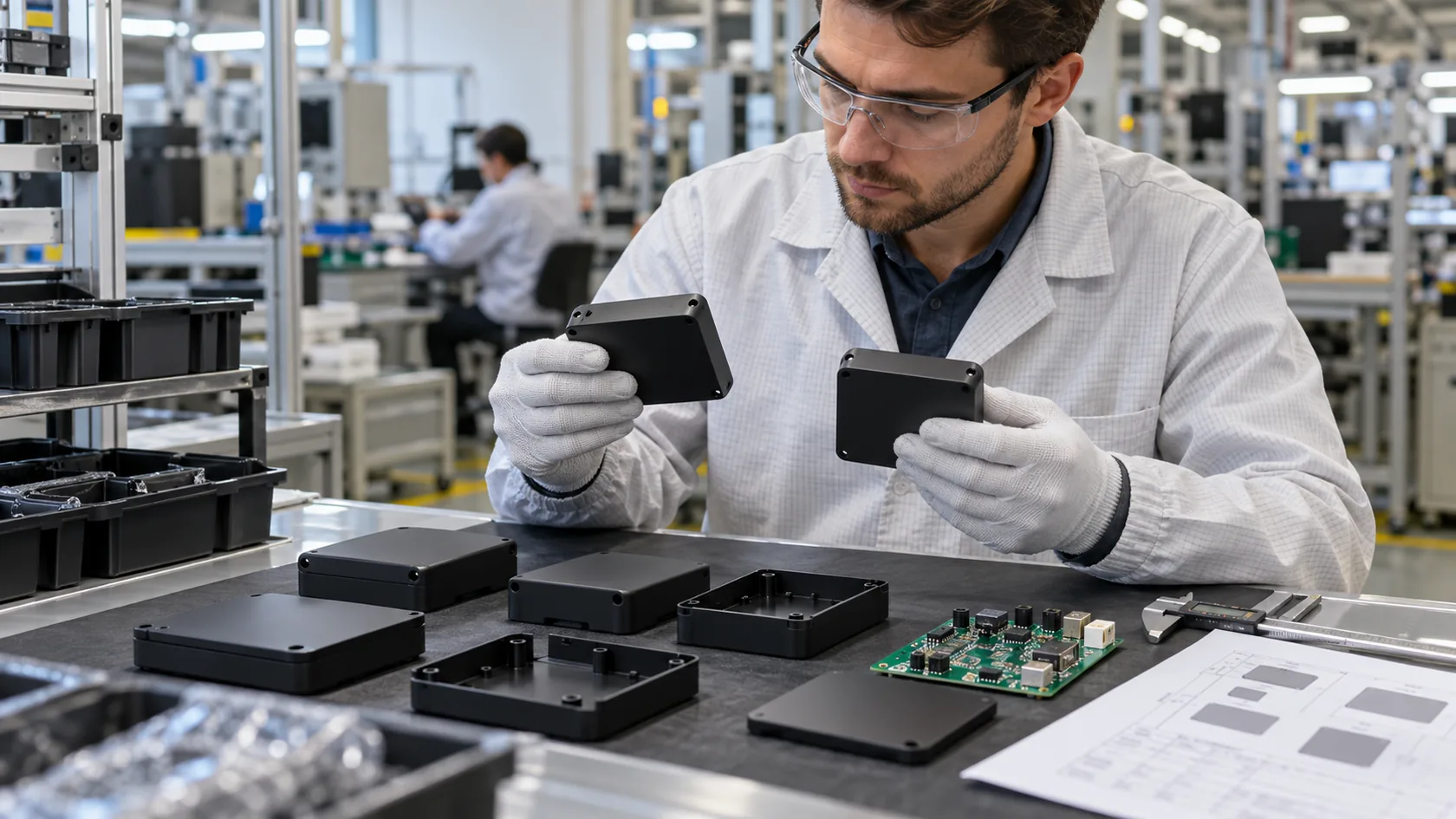
- Need: enclosure for a custom board, similar to a Raspberry Pi case but re-designed for his project
- Our role: adjust port locations, add board-mount slots, design cover and base with easy assembly for small batches
- Result: an enclosure that felt “off-the-shelf” to his users but was completely unique to his project
A question I keep in my head whenever I review these kinds of projects is: “If I were in their shoes, would I trust this enclosure or panel to carry my brand in front of my own customers?” If I cannot say yes, I know we still have work to do.
Now that you have seen how I separate and combine these ideas in real work, it is time to wrap everything together and explain why I take this approach so seriously.
Conclusion
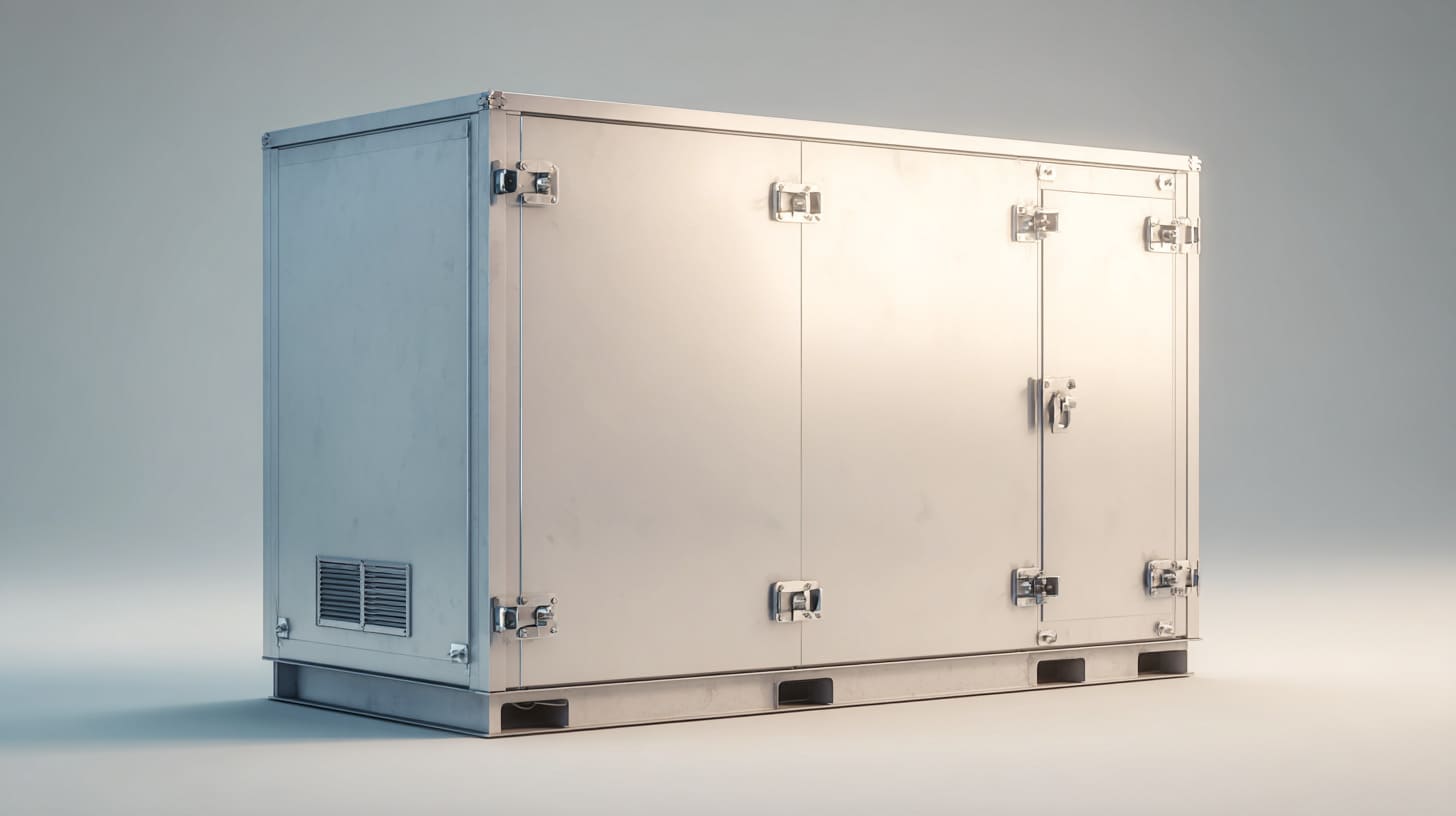
When I look at an order request, I am not just seeing metal thickness, IP ratings, or the number of cutouts. I am trying to understand what role this box plays in your business.
Over the years, I have seen two types of pain:
- People who needed only an enclosure but paid for a full panel.
- People who needed a real control panel but only bought a box.
Both situations cost time, money, and trust. That is why I keep pushing this simple separation in my own head:
- Enclosure = protection, appearance, mounting, branding
- Control panel = logic, power, documentation, responsibility
I see things this way because I sit between your design desk and the factory floor every day. I hear the engineer saying, “This must not fail in the field,” and I also hear the buyer saying, “We must control cost and lead time.” My job is to balance these voices without pretending they want the same thing.
So when I say, “Let’s first decide if this is an enclosure or a control panel,” it is not a theoretical question. It is the fastest way I know to:
- Protect your project schedule
- Avoid unpleasant surprises in the quote
- Choose the right level of customization
- Decide who should carry which part of the risk
If you are working on a new OEM product, a custom board, or a small system that needs a housing, I am happy to help you think through this from the beginning. We can start with something as simple as:
- Your use case
- Your environment
- Your in-house capabilities
From there, we can decide together whether you need only a smart, well-designed enclosure, or whether it makes more sense to move toward a more complete panel solution with clear responsibilities.
If you want to discuss a project or send a drawing, you can always reach me at info@maidatech.com or through our website maidatechenclosure.com. Tell me what you are trying to protect, what you are trying to control, and what you are worried about. Then we can build the right “box” for your idea—whether it is just the body, or the body plus the brain.