Skip to content
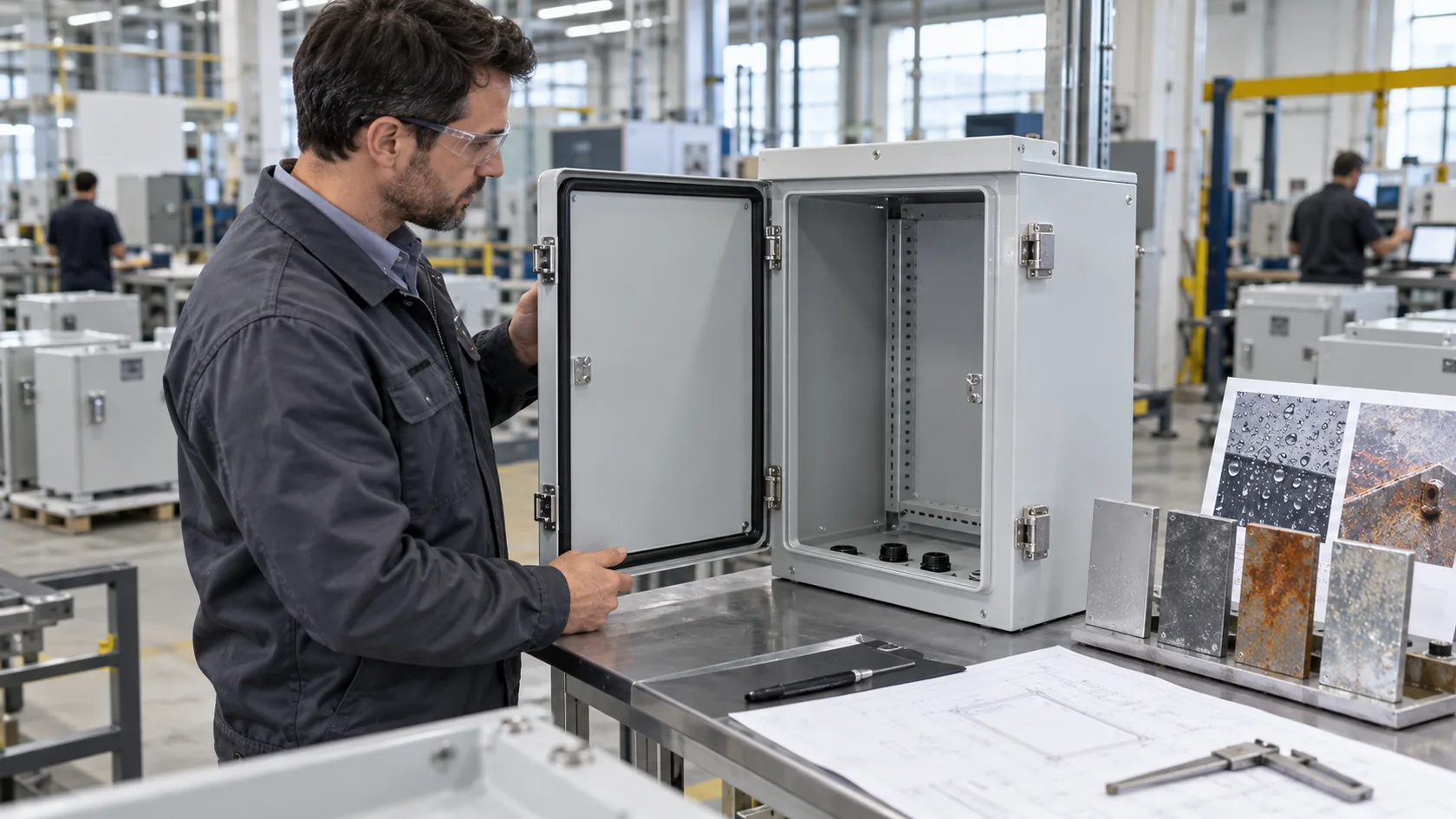
A custom enclosure can look very calm from the outside.
A clean box.
A few screw holes.
A smooth surface.
A nice logo.
Maybe black powder coating. Maybe natural anodized aluminum.
Everything looks under control.
But heat does not care about the nice surface.
Heat works quietly inside the enclosure. It comes from the PCB, power module, processor, driver board, relay, battery, or other components. It may start small. It may not look dangerous during the first test. But after hours, days, and months, it starts to show its teeth.
I have seen this many times in custom enclosure projects. A buyer may send us a drawing and ask one simple question:
“Can we make this case in plastic to reduce cost?”
That is a fair question. I understand cost pressure very well. Every project has a budget. Every buyer needs to control price. But sometimes, the cheaper material becomes expensive later.
For me, heat is not a small detail at the end of enclosure design. Heat is one of the first things I check before I feel comfortable with the material choice.
Because an enclosure is not only a cover.
It is a small room for electronics.
And if that small room becomes too hot, everything inside starts to suffer.
This article is about what happens when heat is ignored in enclosure material selection. I will not talk like a textbook. I will talk from the view of real projects, real buyers, and real mistakes that can quietly turn into returns, complaints, and redesign costs.
Why Is Heat Often Ignored in Enclosure Material Selection?
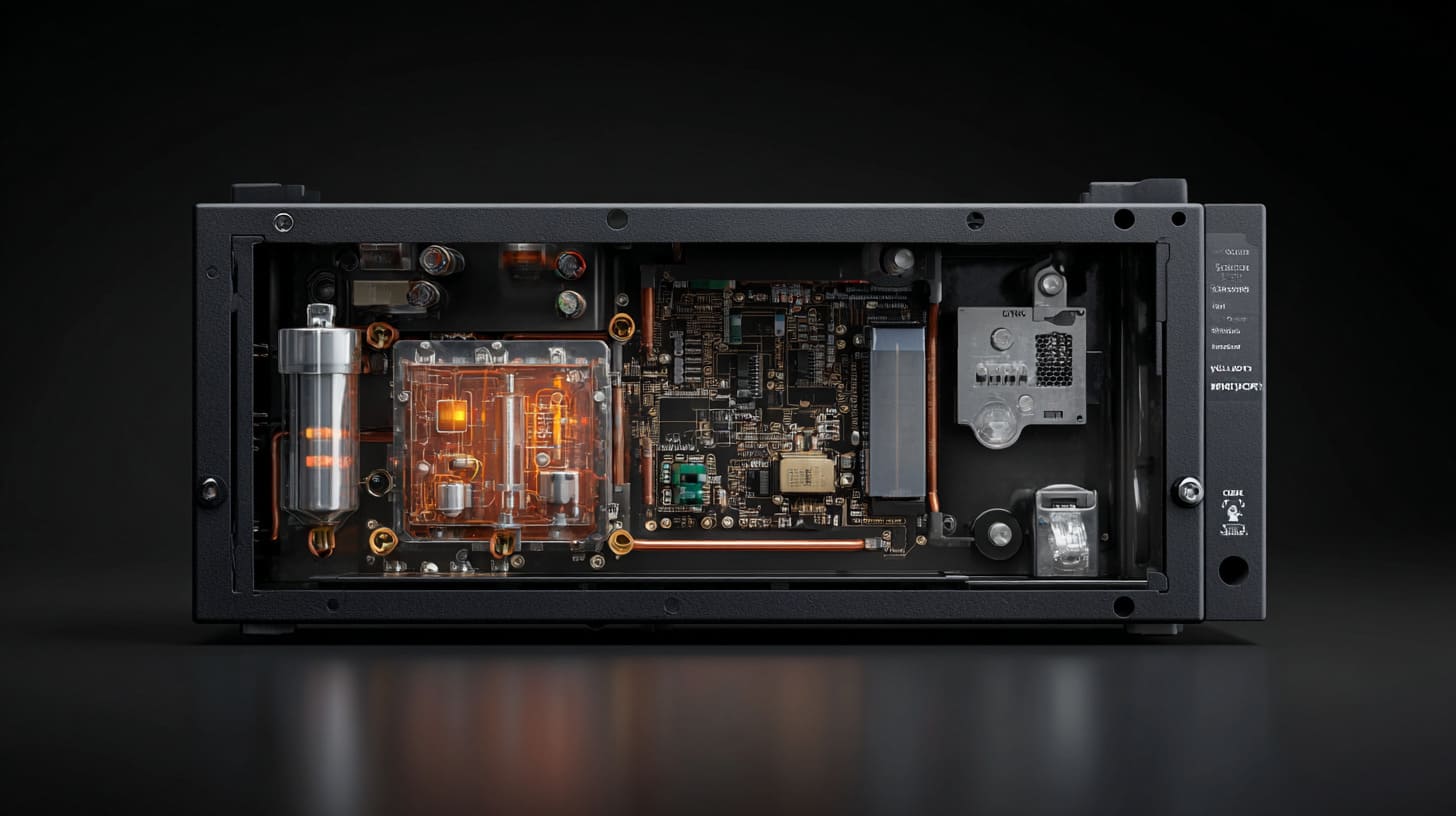
Heat is often ignored because it does not appear clearly on the first drawing.
A drawing shows length, width, height, wall thickness, hole position, mounting points, and surface finish. A 3D render shows color and shape. A sample shows fit and appearance.
But heat?
Heat is not easy to see.
A buyer may hold the sample in his hand for two minutes and say, “It looks good.” The problem is that most overheating issues do not happen in two minutes. They happen after the product runs for eight hours in a cabinet, beside a machine, under sunlight, or inside a dusty room with poor airflow.
When I review an enclosure project, I do not only ask whether the material can be made. I ask whether the material can live with the heat after the product starts working.
Focus on Cost Over Performance
Cost is usually the first reason heat gets ignored.
Plastic looks attractive because it is often cheaper than aluminum. It is lighter. It can be molded well. It can also be a good choice for many electronic products.
But plastic is not always the right choice.
The danger comes when the buyer compares only the unit price.
| Buyer’s First Thought | Hidden Question I Prefer to Ask |
|---|---|
| Plastic is cheaper | Will it trap too much heat? |
| Aluminum is more expensive | Can it reduce failure risk? |
| The product only needs a box | Does the box also need to help cooling? |
| The PCB passed testing | Was it tested inside the final enclosure? |
| We need to save cost | Are we saving cost or moving cost into after-sales problems? |
I once saw a project where the buyer wanted a plastic case for a small control device. The board had a power component near one side. In open air, the temperature looked acceptable. After the board was placed inside a compact enclosure, the hot area became much worse.
The buyer was not careless. He just tested the board like a board, not like a finished product.
That small difference matters.
Over-Reliance on Visual and Structural Design
Many enclosure discussions start with visible details.
The buyer says:
- “Can the logo be printed here?”
- “Can the surface be matte black?”
- “Can this corner be more rounded?”
- “Can we move this hole 2 mm?”
- “Can the wall be thicker?”
These details are important. I care about them too. A poor-looking enclosure hurts the product. A wrong hole position can ruin assembly. A bad logo makes the brand look cheap.
But visual quality cannot cancel thermal risk.
A beautiful enclosure can still be a hot enclosure.
Misunderstanding of Real Operating Conditions
The biggest misunderstanding is this:
“If it works in testing, it will work in real use.”
Not always.
Testing is often cleaner than real life.
| Testing Condition | Real Working Condition |
|---|---|
| Room temperature | Hot warehouse or outdoor box |
| Open table | Closed cabinet or machine housing |
| Short test time | Long working hours |
| Clean environment | Dust, oil, and blocked vents |
| One device running | Many devices working together |
A Raspberry Pi case is a simple example.
A Raspberry Pi board may run fine on a desk. But if it is inside a small sealed enclosure, with no heat sink, no airflow, and continuous operation, the temperature can rise quickly. If the customer later adds more modules, the heat becomes worse.
This is why I always ask about the real use scene.
Not only the product size.
Not only the color.
Not only the quantity.
The next problem is more interesting. Once heat starts building inside the enclosure, it does not spread politely. It finds weak spots.
What Happens Inside an Enclosure When Heat Builds Up?
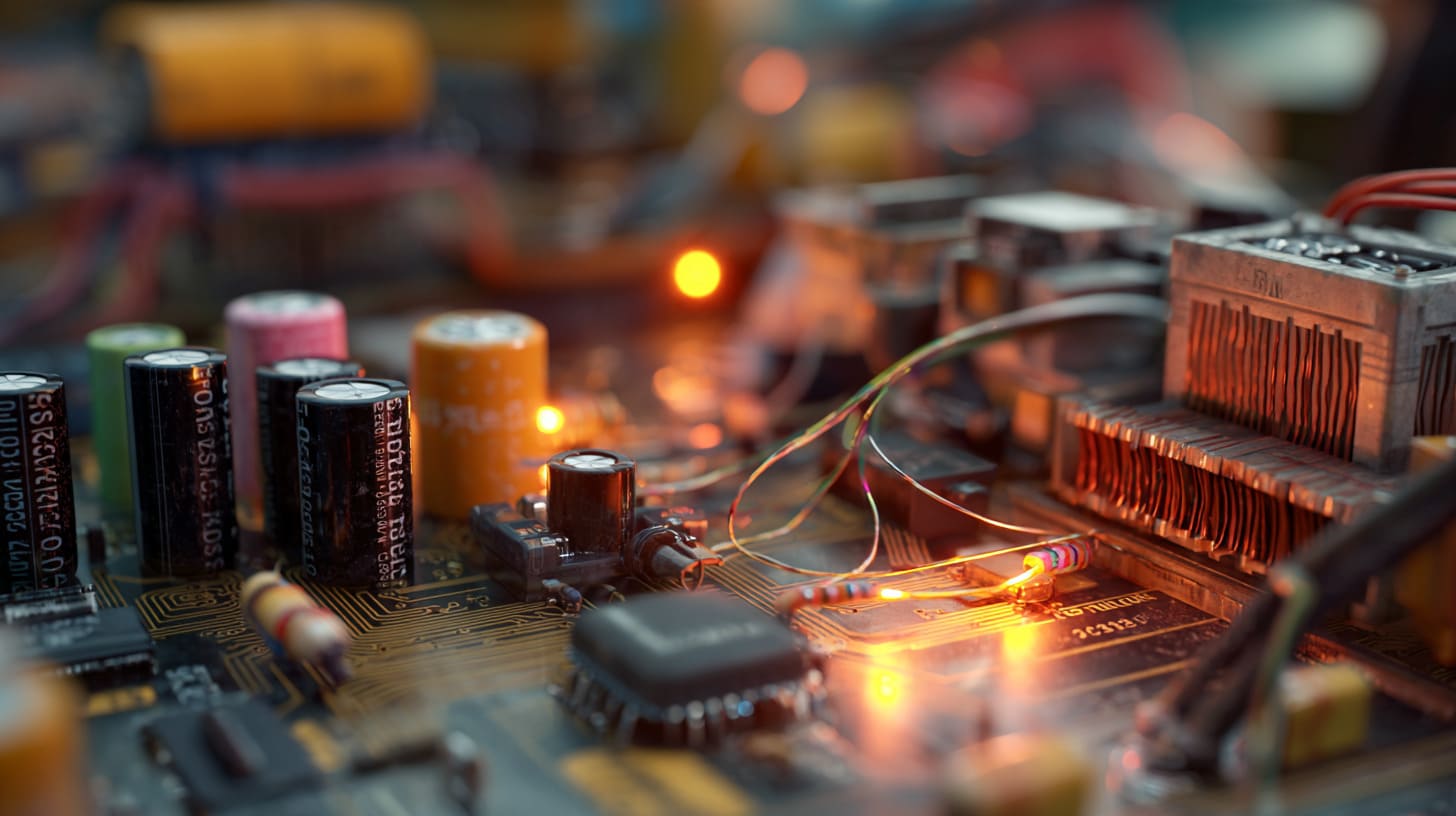
Heat inside an enclosure behaves like a quiet guest who refuses to leave.
At first, it sits near the hot component. Then it spreads. Then the whole internal space becomes warmer. If there is no good path for the heat to escape, the enclosure slowly turns into a small oven.
This is why some products pass early testing but fail later in real use.
The part I watch carefully is not only the highest temperature. I also watch where the heat stays, because a small hot corner can damage one part even when the whole enclosure feels normal outside.
Heat Accumulation and Thermal Saturation
Every electronic component produces some heat during operation.
Some parts produce only a little. Some parts produce a lot.
Common heat sources include:
- Processors
- Power supply modules
- Voltage regulators
- Motor drivers
- LED drivers
- Batteries
- Relays
- Wireless modules
- High-current connectors
When heat generation is higher than heat dissipation, the internal temperature rises.
At some point, the enclosure reaches thermal saturation. That means the enclosure can no longer release heat fast enough. The inside temperature stays high.
This is dangerous because the product may not fail right away.
It may simply age faster.
Lack of Airflow and Heat Escape Paths
Airflow is easy to forget.
A closed enclosure looks clean. It protects the internal parts. It may also support dust resistance or water resistance. But when a case is fully sealed, heat has fewer escape routes.
| Design Choice | Benefit | Heat Risk |
|---|---|---|
| Fully sealed enclosure | Better dust and splash protection | Heat may be trapped |
| Small size | Compact and neat | Less internal air volume |
| Thick plastic wall | Stronger structure | Lower heat transfer |
| No vents | Cleaner appearance | Poor airflow |
| Internal board close to wall | Saves space | Hot spot may form |
This is where trade-off thinking matters.
A vent may improve cooling, but it may reduce protection. A sealed structure may protect from dust, but it may trap heat. Aluminum may help spread heat, but it may cost more.
There is no magic answer.
There is only a better fit for the real use condition.
Thermal Stress on Internal Components
Heat does not only make parts hot.
It also creates movement.
Materials expand when heated and contract when cooled. If the product turns on and off every day, the parts go through repeated heat cycles. Over time, this can create stress.
Small problems can appear:
- Screws loosen slightly
- Plastic clips become weak
- Solder joints face stress
- Gaskets lose performance
- Adhesive tapes become less reliable
- Internal parts shift or deform
One small heat cycle is not scary.
Thousands of heat cycles are different.
I like to think of heat as water dripping on stone. One drop means nothing. Many drops change the surface.
And once the internal components begin to suffer, the enclosure problem becomes a product reliability problem.
How Does Heat Affect Electronic Components Over Time?
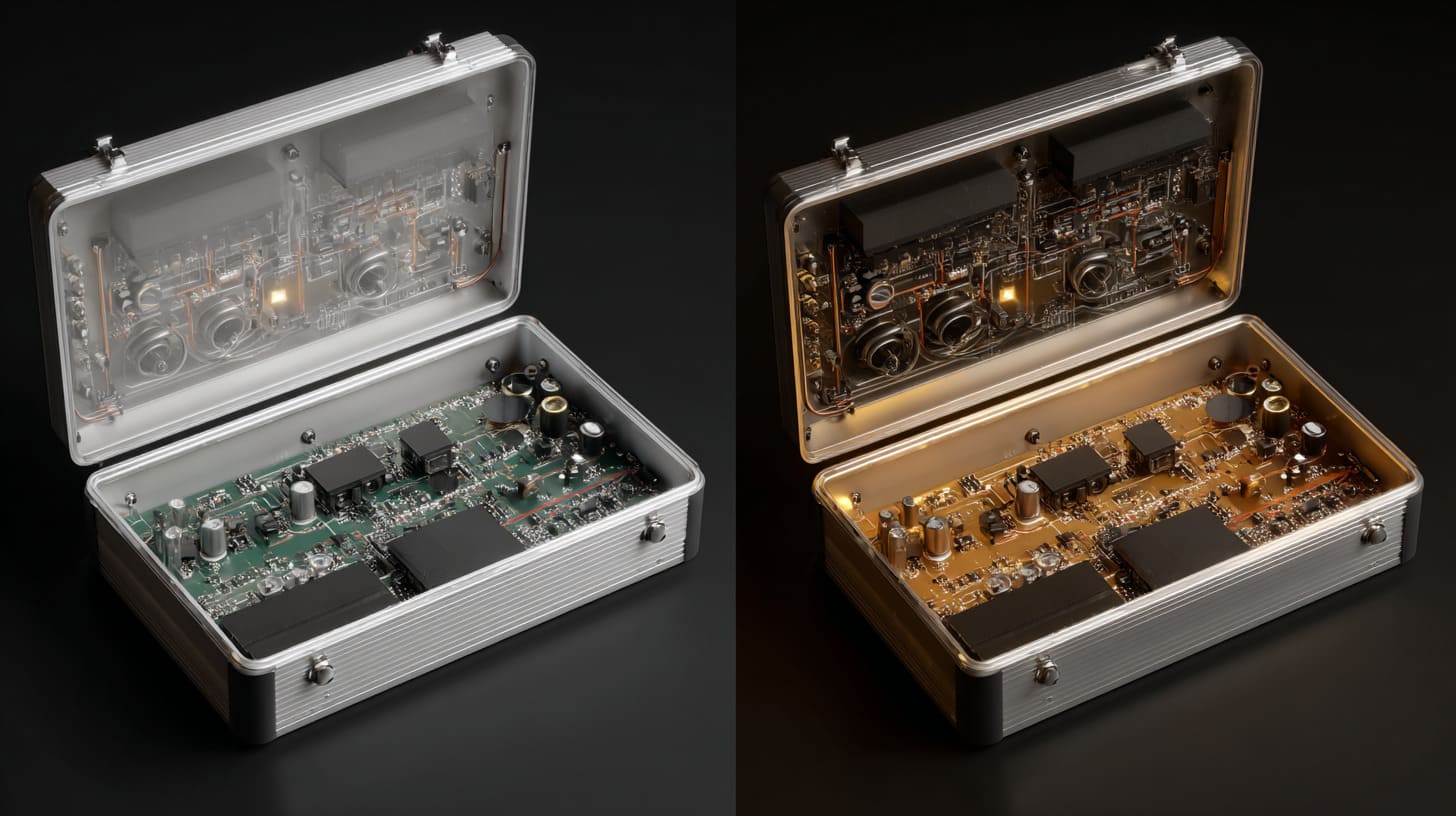
Electronic components do not like heat.
They may tolerate heat. They may survive heat. But they do not enjoy it.
A product can still turn on while heat is quietly cutting its life shorter. That is the tricky part. The buyer may think everything is fine because the device works today. But the real question is whether it will still work after months of continuous use.
I usually treat heat like interest on debt. If the design borrows too much from component tolerance today, the project may pay back with failures later.
Reduced Lifespan of Components
Many electronic parts age faster at higher temperatures.
Capacitors are a common example. A capacitor near a hot area may dry out faster. Power components may also face higher stress. Connectors and wires can become less stable if the local temperature stays too high.
The buyer may not see this during sample approval.
But after shipping, users may start to report strange failures.
| Component Area | Possible Heat Effect |
|---|---|
| Capacitors | Shorter life, unstable power behavior |
| IC chips | Higher stress, possible malfunction |
| Connectors | Contact issues, material aging |
| Batteries | Safety and life concerns |
| Plastic parts | Softening, deformation, weak clips |
| Adhesive parts | Peeling or weak bonding |
A good enclosure does not only hold the PCB.
It helps the PCB survive.
Performance Instability
Heat can also reduce performance.
For computing devices, heat may cause throttling. The device slows down to protect itself. For control electronics, heat may create unstable signals. For wireless products, heat may affect module behavior. For power devices, heat can reduce efficiency.
This kind of failure is annoying because it is not always clear.
The customer may say:
- “Sometimes it restarts.”
- “Sometimes the speed drops.”
- “Sometimes the signal is unstable.”
- “It works in our office, but not at the customer site.”
- “It fails after running for several hours.”
These are painful problems.
They are hard to explain. They are hard to reproduce. They create long email chains and unhappy customers.
Increased Risk of Sudden Failure
Some heat problems are slow.
Some are sudden.
If the internal temperature goes too high, the device may shut down. In worse cases, components may suffer permanent damage.
This is where a small material decision can become a big business problem.
A failed product does not fail alone. It brings other costs with it.
| Failure Type | Business Impact |
|---|---|
| Device shutdown | Customer loses trust |
| Permanent PCB damage | Replacement cost increases |
| Deformed enclosure | Product looks low quality |
| Burn marks or smell | Safety concern appears |
| Repeated unstable use | More support time needed |
For B2B buyers, this is not only a technical issue.
It is a brand issue.
If Jackson sells a product with his logo on it, the end customer does not blame the material supplier first. The end customer blames Jackson’s brand.
That is why the enclosure material choice matters more than it looks.
And this brings us to the next question: why does material make such a big difference?
How Does Enclosure Material Directly Impact Heat Management?
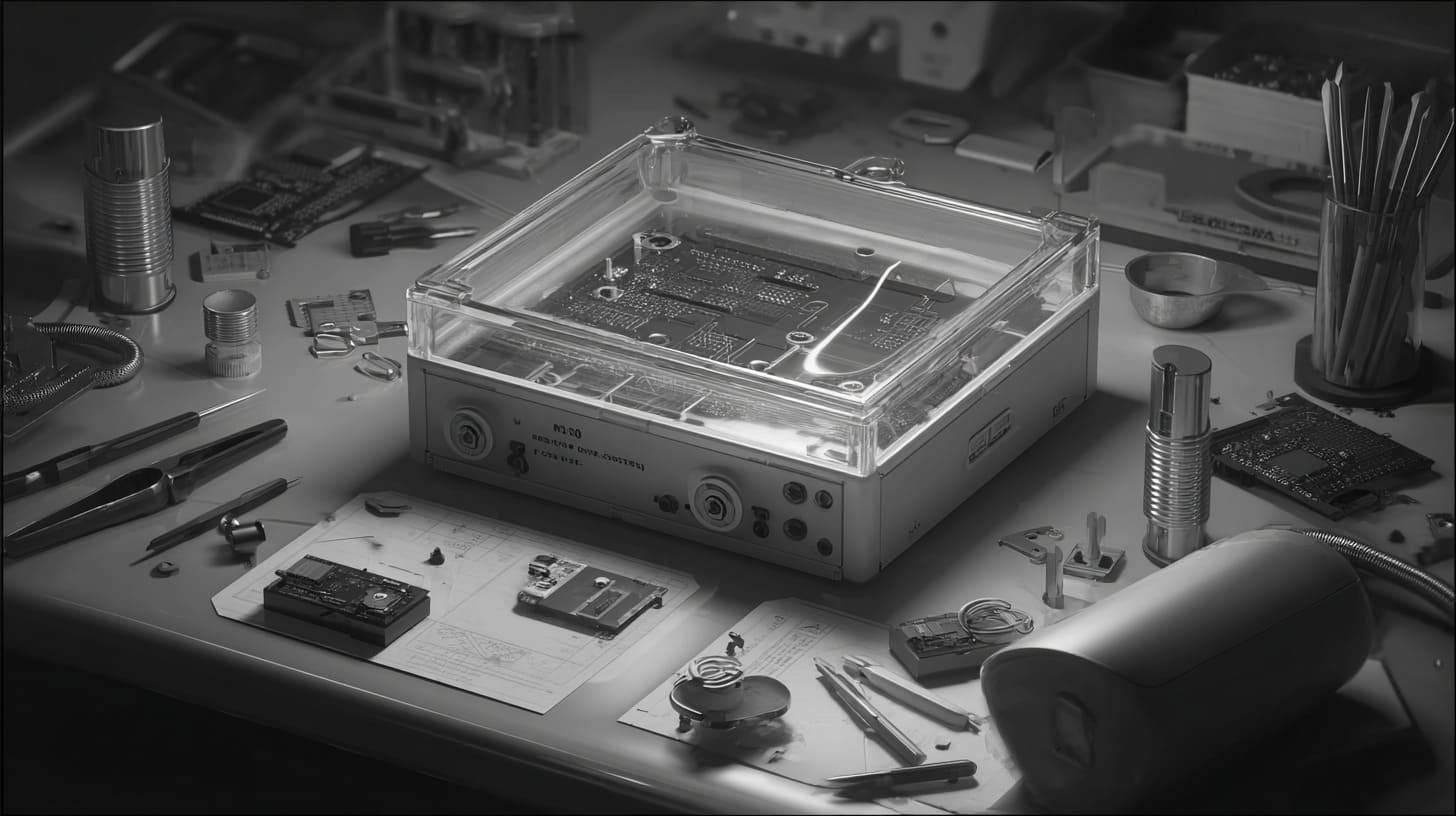
The enclosure material decides how heat moves.
Some materials help heat escape. Some materials slow it down. Some materials protect the electronics from outside conditions but trap heat inside.
That is why material selection is never only about price, appearance, or strength.
When I compare plastic and aluminum, I do not ask which one is “better.” I ask which one gives the heat a safer path in this specific product.
Thermal Conductivity Differences
Aluminum conducts heat much better than most plastics.
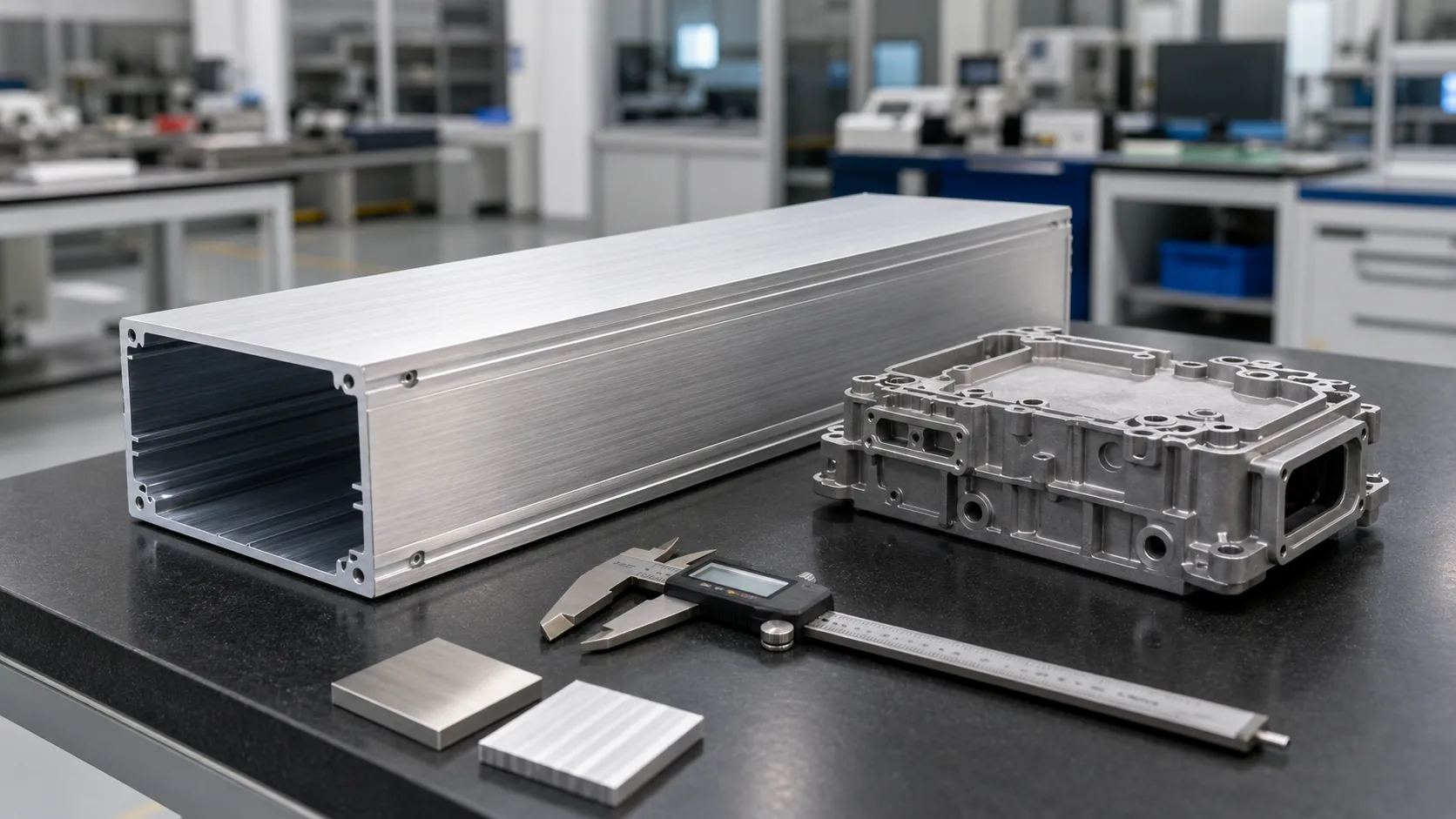
This means aluminum can help move heat away from a hot area. It can act like a heat spreader. If the internal layout is designed well, the enclosure itself can become part of the passive cooling system.
Plastic behaves differently.
Plastic is useful because it is light, easy to shape, and electrically insulating. But many plastics do not move heat well. So if the internal parts generate heat, plastic may keep that heat inside longer.
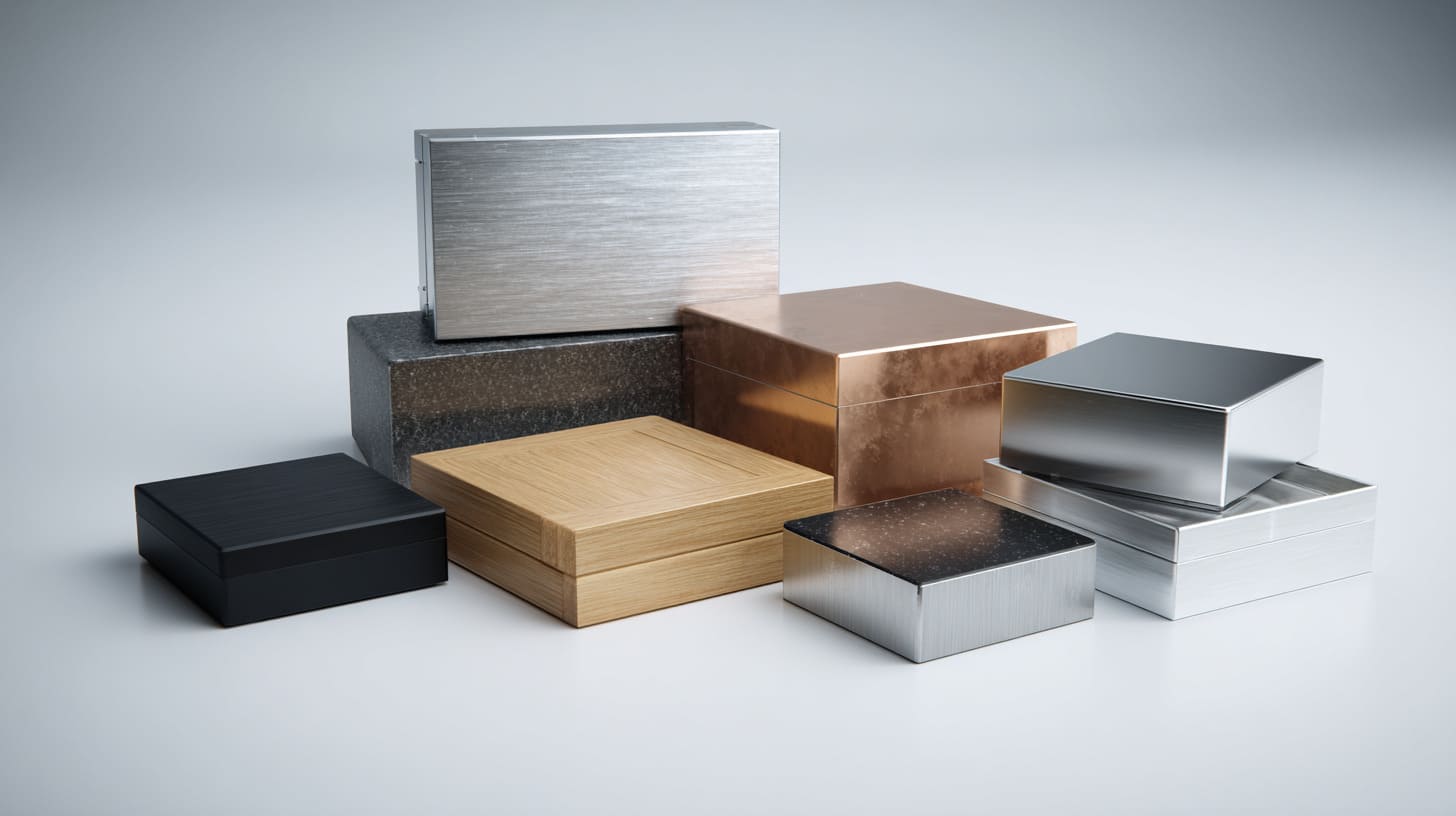
| Material | Heat Behavior | Common Use Strength |
|---|---|---|
| Aluminum | Transfers heat well | Good for heat-sensitive devices |
| ABS plastic | Transfers heat poorly | Good for low-heat indoor products |
| Polycarbonate | Better impact resistance than ABS | Good when toughness matters |
| Sheet metal | Can help spread heat | Good for industrial cabinets |
| Stainless steel | Strong and corrosion resistant | Used in harsh environments, but cost is higher |
This does not mean plastic is bad.
It means plastic must be matched with the right heat level.
Heat Dissipation Capabilities
A good enclosure can support passive cooling.
Passive cooling means the product releases heat without a fan. This can be through:
- Enclosure wall
- Heat sink
- Thermal pad
- Vent holes
- Metal mounting plate
- Larger surface area
- Proper component layout
Aluminum is often useful in compact electronics because it can help carry heat from the inside to the outside surface.
But design still matters.
An aluminum enclosure will not magically solve every heat problem. If the hot component does not connect well to the enclosure, the heat path may still be weak.
For example, if a chip is hot but there is a big air gap between the chip and enclosure wall, the aluminum case may not help enough. A thermal pad or heat sink may be needed.
Material Limitations Under Heat
Materials also have limits.
Plastic can soften or deform when the temperature is too high. Some plastics also change shape under long-term stress and heat. Surface finishes may also behave differently under heat.
Aluminum has its own details too. A coating may affect heat transfer. Anodizing, powder coating, wall thickness, and contact points can all matter.
| Detail | Why It Matters |
|---|---|
| Wall thickness | Thicker walls may spread heat better, but cost and weight increase |
| Surface finish | Some finishes may affect heat radiation and contact |
| Internal contact | Heat transfer needs contact or a good thermal path |
| Plastic grade | Different plastics handle temperature differently |
| Vent position | Poor vent position may not create useful airflow |
I sometimes tell buyers this:
A material is not a hero by itself.
A good design makes the material useful.
A bad design wastes the material’s advantage.
And when the design does waste that advantage, the real-world consequences are not gentle.
What Are the Real-World Consequences of Poor Heat Management?
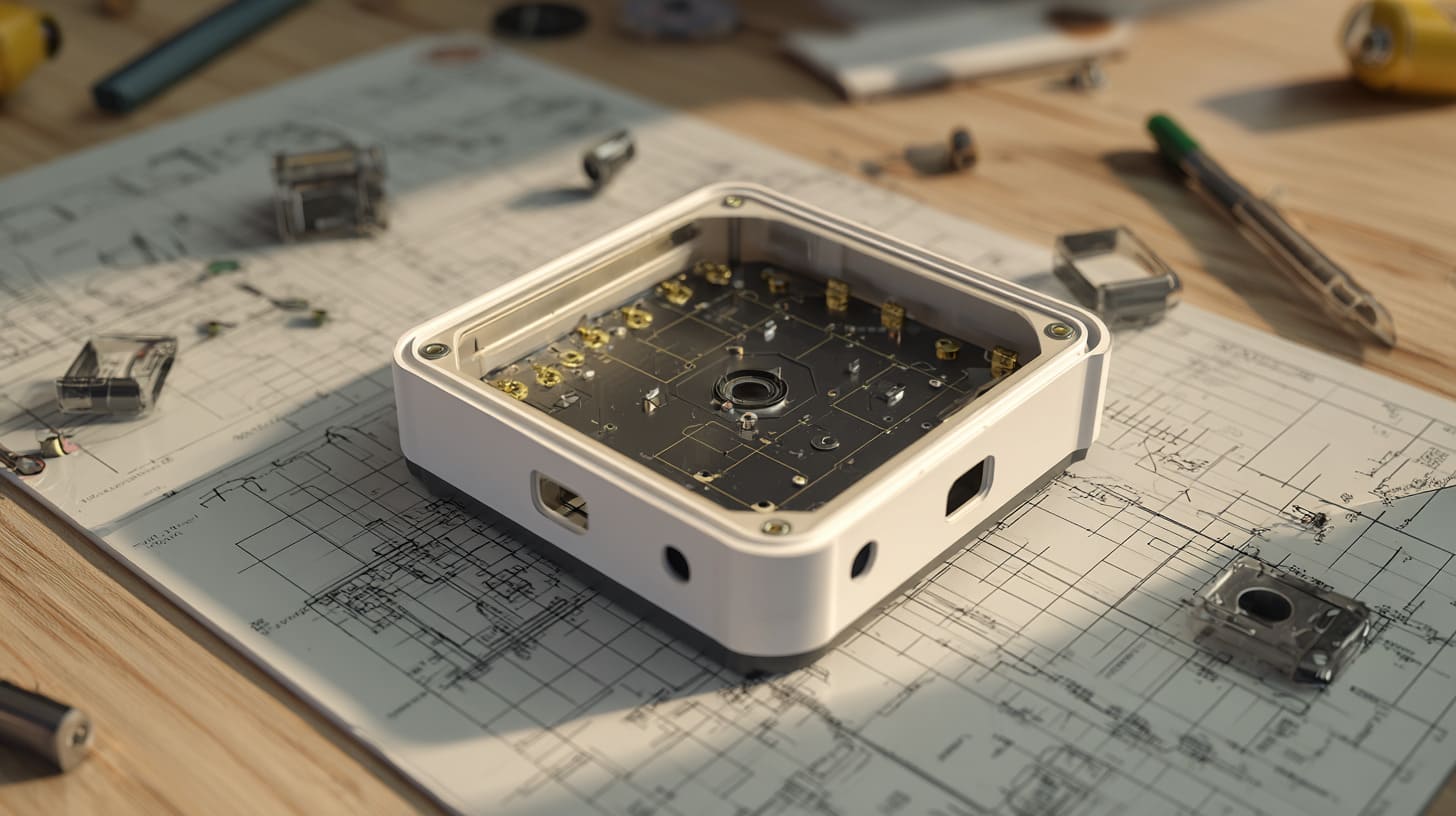
Poor heat management does not always create one dramatic failure.
More often, it creates many small problems.
One customer complains. Then another. Then the product support team starts asking questions. Then the buyer checks the old drawing. Then everyone realizes the material was selected mainly by cost, not by operating condition.
That is a painful moment.
The mistake I try to avoid is approving a beautiful sample while ignoring the ugly situation where the end user runs it all day in a hot, closed space.
Product Returns and Customer Complaints
End users do not care much about the technical reason.
They care that the product fails.
They may say:
- “It gets too hot.”
- “It smells strange.”
- “It stops working.”
- “The case changed shape.”
- “The device becomes unstable after long use.”
- “The product feels unsafe.”
For a B2B buyer, these complaints become expensive. The buyer may need to replace units, answer support emails, give refunds, or explain the problem to their own customer.
The enclosure supplier may also become involved.
Now the project is no longer about making parts.
It becomes problem-solving under pressure.
Production and Assembly Challenges
Heat can also affect production.
If the material choice is poor, parts may warp during processing or after assembly. Plastic parts may not keep stable dimensions if the structure is weak and the heat load is high. Internal parts may fit well during sample stage but become harder to assemble in larger production.
| Production Issue | Possible Heat-Related Cause |
|---|---|
| Cover does not fit well | Warping or thermal deformation |
| Screw posts crack | Material stress and heat cycles |
| Clips become loose | Plastic fatigue |
| Gasket compression changes | Long-term heat exposure |
| Internal board touches wall | Poor clearance after deformation |
This is why I care about details like wall thickness, boss design, screw position, and component clearance.
These details look boring.
But boring details often save projects.
Delayed Projects and Increased Costs
Once heat problems appear, the project may need redesign.
Redesign can mean:
- Changing plastic to aluminum
- Adding vents
- Adding heat sinks
- Changing PCB layout
- Increasing enclosure size
- Reworking tooling
- Re-testing samples
- Delaying production
The first quote may look cheap.
The final project may become expensive.
This is where many buyers feel regret.
Not because they chose the wrong supplier. Not always.
Sometimes they just made the material decision too early, before understanding heat.
And in OEM projects, this problem becomes even more serious because the enclosure is tied to the buyer’s brand.
How Does Heat Impact B2B Buyers and OEM Projects?
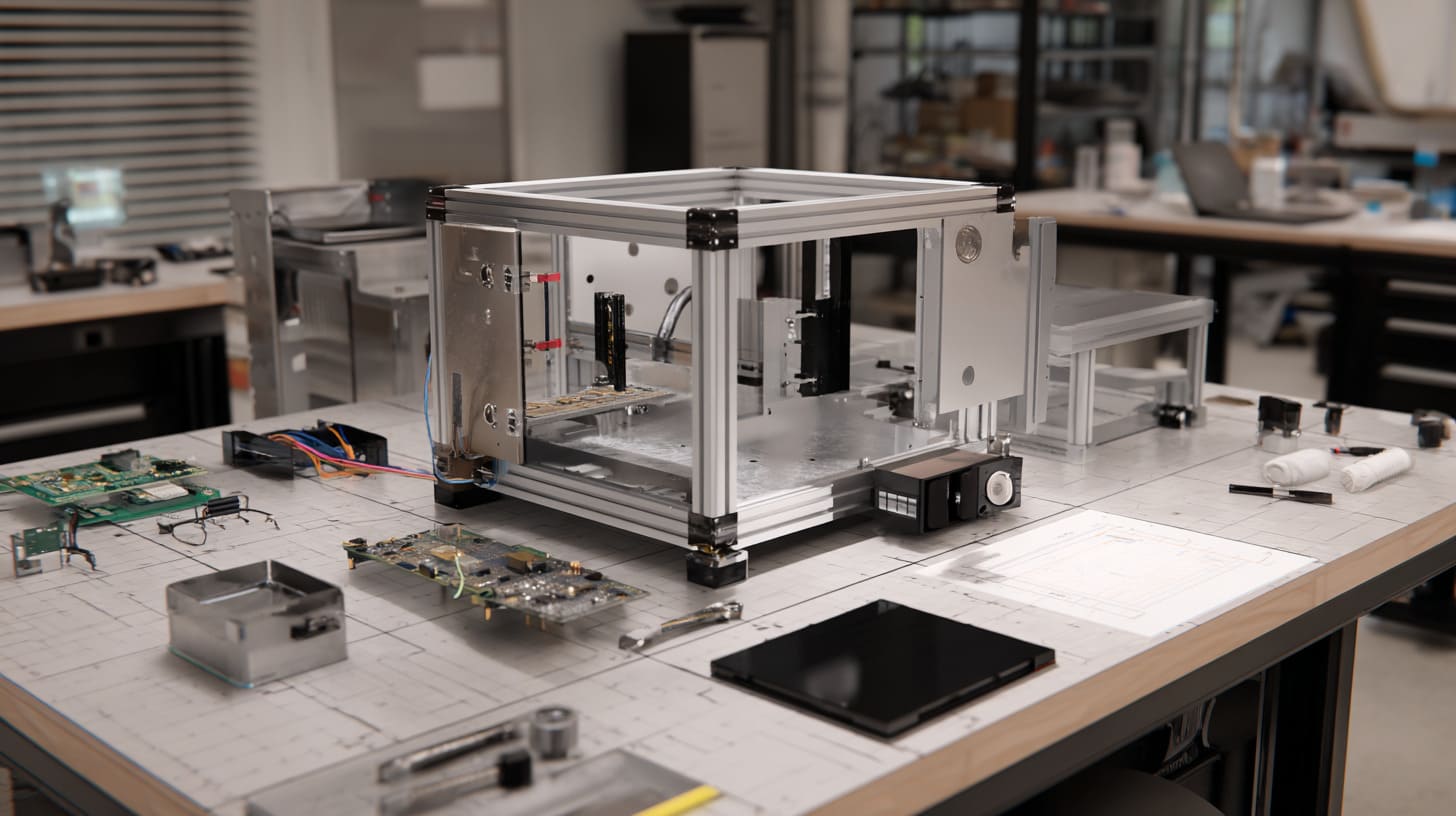
In B2B work, heat problems travel through the whole chain.
The factory makes the enclosure.
The buyer assembles the product.
The distributor sells it.
The end user runs it.
The complaint travels backward.
By the time the complaint reaches the buyer, the product may already be in the market.
That is why heat is not only an engineering issue. It is also a business risk.
For OEM orders, I judge heat more strictly because the enclosure does not only protect electronics. It protects the buyer’s name printed on the surface.
Impact on Product Reliability and Brand Reputation
Many OEM buyers ask for logo printing or engraving.
That logo is not decoration.
It is a promise.
If the enclosure overheats, the buyer’s brand takes the hit. The end customer does not open the device and carefully study the thermal path. He only sees the brand on the case.
This is especially important for buyers like David or Jackson. They may sell the final product in their local market. They may place it on Amazon, Facebook shops, or through local distribution.
A bad review can stay visible for a long time.
| Technical Problem | Brand-Level Damage |
|---|---|
| Device overheats | Customer feels unsafe |
| Product shuts down | Customer doubts quality |
| Case deforms | Product looks cheap |
| Short lifespan | Buyer loses repeat orders |
| Frequent support issues | Brand looks unreliable |
Heat may be invisible.
Brand damage is very visible.
Challenges in Scaling Production
A sample may hide heat problems.
Mass production exposes them.
One sample is easy to watch. One engineer can test it carefully. But 1,000 units in different locations are harder to control.
Small heat issues become bigger in scale.
Maybe 2% of units fail in a hot environment. That sounds small at first. But if the buyer sells 10,000 units, 2% means 200 problems. That is not small anymore.
This is why I never like the sentence:
“The sample is okay, so mass production is okay.”
A sample is only a beginning.
Increased After-Sales Support Burden
After-sales support is where hidden design mistakes become daily work.
A heat problem creates many unclear messages:
- “Can you check this?”
- “Why does it fail sometimes?”
- “Can we replace only the case?”
- “Can we add vents now?”
- “Can you help us redesign quickly?”
- “Can we still use the existing stock?”
Nobody enjoys these messages.
The buyer does not.
The factory does not.
The engineer does not.
The end user does not.
That is why I prefer to ask difficult questions earlier.
Earlier questions are cheaper than later complaints.
But to ask the right questions, we also need to know which design mistakes make heat problems worse.
What Design Mistakes Make Heat Problems Worse?
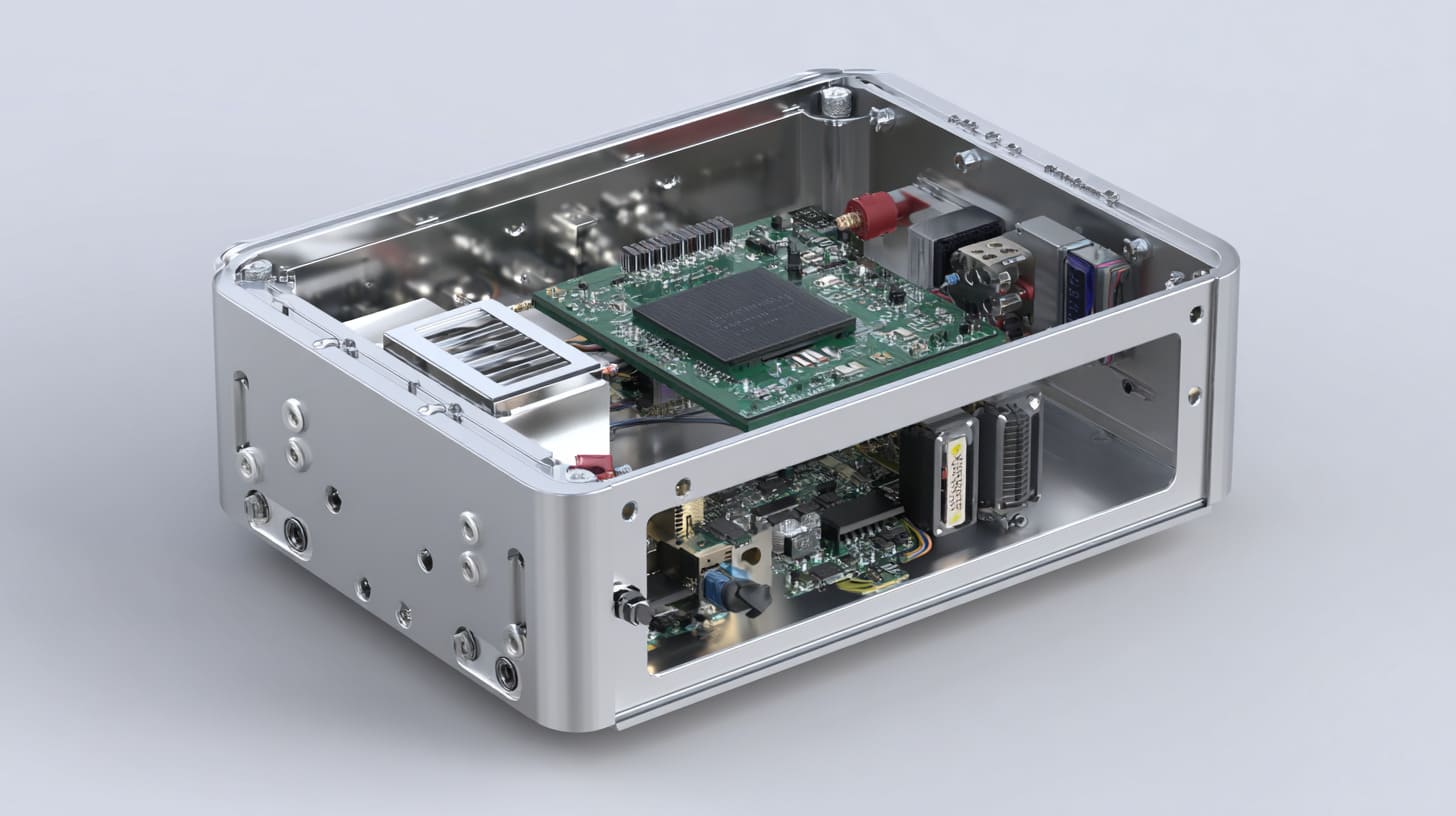
Heat problems rarely come from one single mistake.
They usually come from a chain of small choices.
The material is selected too quickly.
The enclosure is made too compact.
The vents are removed for appearance.
The PCB is placed near a closed wall.
The test is done for too short a time.
Then everyone is surprised when the product gets hot.
The warning sign for me is when a project team talks for one hour about color and logo, but nobody can tell me the power load or working temperature.
Choosing the Wrong Material for the Application
The most common mistake is choosing material by habit.
Some buyers always choose ABS because it is cheaper. Some always choose aluminum because it looks premium. Some choose stainless steel because it sounds stronger.
But the application should lead the decision.
| Application Situation | Material Thinking |
|---|---|
| Low-power indoor sensor | Plastic may be enough |
| Raspberry Pi device running long hours | Aluminum may be safer |
| Industrial control box near heat source | Metal enclosure should be considered |
| Outdoor sealed box | Heat and weather both matter |
| Battery device | Heat and safety need extra care |
A low-heat product does not always need aluminum.
A high-heat product should not choose plastic only because the first quote looks nice.
Ignoring Ventilation and Airflow Design
Some buyers want a fully sealed case because it looks neat.
I understand that. Vents may look messy. Holes may invite dust. A sealed case feels safer.
But if the product does not need strong dust or water protection, closing everything may create unnecessary heat risk.
Vent design is not only about adding holes.
Good vent design considers:
- Where hot air rises
- Where cool air enters
- Whether dust can enter easily
- Whether water splash is a concern
- Whether the vent weakens the structure
- Whether the vent hurts the appearance
- Whether internal components block airflow
Bad vent placement may do very little.
A few random holes are not thermal design.
They are just holes.
Lack of Thermal Testing Before Production
Skipping thermal testing is a quiet gamble.
The product may look finished. The sample may assemble well. The buyer may feel pressure to start production quickly.
But heat testing under real conditions can reveal problems early.
Useful checks may include:
| Test Item | Why It Helps |
|---|---|
| Long-time running test | Shows heat buildup over hours |
| Closed-enclosure test | Tests the real final structure |
| High ambient temperature test | Simulates hot working environments |
| Component temperature check | Finds local hot spots |
| Surface temperature check | Checks user touch safety |
| Vent performance test | Confirms airflow is useful |
Thermal testing does not need to be fancy for every project.
But it must be honest.
A short test on an open desk is not enough for a product that will run inside a closed box.
Once we understand these mistakes, prevention becomes much easier.
And prevention is always more comfortable than repair.
How Can Heat Issues Be Prevented Early in Design?
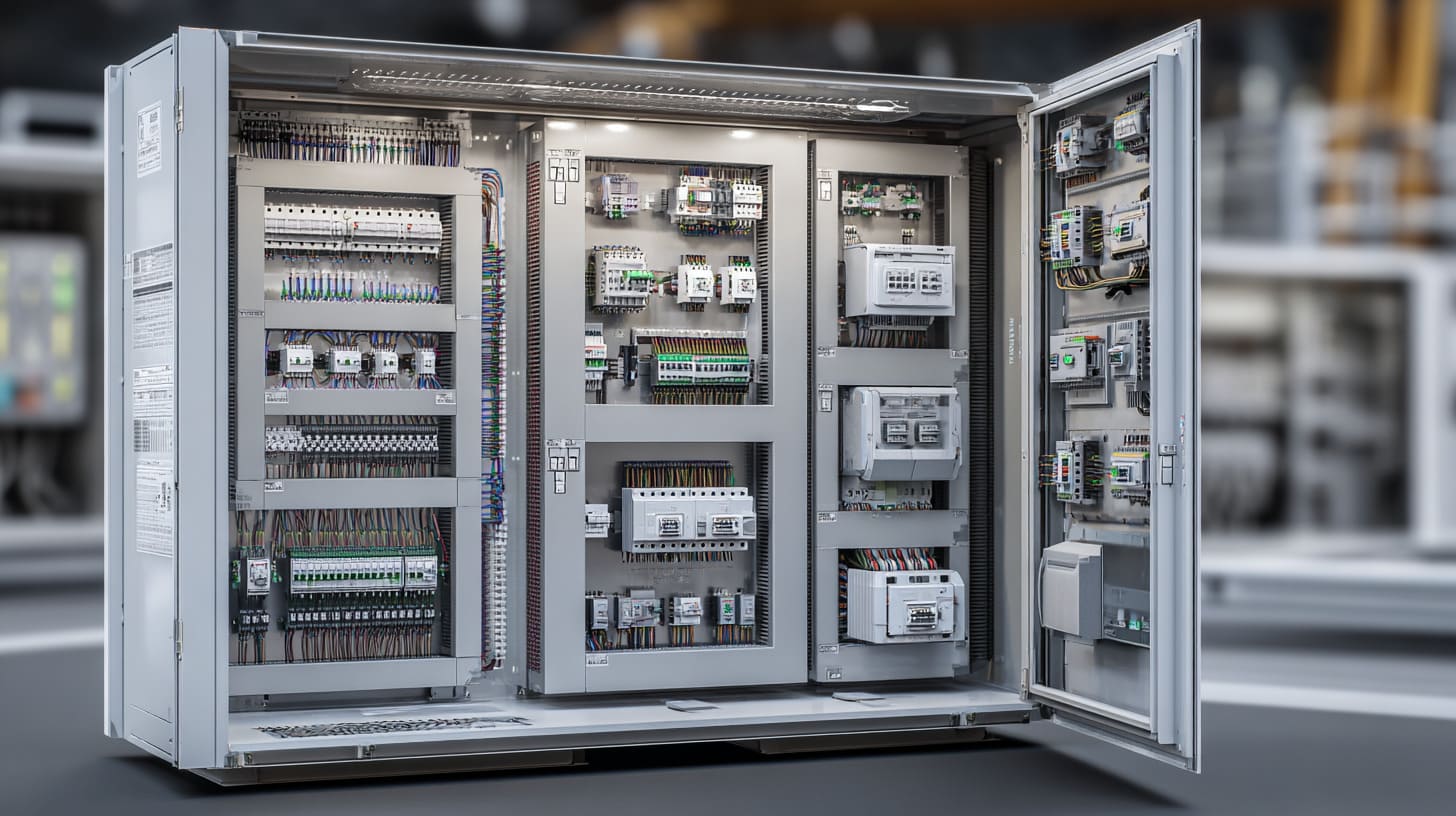
Heat problems are easier to prevent before tooling, before mass production, and before the buyer promises delivery to his customer.
This is why early communication matters so much.
A good supplier should not only ask for drawings. A good supplier should ask about how the product works, where it works, and how long it runs.
Before I suggest a material, I want to know the working scene first, because the same enclosure can be safe on a desk and risky inside a hot cabinet.
Selecting the Right Material Based on Heat Load
The first step is to understand the heat load.
The buyer does not always need to give perfect data. But some basic information helps a lot.
I usually like to know:
- What PCB is inside?
- What is the power consumption?
- Does the product run continuously?
- Is there a processor or power module?
- Is the enclosure sealed?
- What is the working environment?
- What is the expected product life?
- Will the end user touch the enclosure?
- Is there any certification or safety need?
With these answers, material selection becomes more practical.
| Heat Situation | Possible Direction |
|---|---|
| Very low heat | ABS or PC plastic may work |
| Medium heat | Vent design or thicker material may be needed |
| High heat | Aluminum or sheet metal should be considered |
| Local hot component | Heat sink or thermal pad may be needed |
| Sealed product | Larger size or metal material may help |
| Outdoor sunlight exposure | Heat and UV resistance both matter |
The right material is not always the most expensive one.
It is the material that matches the risk.
Integrating Thermal Design Features
Material is only one part of thermal design.
The enclosure can also use design features to help heat escape.
Common options include:
- Vent holes
- Heat sinks
- Thermal pads
- Aluminum cover
- Metal base plate
- Larger internal clearance
- Component spacing
- External fins
- More surface area
- Proper screw contact between PCB and metal body
For Raspberry Pi enclosures, for example, the case design may include contact points between the chip area and the aluminum shell. That makes the case more than a box. It becomes part of the cooling path.
This is smart design.
But the details must be controlled.
A thermal pad with poor contact may not work well. A heat sink without airflow may be limited. A vent blocked by the internal board may look useful but do little.
Conducting Thermal Testing and Simulation
Testing gives confidence.
It also gives humility.
Sometimes the design we like does not perform as well as we expect. That is normal. A good project does not need pride. It needs correction.
Thermal testing can be simple or advanced.
For many custom enclosure projects, basic prototype testing already helps:
| Stage | What I Prefer to Check |
|---|---|
| Early design | Material, size, vent idea, hot component location |
| Prototype | Internal temperature and surface temperature |
| Pre-production | Long running test under expected condition |
| Mass production | Random checks and assembly consistency |
| After feedback | Compare complaints with real use environment |
The key is not to wait too long.
If we test after mass production, every problem becomes expensive.
If we test during design, every problem is still a discussion.
And one of the biggest material decisions in this discussion is whether to choose aluminum or plastic.
When Should You Choose Aluminum Over Plastic Enclosures?
I do not believe aluminum is always better than plastic.
That kind of statement sounds simple, but real projects are not simple.
Plastic has many good uses. It can be light, cost-friendly, easy to shape, and suitable for many low-power devices. Aluminum has its own cost, weight, and processing details.
But in some projects, aluminum becomes the safer choice.
The moment I lean toward aluminum is when heat, continuous running, and limited airflow appear together, because that combination gives plastic very little room for mistakes.
High Power or Continuous Operation Devices
Aluminum is often a better choice for products that run for long hours or generate clear heat.
Examples include:
- Industrial control devices
- Raspberry Pi-based systems
- Edge computing boxes
- Power modules
- LED control units
- Communication devices
- Motor control electronics
- Small fanless computers
For these products, the enclosure is not only protection.
It can also help with cooling.
| Product Type | Why Aluminum May Help |
|---|---|
| Raspberry Pi case | Helps spread processor heat |
| Industrial controller | Supports long-time stable operation |
| Power electronics box | Handles heat from power components |
| Edge computing enclosure | Supports fanless design |
| LED driver enclosure | Helps reduce heat buildup |
If the product runs only sometimes, plastic may still work.
If the product runs all day, I become more careful.
Environments with Limited Airflow
Limited airflow makes heat worse.
The product may be installed:
- Inside a cabinet
- Behind a screen
- Under a desk
- Inside a machine
- Near a wall
- In an outdoor box
- In a crowded control panel
Even if the product heat is not very high, poor airflow can make the temperature rise.
This is where many buyers underestimate risk.
They test the device in open air. Then the end user installs it in a closed space. The real condition changes, but the enclosure design does not.
Aluminum can help because it gives heat another path.
Not a perfect path.
But often a better path.
Projects Requiring Long-Term Stability
Some products are not easy to replace.
If the enclosure is used in an industrial system, control device, outdoor unit, or project-based installation, failure can be costly.
In these cases, long-term stability matters more than saving a small amount on the enclosure.
| Project Priority | Material Decision Tendency |
|---|---|
| Lowest first cost | Plastic may look attractive |
| Long product life | Aluminum may be safer |
| Brand reputation | Better thermal margin matters |
| Hard-to-replace installation | Avoid heat risk early |
| Continuous working condition | Choose stronger heat path |
This does not mean every long-life product needs aluminum.
But it means the material decision should not be casual.
A buyer may save money on the enclosure and lose money on replacement, support, and brand trust.
That is not a good trade.
Conclusion
Heat is easy to ignore because it does not shout at the beginning.
It does not appear in a clean product photo.
It does not look serious in a quotation sheet.
It does not complain during a five-minute sample check.
But once the product starts working, heat becomes very honest.
It tells us whether the material was chosen well.
It tells us whether the enclosure has enough space.
It tells us whether the vents are useful.
It tells us whether the PCB layout and enclosure design are really working together.
My final decision is simple: I would rather spend more time discussing heat before production than spend more time explaining failures after delivery.
I think this way because I have seen how small enclosure choices can become big business problems. A buyer may think he is only choosing between plastic and aluminum. But he is also choosing between stable use and hidden risk. He is choosing between smooth production and redesign. He is choosing between fewer complaints and long after-sales emails.
For custom enclosure projects, I do not see heat as a late-stage detail.
I see it as an early warning voice.
If that voice says, “Be careful,” I listen.
If you are developing a custom electronic enclosure, do not start only with size, color, and logo. Start with the working condition. Start with the heat source. Start with the real environment where the product will live.
And if you are not sure whether plastic, aluminum, or sheet metal is better for your project, you can share your drawing, PCB layout, working condition, and basic heat information with us.
At MaidaTech, we can help review the enclosure structure, material choice, surface finish, logo process, and OEM production details before the mistake becomes expensive.
Because a good enclosure should not only look good on the table.
It should survive the real world.