Skip to content

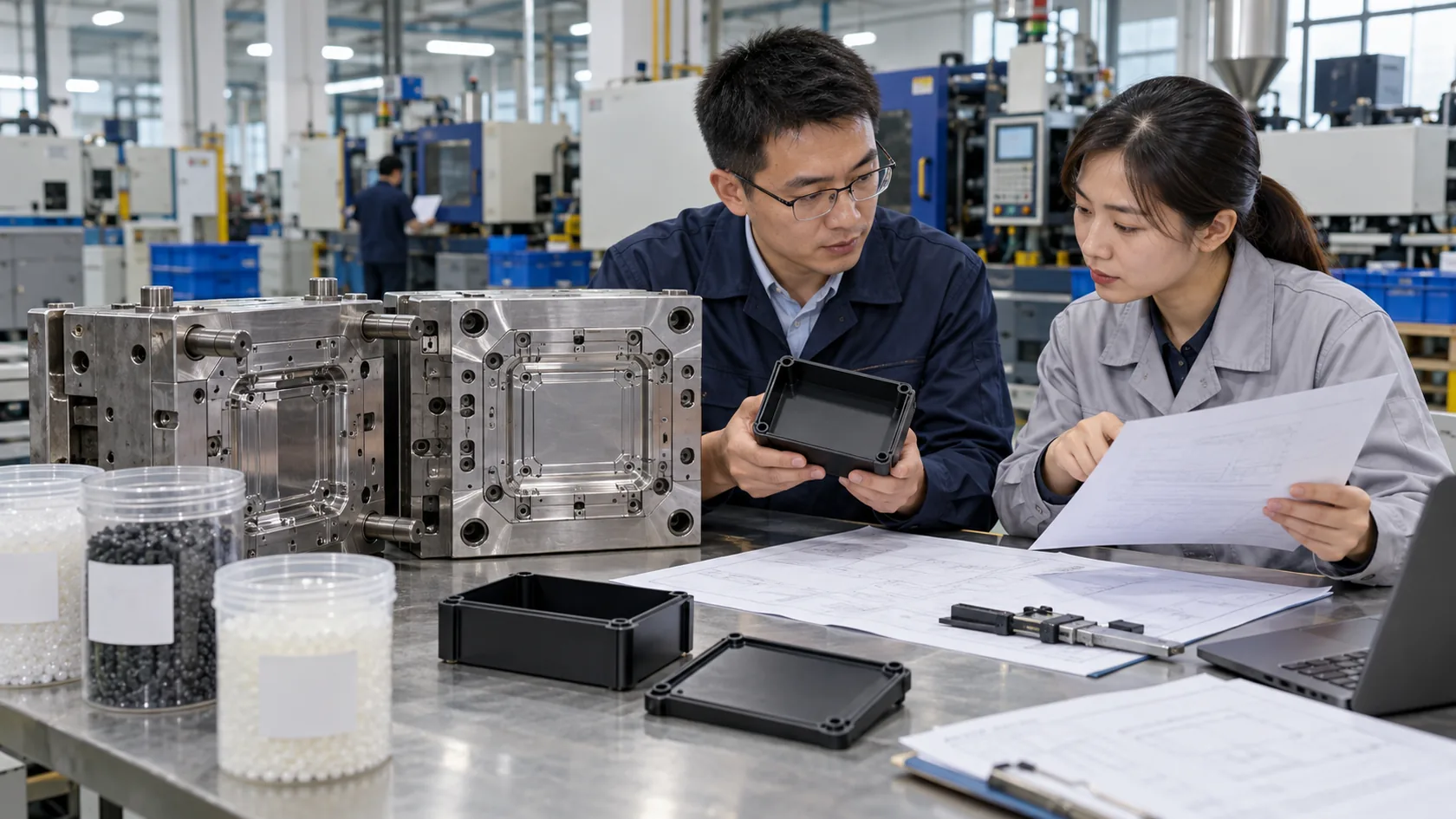
A production line is honest. It does not care how good a catalog page looks. It only cares whether every part can keep working when the line is hot, dusty, busy, and under schedule pressure.
I see this often when customers ask us to make custom enclosures or protective cases for control boxes, electronic modules, testing devices, or small industrial machines. At first, the discussion may be about aluminum thickness, screw holes, logo printing, or price. But after a few emails, the real question appears: will this product survive real production use?
That question is bigger than the enclosure. It includes the PLC, sensor, power supply, connector, relay, cable, seal, fastener, coating, and package. One weak component can stop the whole line. A loose connector can look like a software problem. A poor seal can turn a good PCB into scrap. A cheap power supply can create strange failures that waste two days of engineering time.
In my view, reliable component selection is not about always buying the most expensive part. It is about understanding where failure would hurt most, then spending money where it protects production.
Start With the Real Working Environment
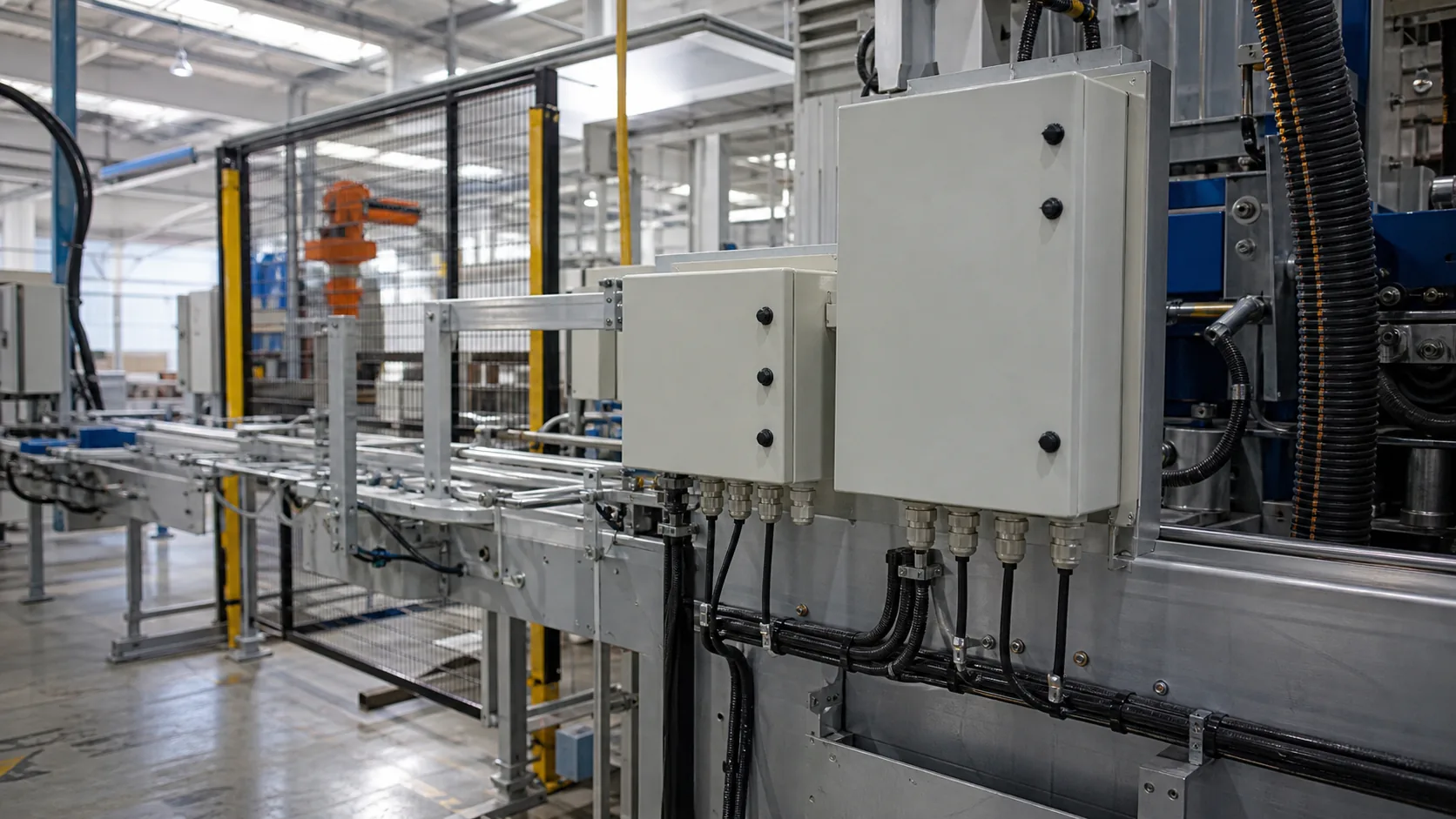
Before choosing components, I like to ask a simple question: where will this product really work?
A line inside a clean electronics factory is different from a food workshop, a metal processing plant, a warehouse, or an outdoor control station. The same component may work well in one place and fail early in another.
Conditions to Confirm First
| Condition | Why It Matters | What to Check |
|---|---|---|
| Temperature | Heat shortens component life | Ambient heat, internal heat, nearby motors |
| Humidity or water | Moisture causes corrosion and shorts | IP rating, gasket design, drainage |
| Dust or oil | Contamination affects switches and connectors | Sealing, filter design, cleaning method |
| Vibration | Screws, terminals, and solder joints loosen | Mounting points, fasteners, cable strain relief |
| Operator access | Real users open, close, pull, and clean parts | Door design, screw type, label position |
For enclosure projects, I do not judge only by the drawing. I also ask how the customer will install, clean, and maintain the product. A beautiful enclosure with poor cable routing can become a maintenance problem. A small control box with no heat path can slowly cook the electronics inside.
Standards such as IEC 60529 are useful because they define IP protection levels for enclosures. Environmental test guidance such as IEC 60068-1 is also useful when teams need to think about temperature, vibration, and operating conditions in a more structured way.
The environment is the first filter. After that, the buyer can judge which components are truly critical.
Match Components to the Line's Critical Function

Not every component carries the same risk. A label holder may be easy to replace. A power supply inside a control cabinet may stop the entire line. A sensor in the wrong position may cause false rejects every few minutes.
Main Component Groups
| Component Type | Common Risk | Selection Focus |
|---|---|---|
| PLC and control modules | Compatibility or obsolescence | Brand family, I/O count, firmware, spare parts |
| Power supplies | Voltage drop, heat, unstable output | Load margin, cooling, certification |
| Sensors and switches | False signals, dirt, wrong range | Sensing distance, response time, protection |
| Connectors and cables | Loose contact, water ingress | Locking method, strain relief, sealing |
| Enclosures and panels | Heat, dust, water, difficult service | Material, IP rating, layout, access |
| Fasteners and seals | Loosening, gasket aging | Material, compression, repeat opening |
I usually advise customers to mark components as critical, important, or ordinary. Critical parts deserve more review, better suppliers, and maybe a spare-parts plan. Ordinary parts can be cost-controlled more strongly.
This is where purchasing and engineering need to talk early. If procurement only compares unit price, the team may save a few dollars on a part that later creates thousands of dollars in downtime. NIST also points out that modern manufacturing maintenance depends on monitoring, diagnostics, and timely information to reduce downtime in complex systems, which is a good reminder that component choice and maintenance strategy are connected. You can see that context in NIST's work on maintenance strategies for manufacturing operations.
Once the critical components are clear, the next step is to protect them properly.
Protect Components With the Right Material and Enclosure Design

Many reliability problems do not begin with the electronic component itself. They begin with poor protection.
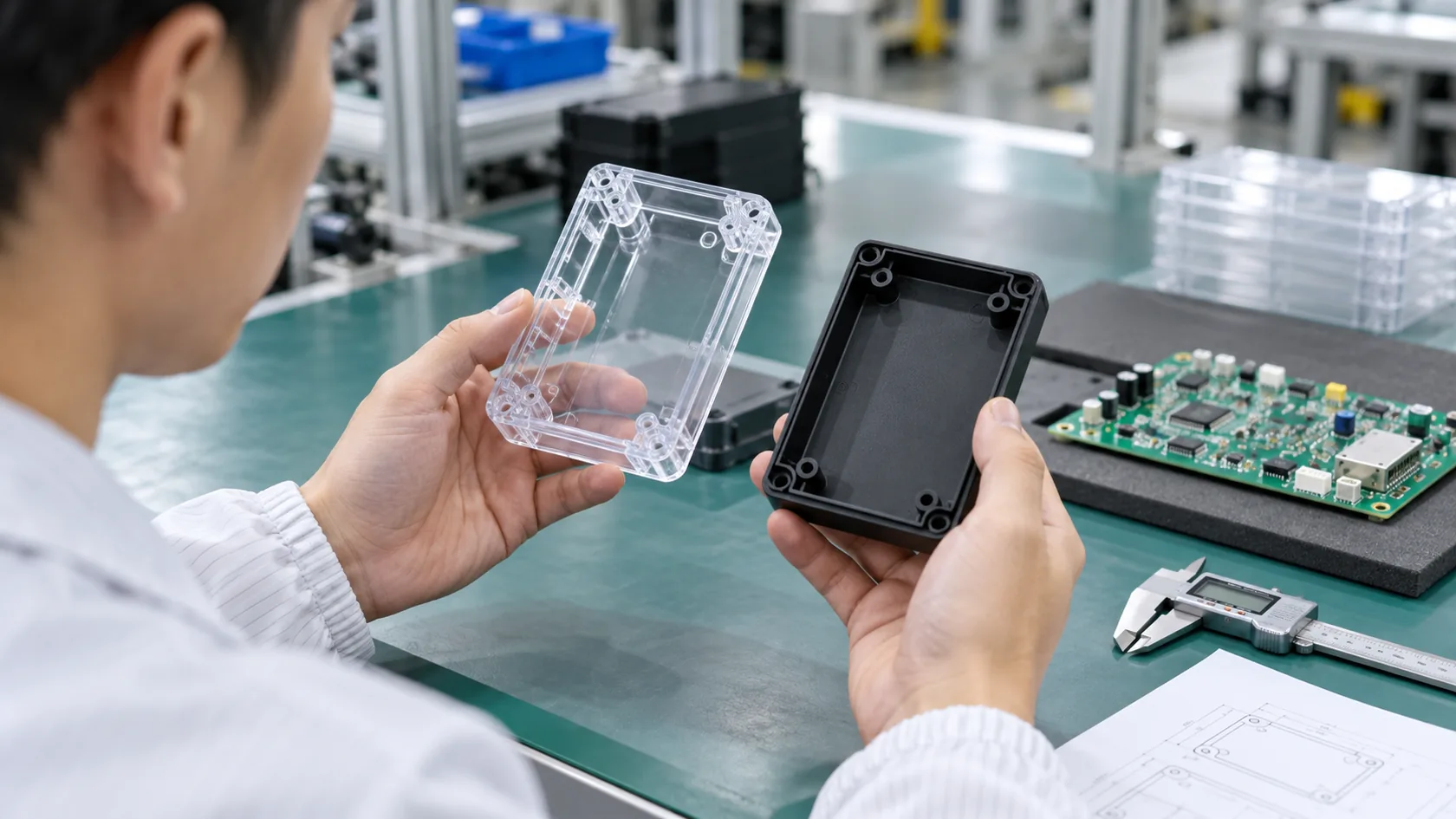
A good PCB can fail inside a weak enclosure. A reliable connector can fail if the cable entry lets water in. A quality switch can feel poor if the panel thickness is wrong. This is why enclosure design is not just a shell. It is part of the reliability system.
Common Enclosure Choices
| Material | Good For | Watch Out For |
|---|---|---|
| Aluminum | Heat dissipation, strength, premium feel | Surface finish, sealing, machining tolerance |
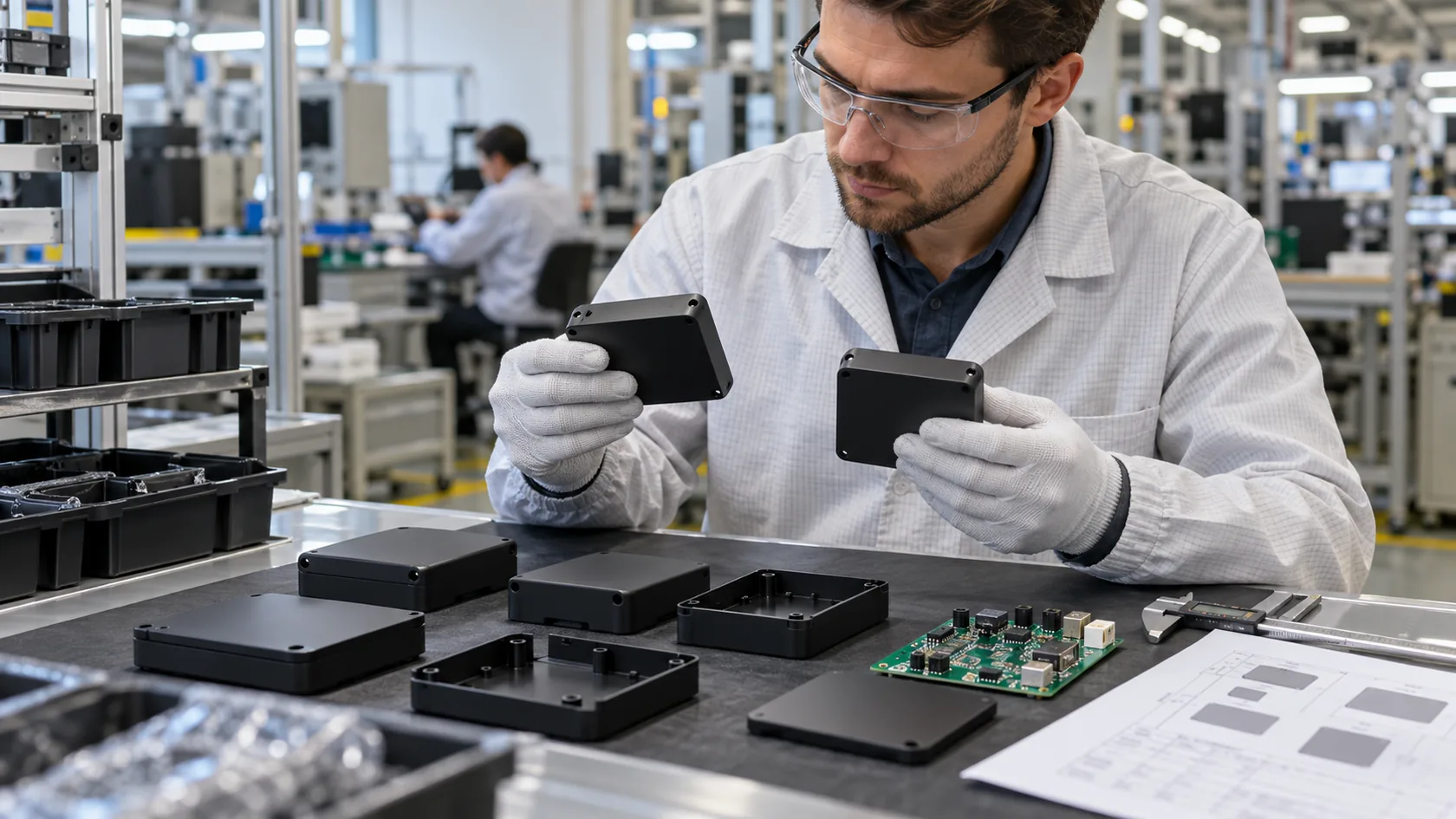
| Plastic | Lightweight, lower cost, insulation | Heat, UV, impact strength |
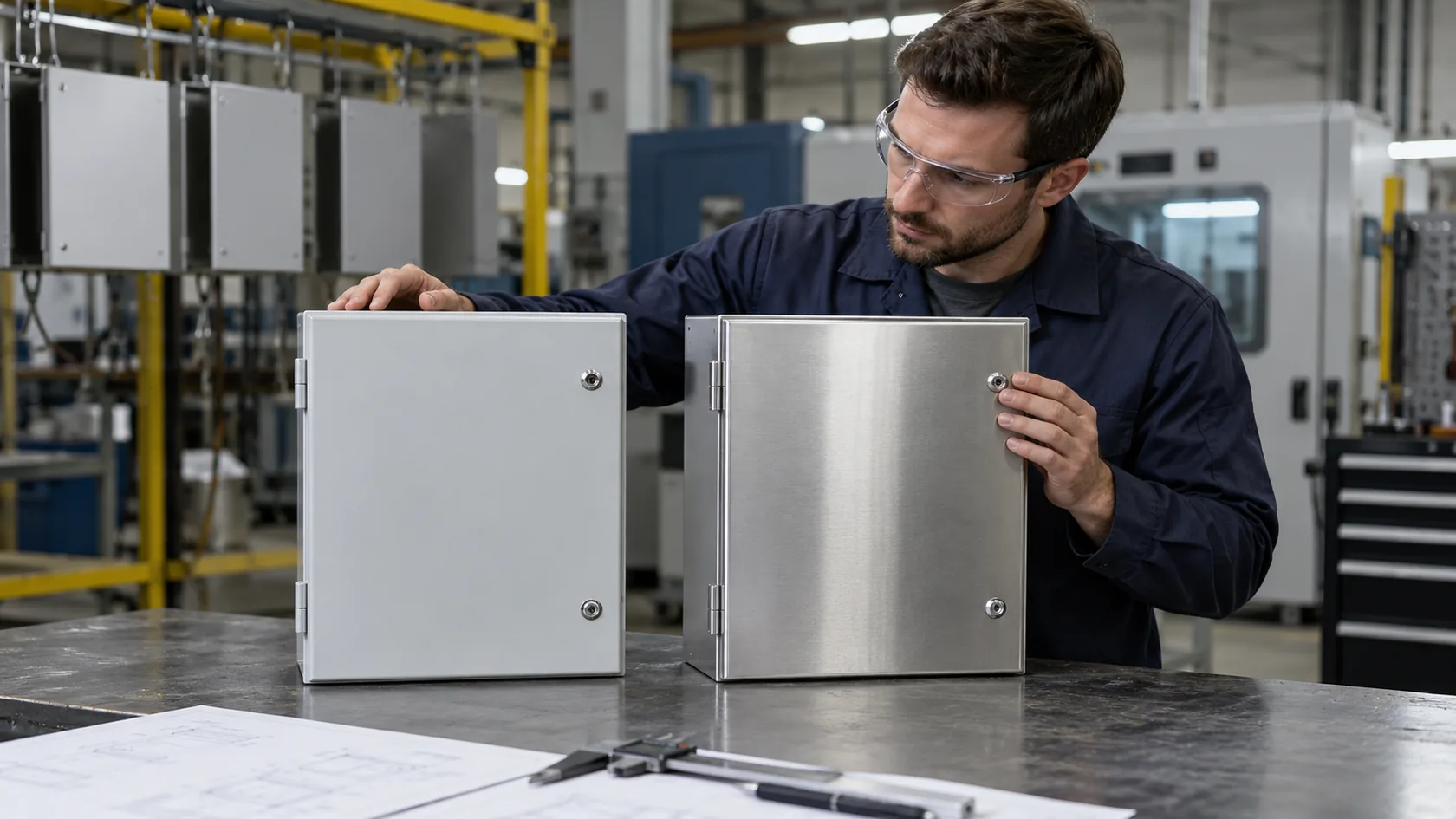
| Sheet metal | Control panels, larger cabinets | Corrosion protection, edge treatment |
| Stainless steel | Washdown or corrosive environments | Higher cost, processing difficulty |
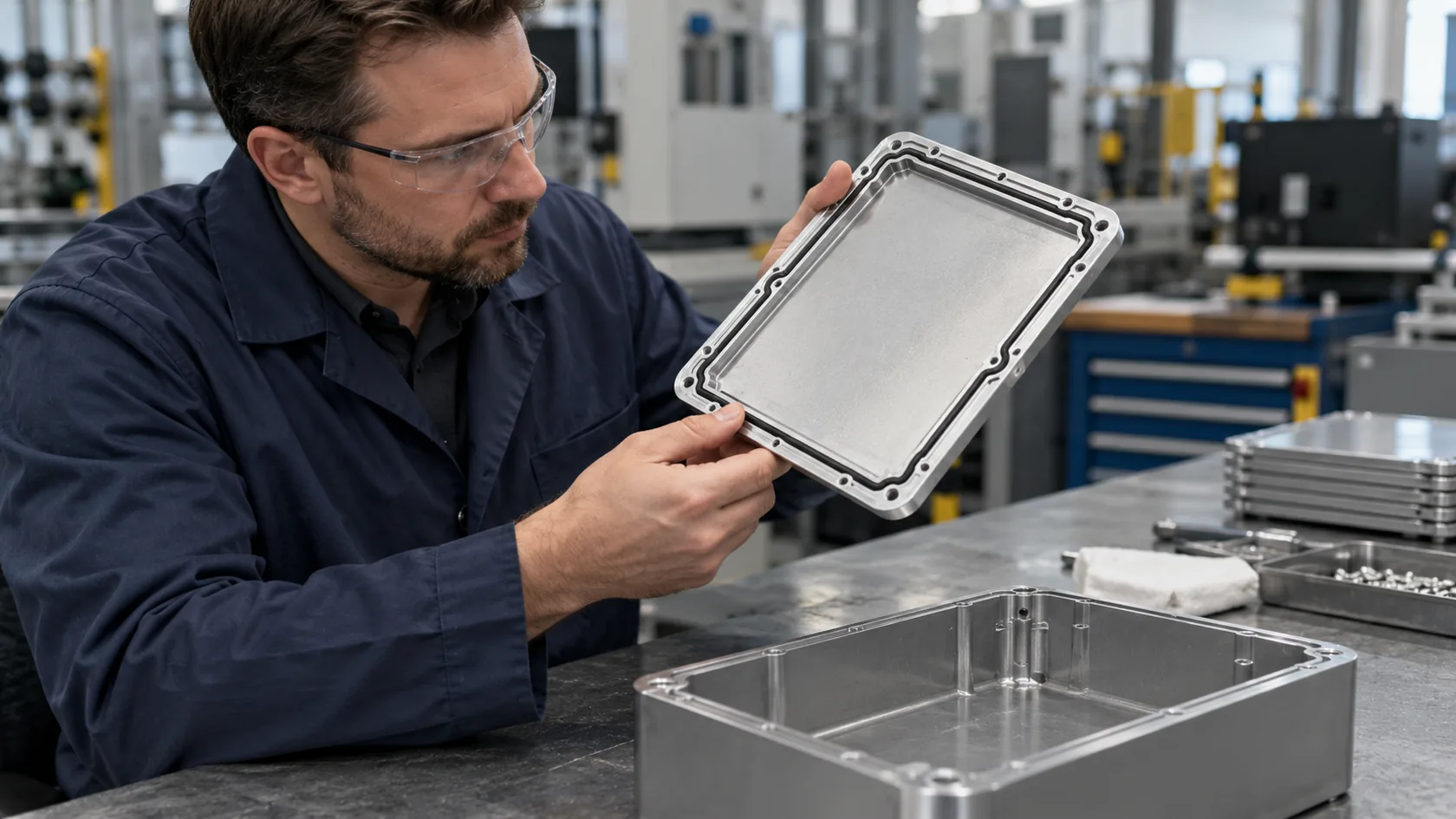
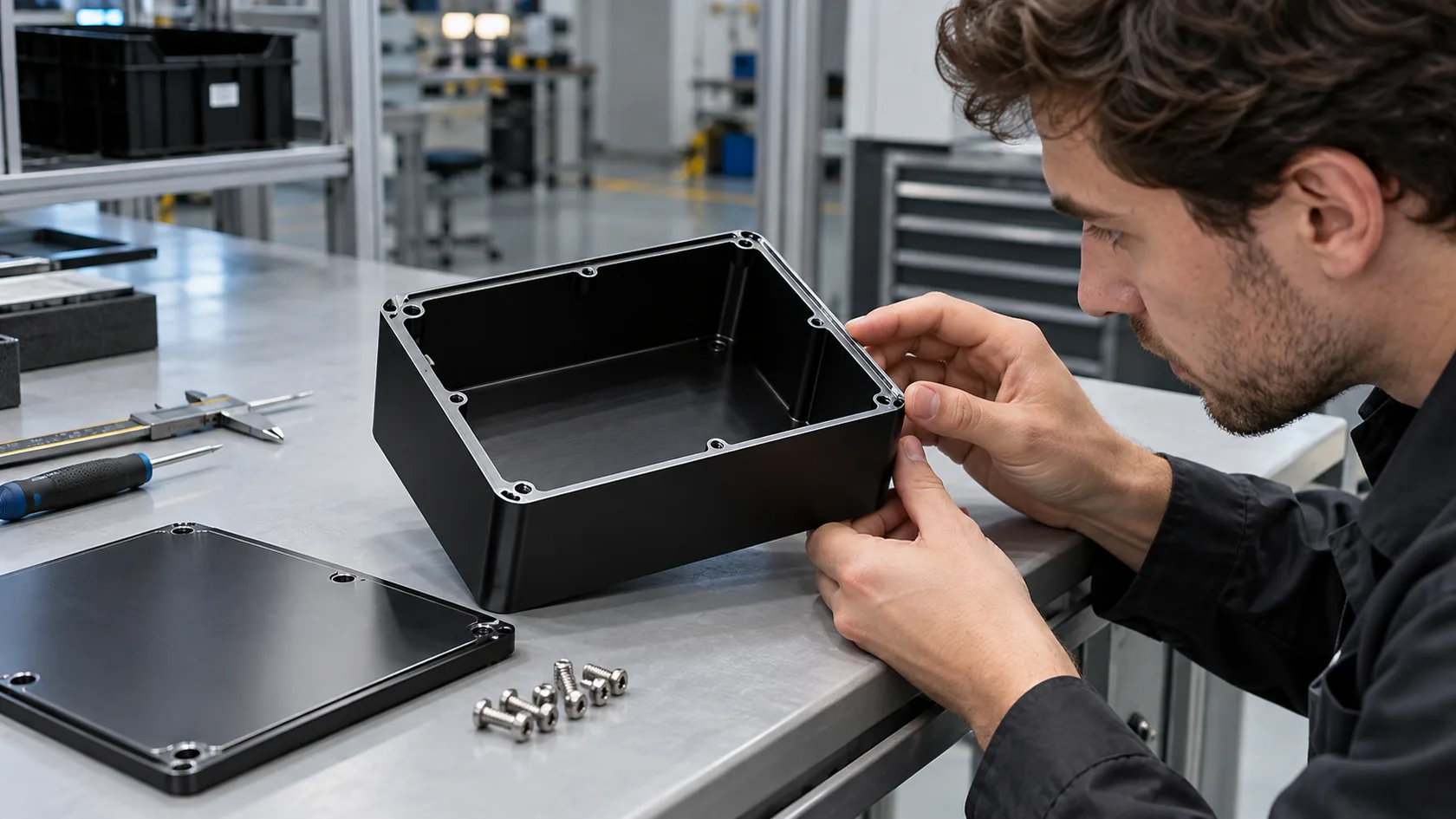
For custom aluminum enclosures, I pay close attention to wall thickness, screw boss strength, gasket groove design, surface treatment, and how often the user will open the cover. A small detail like screw length can decide whether the enclosure still closes tightly after many maintenance cycles.
Industrial control panels also need correct construction and component selection. UL Solutions explains that industrial control panels include assemblies of power and control components, and programs such as UL 508A industrial control panels focus on panel construction, compliant components, and safety-related requirements.
The best material is not always the strongest one. It is the one that fits the environment, cost target, production method, and maintenance behavior.
Verify Compatibility Before You Negotiate Price

Price negotiation should come after compatibility. If the part does not fit the system, a low price only makes the mistake cheaper at the beginning.
Compatibility Checks
- Voltage, current, and power margin
- Signal type, such as PNP, NPN, analog, or digital
- Communication protocol and software version
- Mounting holes, panel cutout, and available space
- Cable direction and bending radius
- Heat path and airflow
- Certification needs for the target market
- Replacement availability for future maintenance
I have seen projects where the sample looked correct, but the cable outlet direction made assembly painful. I have also seen customers choose a similar display or sensor, then discover that the firmware or communication driver did not match the existing equipment. These are not exciting problems. They are boring problems. But boring problems are often the expensive ones.
For machinery electrical systems, IEC 60204-1 is a useful reference because it covers electrical and programmable electronic equipment used with machines. For safety-related control systems, ISO 13849-1:2023 gives design principles for safety-related parts of control systems.
Before confirming an order, I prefer to check drawings, photos, datasheets, and use conditions together. This takes more time at the start, but it removes many surprises before production.
Judge the Supplier, Not Only the Component
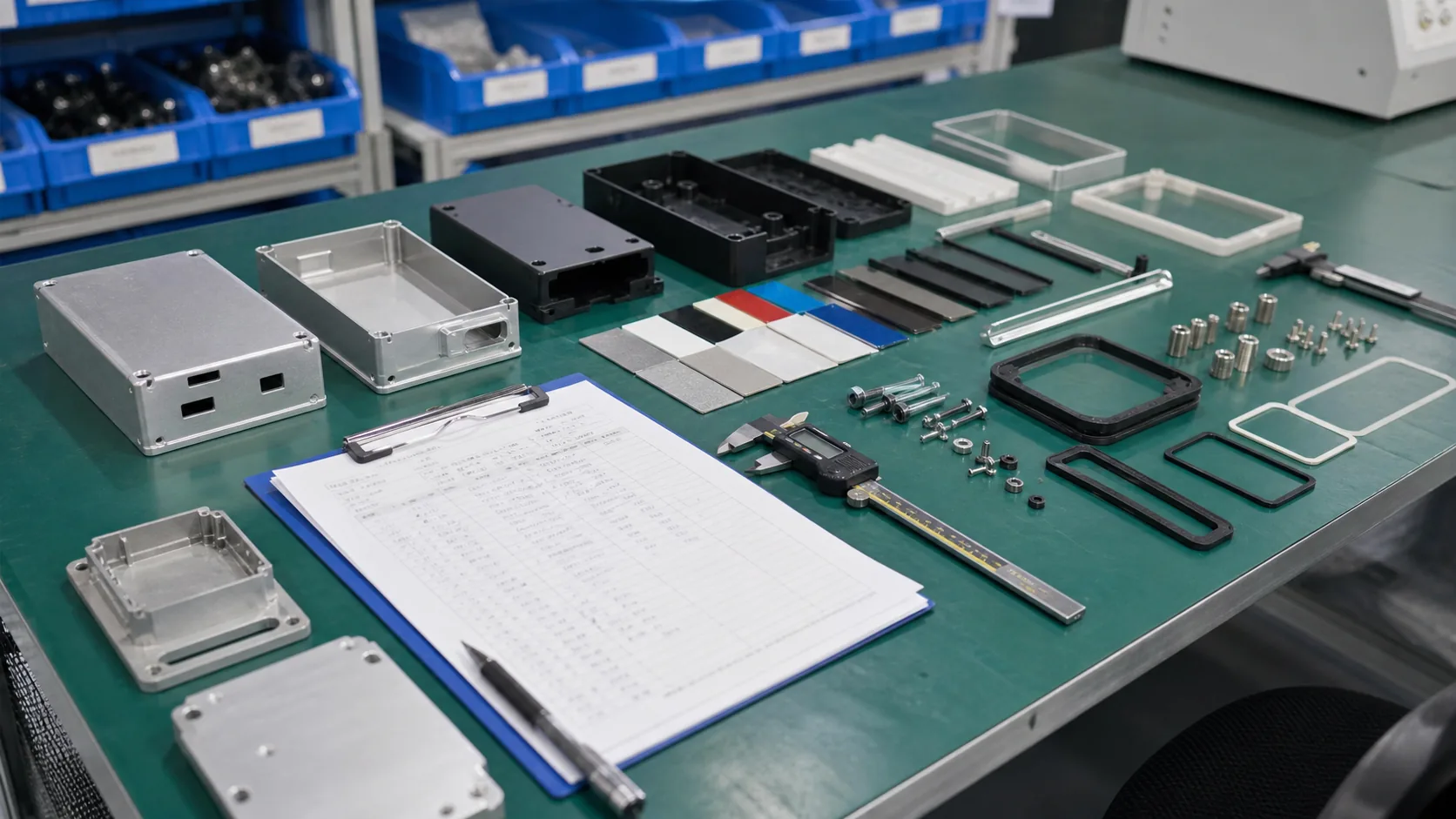
A reliable component from an unreliable supplier is still a risk.
For production-line parts, the supplier must do more than ship goods. They should help confirm details, control quality, provide stable lead time, and respond when a project changes. This is especially important for custom parts such as aluminum enclosures, plastic housings, sheet metal panels, cable openings, printed logos, or special packaging.
Supplier Questions Worth Asking
| Question | Why It Helps |
|---|---|
| Can you review drawings before quoting? | Finds design and tolerance risks early |
| Can you provide material or finish options? | Helps balance cost, strength, and appearance |
| Can you make samples before mass production? | Reduces production-line surprises |
| How do you inspect critical dimensions? | Shows whether QC matches the real risk |
| Can you support repeat orders? | Protects long-term production stability |
| What happens if a detail changes? | Tests communication and flexibility |
From my factory experience, communication speed is part of reliability. If a supplier takes three days to answer a simple drawing question, the buyer may lose a week during a real problem. Good suppliers do not only say yes. They point out weak details before those details become failures.
For MaidaTech projects, this may mean suggesting a thicker wall, a different gasket, a better screw position, a more practical logo method, or a packaging change. These suggestions are not always glamorous, but they often protect the buyer's schedule.
After supplier capability is clear, the final step is to plan for failure before failure happens.
Plan for Failure, Spares, and Long-Term Supply

High-reliability production lines are not built on hope. They are built on realistic failure planning.
Even good components wear, age, loosen, or become obsolete. The buyer should know which parts must be stocked, which parts can wait, and which parts need second-source planning.
A Practical Risk Table
| Risk | Example | Practical Action |
|---|---|---|
| Long lead time | Imported PLC module | Keep critical spare or approved alternative |
| Wear part | Seal, fan, relay, connector | Define replacement interval |
| Obsolete part | Old HMI or control board | Plan upgrade before emergency |
| Custom part | Special enclosure or bracket | Keep drawings and revision records |
| Harsh environment | Outdoor sensor box | Test sealing and corrosion protection |
Rockwell Automation's maintenance resources also emphasize spare parts, lifecycle support, and obsolescence risk as part of industrial asset management. Their page on industrial maintenance services is a useful reference for thinking beyond the first purchase.
My own rule is simple: if one part can stop production, the buyer should know the replacement path before placing the first mass order. Sometimes that means stocking spare parts. Sometimes it means choosing a more common model. Sometimes it means redesigning the enclosure so the part is easier to replace.
Reliability is not one decision. It is a chain of small decisions that support each other.
Conclusion
Selecting components for high-reliability production lines is not only about datasheets. It is about the real working environment, the function of each part, the protection around it, the supplier behind it, and the maintenance plan after installation.
I think this way because factory work teaches a very direct lesson: small details become big problems when production is running. A gasket, screw, connector, cable hole, surface finish, or packaging method may look minor during quoting. But on the line, those details decide whether the product is easy to install, easy to maintain, and stable in daily use.
For buyers and engineers, my advice is to spend more time before mass production. Confirm the environment. Mark critical components. Check compatibility. Ask suppliers practical questions. Plan spare parts. Then compare price.
At MaidaTech, we help customers develop custom aluminum enclosures, plastic enclosures, sheet metal enclosures, logo printing, engraving, packaging, and OEM/ODM enclosure solutions. If you are building equipment or electronic products for demanding production environments, we can review your design and help make the enclosure side more reliable before it reaches the line.