Skip to content
A machine can be fast and expensive, yet still become frustrating when the control side is messy, unsafe, or hard to fix. That is where a PLC panel starts to matter.
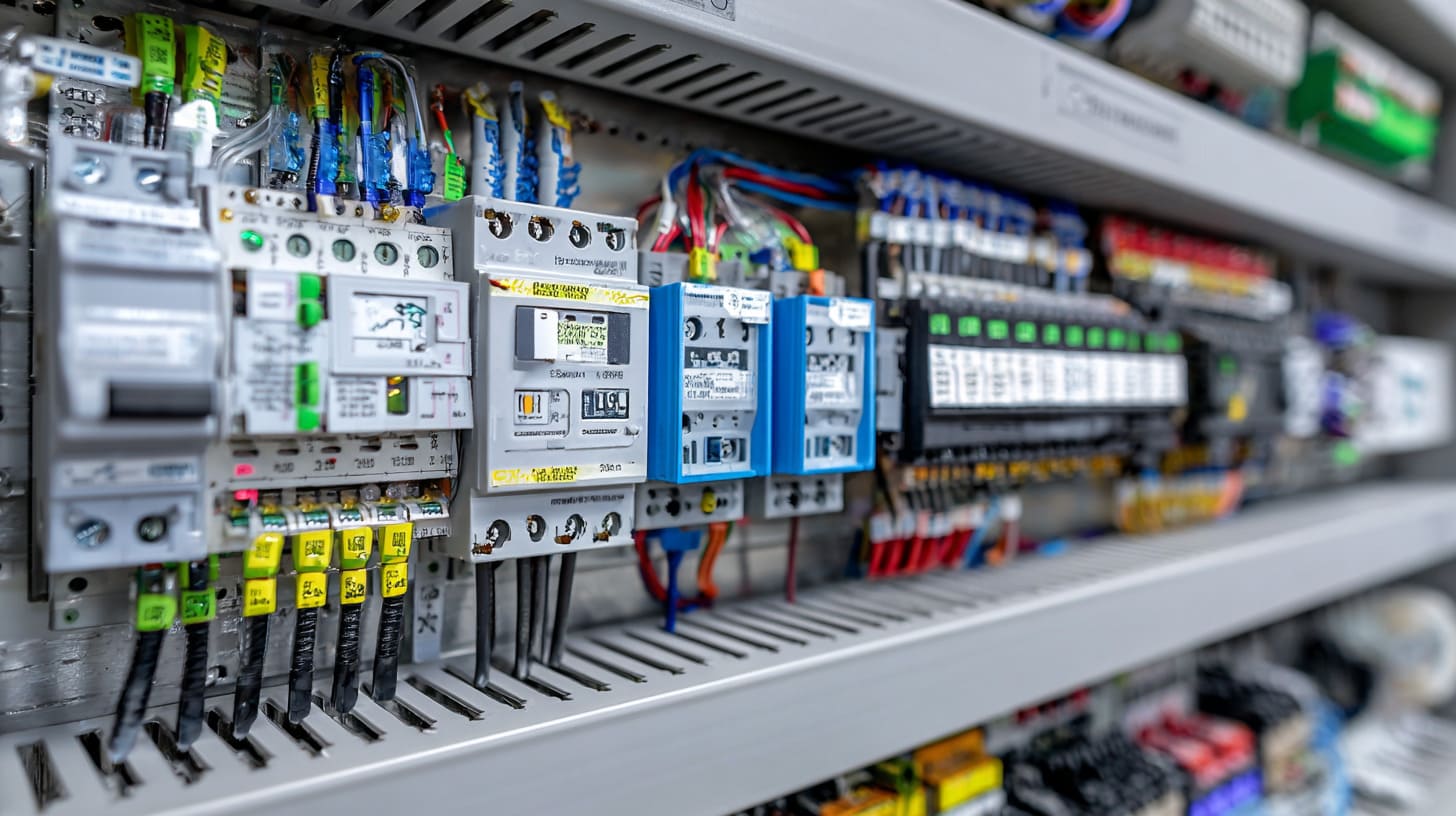
A PLC panel is an enclosure that holds the main control parts for an automated machine or process. It usually includes the PLC, power supply, relays, breakers, terminals, and wiring that help the system run in a safe, organized, and reliable way.
I have seen good projects slow down for a very ordinary reason. The machine idea was fine, but the panel was too small, too hot, too crowded, or too hard to service. That kind of mistake looks small on paper. Later, it becomes expensive.
What is the difference between a PLC and a PCB?
People mix up these two terms more often than they should. I understand why. They both sit inside electrical products, and both sound technical.
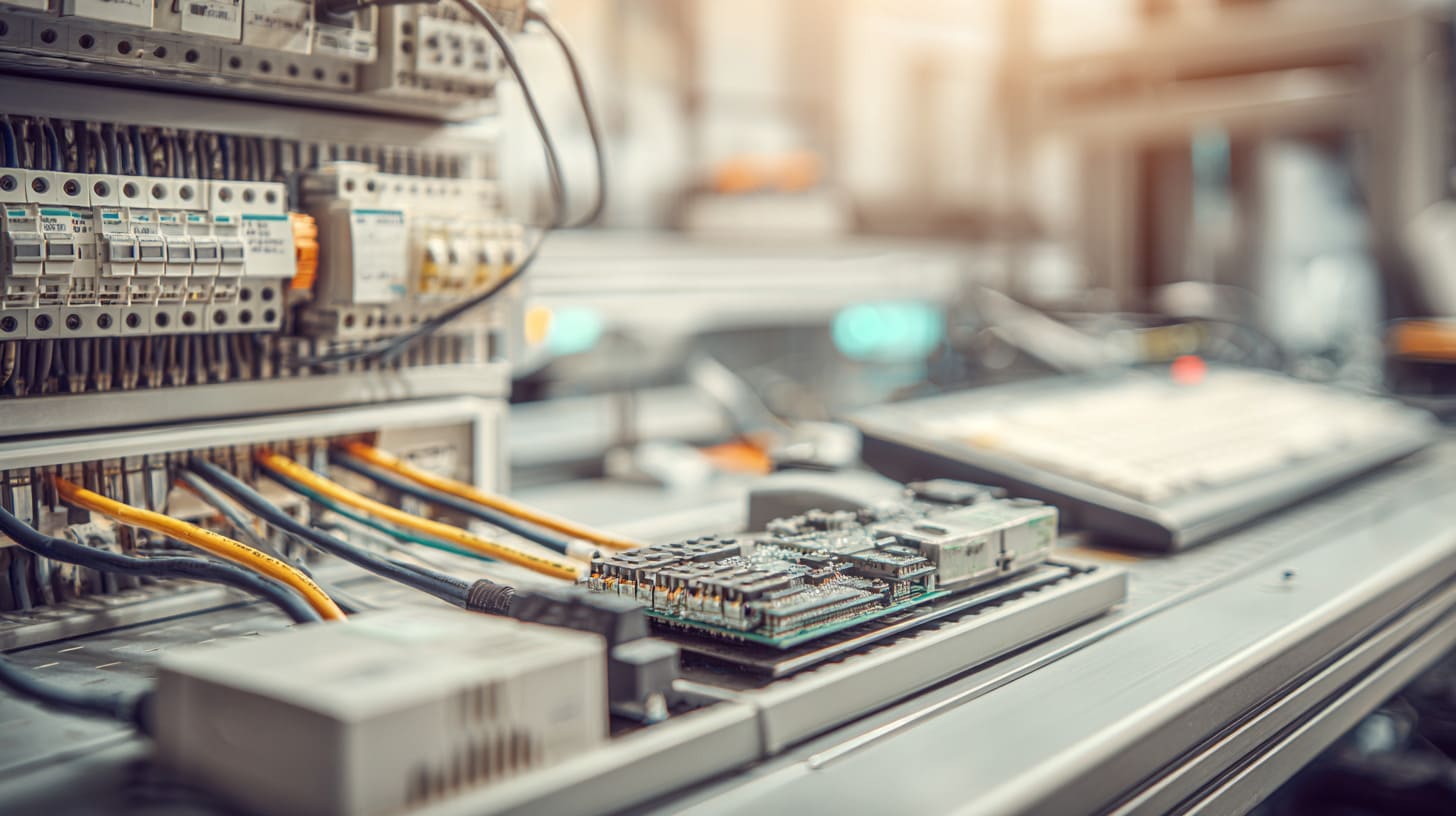
A PLC is a programmable controller used to run machines and automation logic. A PCB is a printed circuit board that physically holds and connects electronic components. One is a control device. The other is a hardware platform.
I have noticed that this confusion often starts early in a project. A buyer says “board,” but means controller. Then the whole discussion starts moving in the wrong direction.
The basic idea is simple
A PLC is made to receive signals, process logic, and send commands.
A PCB is the board that supports and connects parts like chips, resistors, and connectors.
Here is the easy way I explain it:
| Item | PLC | PCB |
|---|---|---|
| Full name | Programmable Logic Controller | Printed Circuit Board |
| Main job | Control automation | Hold and connect electronics |
| Can it be programmed? | Yes | Not by itself |
| Used in | Machines, lines, industrial systems | Almost any electronic device |
| Role in a panel | Main control brain | May exist inside devices or modules |
Why this matters in real projects
Sometimes a customer asks me for an enclosure for a “PLC board,” but the actual part is a full PLC module with terminals, DIN rail mounting, and expansion units. That changes enclosure size, wiring space, and door layout right away.
I do not judge this by name alone. I always want the actual part number, dimensions, mounting method, and cable direction before I say the structure is workable.
A quick real-world view
- A PLC tells the motor when to start
- A sensor tells the PLC what is happening
- A PCB may exist inside the sensor, HMI, or power supply
- The PLC panel brings these control parts into one organized system
What's inside a PLC panel?
From outside, a PLC panel may look like just a metal box with a door. Open it, and the logic of the whole machine starts showing itself.
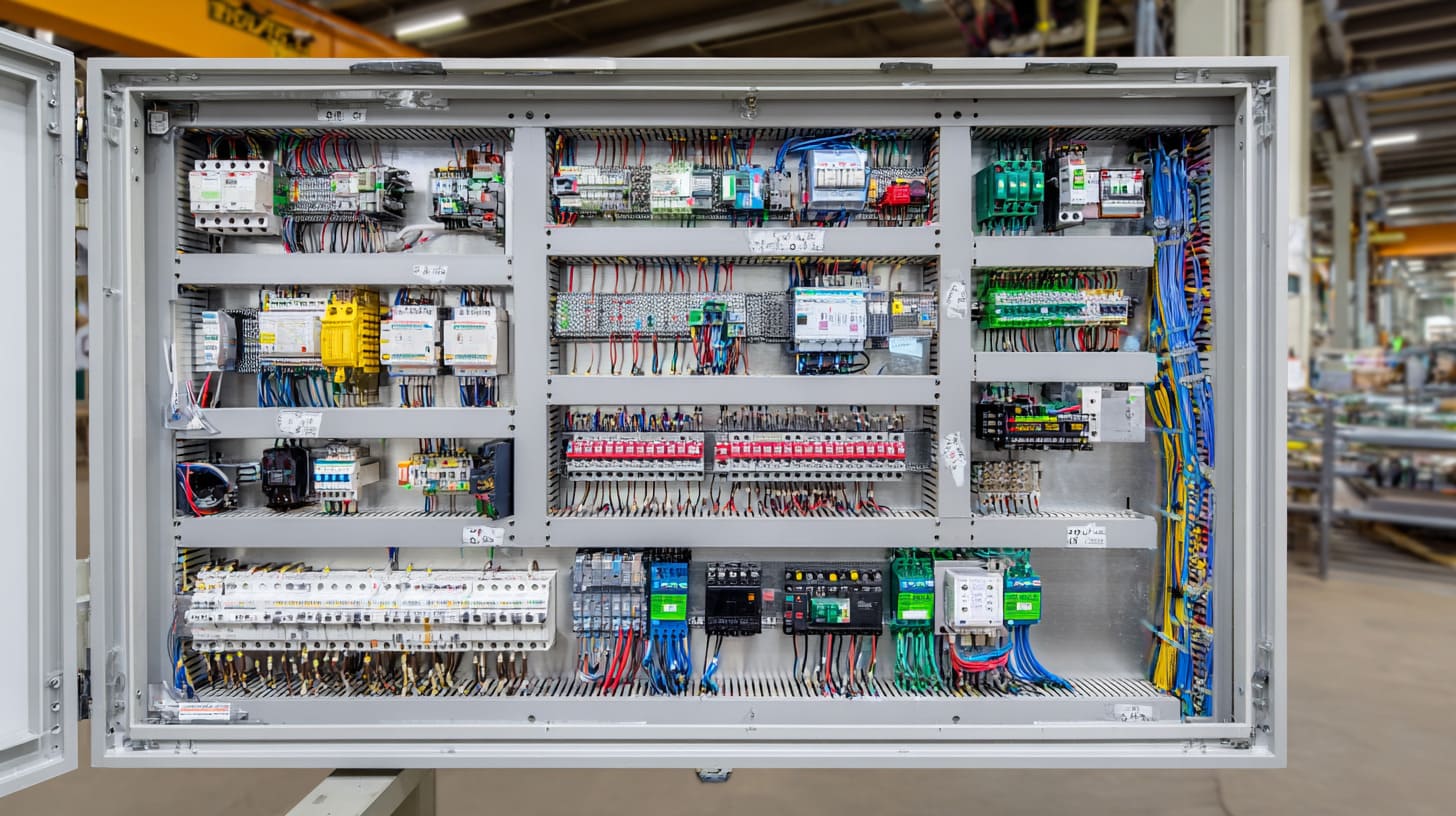
A PLC panel usually contains the PLC, power supply, circuit protection, relays, terminals, wiring ducts, communication parts, and sometimes an HMI or cooling devices. These parts work together to control, protect, and organize the automation system.
This part matters because many people imagine the PLC alone is the system. It is not. The PLC is important, but it cannot do much without the support parts around it.
Typical items inside
| Part | What it does |
|---|---|
| PLC CPU | Runs the control logic |
| I/O modules | Handle input and output signals |
| Power supply | Converts incoming power to control voltage |
| Breakers or fuses | Protect circuits |
| Relays or contactors | Switch loads or isolate signals |
| Terminal blocks | Make wiring clean and serviceable |
| DIN rails | Mount components neatly |
| Wiring duct | Keep cables organized |
| Cooling fan or filter | Help with heat management |
| Network switch or communication module | Support data exchange |
Why the “support parts” matter so much
A PLC without proper terminals, labeling, protection, or power design becomes annoying very fast. It may still run, but maintenance turns into guesswork.
One thing I pay close attention to is whether the panel will still be easy to service after six months of dust, heat, and hurried repairs. A panel that looks tidy only on delivery day is not good enough for me.
Not every PLC panel looks the same
A small machine panel may have:
- One PLC
- One power supply
- A few relays
- Basic terminals
A larger industrial panel may also include:
- VFDs
- Safety relays
- Ethernet switches
- Surge protection
- HMI cutouts
- Redundant power
- Remote I/O
What is a PLC panel used for in industrial automation?
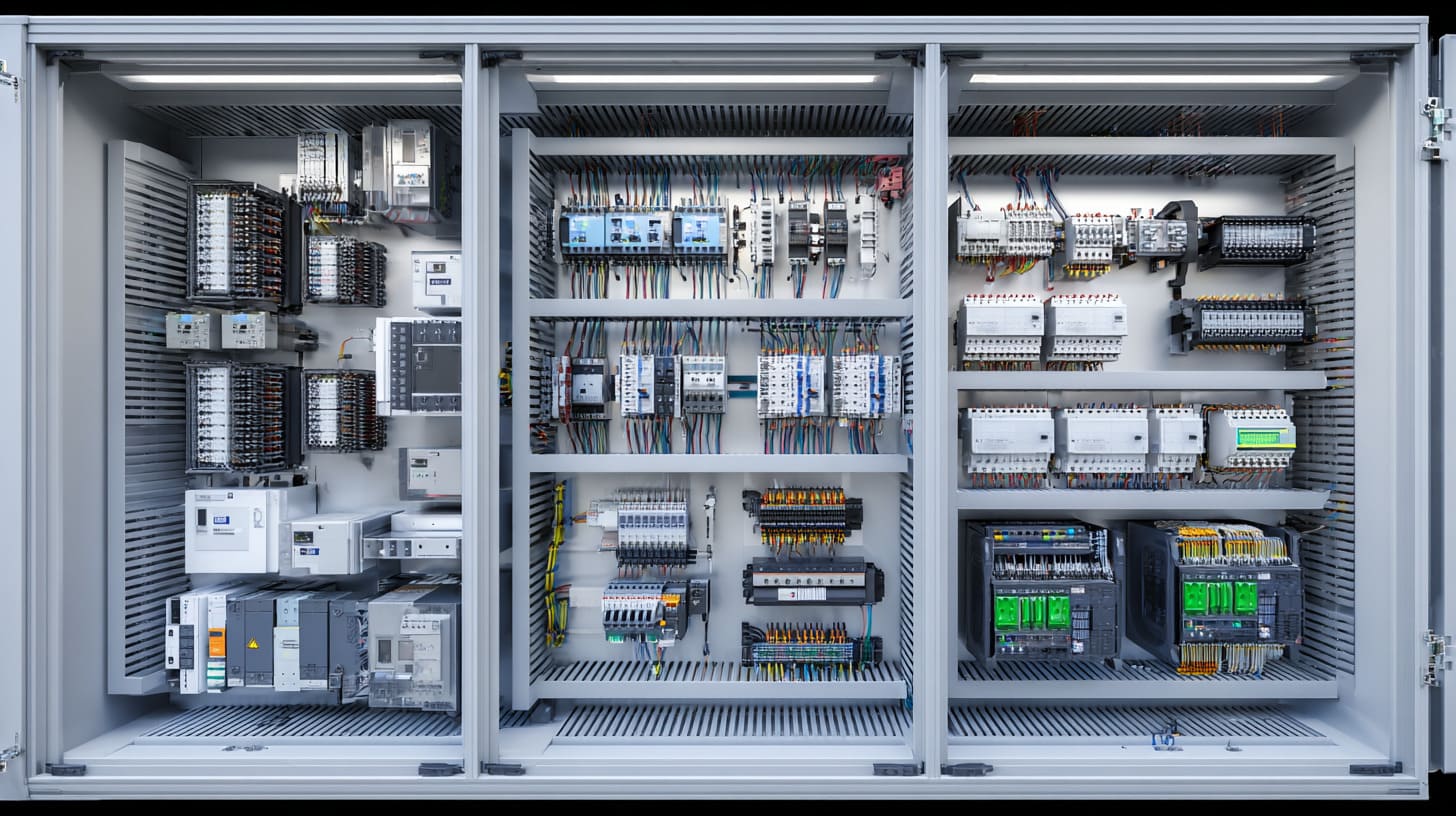
This is where the topic becomes practical. A PLC panel is not there for decoration. It exists because automated systems need a safe and organized way to think, respond, and act.
A PLC panel is used to control machines, monitor inputs, trigger outputs, protect control circuits, and keep automation hardware organized in one safe enclosure. It helps industrial systems run reliably and makes troubleshooting, upgrades, and maintenance easier.
I have seen automation projects look smart in software but feel weak in daily production because the control hardware was treated like an afterthought. That usually hurts later.
Common uses in industrial work
| Application | How the PLC panel helps |
|---|---|
| Conveyor systems | Starts, stops, senses jams, controls timing |
| Packaging machines | Coordinates motors, sensors, cylinders |
| Water treatment | Monitors levels, pumps, alarms |
| Factory lines | Links many devices into one control flow |
| HVAC systems | Controls fans, temperature, and schedules |
| Food equipment | Manages process steps and safety signals |
Why factories rely on them
A proper PLC panel helps with:
- Centralized control
- Safer wiring
- Cleaner maintenance
- Faster fault finding
- Easier expansion later
My first concern is not whether the panel can run the machine today. I care more about whether the next technician can understand it quickly when production is already behind schedule.
A panel is also a communication point
It becomes the place where many things meet:
- field sensors
- motors
- alarms
- power
- operator commands
- network signals
That is why good layout and enclosure choice matter so much.
What components are inside a PLC control panel?
This question sounds close to the earlier one, but here I want to go deeper into the actual working parts and why they are selected.
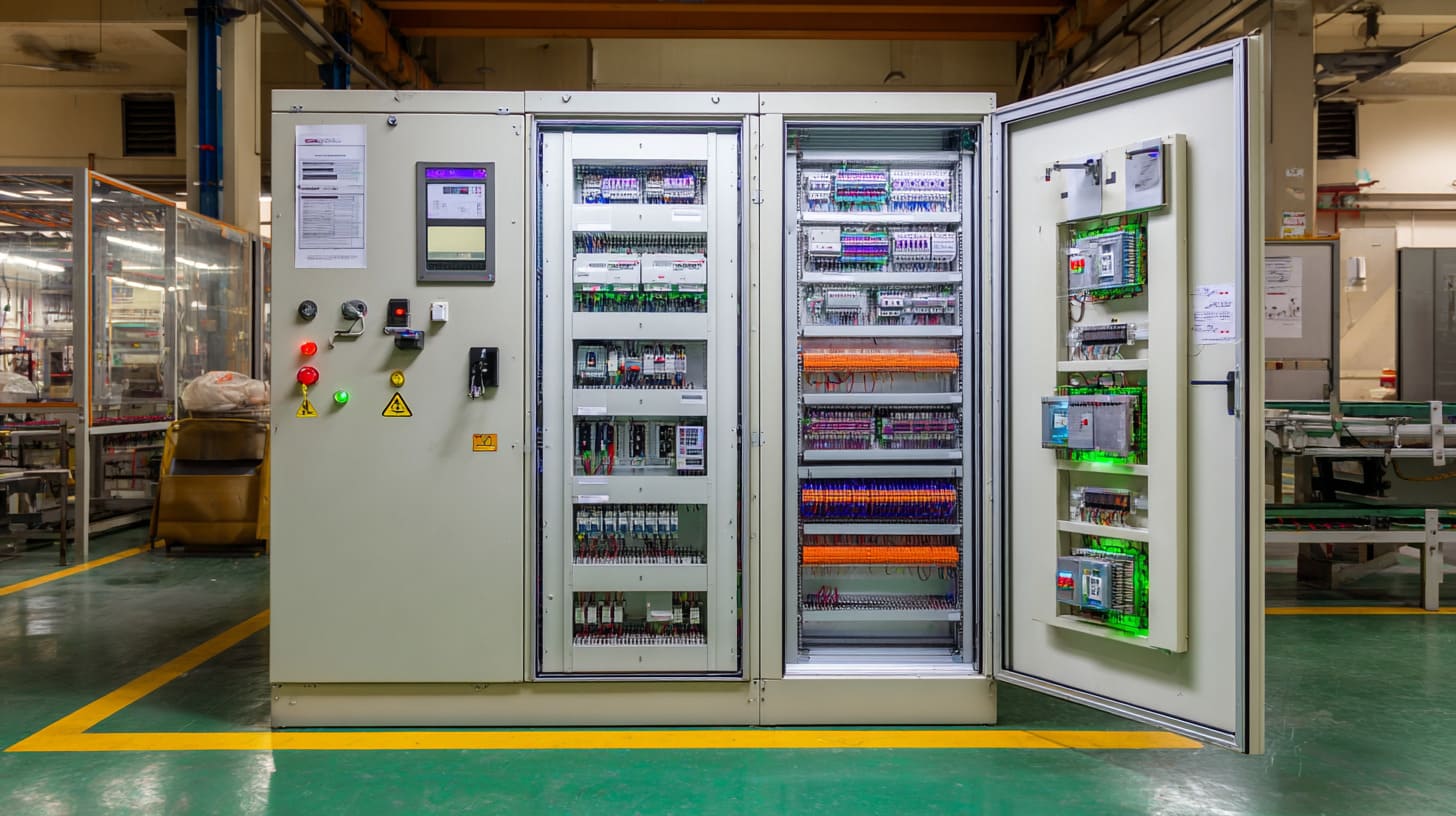
The main components inside a PLC control panel include the PLC CPU, input and output modules, power supply, relays, terminal blocks, breakers, contactors, communication devices, wiring channels, and cooling or ventilation parts when needed.
I have seen buyers ask for a “simple panel,” but the parts list keeps growing once the real function becomes clear. That happens a lot.
Main component groups
1. Control components
These are the parts that make decisions.
- PLC CPU
- Digital input modules
- Digital output modules
- Analog modules
- Safety controller or safety relay
2. Power and protection components
These keep the system alive and protected.
- MCBs
- fuses
- disconnect switch
- surge protection
- 24V DC power supply
3. Switching and interface components
These help signals and loads connect safely.
- relays
- contactors
- interposing relays
- terminal blocks
4. Support and organization parts
These make the panel usable.
- DIN rails
- wire ducts
- labels
- ferrules
- cable glands
- fans
- filters
Component selection is rarely random
| Component | What I care about |
|---|---|
| PLC | Brand, I/O count, expansion ability |
| Power supply | Load margin, voltage stability |
| Relay | Coil voltage, contact rating |
| Terminal block | Wire size, marking, space |
| Enclosure fan | Airflow, filter maintenance |
| Breaker | Current rating, coordination |
What often changes my decision is not the component price by itself, but the failure cost if that part becomes the weak point in a dirty, hot, or hard-to-reach environment.
One small mistake can spread
A weak terminal choice can lead to loose wiring.
A small enclosure can trap heat.
A low-grade fan can fail early.
A poor label system can waste maintenance time.
Small parts. Big consequences.
How does a PLC panel work in an automation system?
Some people think the panel just “powers the machine.” That is too simple. The real job is more like listening, deciding, and responding all day.
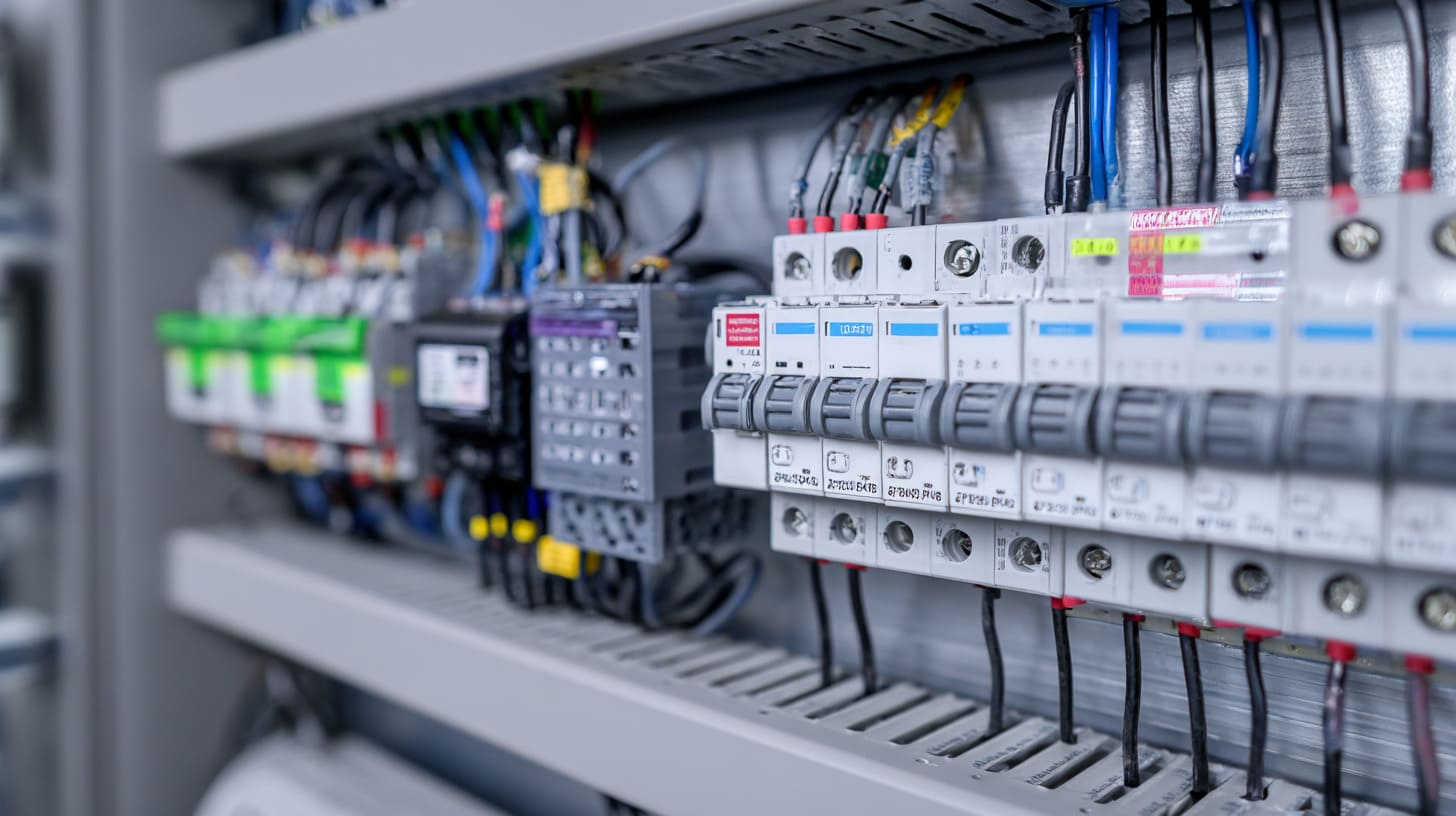
A PLC panel works by receiving input signals from sensors and switches, processing them through the PLC program, and then sending output commands to devices such as relays, motors, valves, or alarms. It acts as the control center of the automation system.
That sounds clean in theory. In real life, timing, noise, heat, and wiring quality all affect how smooth that control feels.
The working flow
| Step | What happens |
|---|---|
| 1 | Sensors send input signals |
| 2 | PLC reads those signals |
| 3 | PLC program checks the logic |
| 4 | PLC sends output commands |
| 5 | Devices respond |
| 6 | System repeats the cycle |
A simple example
Let us say a conveyor has a sensor at the entry.
- The sensor detects a box
- The PLC reads that input
- The logic checks whether the next station is ready
- If yes, it starts the motor
- If not, it waits or triggers an alarm
That is the panel doing real work. Quietly. Constantly.
Why stable panel design matters here
I often judge panel quality by how predictable it stays under pressure, not by how neat it looks in a factory photo. A clean sequence on paper means little if signal noise or weak power design causes random faults.
Signals, logic, and outputs must stay clean
Inputs can include:
- proximity sensors
- limit switches
- pressure sensors
- push buttons
Outputs can include:
- relays
- solenoid valves
- indicator lights
- motor starters
A good panel makes these connections clear, safe, and easy to trace.
What is the difference between a PLC panel and a control panel?
This is another common mix-up. People often use the terms as if they mean exactly the same thing. Sometimes that is close enough. Sometimes it is not.
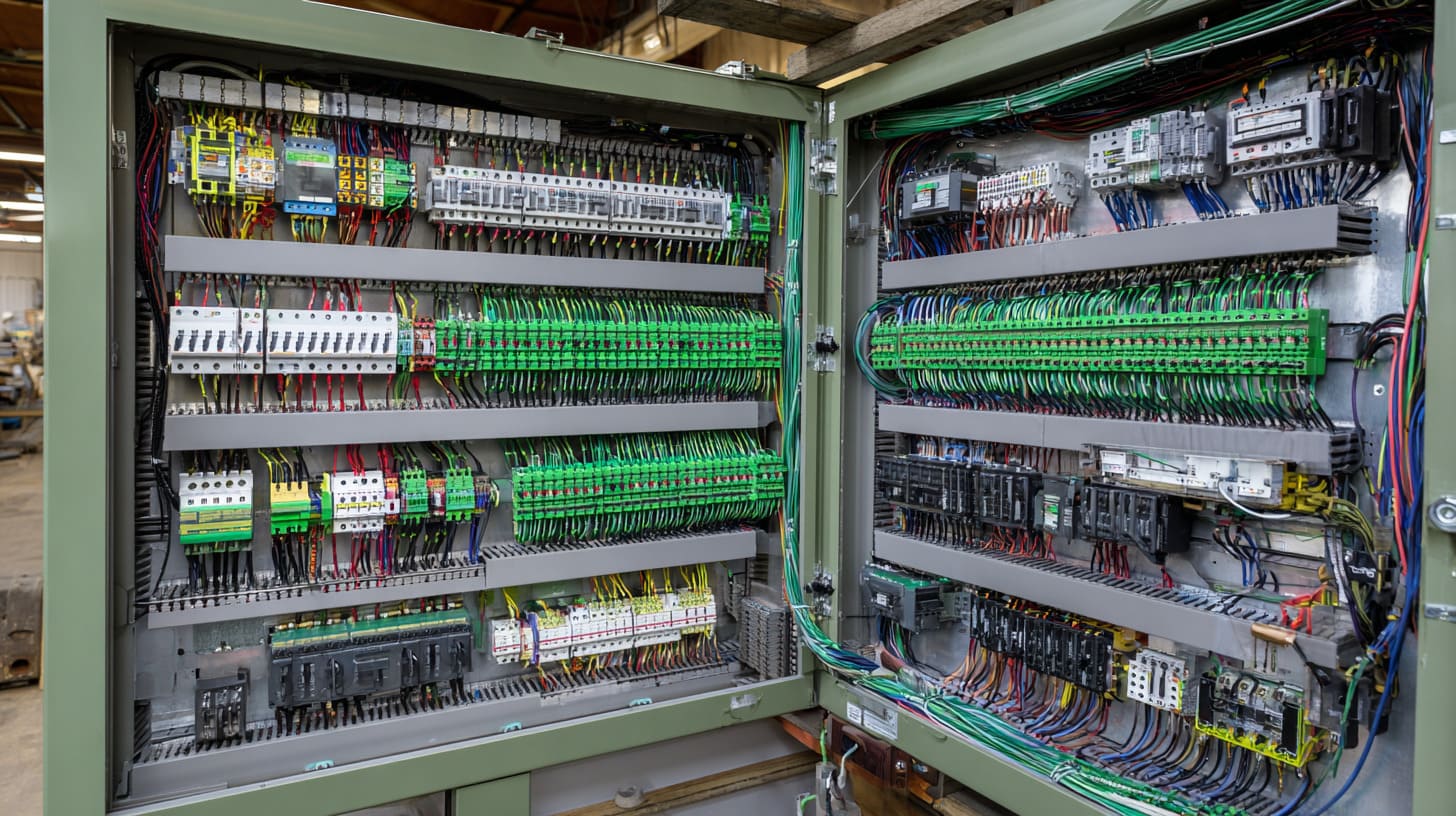
A PLC panel is a type of control panel that uses a PLC as its main logic controller. A control panel is a broader term and may use PLCs, relays, timers, or other control methods depending on the application.
So yes, a PLC panel is a control panel. But not every control panel is a PLC panel.
The key difference
| Item | PLC Panel | Control Panel |
|---|---|---|
| Logic method | PLC-based | PLC, relay, timer, or mixed |
| Flexibility | High | Depends on design |
| Best for | Complex automation | Broad control tasks |
| Programming | Usually needed | Not always |
| Expansion | Easier | Varies |
Why the wording matters
A client may ask for a “control panel,” but their system needs recipe changes, sensor logic, alarms, and Ethernet communication. That is already pushing the job toward a PLC panel.
Sometimes I can tell the right direction just by how often the process might change after installation. If the answer is “quite often,” I usually lean toward PLC control instead of hardwired-only logic.
When a standard control panel may still be enough
Not every project needs a PLC.
A simple control panel may work for:
- one pump start/stop
- basic motor direction control
- a few lights and buttons
- very simple interlocks
But once the logic grows, the PLC starts making more sense.
What is the difference between a PLC panel and a MCC panel?
This question matters a lot in industrial projects because the two can sit in the same factory and still serve very different roles.
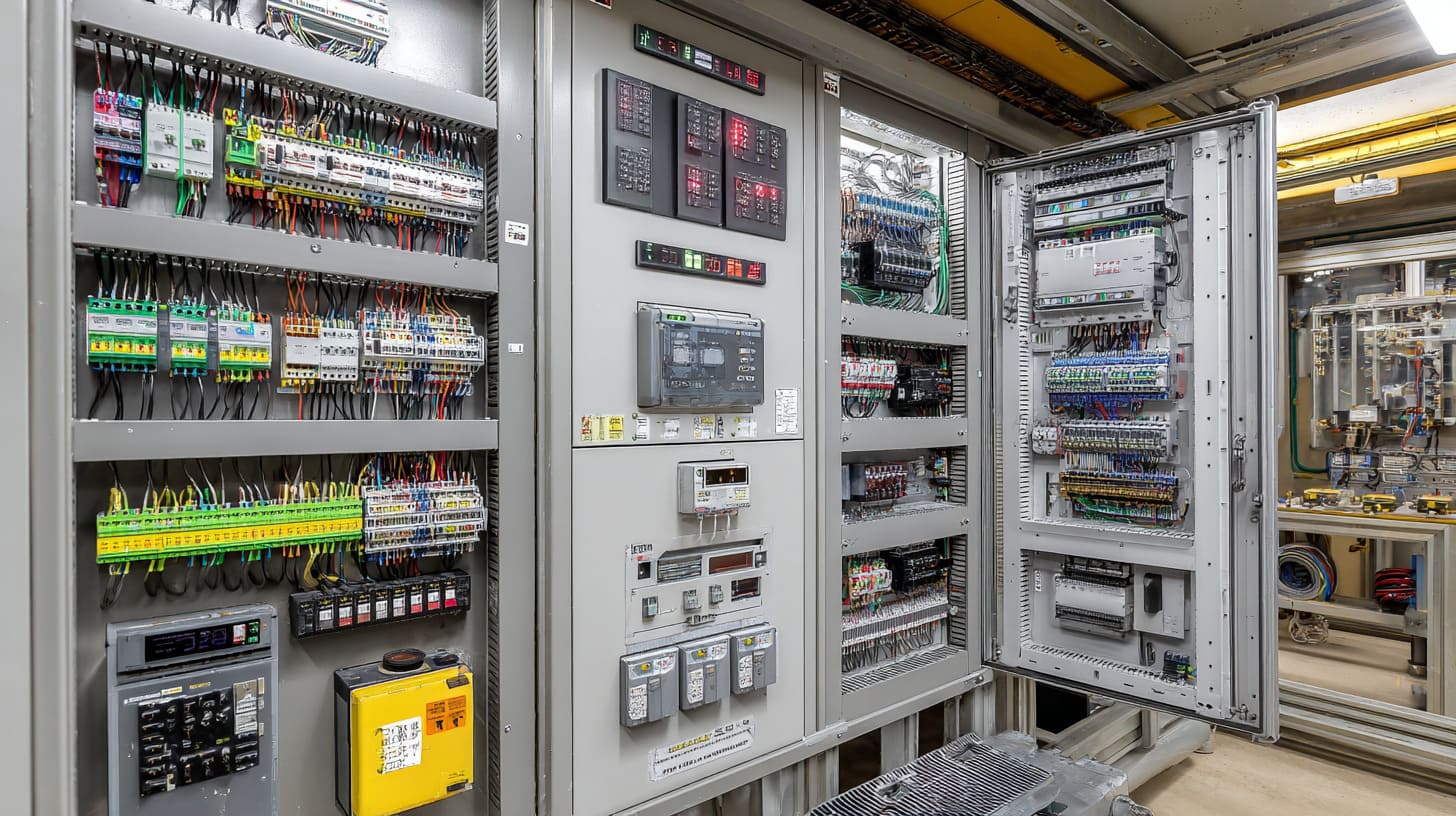
A PLC panel is mainly used for logic and automation control. A MCC panel, or motor control center panel, is mainly used to control and protect multiple motors. One focuses on control logic. The other focuses on motor power distribution and operation.
They can work together, but they are not the same thing.
Side-by-side comparison
| Item | PLC Panel | MCC Panel |
|---|---|---|
| Main role | Automation control | Motor control and protection |
| Core parts | PLC, relays, I/O, power supply | starters, contactors, overloads, breakers |
| Handles logic? | Yes | Usually limited |
| Handles motor feeders? | Sometimes indirectly | Yes |
| Used for | Process control | Motor distribution |
How they often work together
A PLC panel may send command signals.
A MCC panel may handle the motor starter side.
For example:
- PLC panel says start pump 3
- MCC panel energizes the motor starter
- feedback returns to the PLC panel
I do not separate these by cabinet label alone. I look at what kind of risk lives inside: logic risk, motor load risk, or both.
Why this difference affects enclosure design
MCC panels often deal with:
- higher current
- heavier components
- stronger heat load
- more power cable space
PLC panels often care more about:
- clean signal wiring
- communication stability
- low-voltage separation
- service clarity
How do you design a PLC control panel?
Design is where theory meets consequences. A bad choice here may not show up in the quotation stage. It shows up later, when wires do not fit, heat rises, or the technician has no room to work.
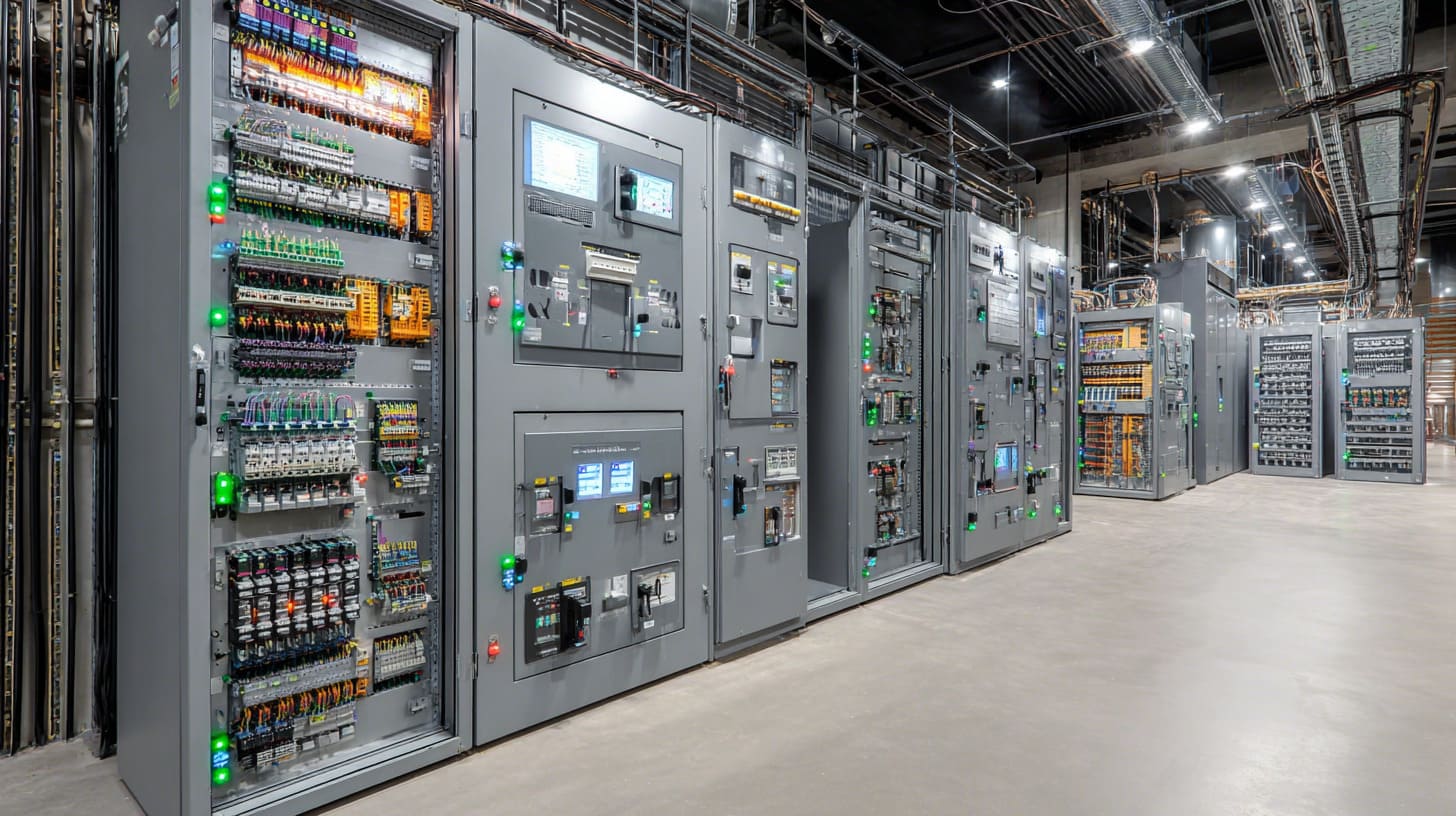
To design a PLC control panel, I start with the machine function, I/O list, voltage needs, safety requirements, enclosure environment, and future expansion. Then I build the layout, select components, size the enclosure, and plan wiring and protection clearly.
This work is not only about putting parts into a box. It is about making the box work well under real conditions.
My basic design flow
| Step | What I do |
|---|---|
| 1 | Confirm machine function |
| 2 | Build I/O list |
| 3 | Choose PLC and modules |
| 4 | Select protection and power parts |
| 5 | Plan enclosure size |
| 6 | Make internal layout |
| 7 | Review wiring paths |
| 8 | Check heat, access, and safety |
Questions I always ask first
- How many inputs and outputs are needed?
- Is there analog control?
- Is networking required?
- Is there a future expansion plan?
- What is the site environment like?
- Does the project need UL, CE, or other compliance?
A design feels weak to me when it only fits the current drawing and leaves no room for one extra relay, one bigger cable bend, or one future module.
Good panel design is part engineering, part restraint
Too little space causes pain
- hard wiring
- trapped heat
- poor airflow
- ugly maintenance
Too much space also has a cost
- higher enclosure cost
- wasted footprint
- longer wire runs
- less efficient production
So the goal is not “big.” The goal is “right.”
What are the main parts of a PLC panel layout?
Layout is where order becomes visible. A tidy-looking panel is not always a good panel, but a messy layout is often a warning sign.
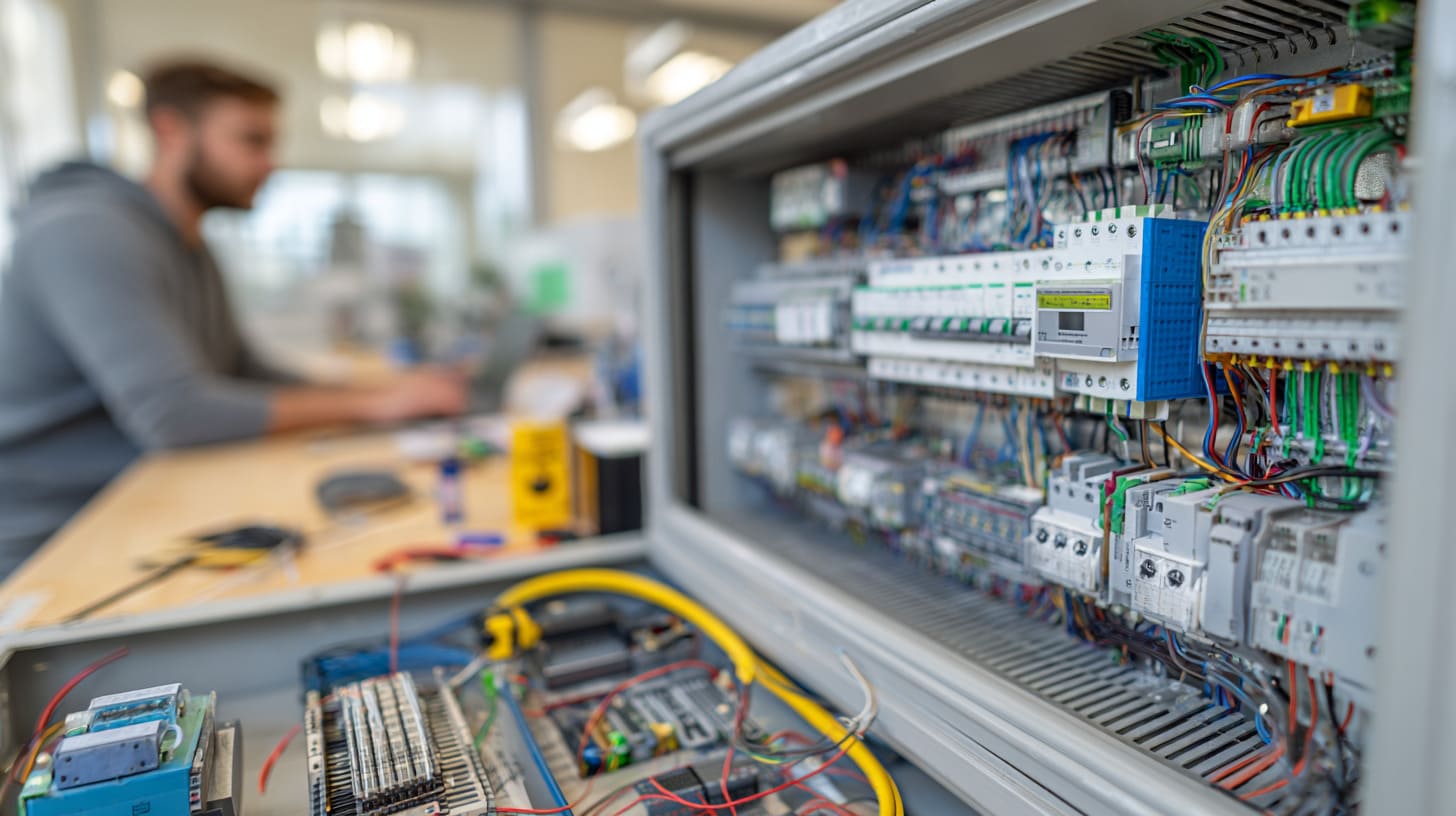
The main parts of a PLC panel layout usually include the back plate arrangement, DIN rail positions, wire duct paths, terminal areas, power section, control section, ventilation zones, and cable entry points. Good layout improves safety, wiring clarity, and maintenance speed.
I have learned that layout is one of those things people notice only when it is bad. Then they notice it a lot.
Main layout zones
| Layout area | Purpose |
|---|---|
| Top area | Often used for terminals or power entry |
| Center area | PLC, relays, and control parts |
| Side areas | Vertical wire routing |
| Bottom area | Cable entry or larger terminals |
| Door area | HMI, buttons, lamps, labels |
A practical layout logic
I usually separate the layout into these groups:
Power area
Breakers, disconnects, power supply
Control area
PLC, relays, I/O modules
Field connection area
Terminal blocks, cable markers, shield grounding
Cooling space
Fans, filters, top and bottom air path
The first thing that bothers me in a layout is when signal wiring and higher-power wiring are forced to cross too closely for no good reason.
Layout mistakes that cause trouble later
- no room for wire bending
- no separation between AC and DC
- terminals too close to duct covers
- fan airflow blocked by components
- labels hidden behind cables
What standards and safety rules apply to PLC panels?
This part is not exciting, but it protects projects from expensive mistakes. A panel can work electrically and still fail on safety, inspection, or market entry.
PLC panels may need to follow standards and safety rules related to electrical design, enclosure protection, wire sizing, grounding, short-circuit protection, component approval, and regional compliance such as UL, CE, IEC, or local industrial codes.
I have seen projects run into delays not because the control logic was wrong, but because compliance was treated like something to “fix later.”
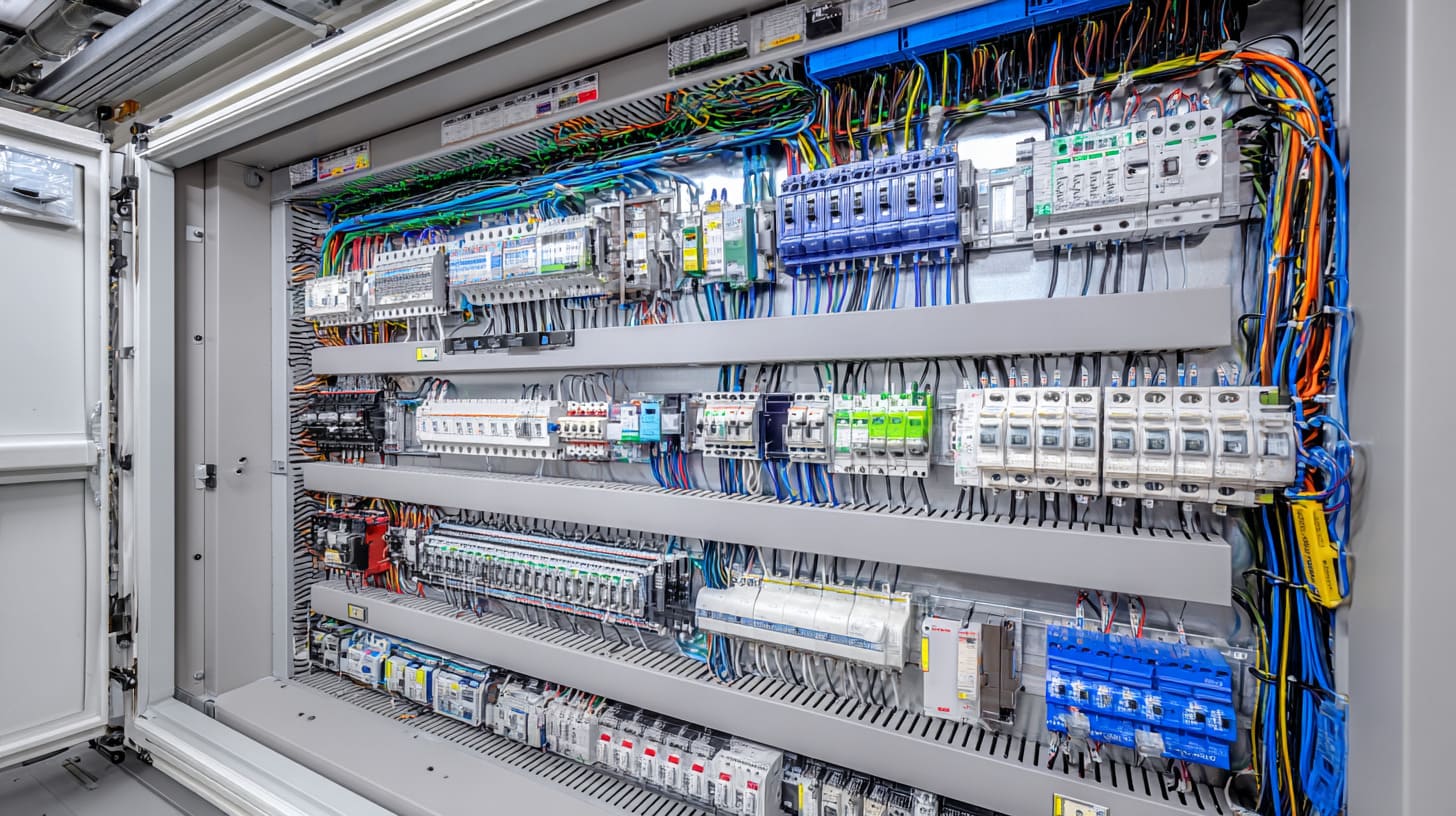
Common areas that standards cover
| Area | What it affects |
|---|---|
| Grounding | Safety and fault protection |
| Wire sizing | Heat and current capacity |
| Component approval | Legal and project acceptance |
| Creepage and clearance | Electrical safety |
| Labeling | Service and inspection |
| Enclosure rating | Dust, water, corrosion resistance |
Common standard references by project type
- UL 508A for industrial control panels in many U.S. projects
- IEC standards for many international applications
- CE-related requirements for Europe
- NEMA or IP ratings for enclosure protection
- Local electrical codes based on project country
I never assume a “working sample” is enough. If the panel is going into a stricter market, I check compliance expectations early, because redesigning after assembly is painful.
Safety is not only about inspectors
It is also about daily use:
- Can a technician isolate power safely?
- Are wires clearly labeled?
- Is the grounding reliable?
- Is heat controlled?
- Is accidental contact reduced?
Those questions matter in the real world.
How do you wire a PLC panel correctly?
Wiring is where neatness and discipline start paying rent. A panel can have good parts and still feel terrible if the wiring is rushed.
To wire a PLC panel correctly, I follow the wiring diagram carefully, separate power and signal lines, label every wire clearly, use the right wire size and ferrules, keep routing clean in wire ducts, and confirm grounding and terminal tightening before testing.
This sounds basic. It is basic. That is exactly why people sometimes get careless with it.

Core wiring rules I follow
| Wiring point | Good practice |
|---|---|
| Wire size | Match current and terminal capacity |
| Ferrules | Use them for cleaner, safer ends |
| Labeling | Label both ends clearly |
| Routing | Separate control and power where possible |
| Grounding | Keep it reliable and easy to verify |
| Tightening | Follow torque guidance where needed |
My practical wiring priorities
First: make it traceable
If a technician cannot follow the wire, the panel is already harder than it should be.
Second: make it stable
Loose strands, mixed labels, and rushed bends create future faults.
Third: make it service-friendly
Panels should not become puzzles.
One detail I do not like to compromise on is wire identification. When faults happen, clear labels save more time than people expect.
Common wiring mistakes
- no wire numbers
- too much cable stuffed into duct
- weak grounding
- signal wires too close to noisy power lines
- no spare terminal positions
- messy door wiring loops
What enclosure is best for a PLC control panel?
There is no single best enclosure for every PLC panel. The right choice depends on the site, the risk, and the hardware inside.
The best enclosure for a PLC control panel is one that matches the environment, fits the components with proper space, protects against dust, water, and damage, and allows safe wiring, cooling, and maintenance access. In many industrial cases, powder-coated steel or stainless steel enclosures are common choices.
I have seen people choose enclosures by appearance first. That usually works until the environment starts fighting back.
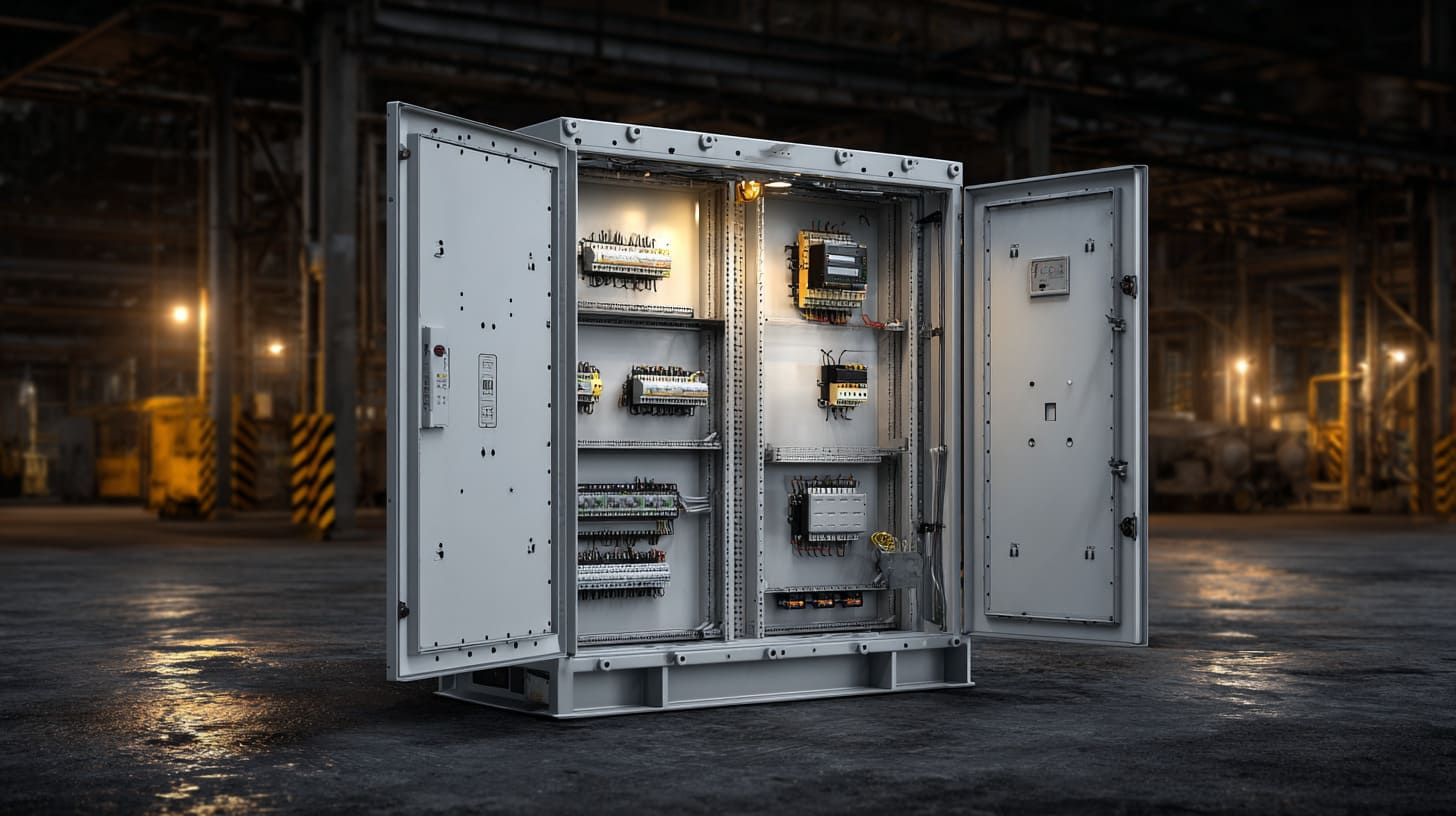
Common enclosure materials
| Material | Good points | Limits |
|---|---|---|
| Powder-coated steel | Strong, cost-effective, common | Can corrode in harsh places |
| Stainless steel | Better for harsh, wet, or corrosive areas | Higher cost |
| Aluminum | Light, corrosion resistant | Not always ideal for every heavy industrial setup |
| Plastic | Good for some light-duty uses | Limited for many industrial panel needs |
My basic selection thinking
- Indoor dry area? Steel may be fine.
- Washdown area? Stainless is often better.
- Outdoor exposure? Weather rating becomes critical.
- Corrosive plant? Material choice matters even more.
I usually become cautious when someone asks for the cheapest enclosure before talking about moisture, dust, chemicals, or sun exposure.
The enclosure should also support the work inside
It should allow:
- back plate mounting
- cable entry planning
- fan or filter installation
- door component cutouts
- service access
- future modification
What size enclosure is needed for a PLC panel?
This is one of those questions that looks easy until the panel starts filling up. Then suddenly every millimeter matters.
The enclosure size needed for a PLC panel depends on the number of components, wire space, heat load, cable entry, maintenance access, and future expansion. A good enclosure should not only fit the parts, but also allow safe airflow and practical working room.
I have seen drawings where the components technically fit, yet the finished panel still feels wrong because the wire space and service space were ignored.
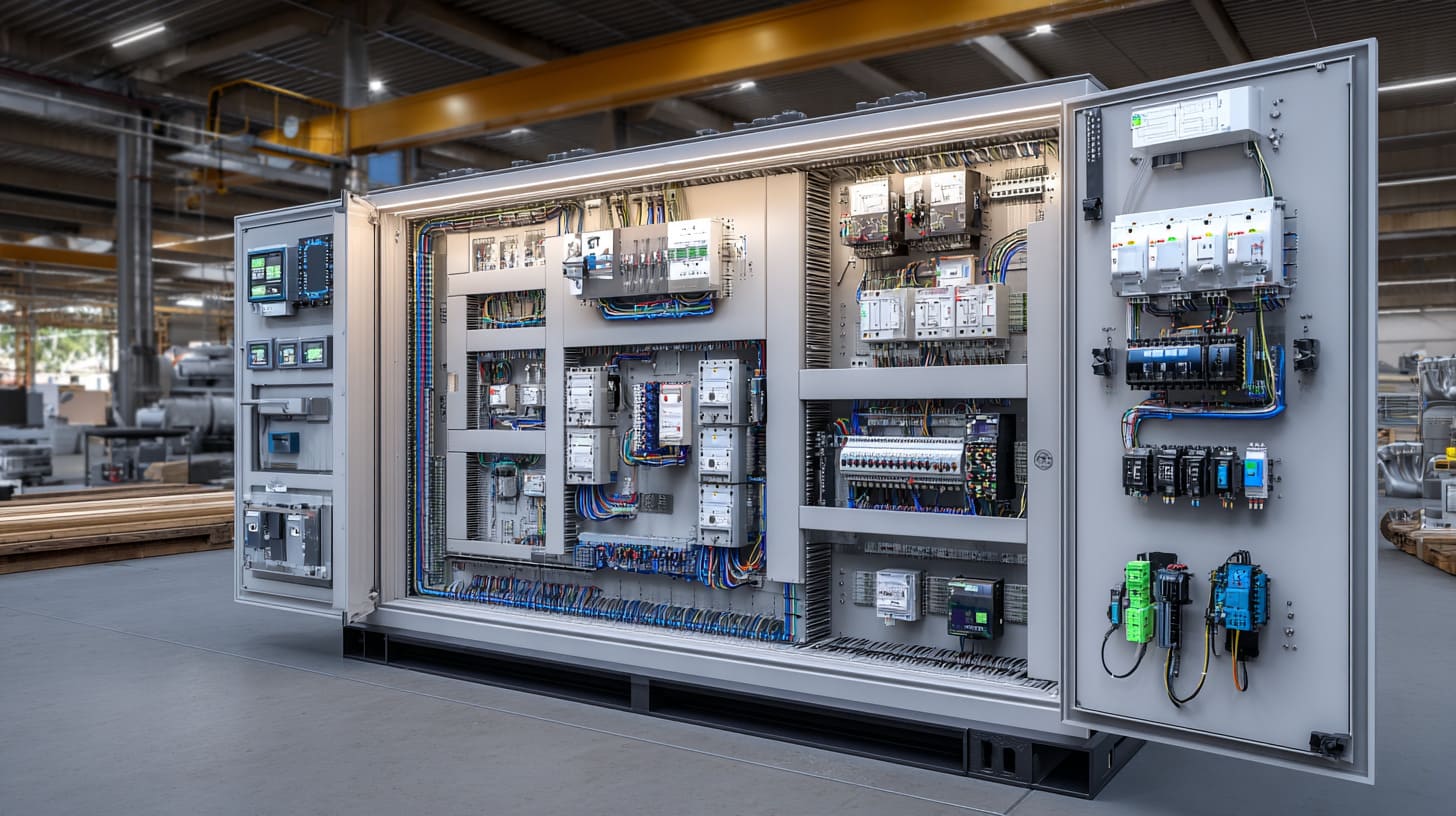
What affects enclosure size?
| Factor | Why it matters |
|---|---|
| Component count | More parts need more mounting space |
| Wire volume | Wires need bending and routing room |
| Heat | Hotter panels need airflow space |
| Door devices | HMIs and buttons affect depth and layout |
| Cable entry | Bottom or top entry changes usable area |
| Expansion | Spare space prevents future trouble |
My sizing rule is simple
I do not size a panel by components alone. I size it by components + wiring + service + heat + future margin.
That is where many undersized panels fail. They fit the bill of materials, but not the real work.
A rough practical checklist
Check mounting space
Can every device sit with proper clearance?
Check wire duct fill
Will routing stay reasonable after real wiring?
Check heat
Will airflow be blocked?
Check access
Can someone replace a relay without fighting the whole panel?
How do you choose a PLC panel enclosure for industrial environments?
Now we come to the more demanding version of enclosure selection. Industrial environments are rarely gentle. Dust, oil, vibration, water, chemicals, and heat all start voting.
To choose a PLC panel enclosure for industrial environments, I match the enclosure material, sealing level, size, cooling method, and protection rating to the actual site conditions. I also check corrosion risk, washdown exposure, outdoor use, maintenance needs, and compliance requirements.
This is the point where broad advice stops helping. Site conditions decide more than catalog photos ever will.
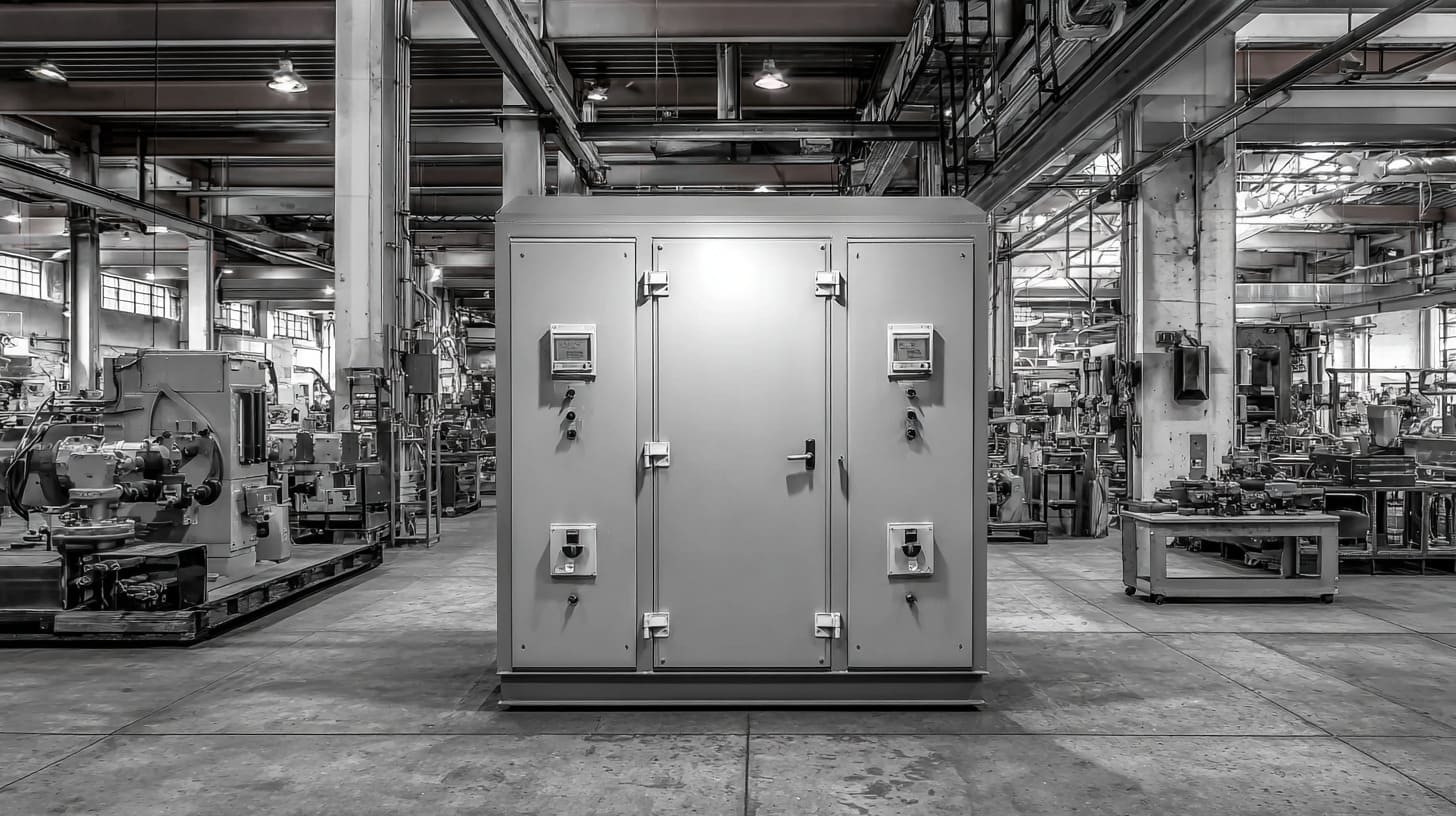
Main environment checks
| Environment issue | What I think about |
|---|---|
| Dust | Sealing, filters, IP/NEMA rating |
| Water spray | Gasket quality, door sealing, stainless option |
| Corrosion | Material choice, coating durability |
| Heat | Ventilation, sun exposure, internal load |
| Vibration | Mounting strength, component fixing |
| Outdoor use | UV, rain, temperature swings |
A practical matching guide
| Environment | Enclosure direction |
|---|---|
| Clean indoor factory | Powder-coated steel often works |
| Food or wet process area | Stainless steel is often safer |
| Coastal or chemical area | Corrosion resistance becomes a top issue |
| Outdoor installation | Weather-rated enclosure with heat planning |
| Dust-heavy workshop | Better sealing and filter strategy |
What changes my choice fastest is not the average condition, but the worst daily condition the panel will face when nobody is standing there to protect it.
I also think about maintenance
A strong enclosure is not enough if:
- filters are hard to replace
- door access is poor
- cable entry is badly placed
- internal upgrades become difficult
A good industrial enclosure should protect the panel and make ownership easier over time.
Conclusion
A PLC panel is more than a box with components. It is the control heart of an automation system. If you are planning a custom PLC panel enclosure, I suggest starting with the environment, layout, and service needs before the steel is ever cut.