Skip to content
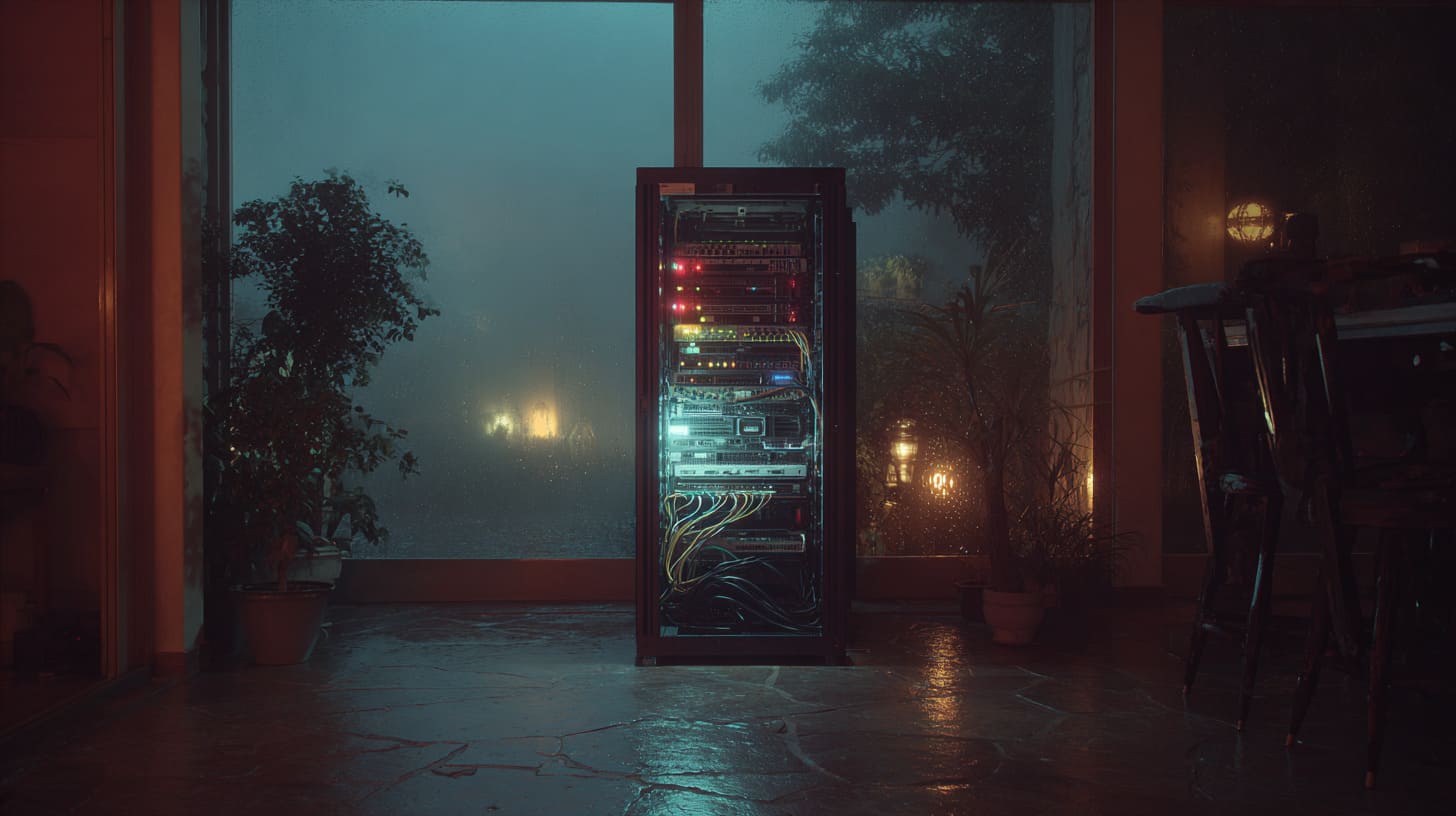
A home server rack looks like a simple promise.
Less mess. Cleaner wiring. Space to grow.
I get why beginners fall in love with it. I do too.
One buyer emailed me a photo once. It was a proud photo. A shiny rack. New PDU. New UPS. Even color-matched patch cables.
Then he added one line: “Vincent, why does my office feel like an airport now?”
That line made me smile, because I have seen this pattern so many times.
Home racks fail for one boring reason: people copy data-center setups without changing them for home life.
A data center does not care about your sleep. Or your electricity bill. Or your wife asking why the floor is warm.
The small gap between “enterprise thinking” and “home reality” is where regret grows.
And here is my real take: most mistakes do not happen because people are careless. They happen because people are excited. Excitement makes us skip the boring checks.
I often tell DIY builders and small brand owners this: your rack is not a trophy. It is a system you must live with.
The funny part is, every regret has the same sound.
It’s the sound of a person saying, “I didn’t think about that.”
Now let’s talk about the mistakes beginners regret most. Not the internet drama. The real ones that show up on Monday morning.
Mistake 1: Choosing the Wrong Rack Size From the Start

Most beginners think rack size is about how many U they need.
I think rack size is about how your home behaves.
The moment you push a rack into a corner, you are not building “IT.”
You are building a daily problem. A sound problem. A dust problem. A reach problem.
The sentence I use in my head is simple: “Will I hate touching this rack two months from now?”
That question saves more money than any discount.
Buying a rack that is too tall or too deep
A tall rack looks impressive. A deep rack looks “professional.”
But home rooms are not designed for deep racks.
Here are the typical differences I see:
| Item | Full-depth rack (common in data centers) | Shallow rack (more home-friendly) |
|---|---|---|
| Depth | Often 800–1000mm+ | Often 450–600mm |
| Best for | Full servers, deep rails | Network, NAS, mini servers, shelves |
| Biggest risk at home | Blocks doors and walkways | May limit deep server gear |
| Real-life problem | Rear access becomes impossible | You must plan gear selection |
Now the hidden trap: ceiling height and door clearance.
- Can you open the rack door fully?
- Can you remove a server from the front without hitting a wall?
- Can you lift a heavy UPS into the bottom without twisting your back?
This is where beginners get surprised.
If your rack is too deep, you will do “side access maintenance.”
That means you unplug stuff just to reach stuff. That is how mistakes happen.
Ignoring future expansion—or overestimating it
Future planning is good.
Fantasy planning is expensive.
I see two types of beginners:
- The under-buyer: buys 6U, then adds a switch, UPS, NAS, and suddenly everything is stacked.
- The over-buyer: buys 42U, then uses 10U and pays for space, noise, and power they never needed.
A simple planning table helps:
| Question | Good beginner answer | Dangerous beginner answer |
|---|---|---|
| How many devices in 12 months? | “I can list them today.” | “I’ll figure it out later.” |
| What is the biggest device? | “My UPS is X U.” | “I guess UPS is small.” |
| Do I need servers or mini PCs? | “Mini PCs for now.” | “Maybe a server farm.” |
| Where will the rack sit? | “I measured door + depth.” | “There is a corner.” |
My personal view: buying too large hurts longer.
It raises noise, heat, and wasted space every day. Under-buying feels painful, but it is easier to fix.
And once you feel the pain of a wrong rack size, you start to understand why the next mistakes matter even more.
So let’s talk about the mistake that makes people truly regret the whole rack idea.
Mistake 2: Ignoring Noise and Vibration
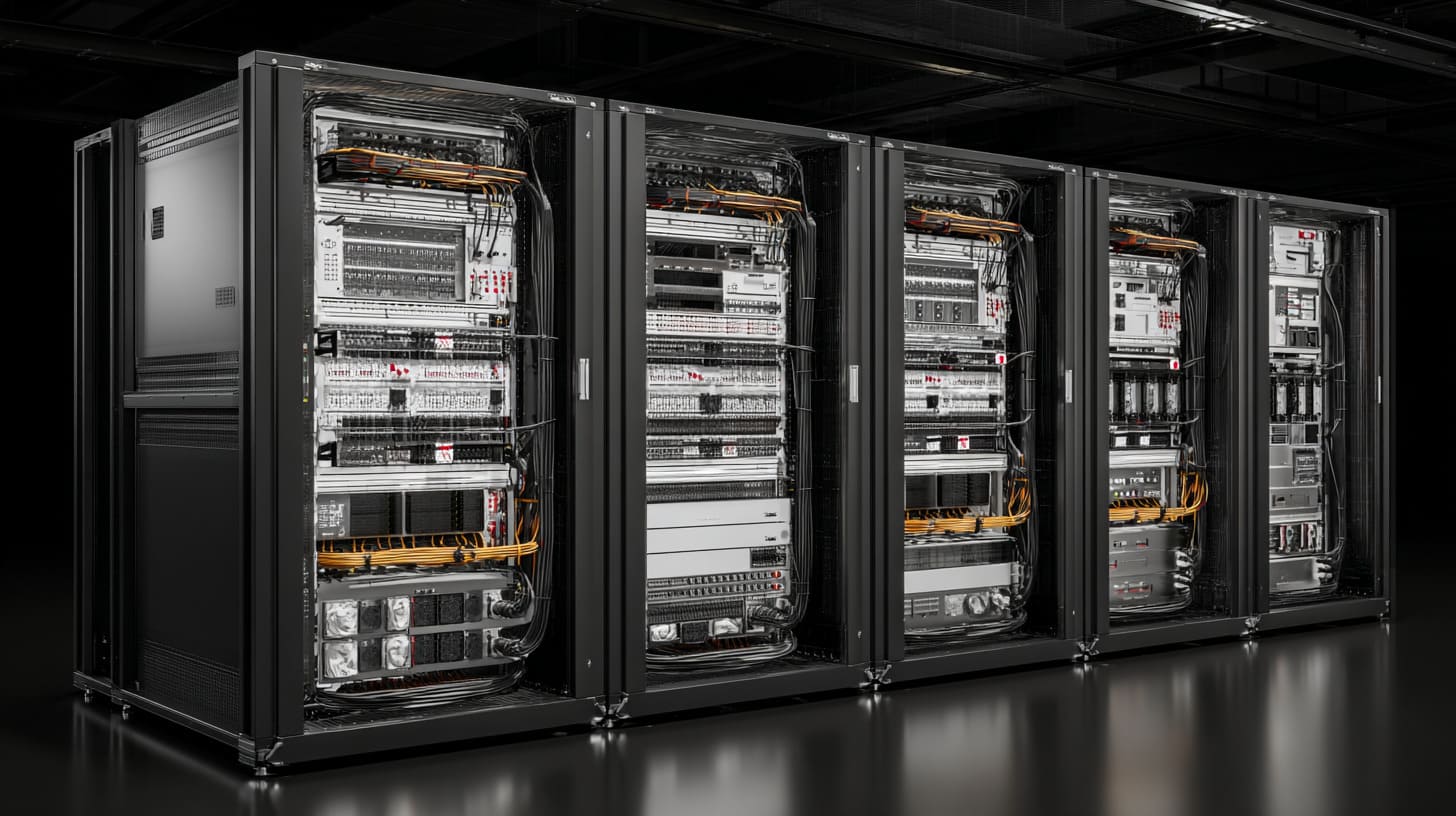
Noise is the fastest way to turn “cool home lab” into “I need to shut this down.”
A data center uses noise like weather. It exists. Nobody cares.
A home does not forgive noise. It becomes personal.
What I judge first is not fan brand or RPM.
It is where the noise will travel in the house, because sound always finds the wrong place to live.
Server-grade fans in living spaces
Server gear is built to survive heat.
So it uses fast fans. Fast fans are loud. Simple.
Most beginners hear fan noise in a YouTube video and think, “It’s fine.”
Then they bring it home, and the sound hits differently at 1:00 AM.
A small comparison helps:
| Gear type | Typical noise behavior | Why beginners regret it |
|---|---|---|
| Enterprise 1U/2U servers | High-pitch, constant ramping | Sounds like a small jet |
| Desktop NAS | Lower pitch, steady | Still audible at night |
| Mini PC cluster | Quiet, small fans | Heat can build if cramped |
| Switch (fanless) | Silent | People forget airflow needs |
And noise is not only “volume.” It is also tone.
- High pitch is harder to ignore.
- Ramping up and down is more annoying than steady noise.
- Small fans usually sound sharper than large fans.
Rack resonance and floor vibration
Here is the funny thing: sometimes your gear is not that loud.
But your rack makes it louder.
Metal frames can act like speakers.
A rack on a hollow wooden floor can amplify vibration.
I have seen a rack that sounded fine in one room and horrible in another.
Same hardware. Different floor.
Common vibration multipliers:
- Rack touching the wall
- Uneven feet
- No damping pads
- Heavy UPS “humming” at the bottom
A quick checklist table:
| Check | Why it matters | Easy fix |
|---|---|---|
| Rack level | Prevents wobble + extra noise | Adjust feet |
| Wall contact | Transfers vibration into walls | Leave a gap |
| Floor type | Hollow floors amplify | Add damping mat |
| Loose panels | Rattle becomes “mystery noise” | Tighten screws |
If you ignore noise, you will relocate the rack.
And relocation often breaks cable planning, airflow planning, and power planning.
It is like pulling a plant out of soil and hoping it still grows.
Once noise is handled, the next regret shows up quietly: heat.
Mistake 3: Poor Airflow and Cooling Planning
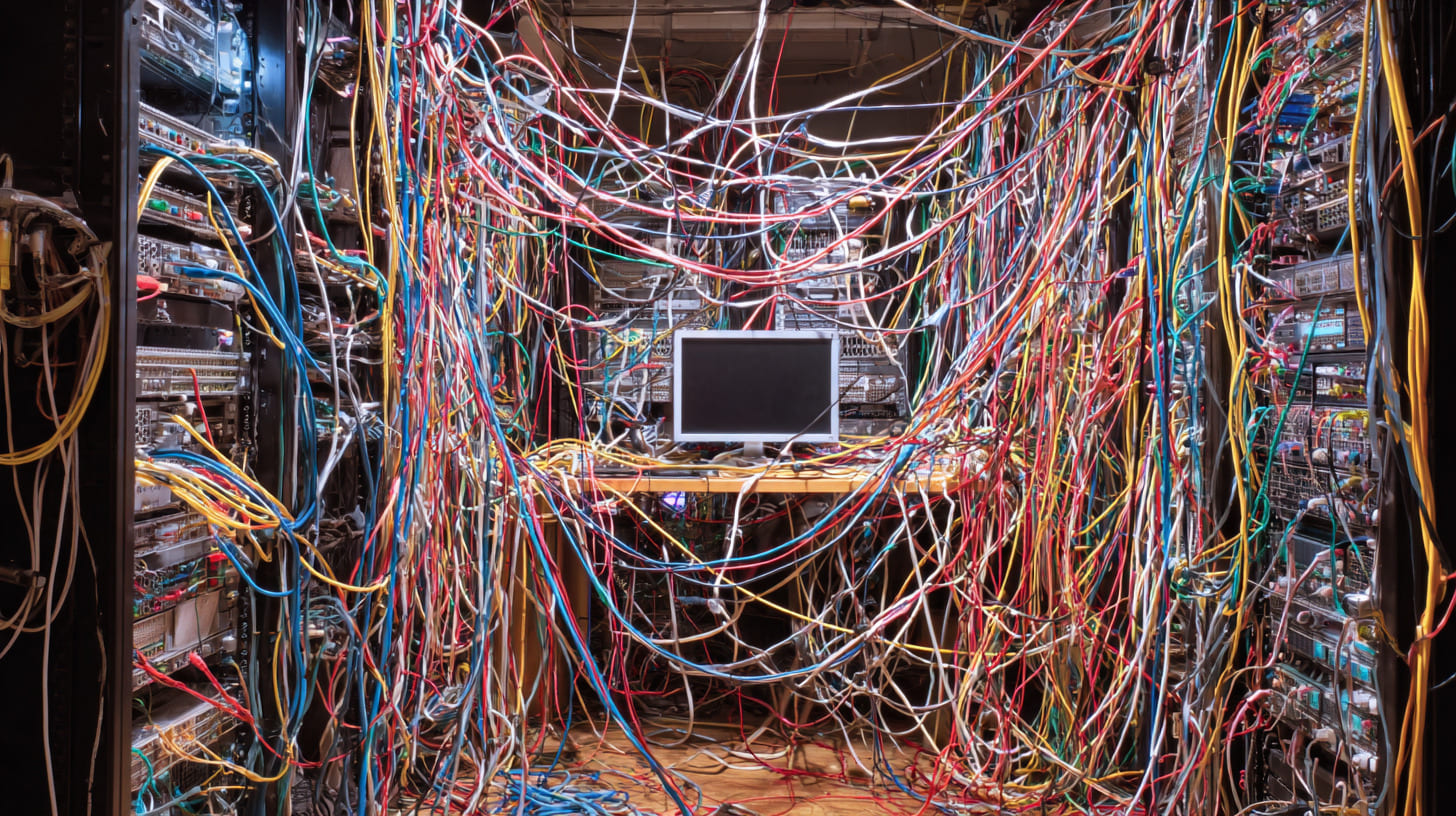
Heat is sneaky.
It does not ruin your day today. It ruins your month later.
I have seen home racks that look perfect, but the inside is cooking.
Then one day the NAS reboots. Then the switch gets unstable. Then the SSD health drops faster than expected.
The way I judge cooling is simple: I imagine the worst week of the year, then I ask if the rack survives without hero effort.
If the answer needs daily babysitting, the design is wrong.
Treating a rack like a sealed cabinet
A rack is not a sealed box. It is a flow system.
Most rack gear expects front-to-back airflow:
- Cool air enters from the front
- Hot air exits from the back
Beginners block this without noticing:
- Gear pushed too close together
- Random shelves blocking channels
- No blank panels, so hot air loops back
Blank panels sound boring, but they are like walls in a house.
Without them, air takes the lazy path.
Here is a simple airflow table:
| Rack habit | What happens | What you feel later |
|---|---|---|
| No blank panels | Hot air recirculates | Random overheating |
| Tight stacking | Hot spots between devices | Fans ramp up |
| Rear too close to wall | Hot air trapped | Warm room, unstable gear |
| Front door closed with poor intake | Starved airflow | “Why is this so hot?” |
Depending on room AC alone
Room AC cools the room, not the rack’s hot zones.
If the rack is in:
- a closet
- a small office
- a storage room
Then heat builds fast.
Also, AC is not always running.
People turn it off at night. Or when leaving home.
Your rack does not stop generating heat.
A quick reality check list:
- If the rack room is warmer than the rest of the house, you already have a cooling problem.
- If the rack exhaust feels like a hair dryer, the airflow path is not clean.
- If you cannot keep your hand on the exhaust area for long, you need changes.
Heat problems feel slow, then sudden.
And heat problems often drag power problems with them.
Because when devices heat up, fans spin faster, power goes up, and UPS runtime goes down.
So let’s move to the mistake that can turn a home rack into a safety hazard.
Mistake 4: Overloading Power Without a Plan
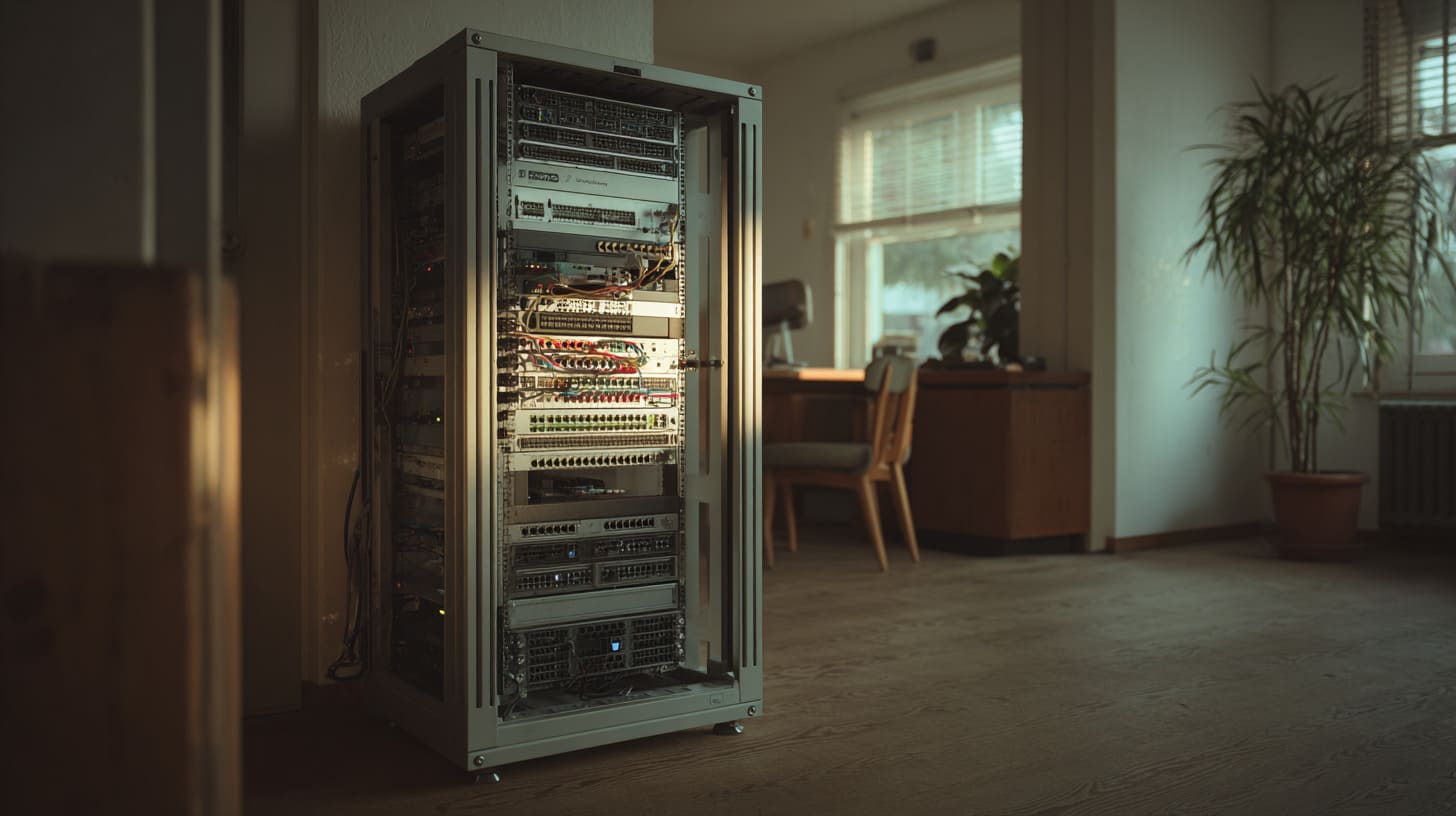
Power mistakes are quiet.
Until they are not.
One beginner told me, “Everything works, so it must be fine.”
That is a dangerous sentence in electrical work.
My personal rule is this: if I cannot explain the power path in one minute, I stop and map it.
If you cannot trace where power comes from and where it goes, you are betting your gear on luck.
Using consumer power strips instead of PDUs
A rack is a structured space.
A random power strip is not.
Common issues with consumer strips:
- Cables stick out and block airflow
- Plugs get loose
- Load is not balanced
- Surge protection quality varies a lot
A PDU is not magic, but it brings order.
| Item | Consumer power strip | Rack PDU |
|---|---|---|
| Mounting | Loose, on shelf | Mounted properly |
| Cable routing | Messy | Cleaner |
| Load visibility | Low | Better control |
| Serviceability | Poor | Easier |
No UPS strategy or the wrong UPS size
UPS is often bought like insurance.
People buy “some UPS” and feel safe.
But UPS sizing is math plus behavior.
- Do you need 2 minutes to shut down safely?
- Or do you need 30 minutes to ride through short outages?
- Do you want to keep network up but allow servers to shut down?
A small planning table helps:
| UPS goal | What you protect | Common beginner mistake |
|---|---|---|
| Safe shutdown | NAS + servers | UPS too small |
| Keep internet alive | Modem + router | UPS wasted on non-critical loads |
| Stable voltage | Sensitive gear | No AVR or low-quality unit |
| Long runtime | Whole rack | Expecting cheap UPS to do it |
And one more thing: battery weight and placement.
UPS is heavy. It belongs low in the rack.
When beginners mount it high, the rack becomes top-heavy.
That links directly to safety, which we will talk about later.
Power mistakes often show up during the first outage.
And outages are when cable management also shows its true quality.
So yes, we need to talk about cables.
Mistake 5: Bad Cable Management Decisions
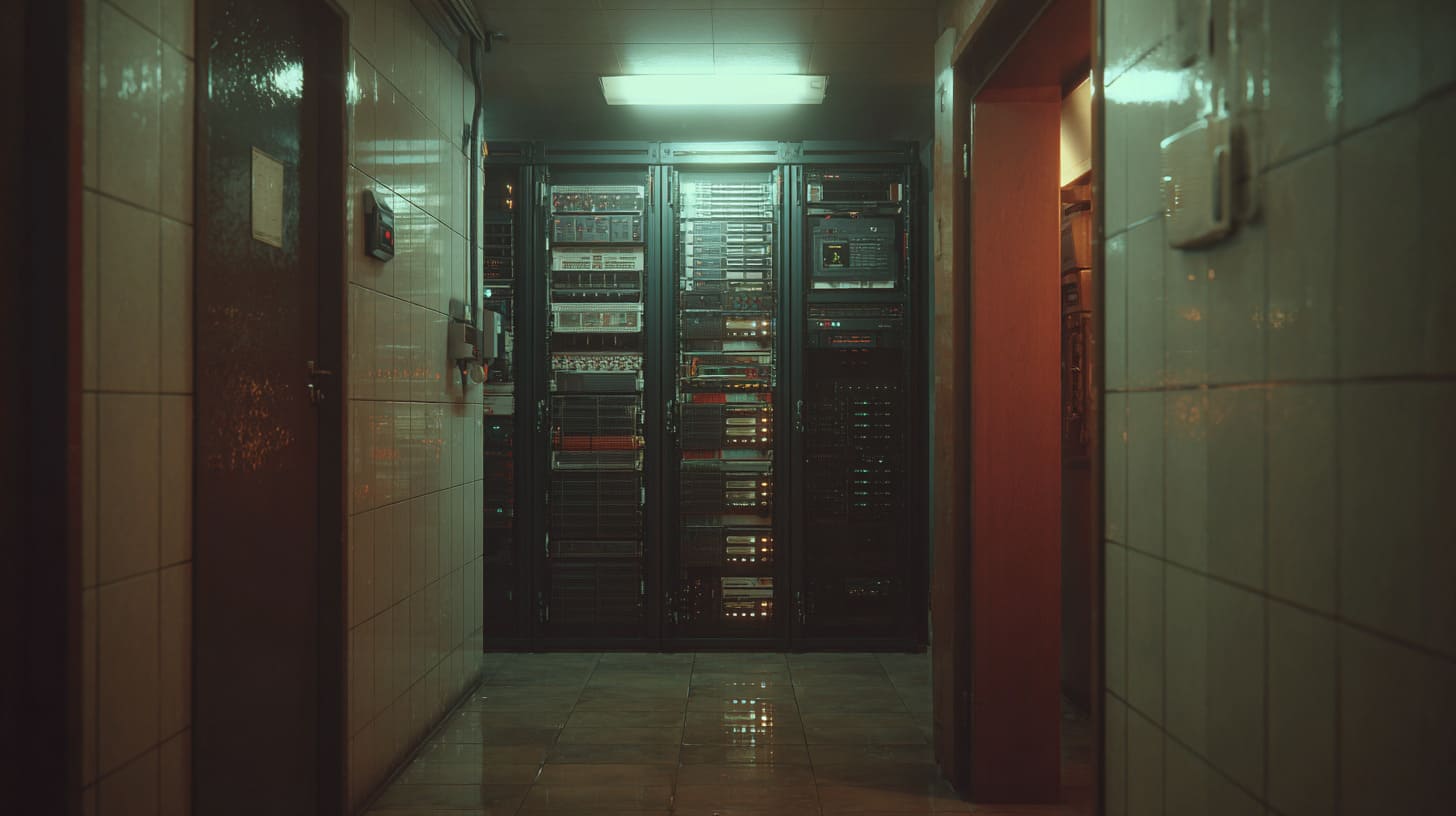
Cable management is not about beauty.
It is about speed and calm when something goes wrong.
A messy rack can still run.
But when you need to change one part quickly, messy cables turn into stress.
The way I judge cables is very human: if I feel annoyed just looking at the rack, the rack will annoy me during maintenance.
That emotion is a real signal.
Skipping cable planning early
The early stage is when cable planning is cheap.
Later, it becomes painful.
A basic split helps:
- Power cables: keep them together, avoid sharp bends, avoid blocking airflow
- Data cables: keep them organized, label key runs, avoid tension on ports
I like to decide cable paths before mounting gear, because:
- you can choose proper cable lengths
- you can add cable managers in the right spots
- you avoid random looping cables that block fans
A simple plan table:
| Cable area | What to decide early | What happens if you don’t |
|---|---|---|
| Power path | Left or right side | Power spaghetti |
| Data path | Separate from power | Noise, tangles |
| Cable length | Short but serviceable | Too tight or too long |
| Labels | Key ports only | “Which cable is this?” |
Overusing zip ties or cheap accessories
Zip ties are tempting. They are cheap. They feel “secure.”
But they can hurt you later.
- Too tight zip ties can pinch cables.
- Cutting them later risks cutting the cable.
- Rework becomes slow.
Velcro straps are slower at first, but kinder long term.
Also, cheap patch panels and cheap keystones can cause intermittent network issues.
Those issues are the worst because they feel like “ghost problems.”
Cable mess also hides dust, heat, and loose connections.
So cable management is not separate from cooling. It supports cooling.
And once you clean cables, the next regret often hits: the hardware choice itself.
Mistake 6: Buying Enterprise Hardware Without Considering Home Use
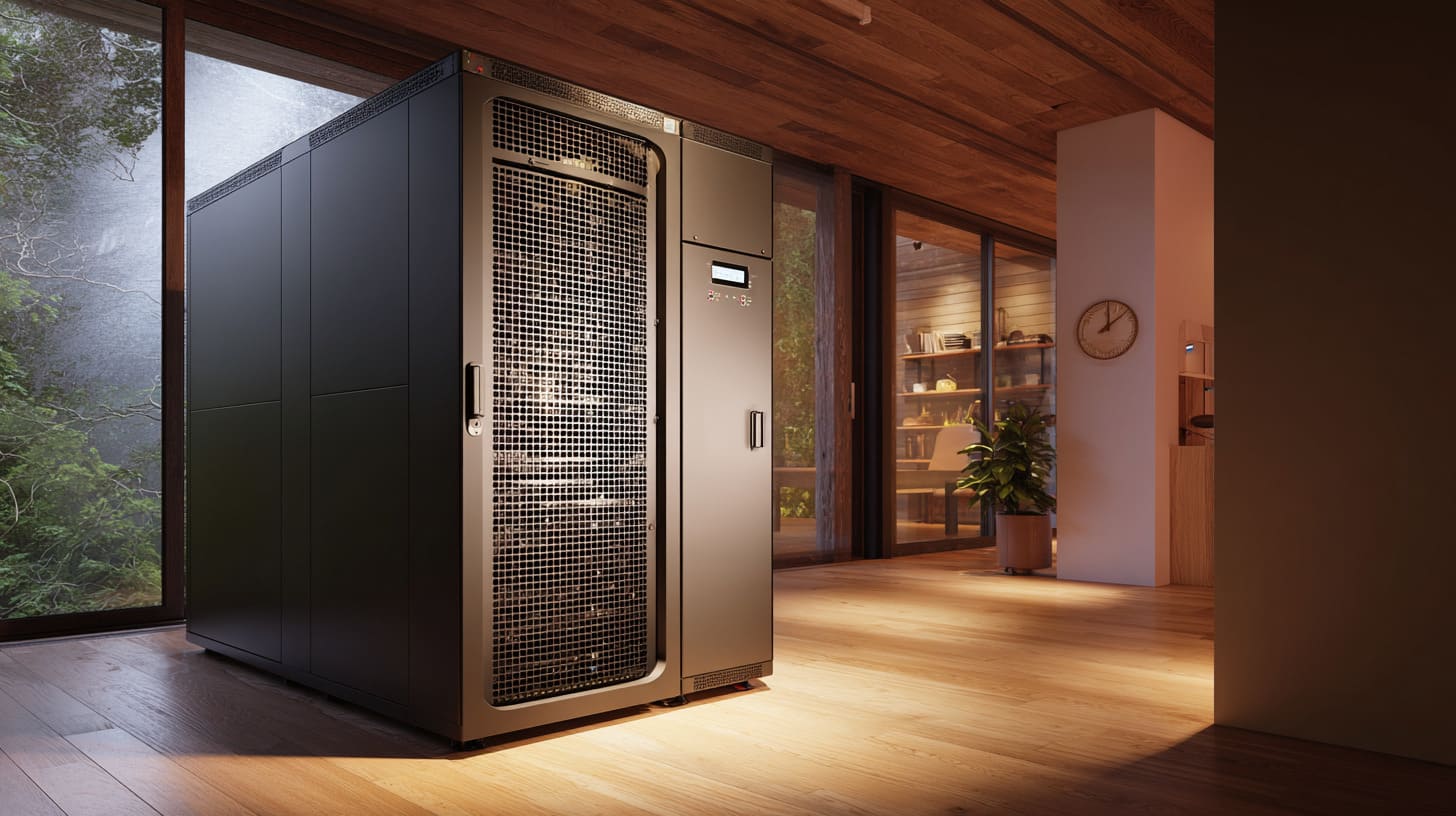
I understand the temptation.
Used enterprise servers look like a bargain.
But home is not a data center.
The cost is not only purchase price. It is power, heat, noise, and time.
My real filter is simple: if the hardware saves $300 but creates $30/month extra cost and daily annoyance, it is not a deal.
This is where beginners confuse “cheap” with “good value.”
Old servers with high power draw
Older servers can be power hungry.
They also create more heat. More heat creates more fan noise.
Then you turn on more cooling. Then the cycle grows.
A quick comparison:
| Option | Pros | Cons |
|---|---|---|
| Used enterprise server | Low purchase cost, strong features | High power, high noise, heat |
| Mini PC cluster | Quiet, efficient | Needs planning for storage and networking |
| Desktop build | Flexible, quieter than servers | Can take more space |
| NAS appliance | Simple, tidy | Can be limited for compute |
Also, power cost differs by country.
So you must do a local calculation.
A simple way:
- estimate average wattage
- multiply by hours per day
- check your electricity price
Even a small difference matters when it runs 24/7.
Unsupported or noisy gear
Enterprise gear can have:
- firmware that expects corporate tools
- parts that are hard to replace
- loud fans that are not easy to swap
Also, some cheap used gear has hidden issues:
- missing rails
- odd depth that doesn’t fit your rack
- proprietary power supplies
This is where beginners lose weekends.
Hardware regret often pushes people to rearrange the rack.
And rearranging exposes the next mistake: poor accessibility.
Mistake 7: Forgetting Accessibility and Maintenance
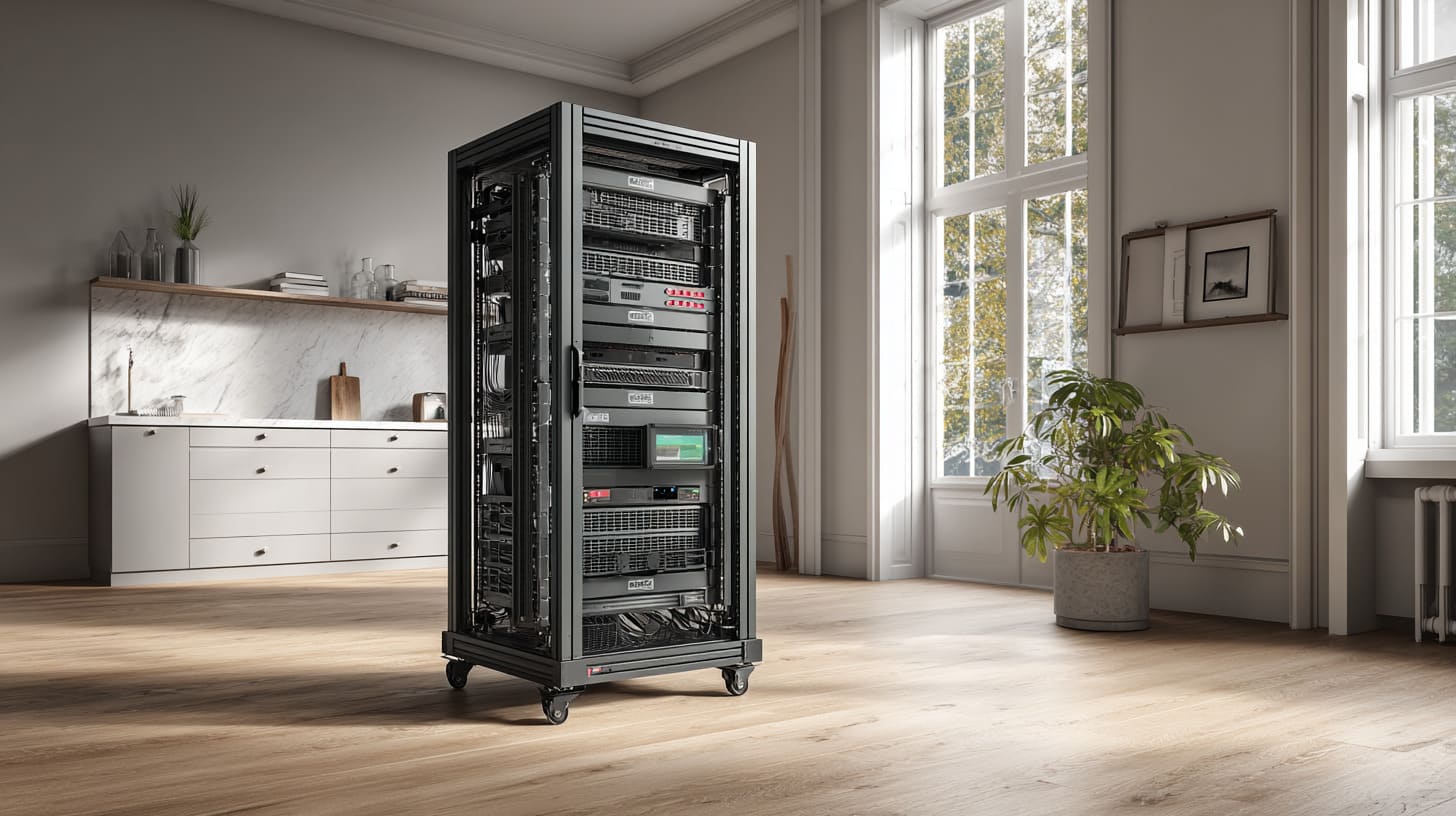
A rack is not “install once and forget.”
Even a simple home rack needs:
- dust cleaning
- cable changes
- drive swaps
- resets
- upgrades
The way I judge placement is blunt: if I cannot service it in 10 minutes without cursing, it will become neglected.
Neglected racks become unreliable racks.
Racks placed too close to walls
Rear access matters more than beginners think.
- You need space to route cables.
- You need space for airflow.
- You need space to unplug safely.
If the rack is hard to access, you start doing risky things:
- pulling cables blindly
- bending ports
- stepping over cords
- leaving the rear door open forever
A simple space guide table:
| Area | Minimum comfort space | Why it matters |
|---|---|---|
| Front | Enough to open door + pull gear | Installation and swaps |
| Rear | Enough to reach ports safely | Maintenance and airflow |
| Side | Some room for hands | Cable paths and stability |
Heavy equipment mounted too high
This is a beginner classic.
UPS, big NAS, and heavy servers belong low.
Not only for safety, but also for easier lifting.
Mount heavy gear high and you create:
- tipping risk
- injury risk
- harder maintenance
And once you start thinking about tipping risk, you naturally enter the next mistake: safety and stability.
Mistake 8: Not Planning for Safety and Stability
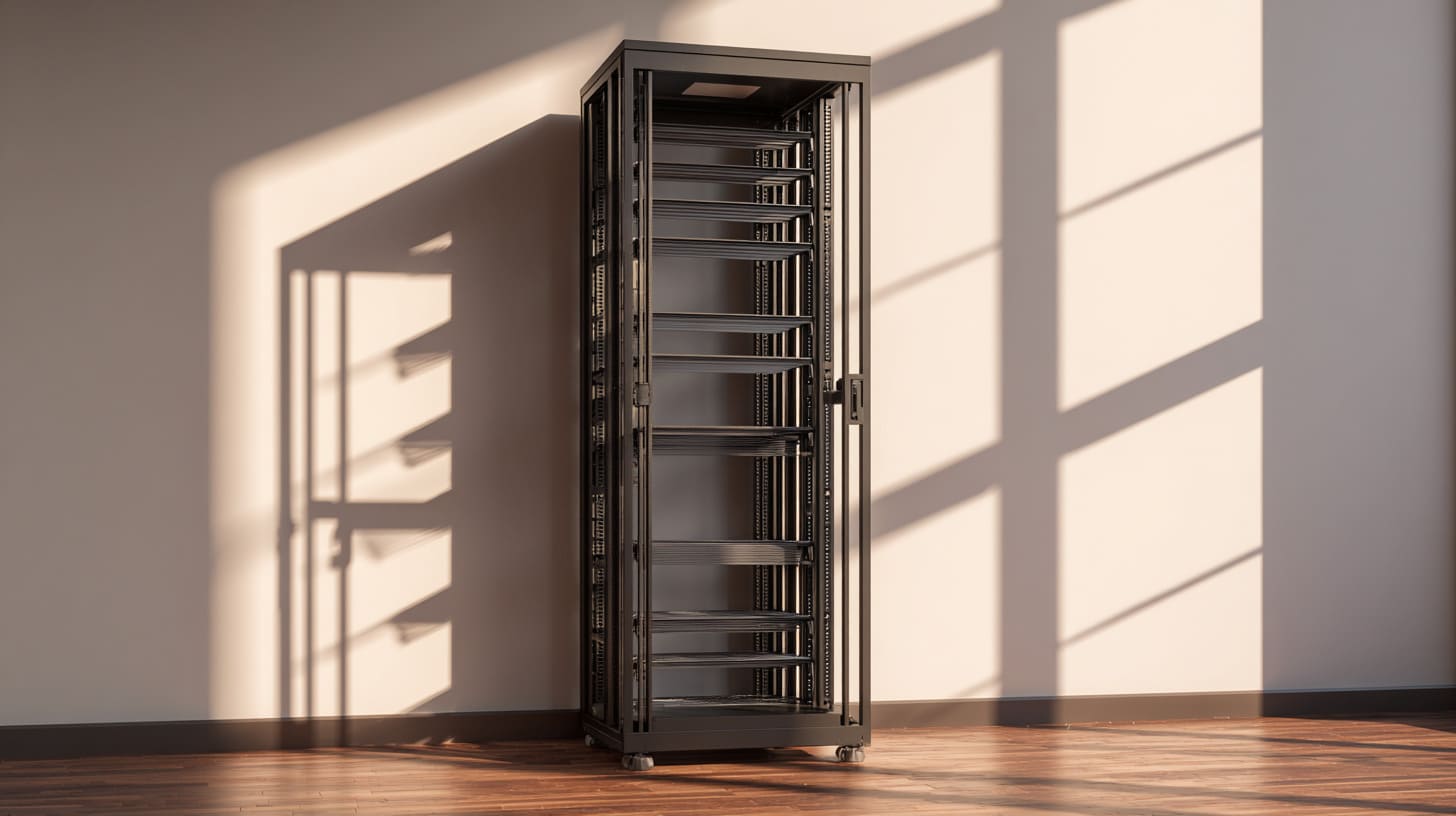
Safety is boring until it matters.
A rack is a tall metal structure.
With heavy devices. With power. With heat.
The thought I use is very practical: I imagine a kid pulling the rack door, or a pet bumping the base, and I ask what happens next.
That mental image is not paranoia. It is design thinking for real life.
Unanchored racks and tipping risk
Tipping risk is real when:
- heavy gear is mounted high
- casters are used without locks
- floor is uneven
- rack is narrow and tall
If you use casters, lock them.
If you have kids or pets, consider anchoring.
If the rack is tall, keep weight low.
A simple stability table:
| Risk factor | Why it matters | Fix |
|---|---|---|
| Weight high in rack | Raises center of gravity | Move heavy gear down |
| Casters unlocked | Rack can roll unexpectedly | Use locks |
| Uneven floor | Rack rocks and shifts | Level feet |
| Tall rack in small room | Easy to bump | Choose smaller rack |
Grounding and electrical safety
Many home builders ignore grounding because “it works.”
But metal racks and power equipment deserve basic respect.
- Use proper power distribution.
- Avoid overloaded circuits.
- Keep cables in good condition.
- Keep liquids away from the rack.
Also, do not stack power bricks loosely.
Heat plus loose connections is a bad mix.
If you handle safety well, the rack becomes calmer.
And then you start noticing the last regret: thinking the rack is a one-time purchase.
Mistake 9: Treating the Rack as a One-Time Purchase
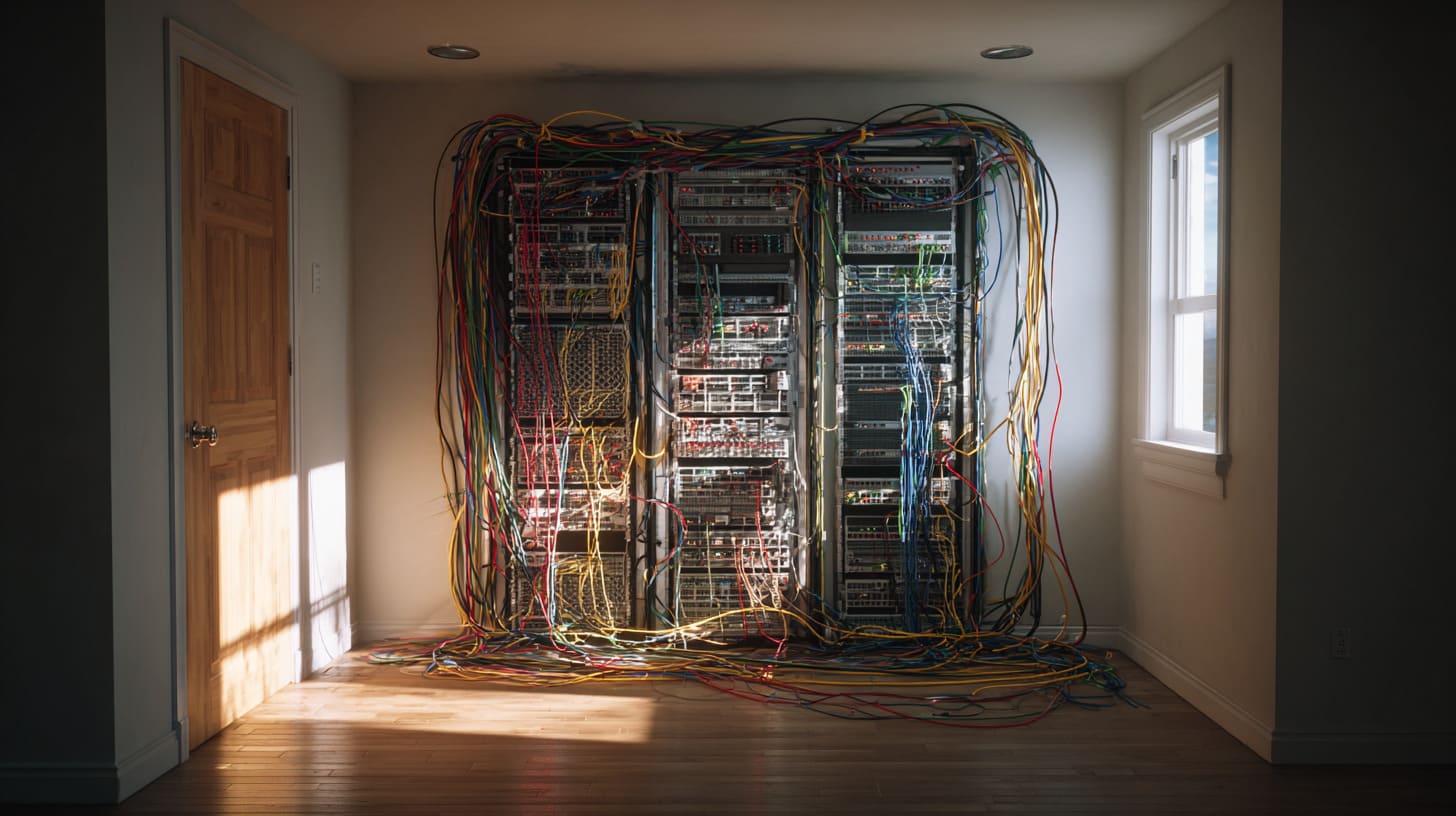
Beginners often spend big on the rack itself.
Then they forget the ecosystem.
The rack is the skeleton.
The accessories are the muscles.
My personal way to decide is: I choose systems that can be changed in small steps, because home needs change faster than plans.
That flexibility is what keeps the rack useful.
No modular thinking
Modular thinking means:
- you can add shelves later
- you can move gear without rebuilding the whole rack
- you can change cable routes without cutting everything
Common modular parts:
- rails or universal shelves
- cable managers
- blank panels
- rack nuts and spare screws
- proper PDUs
If you skip these, the rack becomes stiff.
Then any upgrade feels like a rebuild.
No standardization
Not all racks and gear play nicely.
Common beginner mismatch:
- rack depth does not match server rails
- odd gear width needs special shelves
- mixing different mounting styles without planning
A simple standardization table:
| Standard choice | Why it helps | What happens if you ignore it |
|---|---|---|
| Consistent depth planning | Gear fits cleanly | Awkward mounting |
| Consistent cable type | Easier spares | Random failures |
| Consistent labeling style | Faster maintenance | Confusion later |
| Consistent airflow direction | Predictable cooling | Hot spots |
Flexibility matters more than brand.
Because your home lab will evolve. Your life will evolve.
So your rack should not fight you.
And that brings us to the closing truth behind all these mistakes.
Conclusion
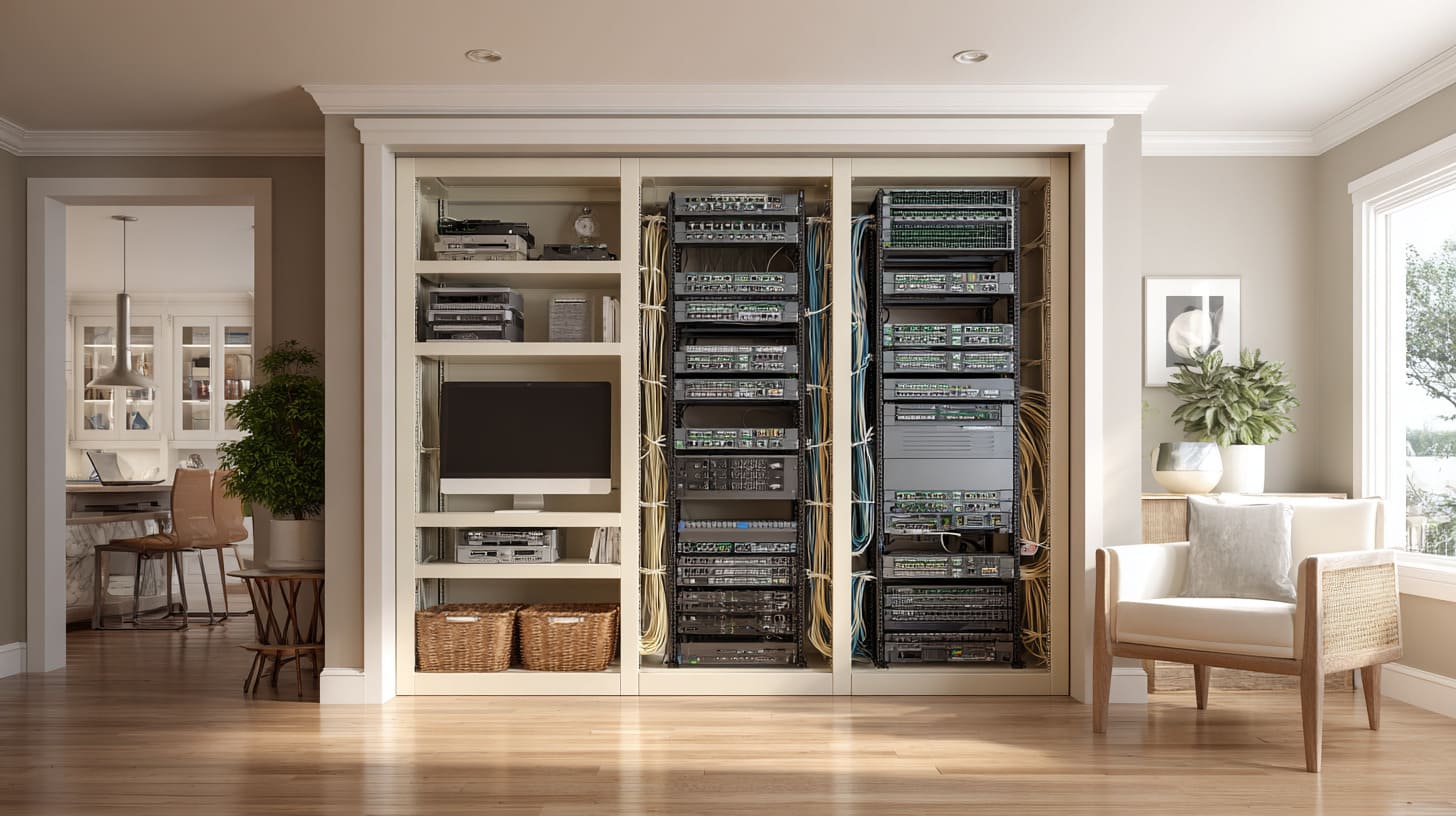
If you read all the mistakes, you can see one theme: the regrets are not about buying the “wrong product.”
They are about living with the rack every day.
Comfort. Noise. Heat. Maintenance. Safety.
Those are human topics, not tech topics.
I think this way because I watch how real people behave after installation.
The first week is always excitement.
Then life returns. Work gets busy. Family needs attention.
Now the rack must stay stable without daily effort.
That is why I keep saying a home rack should be designed like a home appliance, not a data center.
It should run quietly. It should be easy to touch. It should be safe. It should be easy to fix.
If you are building your first rack, do one thing before you spend more money:
Write down your room limits, your noise tolerance, your power limits, and your real device list.
If you are an engineer like Davide, or an ODM builder like John, and you want a rack that supports a product workflow, I can help you think through the enclosure side too.
At MaidaTech, I build custom enclosures and rack-ready housings for real products, not just lab toys. That includes aluminum cases, sheet metal enclosures, and custom designs with logo work when you need it.
If you want, send me your rack plan and your device list.
I will tell you what I would change before you regret it.
You can reach me at info@maidatech.com or visit maidatechenclosure.com.