Skip to content
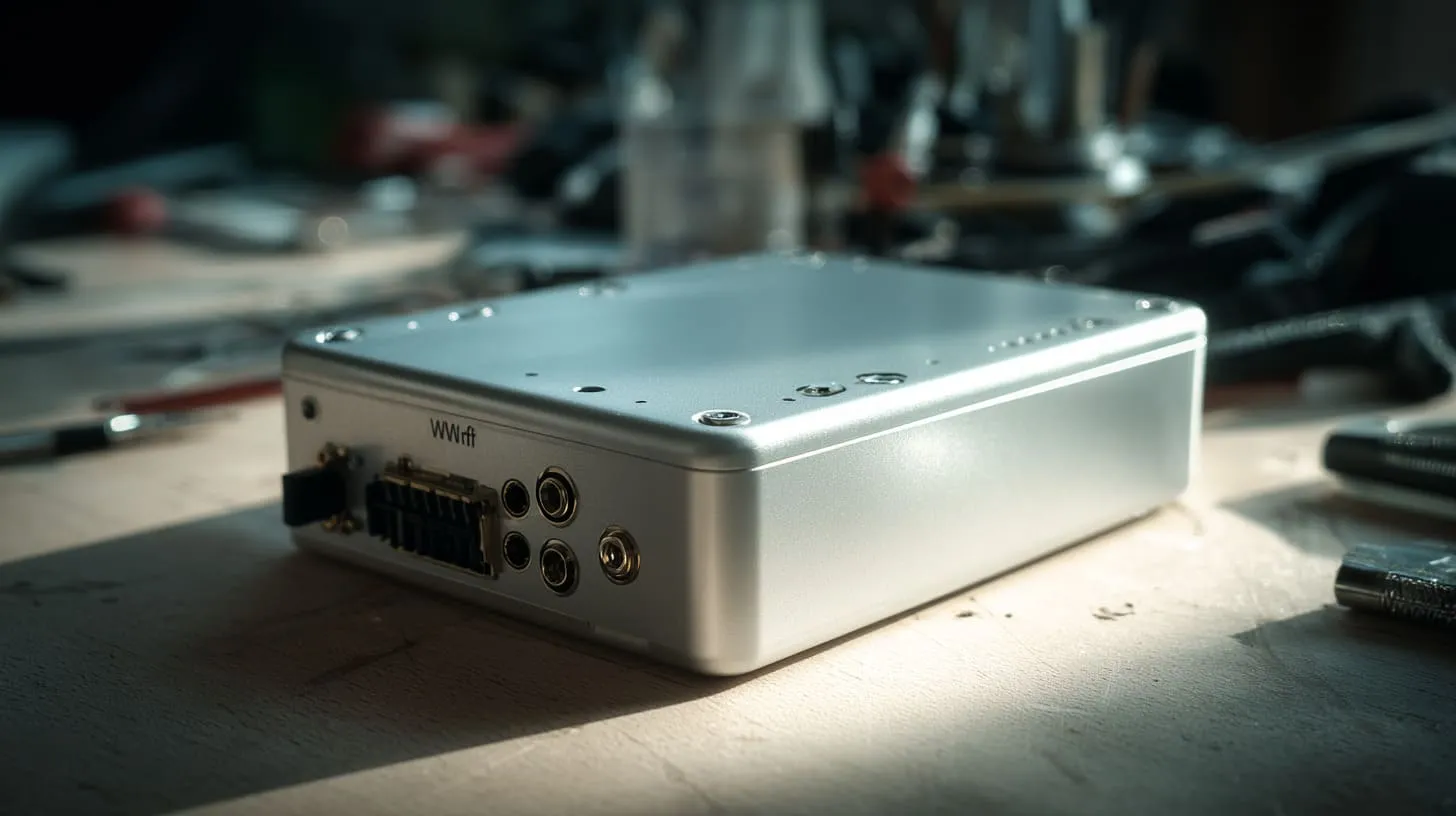
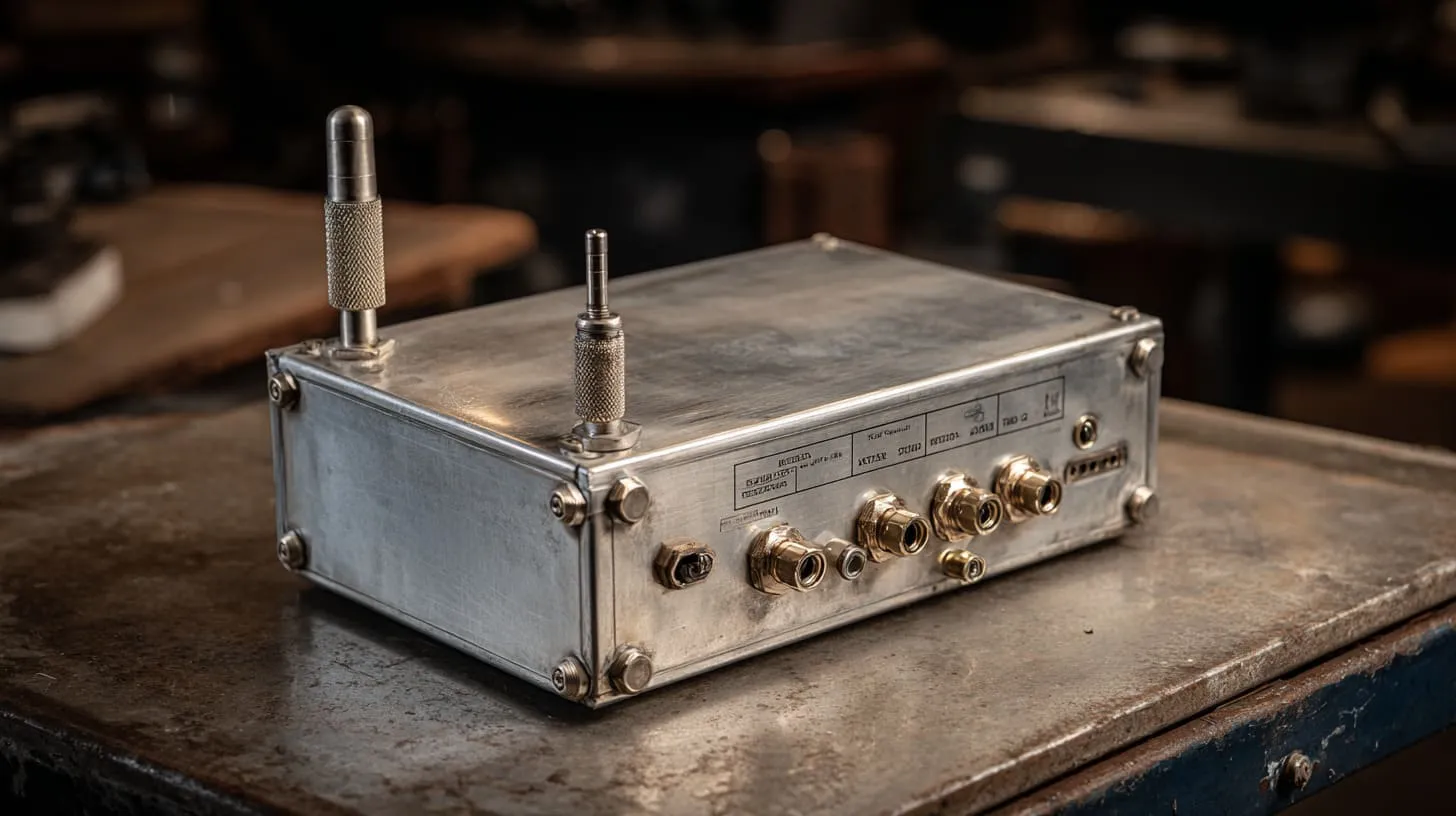
When people hear “communication through an aluminium enclosure,” they usually think of some futuristic technology that lets signals pass through metal walls. But in reality, it’s a challenge that engineers and manufacturers face every single day. I’ve seen it firsthand. One of my clients once sent me a perfectly machined aluminium box — beautiful finish, tight tolerance — but his Wi‑Fi module inside couldn’t send a single signal out. The box had turned into a perfect Faraday cage.
What does “communicate through an aluminium enclosure” really mean?
In simple terms, it’s about how electrical or wireless signals travel through or around metal without being blocked. When you put a board or antenna inside an aluminium enclosure, that enclosure acts like a shield. It can protect your components — but it can also block the very signals you’re trying to send.
Why this topic matters for custom enclosure manufacturers and their B2B clients
For companies like mine, MaidaTech, which builds custom aluminium and plastic enclosures, this is more than a technical question. It’s a business one. Engineers like Davide from Finland or John from Hungary often come to me asking:
“Can I make the enclosure solid metal and still get Bluetooth out?”
That single question decides how their products perform, how much re‑design is needed, and how much time and cost we save in production.
My own experience (Vincent Li, MaidaTech) with aluminium enclosures and communication challenges
Over the years, I’ve learned that communication isn’t just about signals — it’s also about how clients and manufacturers talk to each other. One miscommunication in design files can mean an enclosure that’s perfect in structure but useless in signal performance. I’ve been on both sides of that story, and that’s why I want to share what I’ve learned about balancing protection with connectivity.
1. Understanding the aluminium enclosure as both barrier and medium
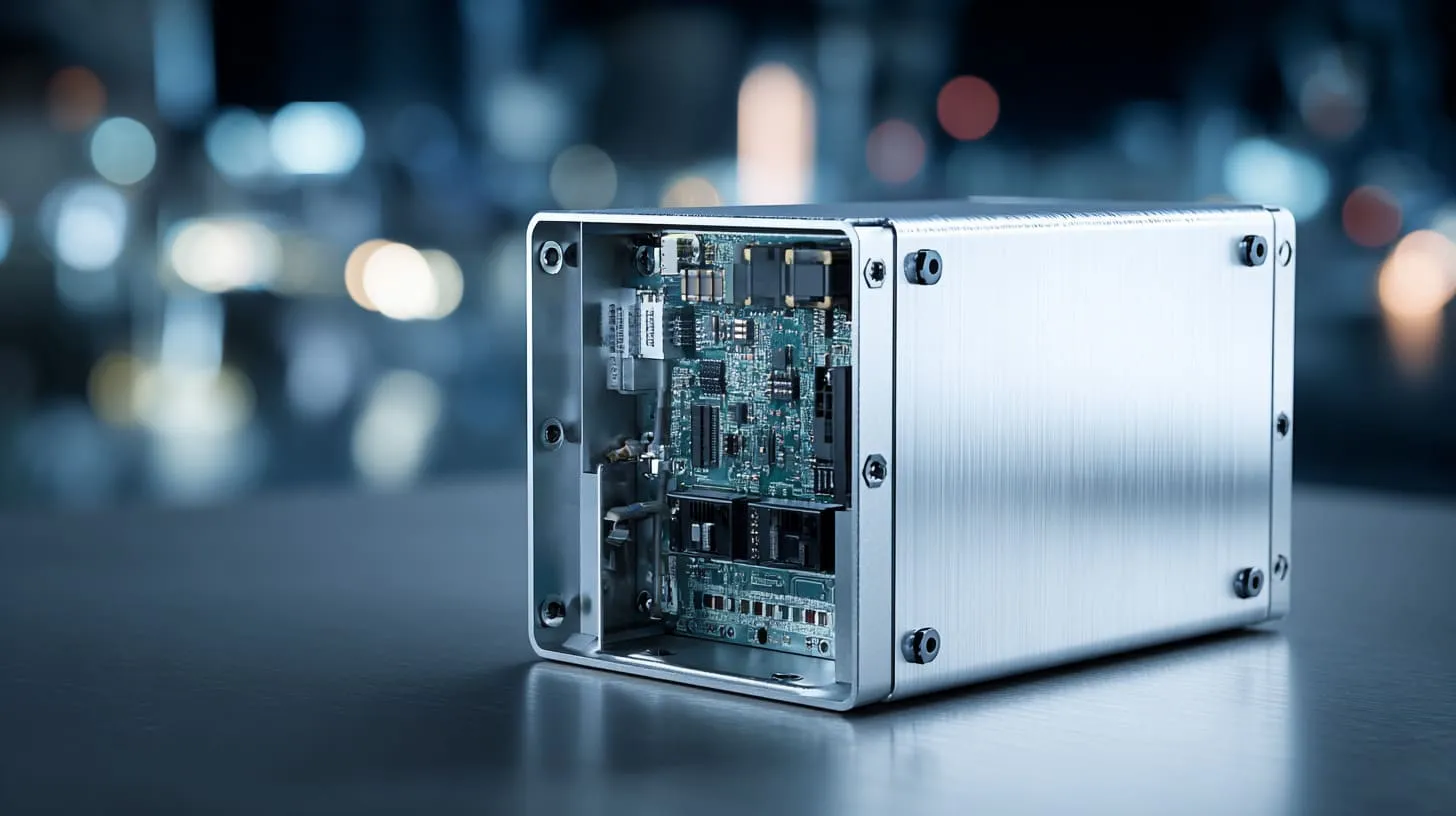
1.1 The enclosure’s role in protection: mechanical, environmental, EMI/RFI
Aluminium is popular for a reason. It’s light, strong, corrosion‑resistant, and great at shielding against electromagnetic interference (EMI) and radio frequency interference (RFI). For industrial devices, this protection is gold — literally the difference between a product that lasts years and one that fails in months.
| Protection Type | Aluminium’s Role | Real‑World Example |
|---|---|---|
| Mechanical | Structural support, durability | Protects internal boards from impact or vibration |
| Environmental | Corrosion and moisture resistance | Outdoor IoT sensors and control boxes |
| EMI/RFI | Signal shielding | Prevents cross‑talk between circuits |
But that same shielding can stop your own communication signals if not managed well.
1.2 Aluminium properties (conductivity, shielding, corrosion) that affect signal transmission
Aluminium is highly conductive — around 60% of copper’s conductivity. This means it reflects and absorbs electromagnetic waves. So, signals like Wi‑Fi, Bluetooth, or even RFID can get trapped inside if there’s no escape path. The thicker the wall, the stronger the reflection.
1.3 When the enclosure hinders communication: typical scenarios (wireless, connectors, sensors)
I’ve seen three main types of failures:
- Wireless modules sealed inside with no antenna outlet.
- Connectors poorly grounded, creating unwanted interference.
- Sensor housings where signal windows weren’t considered at all.
These seem small but can destroy the usability of a smart device. It’s a silent killer — everything works in CAD, but nothing works in real life.
And when you start to see how easily metal can silence your signals, you begin to ask — what kinds of communication are affected the most?
2. Communication types and how aluminium affects them
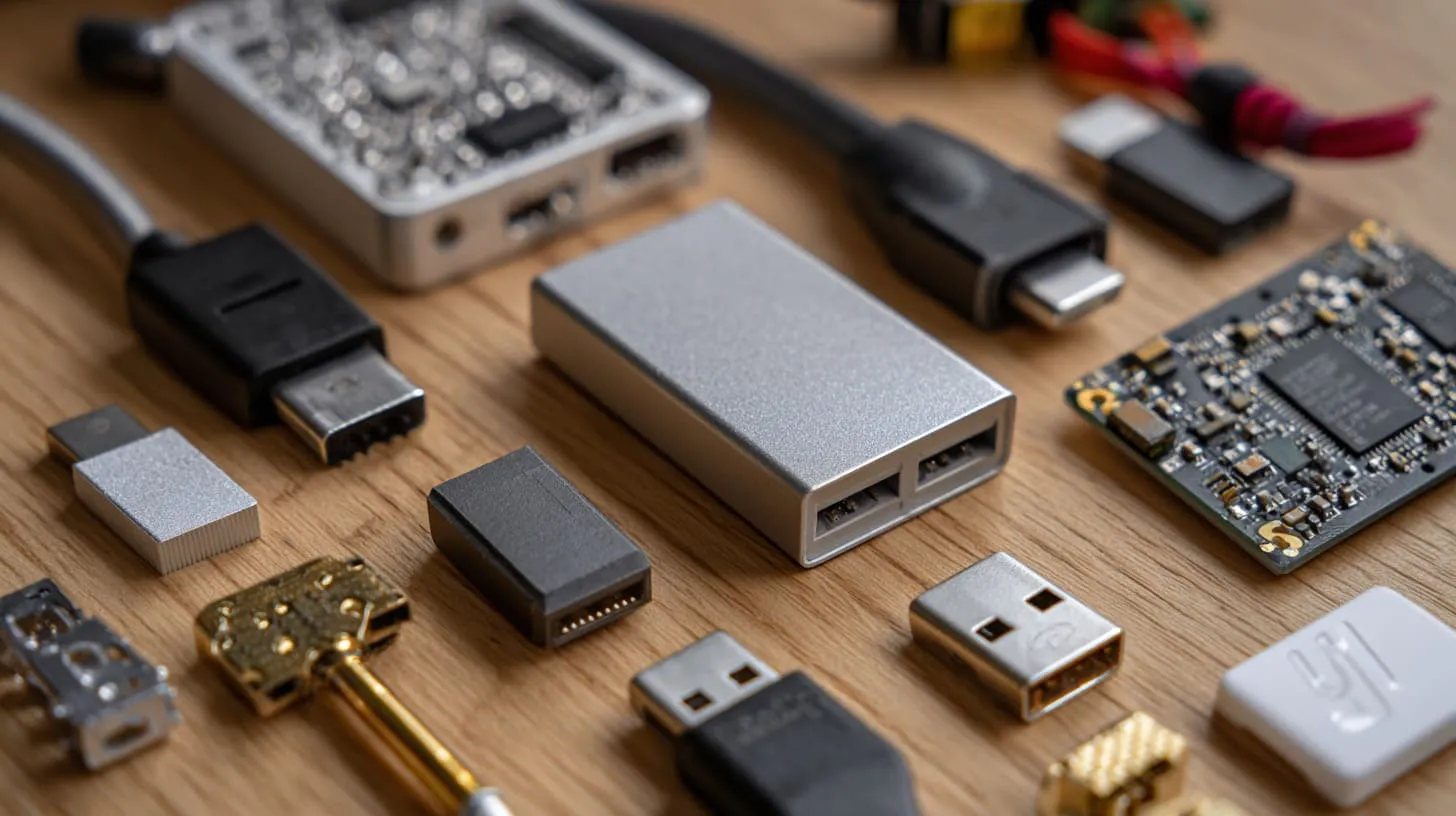
2.1 Wired communication (signal cables, USB, Ethernet, connectors)
Wired communication is less affected, but grounding and noise become key. Aluminium enclosures can create ground loops or act like an antenna themselves if not managed. That’s why engineers often use isolated connectors or feed‑throughs to ensure signal integrity.
2.2 Wireless communication (WiFi, Bluetooth, RFID, sensor telemetry)
This is where the pain starts. Aluminium reflects radio signals instead of letting them pass. Your Wi‑Fi module can drop from 100% strength to zero once inside a sealed case. That’s why antenna positioning is critical — sometimes mounted externally, sometimes through an aperture.
2.3 Through‑metal communication techniques (e.g., near‑field coupling, surface waves)
Newer technologies allow communication through metal using inductive or acoustic coupling. It sounds magical, but it’s practical for certain industrial environments. By sending energy through small gaps or using magnetic fields, signals can bypass solid metal walls.
2.4 Why standard wireless fails when the enclosure acts like a Faraday cage
A solid aluminium box behaves like a Faraday cage, blocking all electromagnetic radiation. It’s great for shielding but terrible for communication. The trick is to design selective transparency — let signals pass where you want while keeping protection elsewhere.
When you understand these basics, the next question becomes: how can we design around them?
3. Design considerations for enabling communication through aluminium enclosures
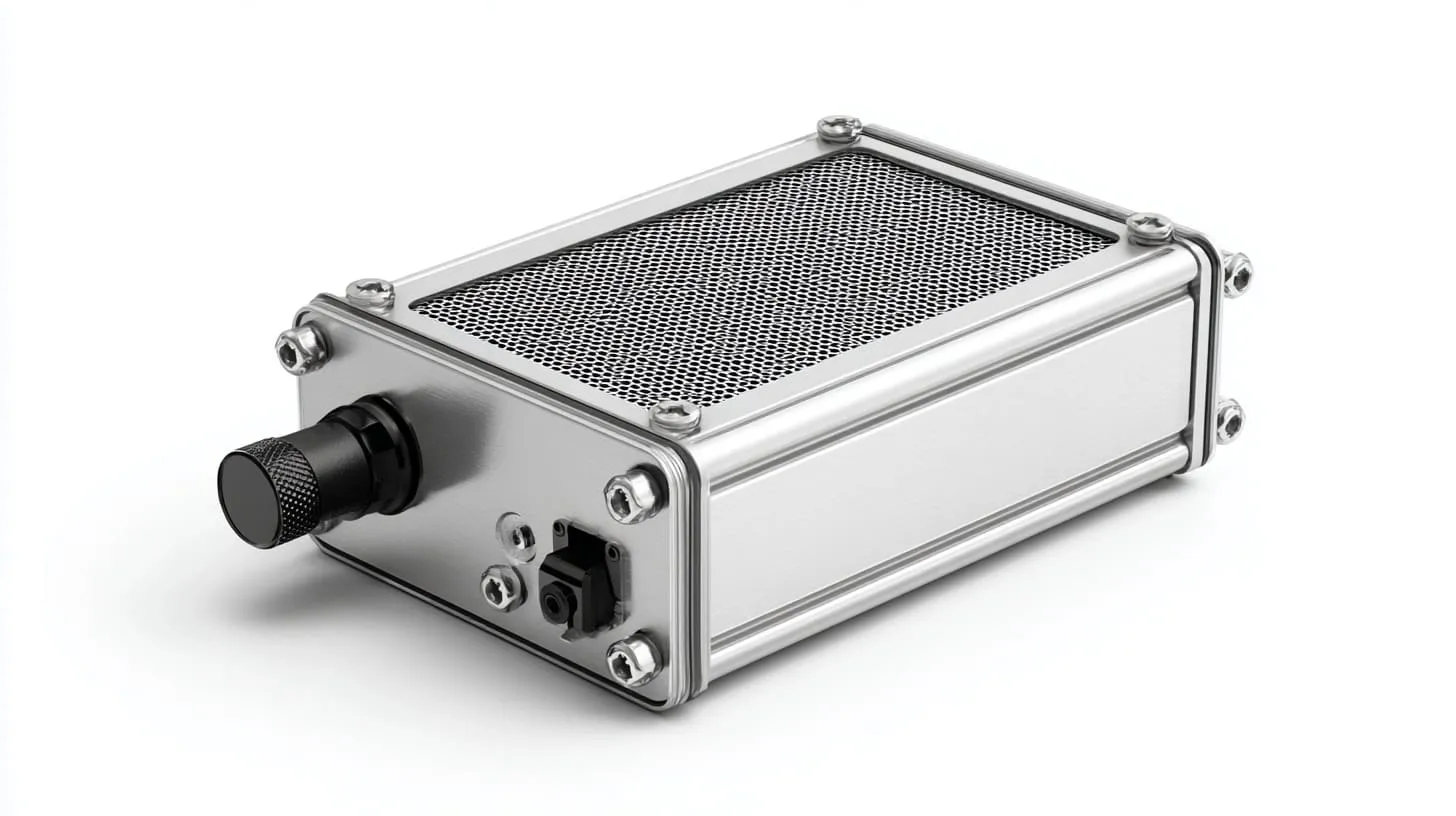
3.1 Material & thickness: how much aluminium is “transparent” to signals?
The thicker the aluminium, the less transparent it becomes. At 2 mm thickness, most RF signals (2.4 GHz Wi‑Fi, Bluetooth) are already fully blocked. Reducing wall thickness isn’t always possible, so engineers must rely on strategic openings or non‑metal sections.
| Wall Thickness | Signal Transmission | Common Application |
|---|---|---|
| <1 mm | Partial penetration | Lightweight portable enclosures |
| 1–2 mm | Moderate shielding | General electronics |
| >2 mm | Full shielding | Industrial and outdoor boxes |
3.2 Enclosure geometry, seams, joints and their effects on signal leakage or shielding
Sharp edges and continuous welds create excellent sealing but also block signals completely. Small seams or non‑conductive joints can allow controlled leakage, which can actually be useful for weak wireless communication.
3.3 Apertures, windows, feed‑throughs: how to design intentional signal paths
Adding plastic windows, antenna holes, or mesh openings is one of the most common solutions. The key is balance — make it big enough for the signal, small enough to maintain protection.
3.4 Grounding, bonding and EMI management to allow reliable communication
Good grounding is a double‑edged sword. It protects circuits from noise but can also create unwanted paths that weaken signals. The solution lies in careful layout — separating the communication lines from power grounds and using shielded connectors.
3.5 Cable and connector management: avoiding the enclosure undermining your signals
Every wire that passes through a metal wall is a potential antenna. Using EMI gaskets, ferrite beads, and proper strain relief keeps communication lines stable. I always advise clients to involve us early in cable routing discussions — it saves redesign costs later.
It’s like building a bridge — the design decides how many cars can pass, not the cars themselves. The same logic applies when you move from design to practical implementation.
4. Practical methods and techniques to enable communication
4.1 Use of antennas outside the enclosure or via feed‑throughs
This is the most straightforward method. Run your antenna outside using RF connectors or coaxial feed‑throughs. It preserves signal quality while keeping the main electronics safe inside.
4.2 Designing custom apertures or windows (mesh, transparent conductive film)
Some manufacturers use polycarbonate windows with conductive coatings or metal meshes. These allow partial transparency for radio waves while maintaining EMI shielding.
4.3 Through‑metal communication methods (coils, inductive links, surface wave coupling)
This is a fascinating area. I’ve seen systems that transmit data through metal using inductive coils or surface acoustic waves. It’s slower than standard wireless but reliable in sealed environments.
4.4 Using hybrid materials or coatings (conductive coatings, plating) for improved performance
By combining aluminium with non‑metallic inserts or hybrid composites, you can control the shielding properties. It’s like tuning a guitar — a small adjustment changes the sound completely.
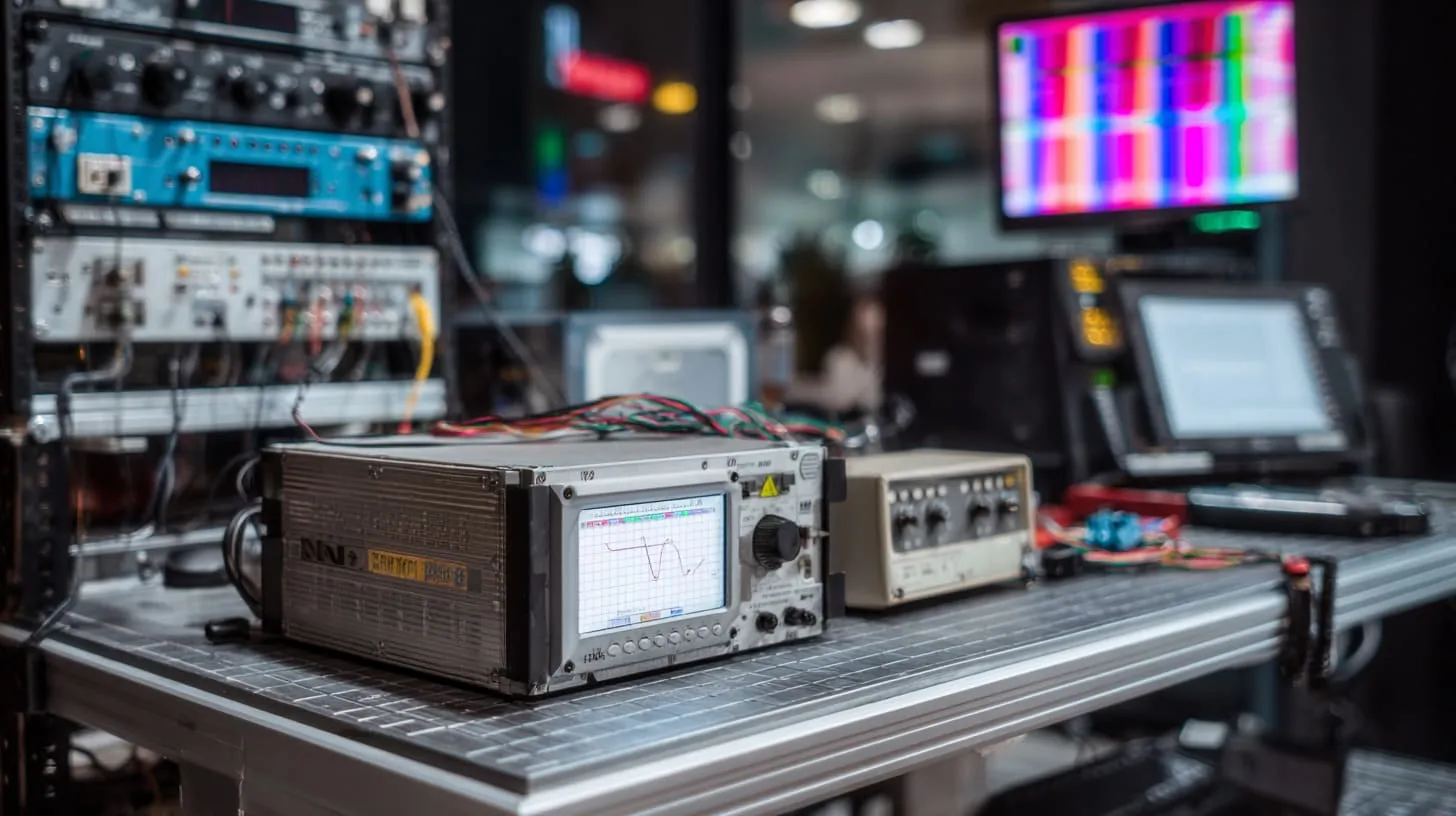
4.5 Test, validation and measurement: verifying that communication works inside/through the enclosure
Never assume. Always test. I usually run signal strength and EMI tests before final assembly. Small design tweaks — like moving an antenna 10 mm — can make a huge difference.
Testing is where theory meets reality, and it’s often where success or failure is decided.
5. Implications for custom enclosure manufacturing (for you and your B2B clients)
5.1 Customised enclosures: how to specify for communication‑friendly design
When clients send me designs, I always ask two things:
- Does your device need wireless communication?
- If yes, where do you want the signal to escape?
These questions guide how we machine the body, where we leave openings, and how we plan grounding.
5.2 Your value proposition (MaidaTech) in offering logo/brand printing, OEM/ODM, fast turnaround – and how communication requirements add complexity
At MaidaTech, we already provide custom logos, engraving, and rapid OEM prototyping, but integrating communication needs makes projects more technical. It requires coordination between design engineers, RF specialists, and our machining team.
5.3 Common pitfalls clients face (poor communication with supplier, design omissions, cost overruns) and how to avoid them
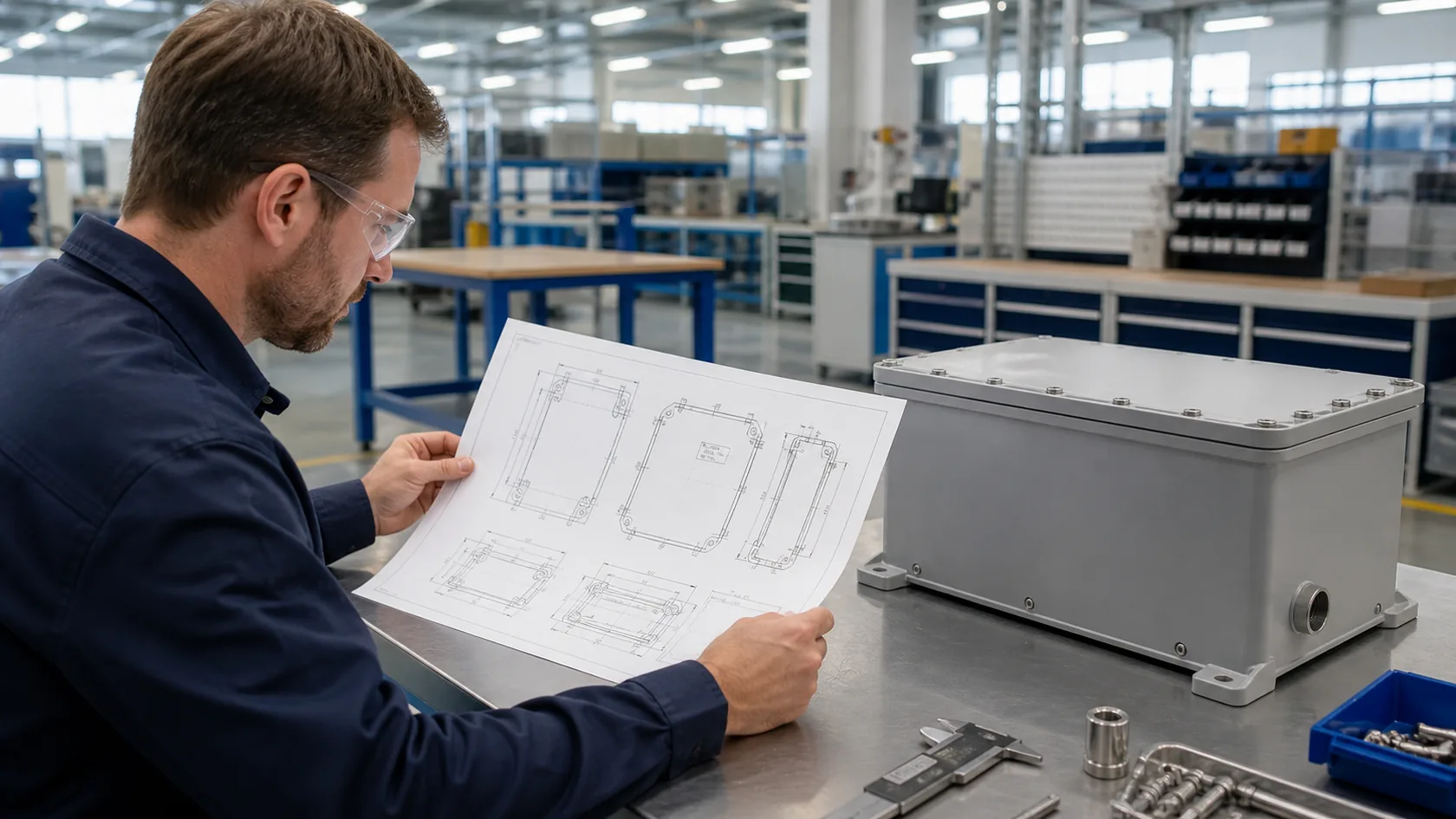
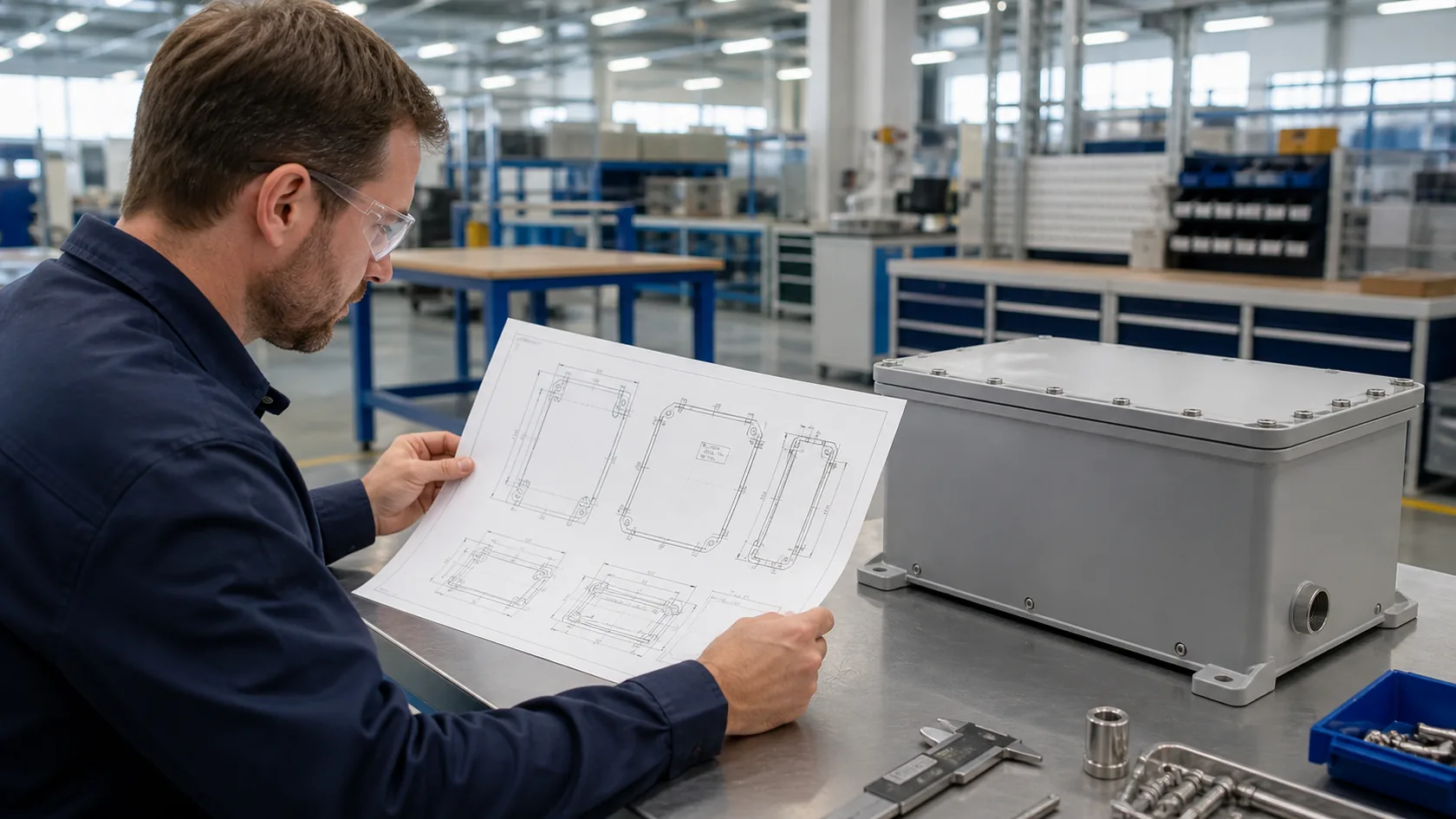
Most problems don’t start on the factory floor — they start in the inbox. Misunderstood requirements, missing antenna specs, unclear cable routing. The best way to avoid these issues is clear, visual communication — CAD drawings, notes, even hand sketches help.
| Pitfall | Impact | Solution |
|---|---|---|
| No antenna window | Weak or no signal | Add plastic or mesh section |
| Late design change | Delayed production | Review communication early |
| Poor grounding | Signal noise | Use isolated connectors |
5.4 Collaboration between purchaser (engineer/procurement) and manufacturer: key questions and checklist
I often tell engineers like Jackson or Davide — think of your supplier as part of your design team, not just a vendor.
Checklist before production:
- Define all communication interfaces (wired/wireless).
- Provide enclosure drawings with marked signal zones.
- Confirm material, thickness, and finish.
- Run a prototype test before bulk production.
Every good enclosure starts with a good conversation.
And speaking of good conversations — let’s wrap this one up properly.
Conclusion
Recap: why enabling communication through aluminium enclosures matters
It’s not just about getting Wi‑Fi out of a box. It’s about designing smarter, faster, and more reliable products without sacrificing protection.
Final thoughts: balancing enclosure protection and signal communication
The balance between strength and transparency is delicate. One protects your hardware; the other connects your users. Both define product success.
A call to action for engineers and procurement specialists: designing for both enclosure and communication from the start
If you’re developing a device that needs to “talk” through metal, think about communication at the design stage, not after the prototype fails. And if you ever need help, that’s exactly what my team at MaidaTech does every day — helping you make your enclosures both protective and communicative.